
YouTube Transcript Generator: Free, Online & 99% Accurate
Rate this Tool
Average Score
Total Votes
Select your score (1-10):
Detail Information
What
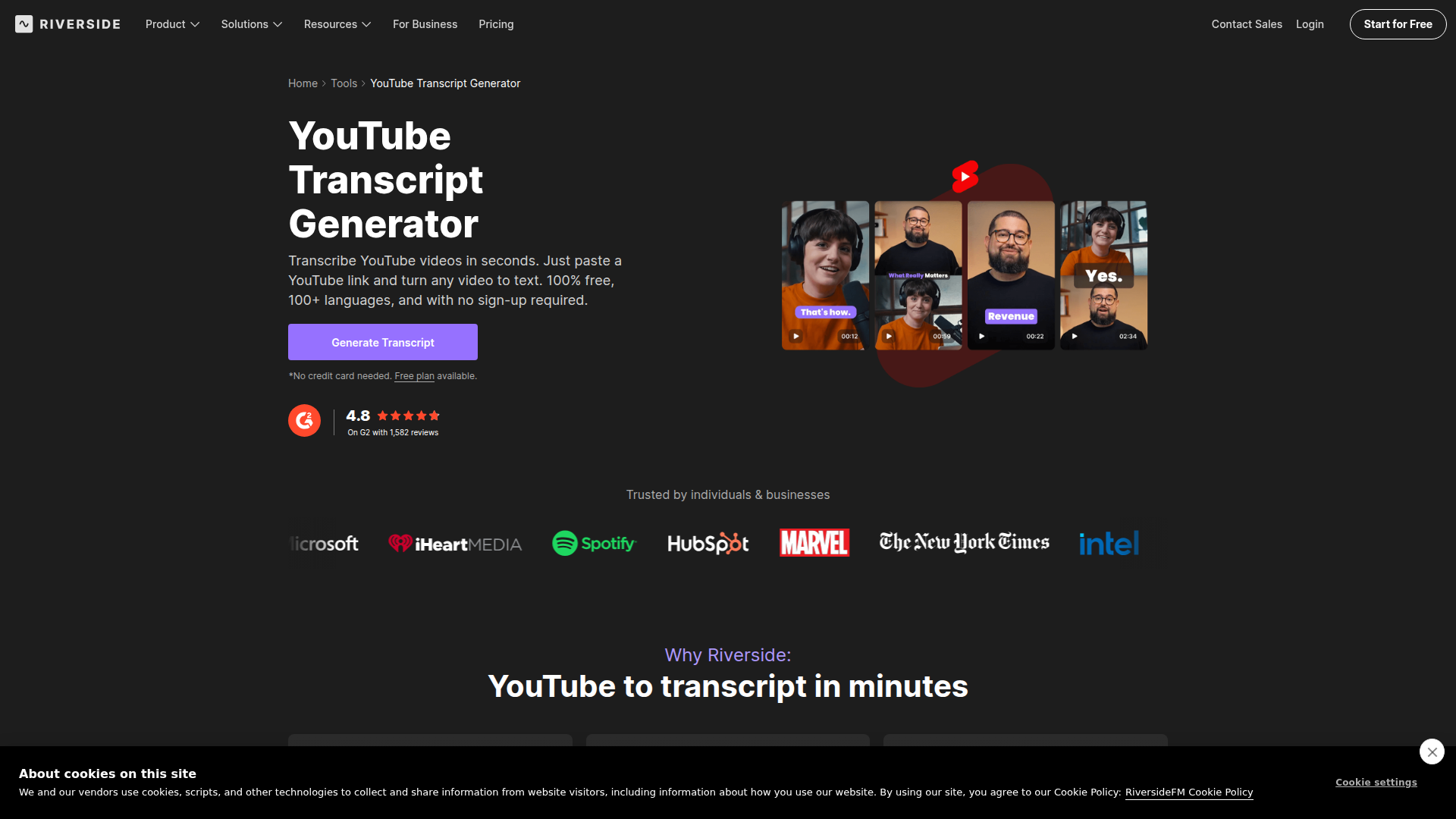
Riverside’s YouTube Transcript Generator is a browser-based tool for converting YouTube videos into text by pasting a video link. The page positions it as a free, no-sign-up transcription utility that supports 100+ languages and produces transcript downloads for repurposing, captions, and summaries.
It appears to serve creators, podcasters, marketers, and teams that want to turn video content into written assets faster. Within Riverside’s broader product lineup, this tool is positioned as both a standalone transcript generator and an entry point into a larger workflow for recording, transcribing, editing, captioning, and repurposing video content.
Features
- YouTube link transcription — Paste a YouTube URL into the browser tool to generate a transcript without a stated need for software installation or account creation.
- AI-generated transcripts — Riverside states its transcription reaches up to 99% accuracy, which is intended to reduce manual cleanup for spoken-word content.
- 100+ language support — The tool can transcribe videos in a wide range of languages, making it relevant for multilingual content workflows.
- Multiple export formats — Users can download transcripts as text files or subtitle files, which helps with blogging, summaries, and YouTube captions.
- Post-recording transcription in Riverside — If content is recorded inside Riverside, transcripts can be generated automatically after recording within the wider platform workflow.
- Repurposing support — The page says transcripts can be used alongside AI-generated summaries, descriptions, titles, chapters, key takeaways, and short clips in Riverside.
Helpful Tips
- Validate accuracy on difficult audio — Even when a vendor states high accuracy, review transcripts for crosstalk, fast speech, heavy accents, and domain-specific terminology before publishing.
- Check export requirements early — If your workflow depends on subtitle timing or text reuse, confirm the available file formats fit your editing, captioning, or CMS process.
- Separate free tool use from platform features — The page describes both a free transcript generator and broader Riverside workflow features; some automatic transcript downloads after recording are stated to be available only on certain paid plans.
- Use transcription as a repurposing input — The strongest operational value often comes after transcription, when teams convert transcripts into captions, summaries, articles, and short-form content.
- Assess fit as part of a full content stack — If your team records, edits, captions, and republishes frequently, an all-in-one platform may reduce handoffs more than a standalone transcript tool.
OpenClaw Skills
In an OpenClaw environment, this product would likely be most useful as a transcription input layer for content operations. A likely workflow would have an OpenClaw agent take a Riverside-generated transcript, classify the video by topic, extract key points, draft derivative assets such as blog outlines or newsletter copy, and route outputs into editorial review. The source page does not state a native OpenClaw integration, so this should be treated as an inferred orchestration use case rather than a confirmed capability.
More advanced OpenClaw skills could be built around transcript enrichment and publishing workflows. For example, agents could segment speaker-labeled transcripts into chapters, generate SEO metadata, create knowledge-base entries, detect reusable soundbites, or compare transcript themes across a video library. For media teams, educators, and B2B marketers, that combination could shift transcription from a simple accessibility task into a structured content intelligence workflow that supports faster publishing and broader reuse.
Embed Code
Share this AI tool on your website or blog by copying and pasting the code below. The embedded widget will automatically update with the latest information.
<iframe src="https://www.aimyflow.com/ai/riverside-com-tools-youtube-transcript-generator/embed" width="100%" height="400" frameborder="0"></iframe>
Explore Similar Tools
Strut – The complete writing workspace
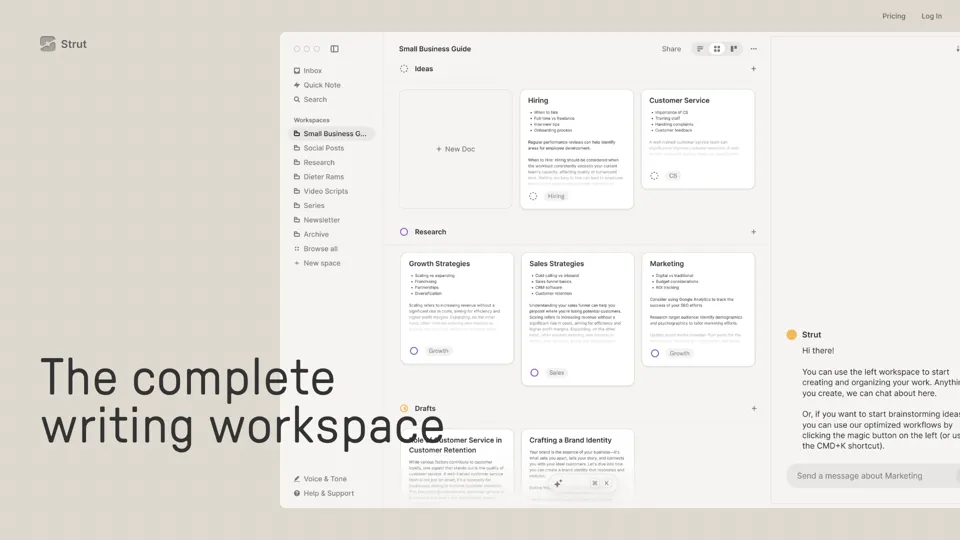
Strut is an AI-powered writing workspace that combines notes, documents, and collaborative writing projects in one environment, mainly for writers, creators, and teams. In the AI era, it helps knowledge workers move from scattered drafts to more coherent writing and faster iteration.
Social Media Marketing made easy with AI | Predis.ai
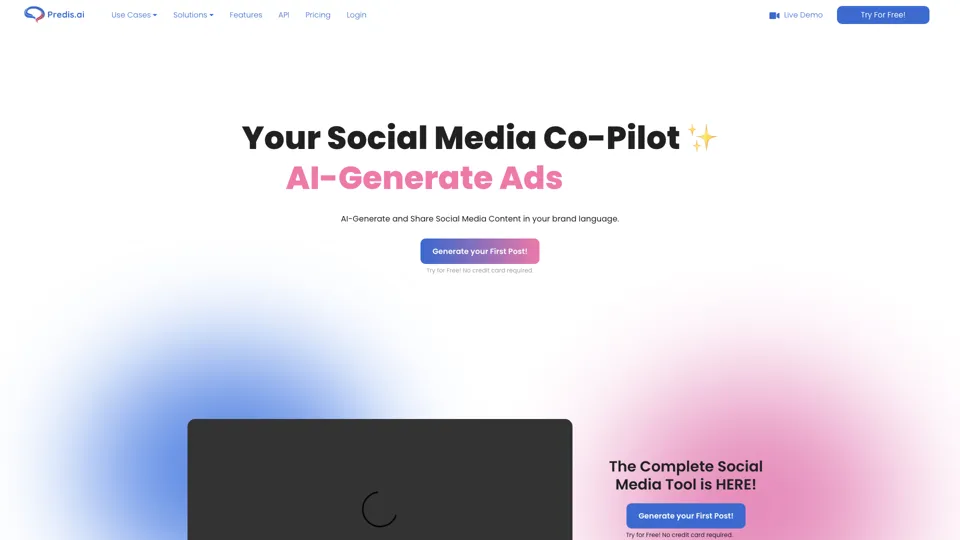
Predis.ai is an AI social media marketing tool that helps users create video and image content and analyze performance, mainly for marketers, agencies, and growing brands. It shortens content planning and production cycles, helping social teams test and refine campaigns more efficiently.
SocialDude.ai - Revolutionize Your Social Media Strategy | SocialDude
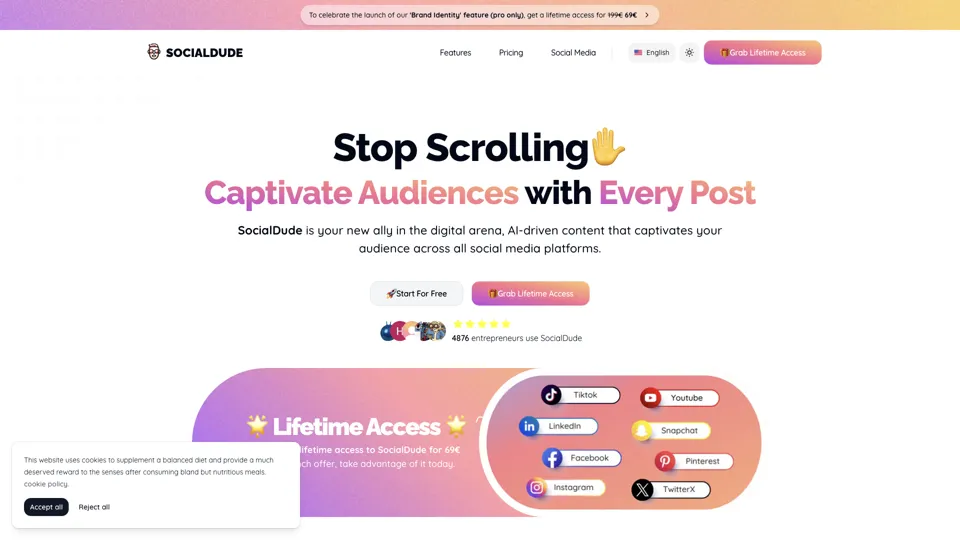
SocialDude is an AI social media content platform that helps users create brand-consistent posts and messaging more efficiently, mainly for marketers, founders, and small business teams. In the AI era, it helps social media roles maintain output quality and consistency while reducing daily content production time.
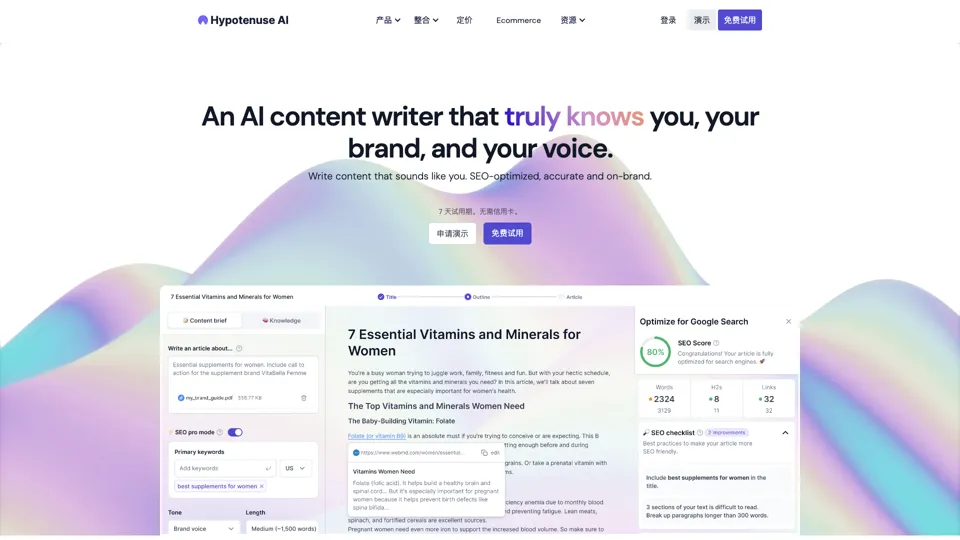
Hypotenuse AI:Smart text generator
Hypotenuse AI is a text generation platform that helps marketers, ecommerce teams, and content writers produce SEO articles, product descriptions, and branded copy at scale. In the AI era, it enables content roles to maintain consistency while increasing publishing speed across large catalogs and campaigns.

AI Course Creator | Faster and more engaging eLearning
Coursebox AI is an AI course creation platform that helps users build online courses, convert files into eLearning, and deploy tutor chatbots, mainly for educators, trainers, and learning businesses. In the AI era, it enables learning teams to produce engaging training faster and scale support with AI tutors.
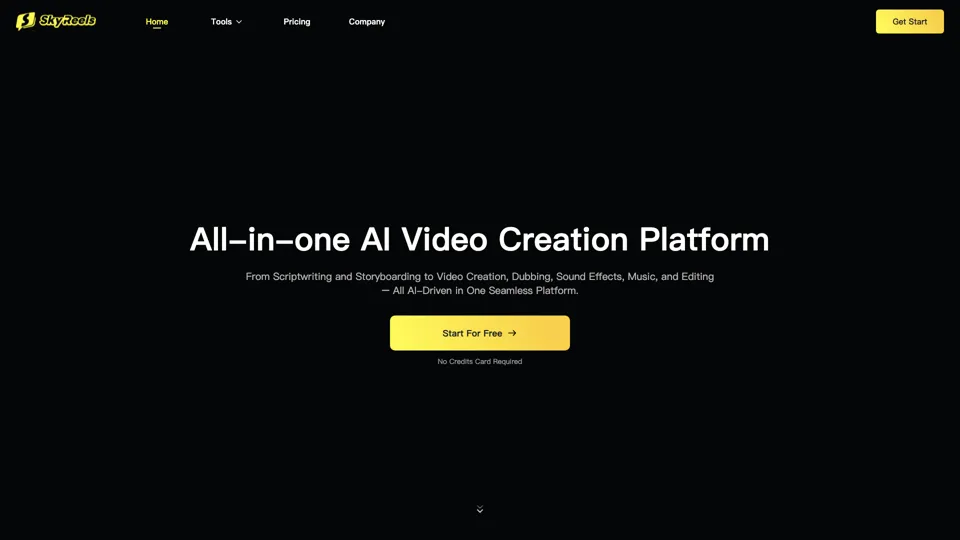
All-in-one panel | SkyReels - Ultimate AI Video Creation Platform
SkyReels is an AI video creation platform that turns scripts into finished videos with voiceovers, lip sync, sound effects, music, and editing tools, mainly for creators and marketing teams. In the AI era, it helps video producers compress production workflows and deliver polished content without a full studio setup.
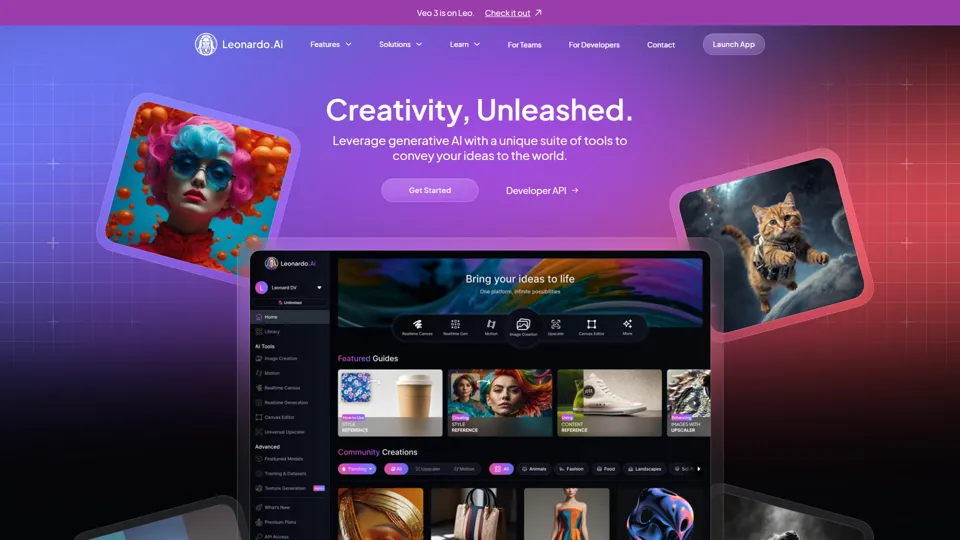
AI Image Generator - Create Art, Images & Video | Leonardo AI
Leonardo AI is an AI image and video generation platform that helps creators, designers, and marketers produce high-quality visual assets quickly. In the AI era, it shortens concept-to-content cycles so creative teams can iterate faster without expanding production overhead.

AI Photo Editor: Remove Background & Create Product Pics | Photoroom
Photoroom is an AI photo editor for creating product and portrait images, with tools for background removal, replacement, and mobile-first image enhancement for sellers, marketers, and creators. It helps ecommerce and marketing teams produce polished visuals quickly without needing a full studio setup.