
Average Score
Total Votes
Select your score (1-10):
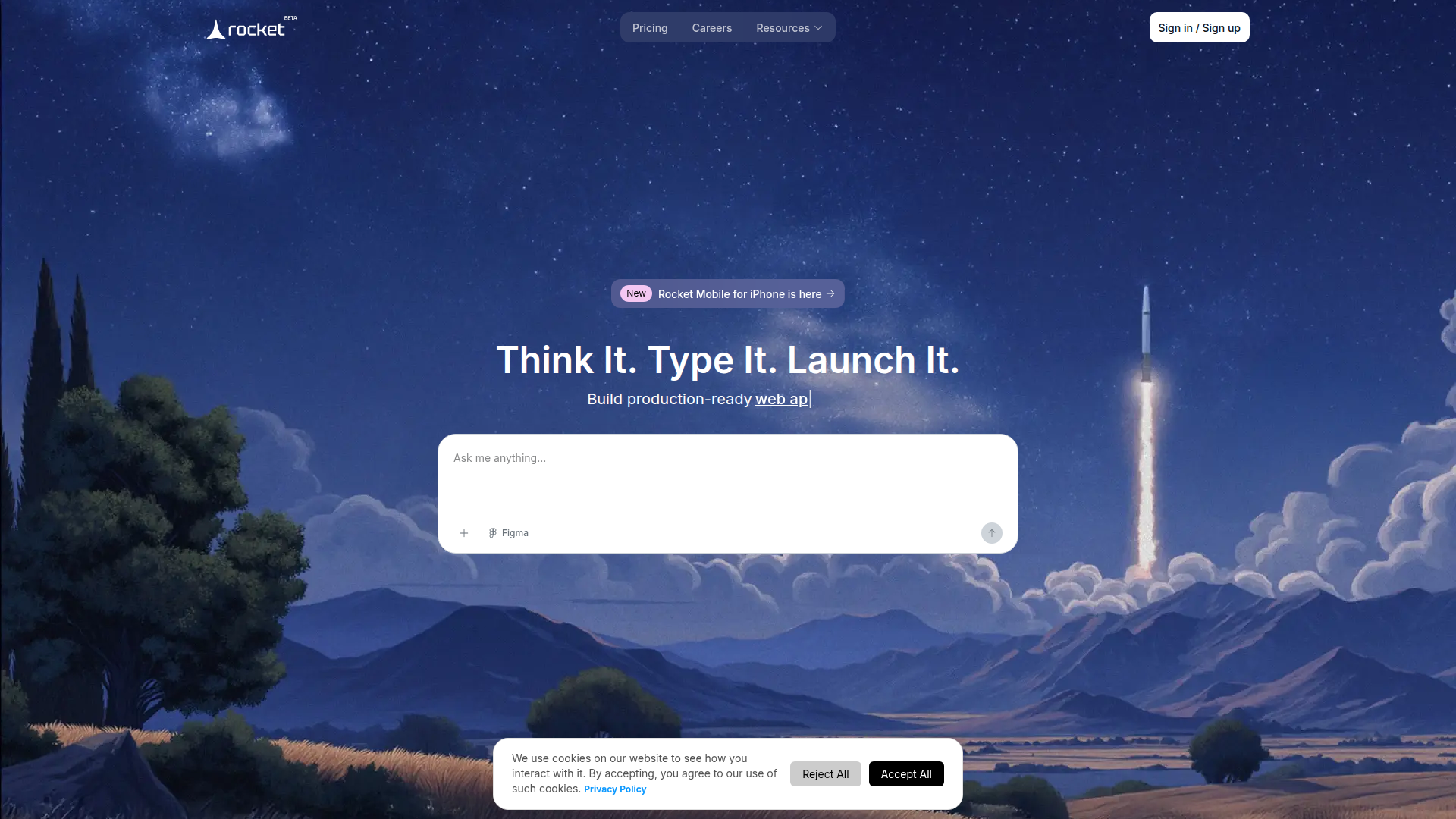
Rocket.new is an AI app builder that turns a plain-text prompt into a production-ready web app, mobile app, website, dashboard, internal tool, or landing page. The page positions it as a no-code product for people who want to go from idea to working software quickly, while still receiving code they own.
It appears designed for a broad mix of founders, creators, developers, agencies, and non-technical builders. Its core workflow is a single prompt followed by automated app planning, UI/UX generation, copywriting, code generation, backend setup, and deployment preparation, with optional starting points through templates.
Rocket.new could fit well into the OpenClaw ecosystem as a build engine inside broader software-delivery workflows. Likely use cases include an OpenClaw agent that converts a business brief into a Rocket-ready prompt, reviews the generated app against requirements, and then routes the result into QA, SEO review, launch checklists, and documentation workflows. The page mentions GitHub sync and deployment readiness, which suggests practical handoff points even though native OpenClaw integration is not stated.
In a more advanced setup, OpenClaw skills could orchestrate end-to-end app creation for agencies, startup studios, product teams, or operations groups. For example, one agent could gather market context and user requirements, another could structure prompts for Rocket, and others could evaluate generated UI, backend assumptions, and landing-page copy before release. That combination could compress early product development cycles and make non-technical teams more capable of shipping internal tools, prototypes, and lightweight commercial apps, though this is a likely workflow pattern rather than a confirmed built-in integration.
Share this AI tool on your website or blog by copying and pasting the code below. The embedded widget will automatically update with the latest information.
<iframe src="https://www.aimyflow.com/ai/rocket-new/embed" width="100%" height="400" frameborder="0"></iframe>