
#1 Most Realistic Virtual Home Staging | RoomStaging
Rate this Tool
Average Score
Total Votes
Select your score (1-10):
Detail Information
What
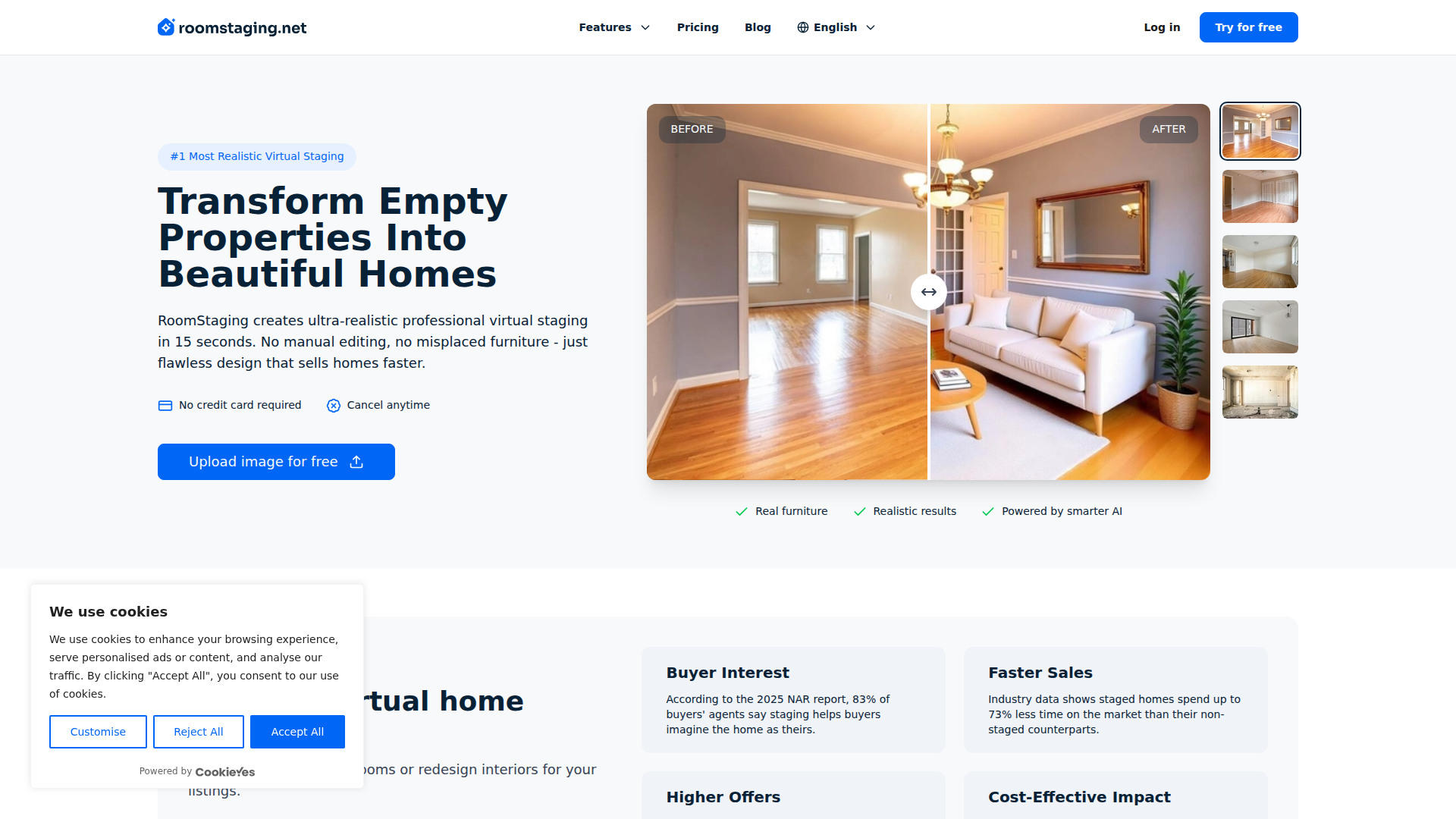
RoomStaging is an AI virtual staging platform for real estate professionals and related property marketing users. It helps turn empty, furnished, or outdated room photos into listing-ready images by adding furniture, removing existing items, or changing interior finishes and style.
The core workflow is simple: upload a room photo, choose from 50+ design styles, and generate a staged image in about 15 seconds. Based on the page, the product is positioned as a fast, lower-cost alternative to traditional staging and as a more realistic option than AI tools that place furniture poorly in complex spaces.
Features
- AI virtual staging: Furnishes empty rooms with photorealistic furniture layouts to help buyers visualize the property more clearly.
- AI furniture removal: Removes existing furniture and clutter from room photos, which is useful for decluttering listings or preparing rooms for restaging.
- Interior renovation and style changes: Updates floors, walls, and finishes to show refreshed interiors without physical renovation work.
- Architecture-aware furniture placement: The platform says it analyzes room dimensions, lighting, and architectural features to avoid awkward layouts such as blocked doorways or floating furniture.
- Fast image generation: Produces staged images in roughly 15 seconds, supporting quicker turnaround for listing preparation.
- Regeneration options: Includes free regenerations per image so users can try alternate arrangements or styles without a manual revision cycle.
Helpful Tips
- Check disclosure requirements early: If using virtually staged images on MLS or other property platforms, confirm local rules and clearly label edited images where required.
- Use room-appropriate style selection: Choose a design style that matches the likely buyer profile and the architecture of the home, rather than applying the same look to every listing.
- Compare before-and-after consistency: Review whether staging choices preserve realistic scale, traffic flow, window placement, and lighting so the final image remains credible.
- Plan for edge-case rooms: Even when a vendor claims strong handling of unusual layouts, test a few difficult spaces first to validate output quality for your portfolio.
- Use regenerations strategically: Regenerate when the concept is right but the arrangement is weak; switch styles when the property needs a different market positioning.
OpenClaw Skills
RoomStaging could likely fit well into an OpenClaw workflow for real estate listing production, visual content QA, and marketing asset preparation. A likely use case would be an agent assistant skill that collects room photos, classifies room type, recommends staging styles by property segment, sends images for staging, and routes the outputs into brochures, listing drafts, and social posts. The source page does not mention a native OpenClaw integration, so this should be treated as a workflow concept rather than a confirmed capability.
In a broader property operations setting, OpenClaw agents could be built around staging governance and content compliance. For example, a listing review agent could check that virtually staged images are disclosed properly, compare original and edited photos, and flag edits that may overstate the condition of the property. Combined with RoomStaging, this kind of system could help agents, property managers, and marketing teams standardize faster listing launches while keeping image use transparent and operationally consistent.
Embed Code
Share this AI tool on your website or blog by copying and pasting the code below. The embedded widget will automatically update with the latest information.
<iframe src="https://www.aimyflow.com/ai/roomstaging-net/embed" width="100%" height="400" frameborder="0"></iframe>