
Safe Appeals — AI Desktop Workspace for Documents & Research
Rate this Tool
Average Score
Total Votes
Select your score (1-10):
Detail Information
What
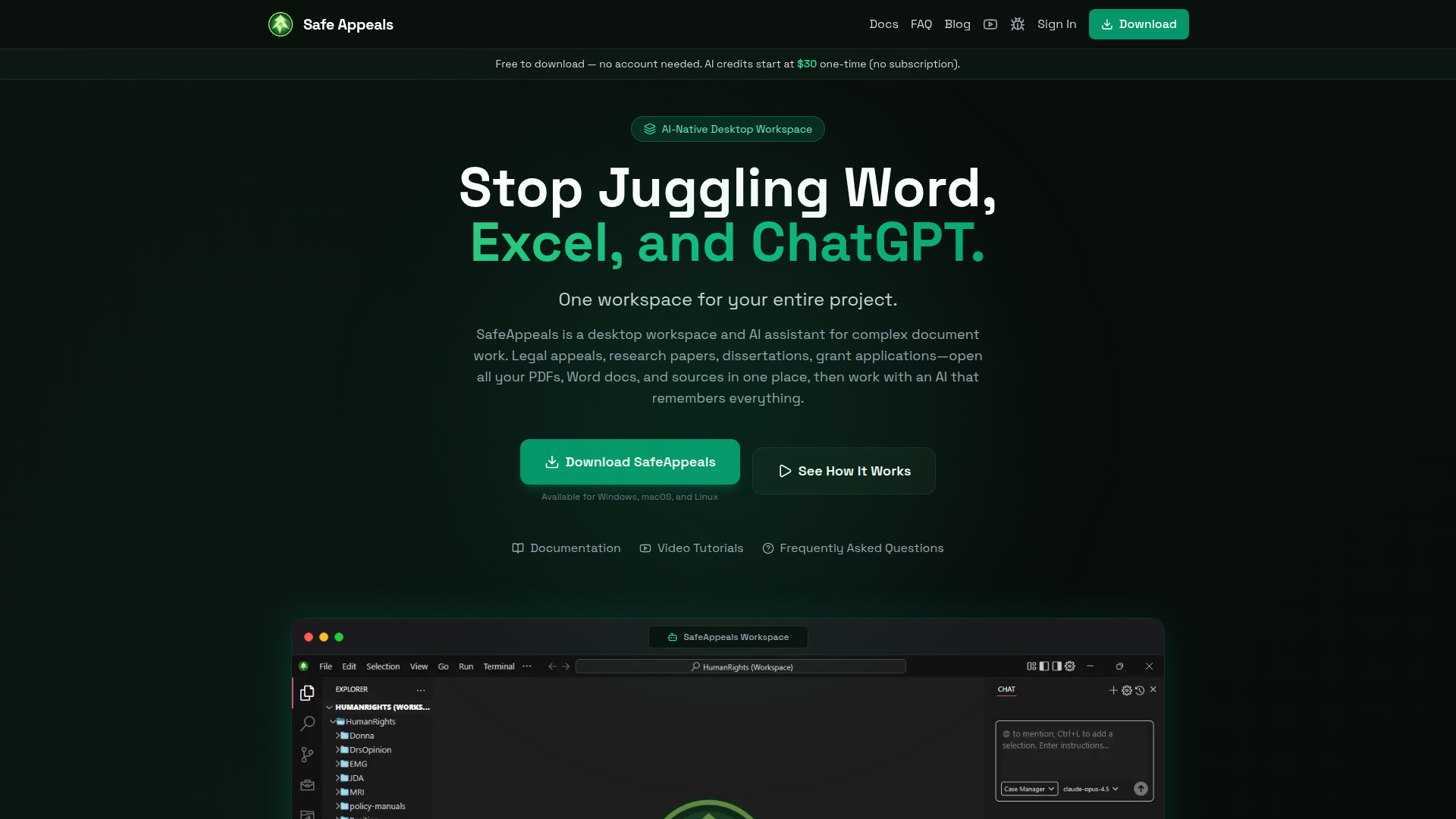
Safe Appeals is an AI-native desktop workspace for complex document and research work. It brings project files, web research, document editing, PDF analysis, and AI chat into one application for Windows, macOS, and Linux.
The product appears aimed at people managing document-heavy projects such as legal appeals, dissertations, research papers, grant applications, and consulting work. Its core workflow is to open a project folder as a workspace, keep all related materials in one place, and use an AI assistant that can reference the full project context instead of relying on isolated prompts.
Features
- Unified project workspace: Keeps PDFs, Word documents, spreadsheets, research papers, emails, notes, and conversations together to reduce switching between apps.
- Project-aware AI assistant: Uses the workspace’s documents and prior chats as context, which helps with summarizing, extracting facts, and drafting without repeated copy-paste.
- Native document editing: Supports editing Word, Excel, and PDF files inside the app, which is useful for drafting, annotation, and source management in one environment.
- Built-in web browser: Allows users to research online without leaving the workspace, helping preserve context during writing and analysis.
- Native PDF reader with AI chat: Lets users review PDFs alongside AI assistance for analysis and content generation tied to source material.
- Local-first privacy model: States that files stay on the user’s machine and are not used to train the company’s AI models, which is relevant for sensitive document work.
Helpful Tips
- Evaluate fit by workflow complexity: This type of tool is most valuable when a project spans many files, repeated source checking, and iterative drafting across documents.
- Test the workspace structure early: Organizing each matter, case, or research effort into a dedicated folder is likely important because the AI context depends on the project workspace.
- Verify editing depth for your file types: The site states native editing for Word, Excel, and PDF files, but it does not detail advanced formatting or feature parity with specialist office tools.
- Compare credit-based AI usage with BYOK: Teams or individuals with unpredictable usage may want to assess whether one-time credits or bring-your-own-key access is more practical.
- Review privacy needs carefully: The local-first positioning is notable, but buyers handling highly regulated or formally sensitive data should still validate deployment and data-handling details against their own requirements.
OpenClaw Skills
Safe Appeals is a strong candidate for OpenClaw workflows centered on document intelligence, research orchestration, and drafting support. A likely use case would be OpenClaw agents that monitor a project workspace, classify incoming files, generate matter summaries, build evidence or citation maps, and route tasks to specialized skills such as legal issue spotting, literature review synthesis, or grant-draft structuring. The source page does not describe a native OpenClaw integration, so this should be treated as a workflow inference rather than a confirmed capability.
In practice, combining Safe Appeals with OpenClaw could help professions such as paralegal support, academic research, and consulting operations move from fragmented file handling toward persistent, project-level automation. Likely high-value skills include timeline extraction from case documents, source-backed brief drafting, discrepancy detection across versions, and research-to-draft pipelines that preserve document context. That combination could reduce manual coordination work and make AI assistance more operationally useful in document-heavy knowledge work.
Embed Code
Share this AI tool on your website or blog by copying and pasting the code below. The embedded widget will automatically update with the latest information.
<iframe src="https://www.aimyflow.com/ai/safeappeals-com/embed" width="100%" height="400" frameborder="0"></iframe>
Explore Similar Tools
Smith.ai 24/7 Live Receptionists, Outreach & Web Chat
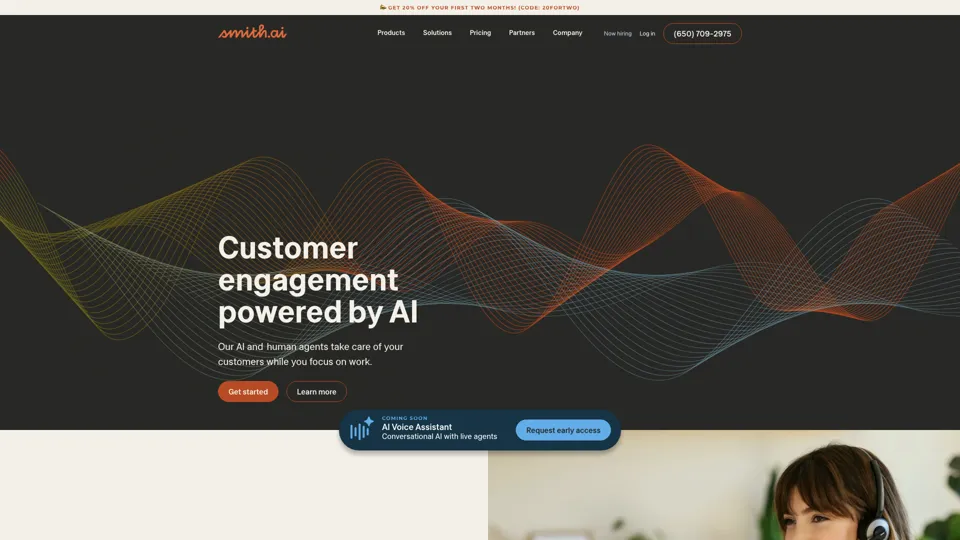
Smith.ai is a customer engagement service combining AI and live agents for 24/7 receptionist, outreach, and web chat support, mainly for small businesses and service firms. In the AI era, it helps sales and customer-facing teams capture more leads by blending automation with human follow-through.
Spellbook - AI Contract Drafting & Review
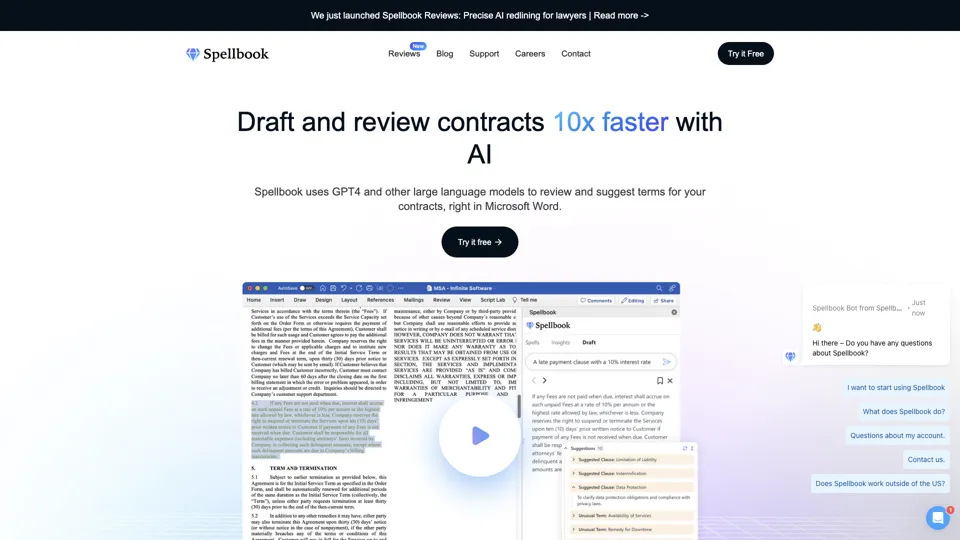
Spellbook is an AI contract drafting and review assistant that works in Microsoft Word to suggest language, analyze terms, and speed legal document work, mainly for lawyers and legal teams. In the AI era, it helps legal professionals review contracts faster and focus more on negotiation and judgment.
Ironclad: The Global Leader in Contract Management Software
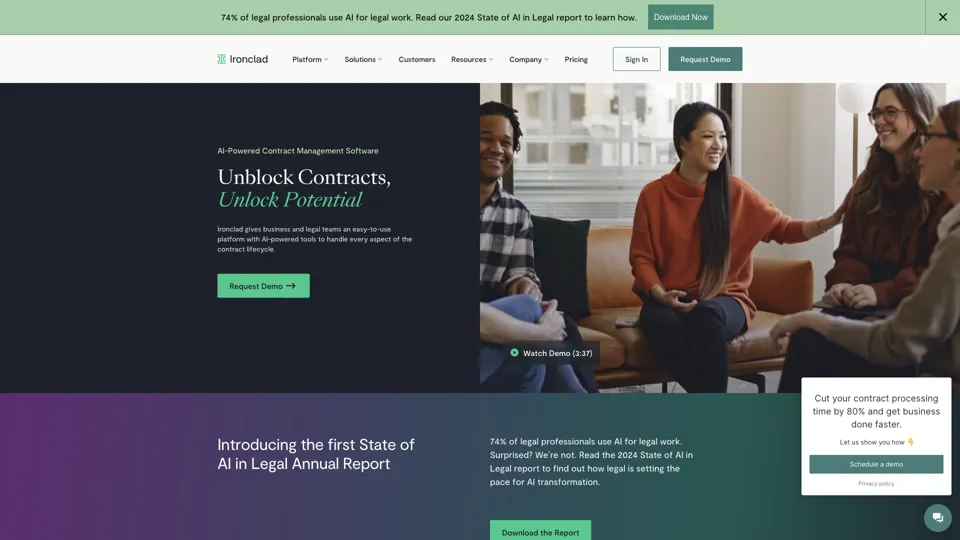
Ironclad is a contract management platform that helps legal and business teams create, negotiate, deploy, and analyze digital contracts across the contract lifecycle. It enables legal operations and procurement teams to move faster while keeping contract data more searchable and actionable.
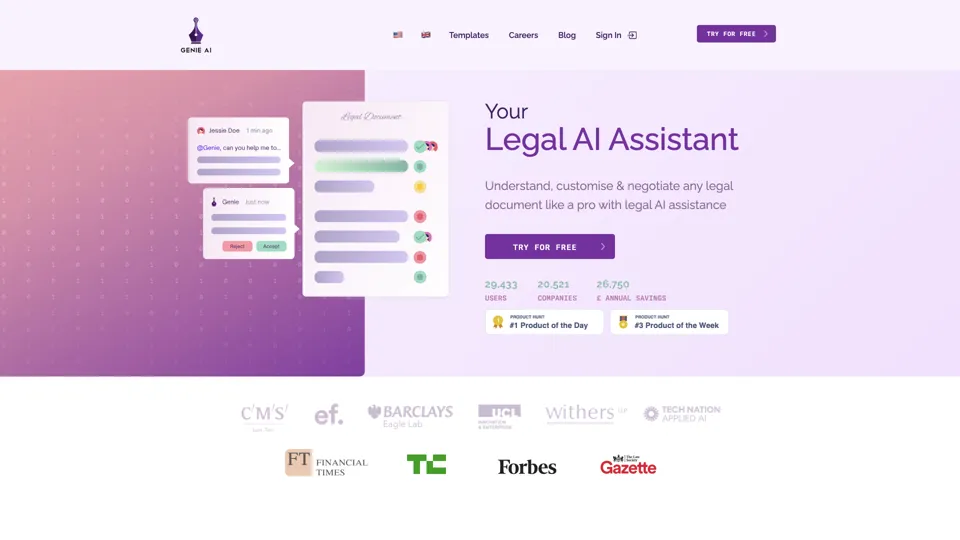
Your AI Legal Assistant - 500+ Free Templates
Genie AI is an AI legal assistant that helps businesses draft, review, and negotiate legal documents using templates and an open-source legal database. It enables legal and operations teams to handle routine contracting faster and with more standardized language.