
Slidely AI | The Best AI Presentation Maker for Professionals
Rate this Tool
Average Score
Total Votes
Select your score (1-10):
Detail Information
What
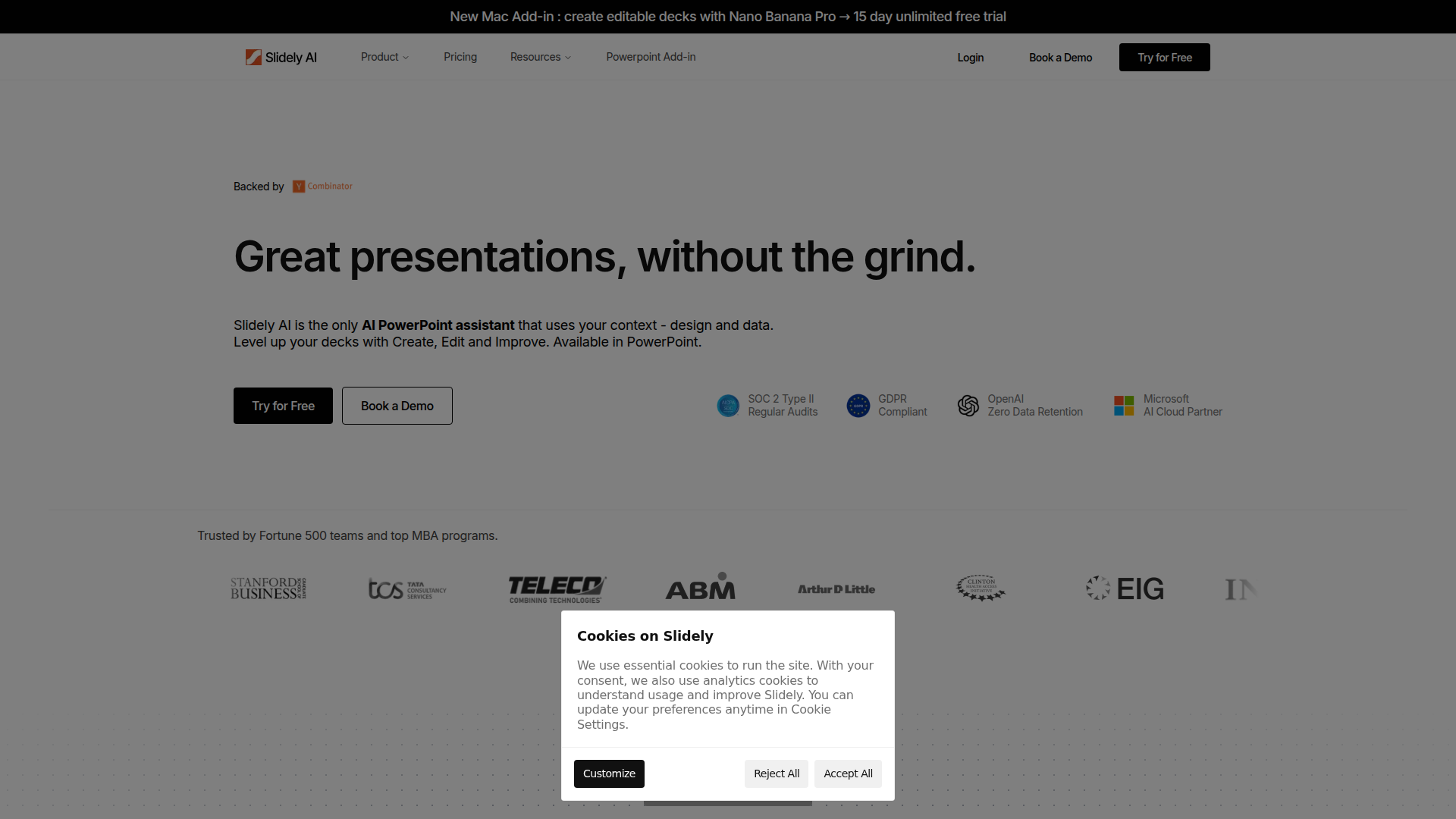
Slidely AI is an AI presentation assistant built to work inside Microsoft PowerPoint. It focuses on helping professionals create, edit, and improve decks using natural-language prompts while incorporating presentation context such as design, data, and brand standards.
The product appears positioned for teams that already rely heavily on PowerPoint, including corporate strategy groups, consultants, and business students. Its core workflow centers on speeding up deck production by generating a first draft, updating slides, synchronizing data, and fixing formatting without forcing users into a separate presentation tool.
Features
- Natural-language slide creation and editing — Users can ask Slidely to create slides, rewrite content, fix layouts, or change formats, which reduces manual slide-building work inside PowerPoint.
- Context-aware deck generation — The product combines user ideas, data, and brand inputs to produce a version-one deck that is intended to look closer to team standards from the start.
- Import from PDFs, images, and old decks — Users can upload existing materials and convert them into editable presentation content, which is useful for rebuilding or reusing prior assets.
- Excel linking for live number updates — Linking Excel to PowerPoint allows updates to flow through automatically, helping reduce stale figures and repetitive manual refreshes.
- Brand and formatting hygiene checks — A built-in checker detects color and font mismatches and can auto-apply company standards to improve deck consistency.
- Native PowerPoint output with layout utilities — Slidely creates native PowerPoint objects and includes alignment, spacing, grouping, and grid tools, which helps teams refine slides without leaving their existing workflow.
Helpful Tips
- Validate fit against your current PowerPoint process — Slidely is most relevant for teams that already build and maintain decks in PowerPoint rather than those looking to replace presentation software entirely.
- Test with real branded materials first — Use an existing company deck, spreadsheet, or PDF during evaluation to check how well the product handles your layout complexity and brand rules.
- Review enterprise requirements carefully — The page lists security and deployment options for larger organizations, but buyers should still confirm exact data handling, storage, retention, and access-control details during procurement.
- Assess prompt-driven editing quality by use case — The strongest value likely comes from repetitive editing, formatting, and v1 deck creation, so compare results across simple updates and data-dense presentations.
- Plan governance for shared team usage — If multiple users rely on AI-generated slides, define review standards for narrative quality, numerical accuracy, and brand compliance before broader rollout.
OpenClaw Skills
Within the OpenClaw ecosystem, Slidely AI could support presentation-focused skills and agents that automate common deck workflows. Likely use cases include an agent that turns strategy notes into an initial slide outline, a workflow that converts spreadsheet updates into refreshed management presentations, or a brand-review skill that checks a deck before executive meetings. The page does not state a native OpenClaw integration, so these should be treated as implementation ideas rather than confirmed product capabilities.
This combination could be particularly useful for consulting, corporate strategy, finance, and operations teams that repeatedly transform raw analysis into polished communication. An OpenClaw agent layer could orchestrate upstream tasks such as gathering source documents, summarizing findings, preparing chart-ready tables, and then handing structured inputs into Slidely for deck generation and refinement. In practice, that would likely shift presentation work from manual slide assembly toward supervised, workflow-based production inside the familiar PowerPoint environment.
Embed Code
Share this AI tool on your website or blog by copying and pasting the code below. The embedded widget will automatically update with the latest information.
<iframe src="https://www.aimyflow.com/ai/slidely-ai/embed" width="100%" height="400" frameborder="0"></iframe>