
Syntra - Chart & Charges Review
Rate this Tool
Average Score
Total Votes
Select your score (1-10):
Detail Information
What
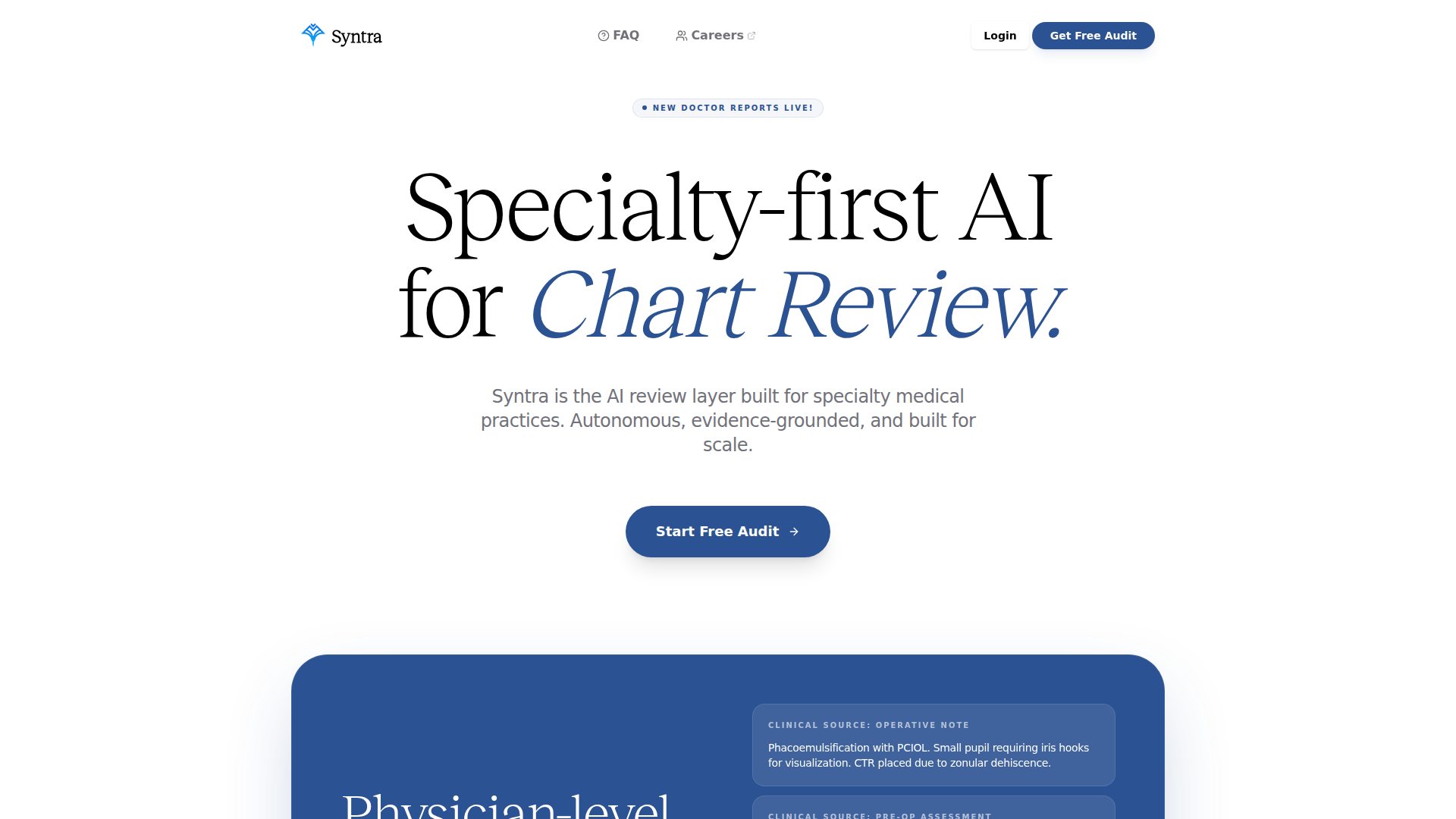
Syntra is an AI chart and charges review platform for specialty medical practices. It is positioned as a specialty-first review layer that analyzes clinical documentation and coding-related touchpoints to identify charge capture, coding, audit, and reimbursement issues before billing.
The product appears aimed at specialty clinics and healthcare systems in fields such as ophthalmology, orthopedics, optometry, and dermatology, with ophthalmology shown as a primary example. Its workflow centers on reviewing charts, reasoning over specialty-specific documentation, surfacing evidence-grounded coding recommendations, and supporting revenue integrity and compliance activities at scale.
Features
- Specialty-specific AI reasoning: Syntra is fine-tuned on specialty datasets so it can interpret nuanced clinical documentation that generic models may miss.
- Chart review for coding opportunities: The platform reviews 100% of charts to detect missed coding opportunities and support more complete charge capture.
- CPT and ICD-10 automation: It provides outpatient coding automation for CPT and ICD-10, positioned as using coder-informed logic for practical coding workflows.
- Evidence-grounded recommendation logic: Syntra shows the clinical basis for coding decisions, which can help teams validate why a more complex code may be appropriate.
- Audit and compliance coverage: It supports full chart and claim audit review without requiring additional headcount, according to the site’s positioning.
- EHR workflow connectivity: The product lists integrations with systems including ModMed, NexGen, Nextech, SIS, iMedicWare, Athena Health, eClinicalWorks, and Optivate to fit existing practice workflows.
Helpful Tips
- Validate specialty depth first: For products like this, confirm performance in the exact specialty, subspecialty, and procedure mix your organization handles, since coding nuance varies significantly.
- Review recommendation explainability: Evidence-linked reasoning is important in clinical coding review, so assess how clearly the system connects documentation to suggested CPT or ICD-10 outputs.
- Plan governance around exceptions: Even with automation, practices should define who reviews disputed recommendations, escalates edge cases, and monitors payer-specific coding patterns.
- Assess implementation around EHR data quality: The value of AI chart review depends heavily on documentation completeness and structured data access, so EHR mapping and note consistency matter.
- Treat outcome claims conservatively: The site cites revenue impact and coding accuracy positioning, but buyers should independently verify results in their own payer, specialty, and staffing environment.
OpenClaw Skills
Syntra could likely fit into the OpenClaw ecosystem as a specialized clinical revenue integrity signal source for healthcare operations workflows. Likely OpenClaw skills could include chart triage agents that route high-risk encounters to coding staff, denial-prevention workflows that compare clinical evidence against billed codes, and audit summarization agents that convert Syntra findings into work queues for revenue cycle teams. If native integration details are not documented, these should be treated as plausible workflow designs rather than confirmed product behavior.
In practice, combining Syntra with OpenClaw could help specialty practices build agents for pre-bill review, coding exception management, payer rule monitoring, and physician documentation feedback loops. For ophthalmology and similar specialties, this kind of setup could shift revenue cycle work from manual retrospective review toward more continuous, evidence-based intervention, potentially changing how coders, auditors, and practice administrators manage chart quality and reimbursement risk.
Embed Code
Share this AI tool on your website or blog by copying and pasting the code below. The embedded widget will automatically update with the latest information.
<iframe src="https://www.aimyflow.com/ai/syntra-com/embed" width="100%" height="400" frameborder="0"></iframe>