
Free AI Tattoo Try On Simulation with Tattoo AI Design
Rate this Tool
Average Score
Total Votes
Select your score (1-10):
Detail Information
What
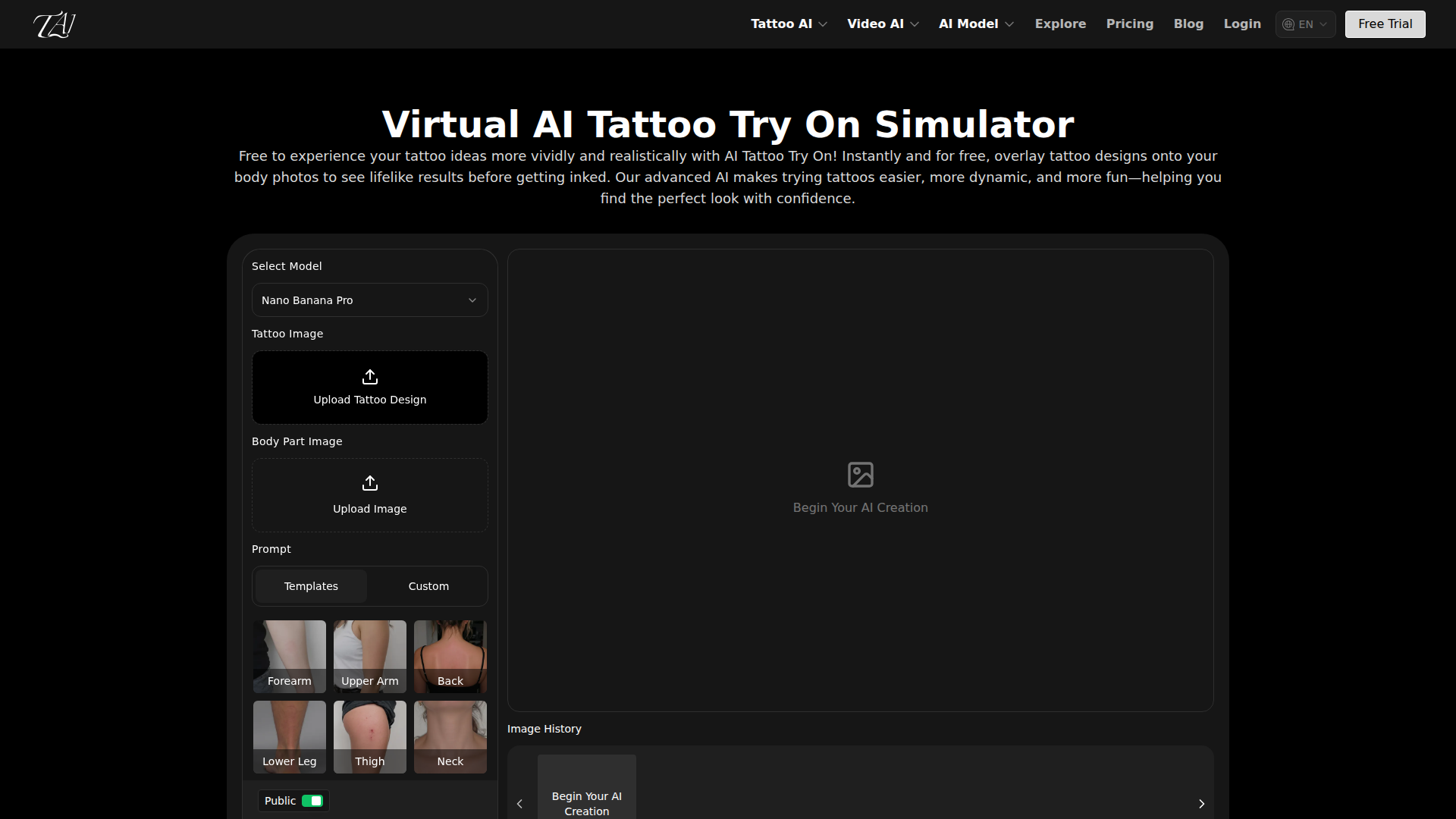
Tattoo AI Design offers a virtual AI tattoo try-on simulator that lets users place tattoo designs onto body photos before getting inked. Based on the page, the workflow is straightforward: upload a body-part photo, add a tattoo design from a gallery, a custom upload, or keyword generation, then position and preview the result.
The product appears to serve individual tattoo shoppers, tattoo artists, and designers who need a faster way to visualize tattoo placement and compare styles. Its positioning is likely a consumer-friendly and presentation-oriented design tool that combines tattoo generation, try-on visualization, and related AI image and video features on one platform.
Features
- Virtual tattoo try-on: Overlays tattoo designs onto body photos so users can preview placement and appearance before making a tattoo decision.
- Multiple design inputs: Supports gallery selection, custom design uploads, and keyword-based generation, giving users several ways to create or test concepts.
- Body-part recognition: Identifies areas such as forearm, upper arm, back, lower leg, thigh, neck, and abdomen to improve placement relevance.
- Automatic fitting adjustments: Adapts tattoos to body curves, angles, and skin tone for a more natural-looking preview.
- Design modification controls: Includes color adjustment, pattern replacement, and quick style switching to support comparison and refinement.
- High-resolution output options: Offers selectable aspect ratios and resolutions, which may help when preparing visuals for review or presentation.
Helpful Tips
- Use clear, well-lit body photos taken straight on, since placement quality in this type of tool usually depends heavily on image clarity and visible contours.
- Treat the preview as a decision-support aid rather than a perfect representation of healed ink; the page emphasizes visualization, not final tattoo outcome accuracy.
- For artist-client workflows, test multiple placements and quick design swaps in one session to make comparisons easier and reduce misalignment in expectations.
- If commercial usage matters, verify the platform’s terms directly, because the page lists the question but does not clearly state the answer in the visible content.
- When evaluating similar products, compare not just generation quality but also how well body recognition, curve mapping, and manual adjustment tools support realistic placement.
OpenClaw Skills
Within the OpenClaw ecosystem, this product could likely support skills around tattoo concept intake, prompt drafting, style exploration, and consultation preparation. An OpenClaw agent could collect a client’s theme, preferred body placement, style references, and constraints, then organize try-on variations for review using Tattoo AI Design as the visualization layer. This is a likely workflow inference, not a confirmed native integration from the page.
A broader OpenClaw setup could also help tattoo studios standardize pre-consultation workflows by combining design ideation, image organization, revision tracking, and client-ready presentation packs. For independent artists and studios, that combination could shift more early-stage tattoo decision-making into a structured digital process, reducing ambiguity before the in-person design and tattooing stages.
Embed Code
Share this AI tool on your website or blog by copying and pasting the code below. The embedded widget will automatically update with the latest information.
<iframe src="https://aimyflow.com/ai/tattooai-design-ai-tattoo-try-on/embed" width="100%" height="400" frameborder="0"></iframe>
Explore Similar Tools
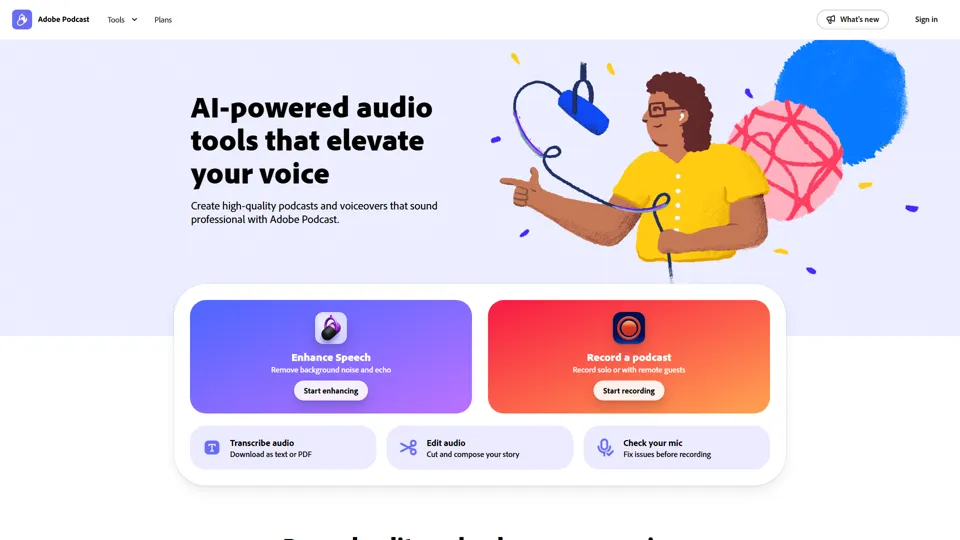
Adobe Podcast | AI audio recording and editing, all on the web
Adobe Podcast is a web-based AI audio recording and editing tool that helps users record, transcribe, enhance, and share spoken content, mainly for podcasters, creators, and teams producing voice media. It reduces cleanup and editing time, letting audio producers and marketers publish clearer content faster.
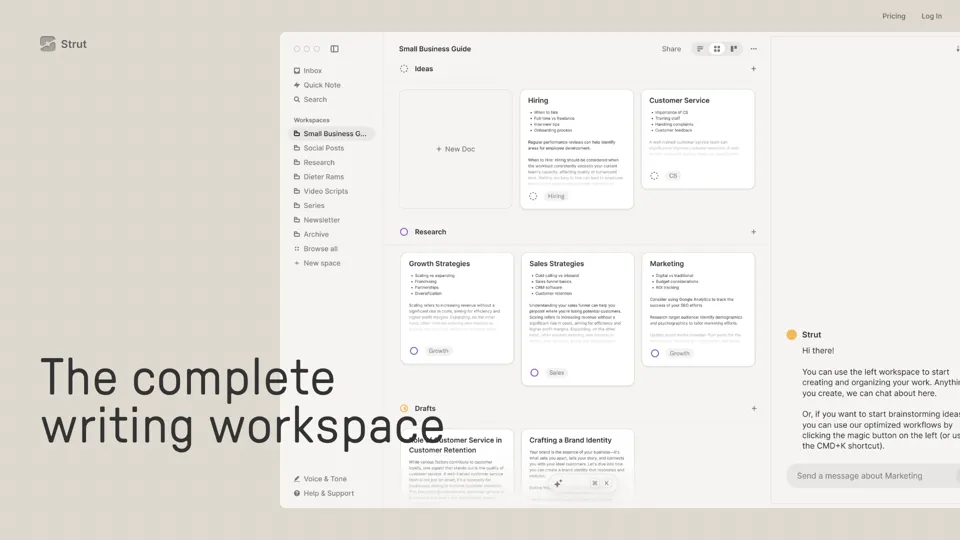
Strut – The complete writing workspace
Strut is an AI-powered writing workspace that combines notes, documents, and collaborative writing projects in one environment, mainly for writers, creators, and teams. In the AI era, it helps knowledge workers move from scattered drafts to more coherent writing and faster iteration.
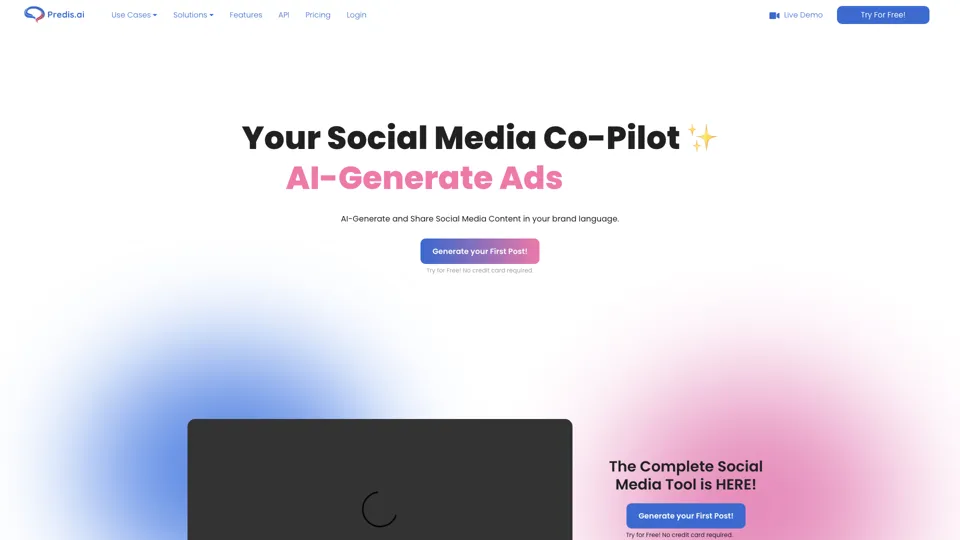
Social Media Marketing made easy with AI | Predis.ai
Predis.ai is an AI social media marketing tool that helps users create video and image content and analyze performance, mainly for marketers, agencies, and growing brands. It shortens content planning and production cycles, helping social teams test and refine campaigns more efficiently.
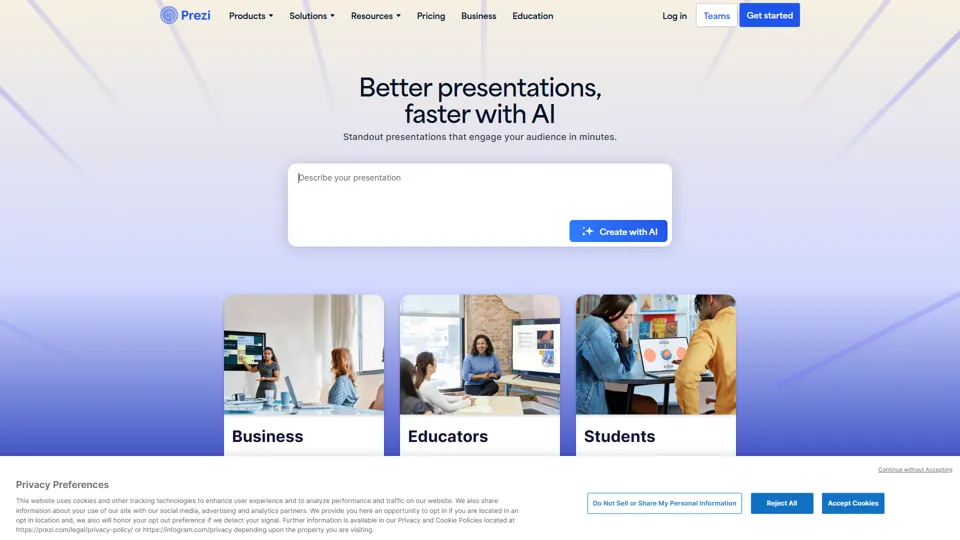
Prezi | AI presentations that engage your audience in minutes
Prezi is a presentation platform with AI features that helps users create engaging, interactive presentations quickly, mainly for business professionals, educators, and sales teams. It helps presenters turn ideas into clearer narratives faster, improving audience engagement without heavy design work.
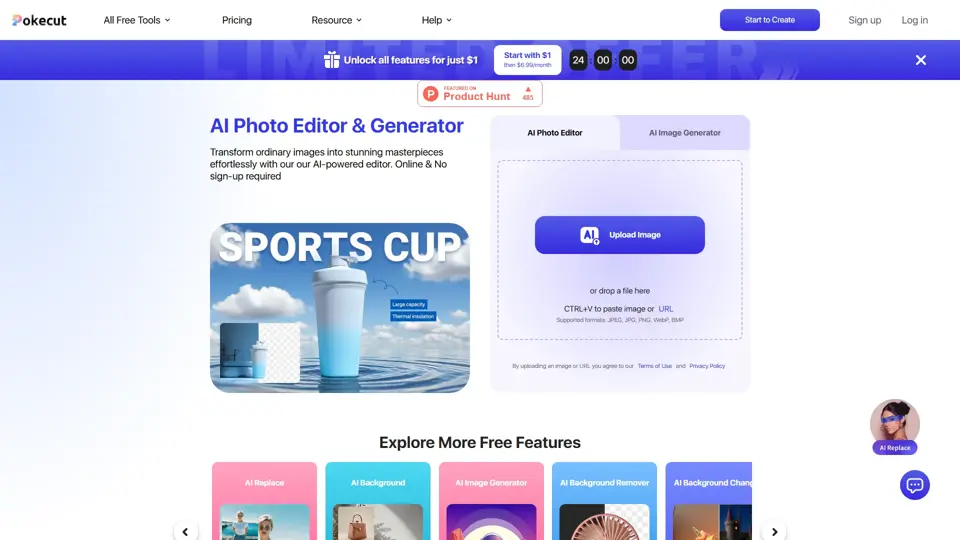
Free AI Photo Editor: Edit & Generate Image Online | Pokecut
Pokecut is an AI photo editor that helps users remove backgrounds, enhance images, and generate visuals online, mainly for ecommerce sellers, marketers, and creators who need quick design-ready assets. It speeds up routine image production so visual teams can create polished content with less manual editing.
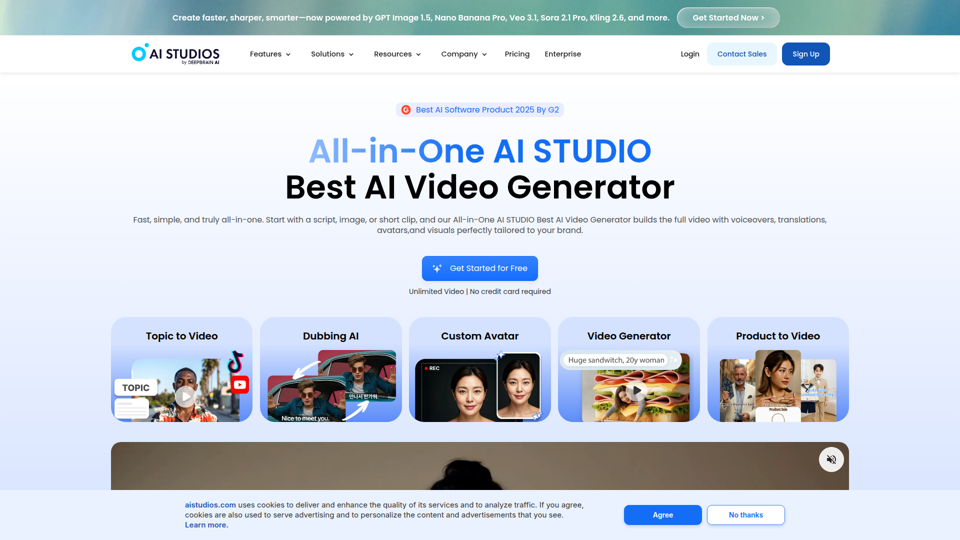
Best AI Video Generator | AI STUDIO
AI Studios is an AI video generator that helps users create, edit, dub, translate, and publish videos from text, documents, URLs, images, or product pages, mainly for training teams, marketers, and content creators. For learning, marketing, and video production roles, it can speed multilingual video workflows with AI avatars, voice cloning, and reusable templates in one workspace.
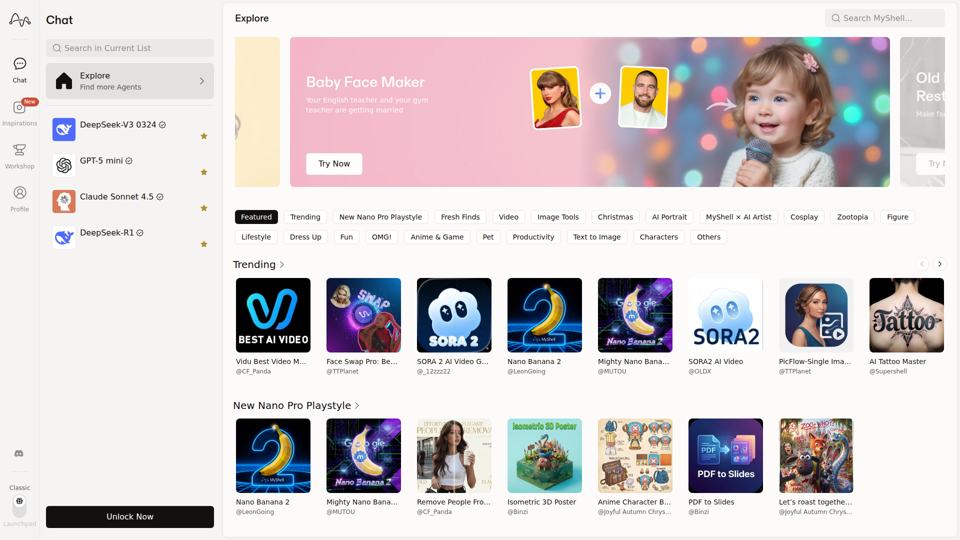
MyShell AI | Build, Share, and Own AI Image Generative APP
MyShell AI is a web platform for building, sharing, and exploring AI image and video generation apps, helping creators and general users make edits, filters, portraits, memes, and media experiments. For designers, marketers, and content creators, it can speed up concepting and asset variation by turning routine visual tasks into reusable AI workflows.
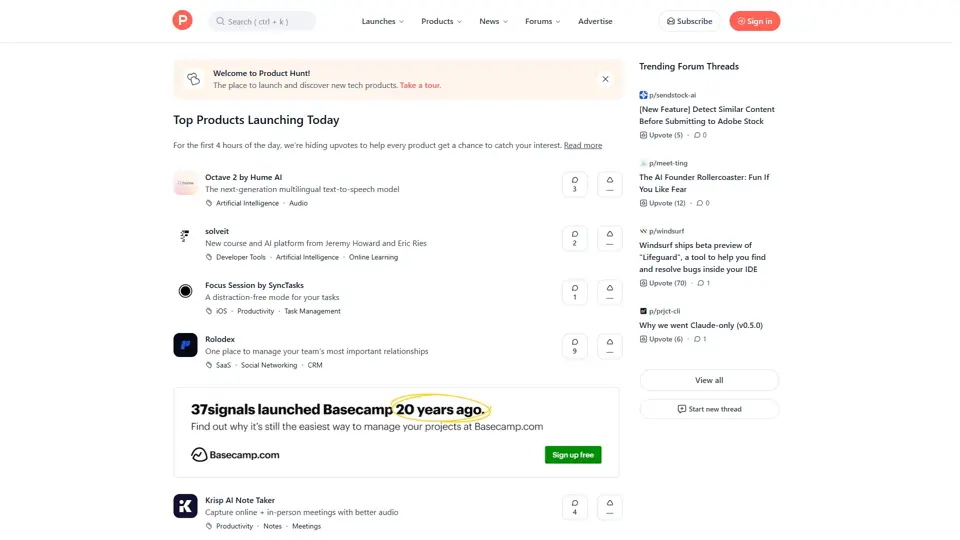
Product Hunt – The best new products in tech.
Product Hunt is a product discovery platform that helps users find, share, and discuss new technology products, mainly for founders, makers, investors, and early adopters. In the AI era, it gives product teams a fast feedback loop and a visible launch channel for new tools.