
VectoSolve — AI Image Tools: Convert to SVG, Upscale, Remove BG & Generate
Rate this Tool
Average Score
Total Votes
Select your score (1-10):
Detail Information
What
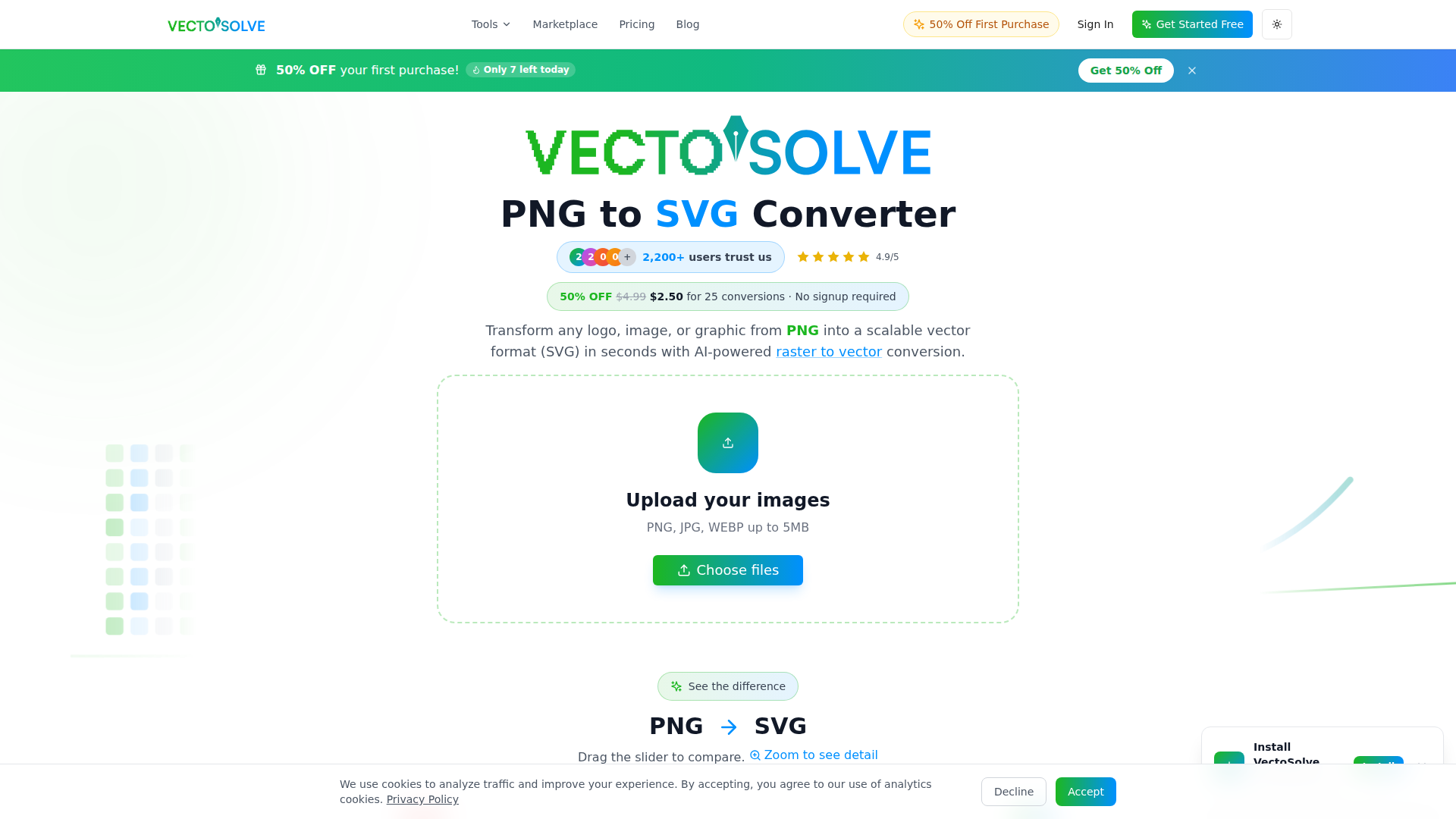
VectoSolve is an AI image-to-vector toolkit centered on converting raster files such as PNG, JPG, JPEG, WEBP, and GIF into SVG. The page positions it as a fast, browser-based tool for turning logos, icons, illustrations, photos, sketches, and other graphics into scalable vector files that can be edited, printed, or used in digital design workflows.
It appears to serve designers, web developers, marketers, print shops, Etsy sellers, crafters, and makers using tools such as Cricut, laser cutters, embroidery software, and vinyl cutting workflows. Its core workflow is upload, AI processing, then download and optionally edit or export, with related tools for upscaling, background removal, SVG optimization, batch processing, logo generation, and other SVG-oriented tasks.
Features
- AI-powered raster-to-vector conversion — Converts uploaded PNG, JPG, JPEG, WEBP, and GIF files into SVG by detecting edges, colors, and shapes to create vector paths.
- Batch processing — Supports multiple-image uploads, which is useful for icon sets, product graphics, and larger production workloads.
- Editable SVG output — Generated vectors are intended to be customizable for color changes and reuse across web, print, and design software.
- Background removal and color optimization — The FAQ states these are optional parts of the conversion process to help produce cleaner vector results.
- Related image tools — The site also lists upscaling, SVG optimization, SVG export options, and format conversion tools that extend the workflow beyond basic vectorization.
- Specialized maker workflows — Dedicated positioning for Cricut, laser cutting, embroidery, vinyl cutting, and print-on-demand suggests the product is tuned for production-ready SVG use cases, though exact technical presets are not fully detailed.
Helpful Tips
- Test with representative file types first — AI vectorization tends to work best on logos, icons, clipart, and simple illustrations; complex photos may still need manual cleanup depending on detail and color variation.
- Check path quality for production use — For cutting, engraving, or embroidery preparation, review nodes, overlaps, and edge smoothness before sending files into downstream manufacturing tools.
- Use batch conversion for repeatable asset classes — Teams managing icon libraries, product graphics, or customer-submitted artwork will likely get the most value when processing many similar images at once.
- Compare the full workflow, not just conversion — For buyers in craft or print environments, related tools like background removal, SVG optimization, and export options may matter as much as the initial vectorization step.
- Validate software handoff requirements — The page mentions compatibility-oriented use cases with design and maker tools, but exact native integrations are not clearly documented, so confirm export quality in your own stack.
OpenClaw Skills
Within the OpenClaw ecosystem, VectoSolve could likely support automation skills for creative asset intake, cleanup, and publishing. An OpenClaw agent could watch a shared folder or form submission, classify incoming artwork, send suitable files through a vectorization workflow, apply naming conventions, and route outputs to design, ecommerce, or production teams. While the page mentions an API for developers, deeper integration details are not provided, so this is best treated as a likely implementation path rather than a confirmed turnkey connection.
More specialized OpenClaw workflows could be built for Etsy sellers, print shops, and digital product teams. For example, an agent could convert customer-uploaded logos into SVG, generate marketplace-ready previews, optimize metadata, and place the assets into storefront or fulfillment pipelines. In web and product design contexts, OpenClaw could pair VectoSolve with skills for icon library maintenance, brand asset normalization, or CMS publishing, reducing manual file prep and making vector asset operations more consistent across teams.
Embed Code
Share this AI tool on your website or blog by copying and pasting the code below. The embedded widget will automatically update with the latest information.
<iframe src="https://www.aimyflow.com/ai/vectosolve-com/embed" width="100%" height="400" frameborder="0"></iframe>
Explore Similar Tools
MyShell AI | Build, Share, and Own AI Image Generative APP
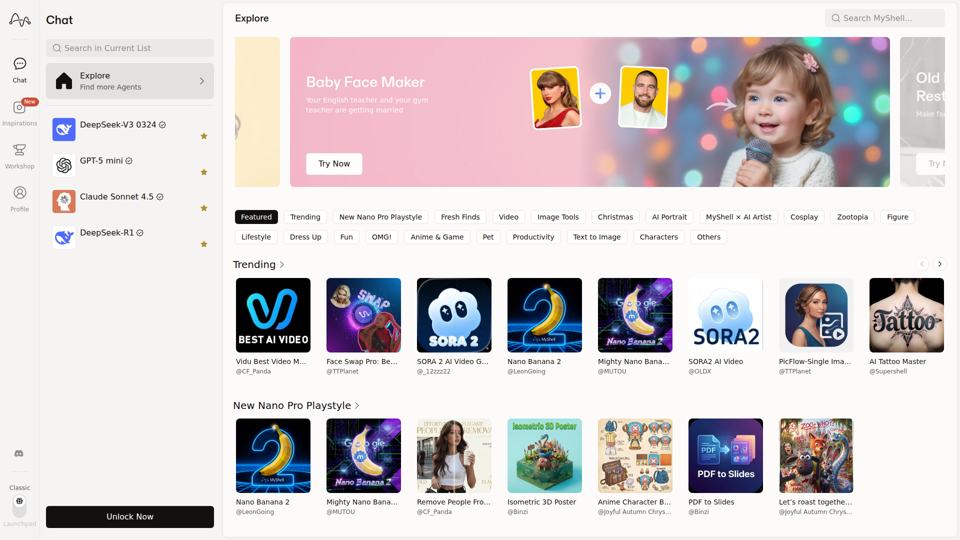
MyShell AI is a web platform for building, sharing, and exploring AI image and video generation apps, helping creators and general users make edits, filters, portraits, memes, and media experiments. For designers, marketers, and content creators, it can speed up concepting and asset variation by turning routine visual tasks into reusable AI workflows.
Midjourney
Midjourney is a community-funded research lab that builds AI image and video models, helping people explore creative ideas and new visual mediums, mainly for artists, designers, and other creative professionals. As AI-generated visuals become part of everyday workflows, tools like Midjourney can help creative teams prototype concepts and communicate ideas faster.
AI Magic Editor: Text-to-Image Editing & Generative Fill | EzEditor
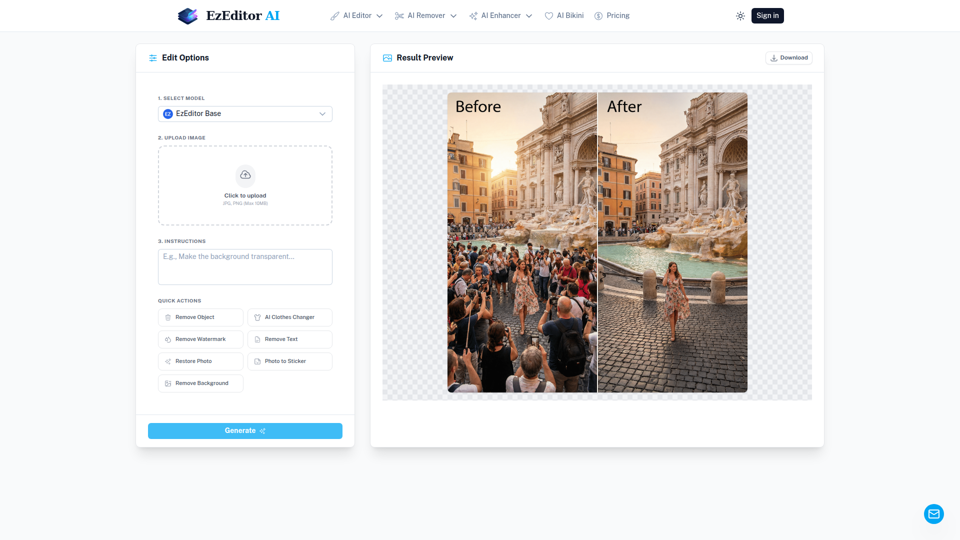
EzEditor AI Magic Editor is a browser-based AI photo editing tool that lets users edit images with text prompts for tasks like generative fill, object removal, clothing changes, and image expansion, mainly for creators and marketers who need quick visual edits without manual masking. In AI-assisted content workflows, it can help social media, design, and marketing teams produce faster image variations and format-ready assets with less manual retouching.
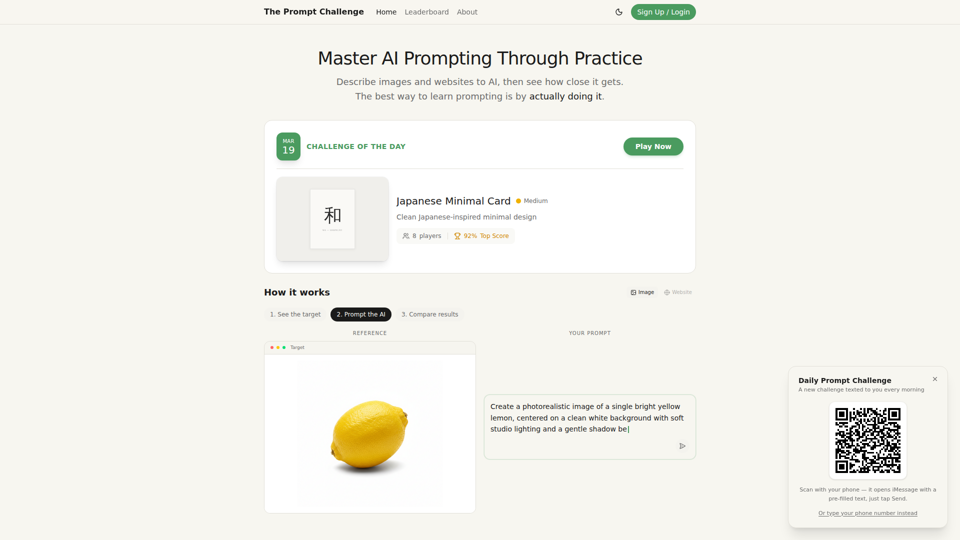
Challenges | Test Your AI Prompting Skills
The Prompt Challenge is a practice platform that helps users improve AI prompting by describing images and websites, comparing AI-generated results to references, and competing on scores, mainly for people learning prompt engineering and hands-on AI creation. For designers, developers, and AI practitioners, this kind of repeatable prompt testing can sharpen instruction-writing skills and improve consistency when using generative tools for visual and interface work.
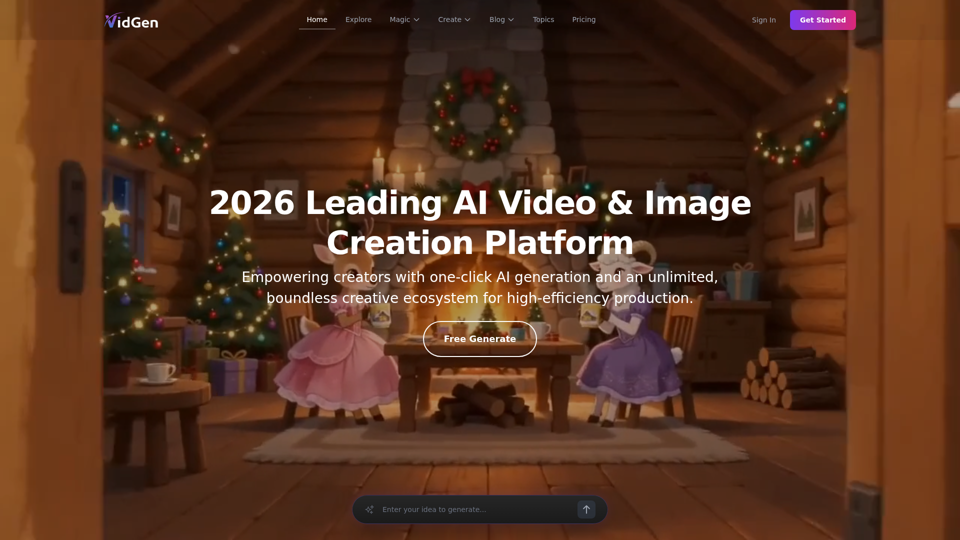
AI Image&Video Describer - Unlimited AI Model - VidGen
VidGen is an AI image and video creation platform that helps creators generate visual content, apply AI effects, and explore multiple generation models, mainly for digital artists, designers, and professional content creators. In AI-driven creative workflows, it can speed up ideation and production for visual teams by reducing the time needed to prototype, animate, and refine concepts.
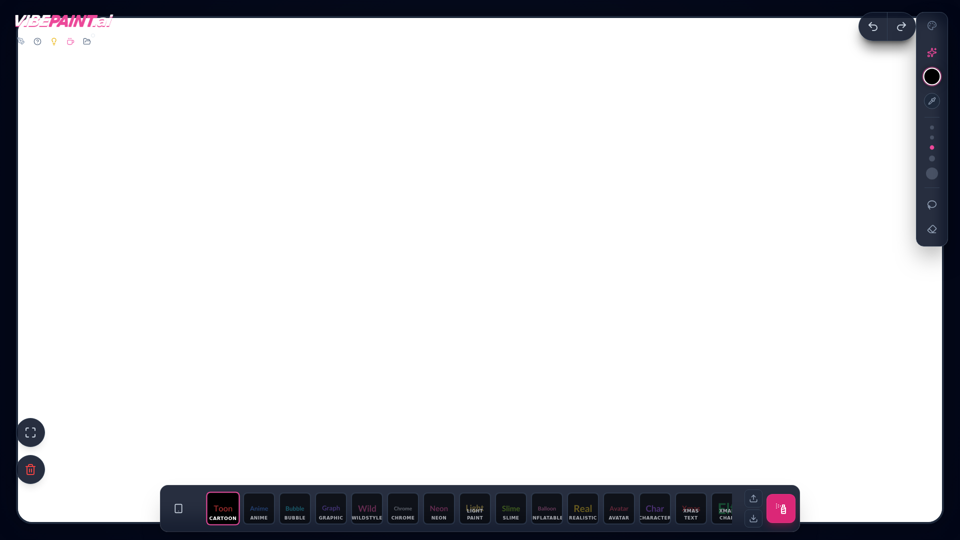
VibePaintAI
VibePaintAI is an AI image creation tool that helps users generate stylized visuals and text in looks such as cartoon, anime, graffiti, chrome, neon, realistic, and avatar styles, mainly for designers, digital artists, and content creators. In AI-assisted creative workflows, it can help visual professionals quickly explore multiple aesthetic directions for graphics, characters, and themed artwork.
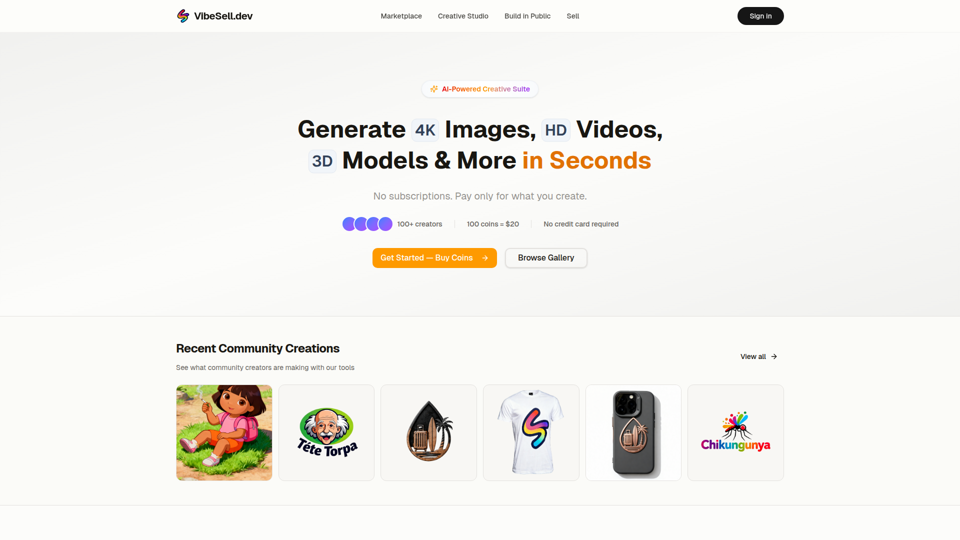
Creative Studio - AI Image, Video & 3D Model Generator | VibeSell.dev
VibeSell Creative Studio is an AI-powered creative suite that helps creators generate 4K images, HD videos, 3D models, audio, logos, mockups, and custom LoRA models, mainly for designers, marketers, and e-commerce sellers. In AI-assisted workflows, it can help creative and marketing teams produce visual assets, ad creatives, and product imagery faster while reducing manual editing for routine production tasks.
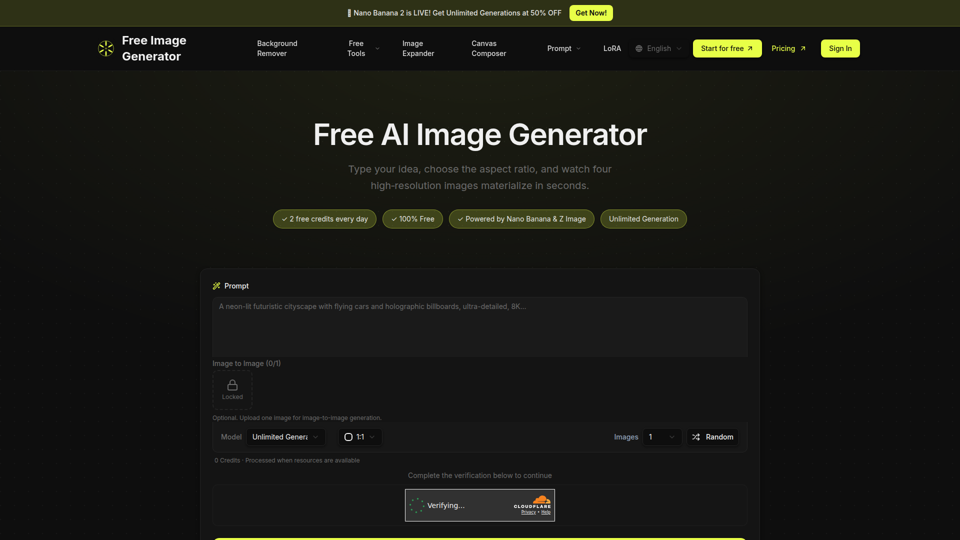
Free Image Generator - AI Powered Image Creation
Free Image Generator is an AI image creation tool that turns text prompts into multiple high-resolution images with adjustable aspect ratios and simple image-to-image options, mainly for creators, marketers, and people who need visuals quickly without design skills. In AI-assisted content workflows, it can help marketing and creative teams test visual concepts faster by generating several image variations at once for social posts, thumbnails, and campaign assets.