
Video to Video AI - #1 Free & Best Video to Video AI Tool
Rate this Tool
Average Score
Total Votes
Select your score (1-10):
Detail Information
What
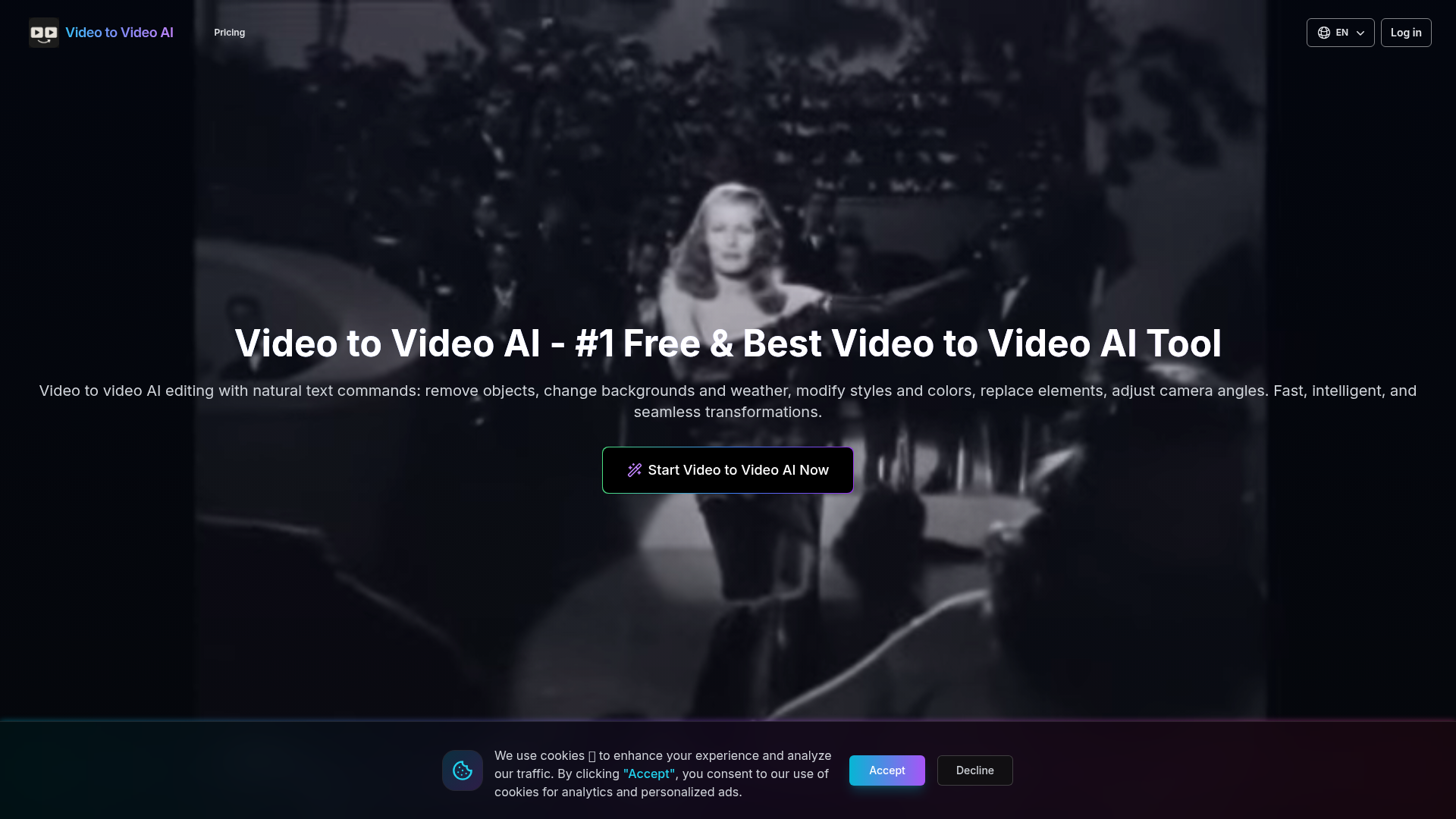
Video to Video AI is a browser-based AI video editing tool that transforms short videos through natural-language text commands. It is positioned as a video-to-video generation and editing product for users who want to change visual content such as objects, backgrounds, weather, styles, colors, camera angles, and subjects without using a traditional timeline-based editor.
The product appears suited to creators, marketers, designers, and other users working with short-form visual assets who need quick scene-level modifications. Its core workflow is simple: upload a 3–10 second video, optionally add reference images or elements, describe the desired edit in text, and let the system generate a revised version while aiming to preserve motion, timing, and visual coherence across frames.
Features
- Natural-language video editing — Users can describe edits in plain English, which lowers the barrier for making complex visual changes without manual masking or compositing.
- Object, subject, and background modification — The tool supports removing content, replacing characters or elements, and changing environments, helping users repurpose footage without reshooting.
- Style, weather, and color transformation — It can restyle videos, recolor objects, and alter atmospheric conditions such as turning a scene into winter, which is useful for creative variation and campaign adaptation.
- Reference-guided editing — Optional reference images and element inputs help steer outputs toward specific objects, appearances, or environments for more controlled transformations.
- Motion-preserving scene changes — The product emphasizes maintaining original movements and camera angles during transformations, which is important for believable edits in short clips.
- Short-video processing controls — The editor accepts common video formats with defined limits on clip length, resolution, file size, and frame rate, which helps set practical expectations for input preparation.
Helpful Tips
- Plan around short clip constraints — The tool currently supports 3–10 second videos, so teams should break longer sequences into shots and evaluate stitching needs in post-production.
- Use precise prompts and references — Specific instructions and clear reference images are likely to improve consistency, especially for character replacement, clothing changes, and environment edits.
- Validate output for continuity — Even when motion is preserved, users should review frame-to-frame details, lighting consistency, and object boundaries before publishing.
- Assess credit consumption early — Since processing is credit-based and mode-dependent, it is important to estimate usage volume before adopting it for frequent production workflows.
- Treat advanced claims conservatively in production — The site describes pixel-level semantic reconstruction and seamless transformations, but buyers should still test real footage representative of their use cases.
OpenClaw Skills
Within the OpenClaw ecosystem, this product could likely support workflow skills for AI-assisted video transformation, prompt generation, asset preparation, and creative versioning. A practical OpenClaw agent could take a campaign brief, convert it into structured edit prompts, attach the right reference images, segment source footage into valid clip lengths, and organize generated variants for review. The page does not mention a native integration, so this is best understood as a likely orchestration use case rather than a confirmed capability.
Combined with OpenClaw, Video to Video AI could be especially useful for creative operations, social media production, ecommerce merchandising, and lightweight post-production teams. For example, an OpenClaw workflow might generate multiple localized or seasonal video variants from one source clip by changing wardrobe, weather, backgrounds, or visual style, then route outputs into approval and publishing pipelines. That kind of setup could reduce repetitive editing work and shift professionals toward higher-level creative direction and quality control.
Embed Code
Share this AI tool on your website or blog by copying and pasting the code below. The embedded widget will automatically update with the latest information.
<iframe src="https://www.aimyflow.com/ai/videotovideoai-app/embed" width="100%" height="400" frameborder="0"></iframe>
Explore Similar Tools
Strut – The complete writing workspace
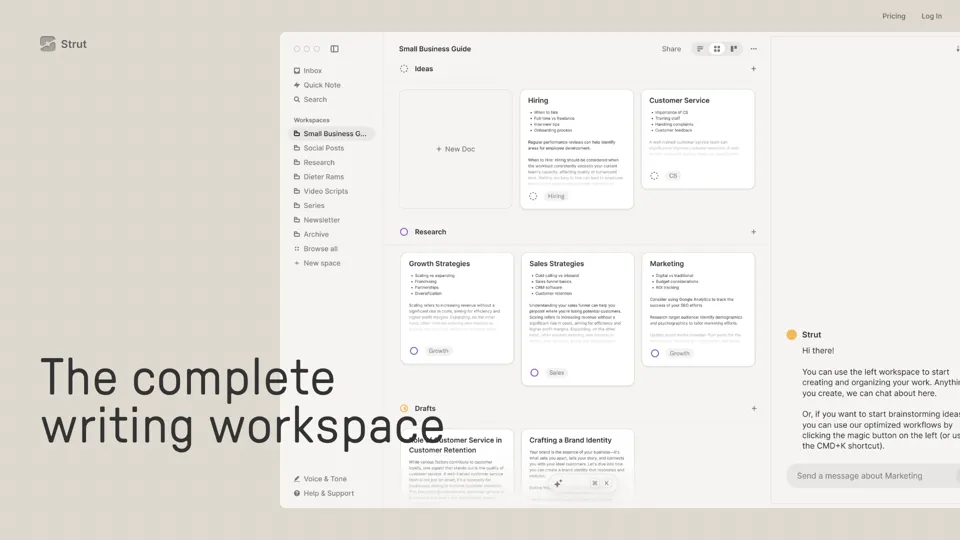
Strut is an AI-powered writing workspace that combines notes, documents, and collaborative writing projects in one environment, mainly for writers, creators, and teams. In the AI era, it helps knowledge workers move from scattered drafts to more coherent writing and faster iteration.
Social Media Marketing made easy with AI | Predis.ai
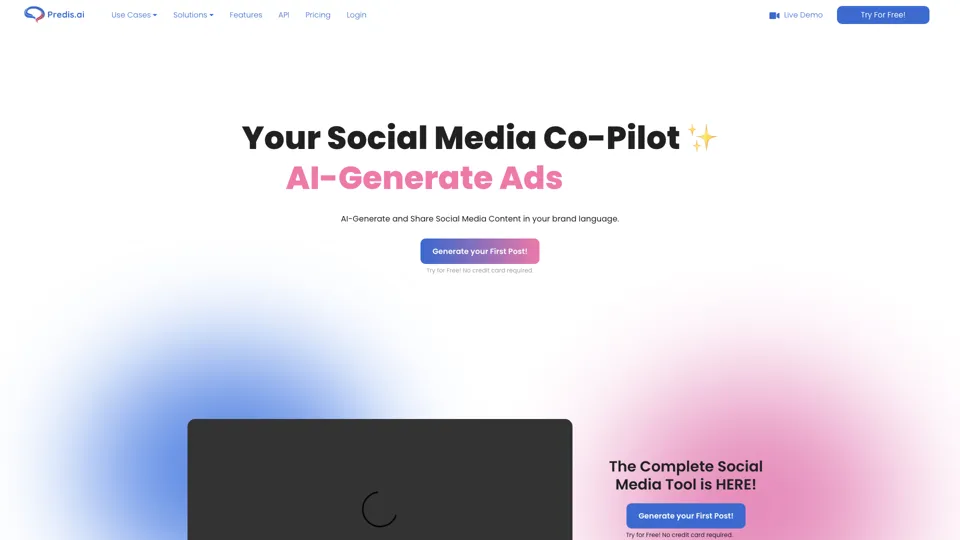
Predis.ai is an AI social media marketing tool that helps users create video and image content and analyze performance, mainly for marketers, agencies, and growing brands. It shortens content planning and production cycles, helping social teams test and refine campaigns more efficiently.
SocialDude.ai - Revolutionize Your Social Media Strategy | SocialDude
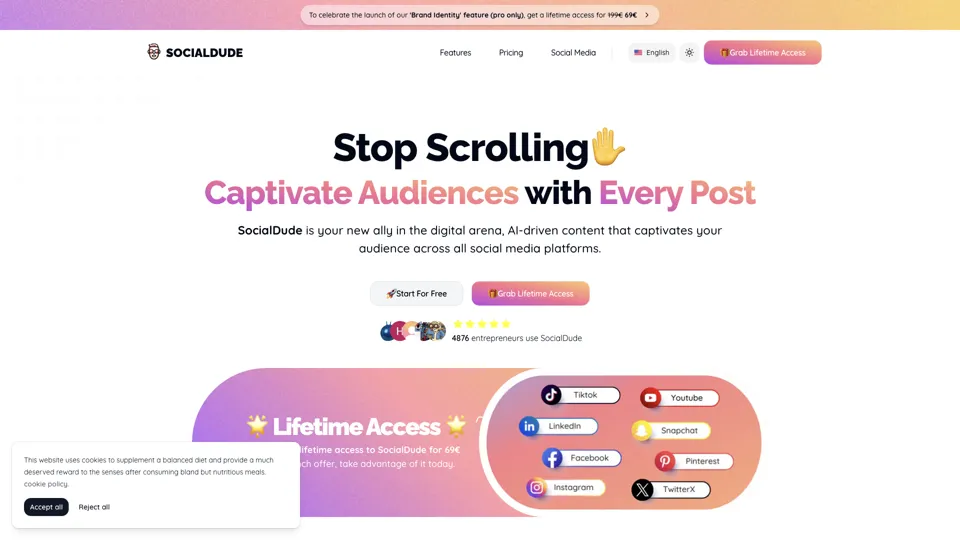
SocialDude is an AI social media content platform that helps users create brand-consistent posts and messaging more efficiently, mainly for marketers, founders, and small business teams. In the AI era, it helps social media roles maintain output quality and consistency while reducing daily content production time.
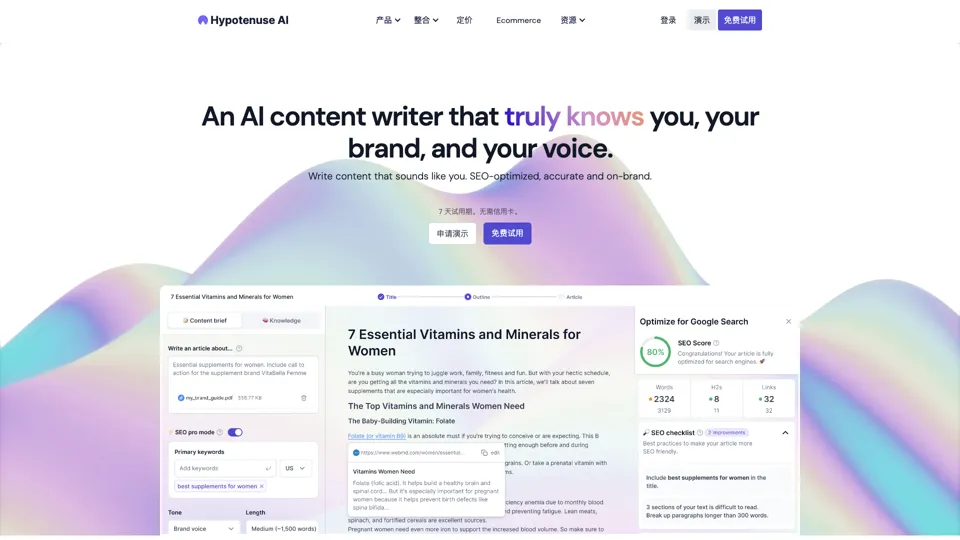
Hypotenuse AI:Smart text generator
Hypotenuse AI is a text generation platform that helps marketers, ecommerce teams, and content writers produce SEO articles, product descriptions, and branded copy at scale. In the AI era, it enables content roles to maintain consistency while increasing publishing speed across large catalogs and campaigns.

AI Course Creator | Faster and more engaging eLearning
Coursebox AI is an AI course creation platform that helps users build online courses, convert files into eLearning, and deploy tutor chatbots, mainly for educators, trainers, and learning businesses. In the AI era, it enables learning teams to produce engaging training faster and scale support with AI tutors.
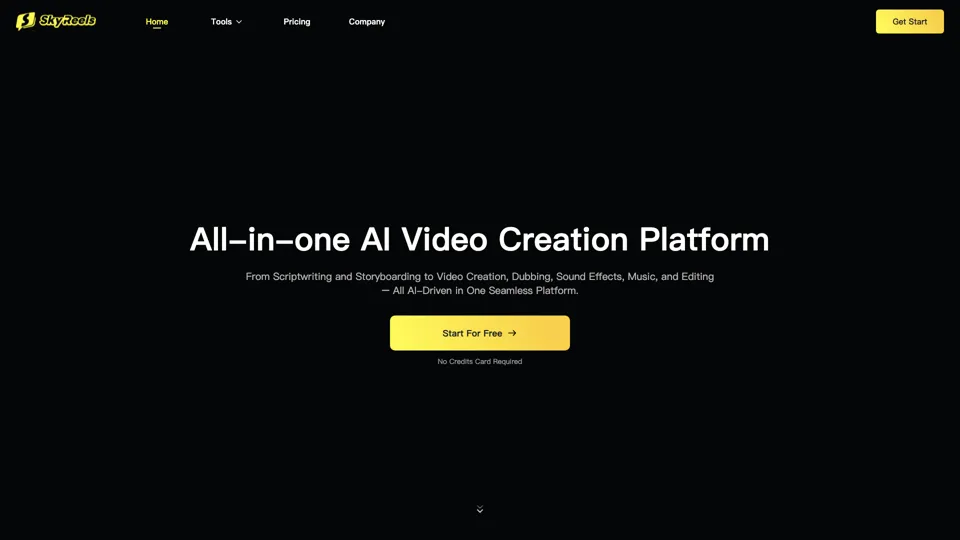
All-in-one panel | SkyReels - Ultimate AI Video Creation Platform
SkyReels is an AI video creation platform that turns scripts into finished videos with voiceovers, lip sync, sound effects, music, and editing tools, mainly for creators and marketing teams. In the AI era, it helps video producers compress production workflows and deliver polished content without a full studio setup.
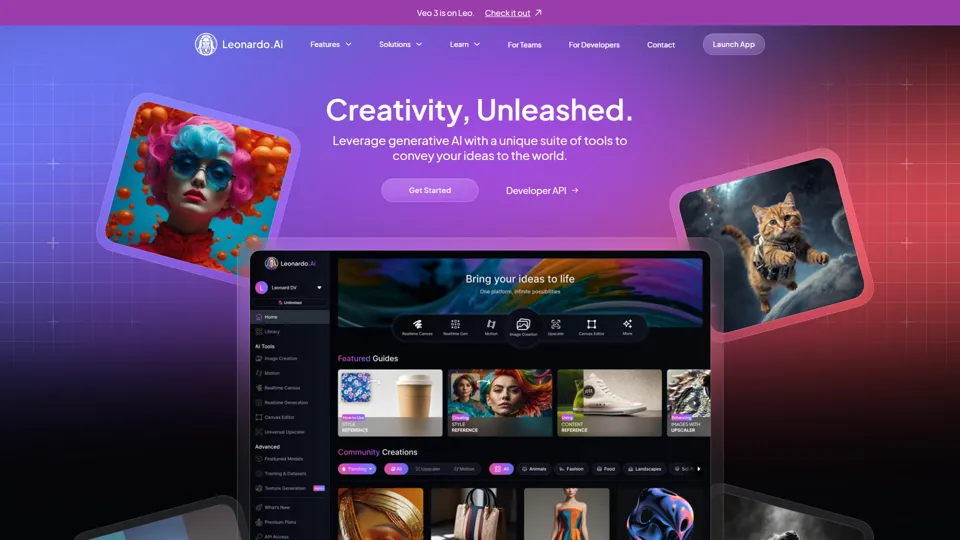
AI Image Generator - Create Art, Images & Video | Leonardo AI
Leonardo AI is an AI image and video generation platform that helps creators, designers, and marketers produce high-quality visual assets quickly. In the AI era, it shortens concept-to-content cycles so creative teams can iterate faster without expanding production overhead.

AI Photo Editor: Remove Background & Create Product Pics | Photoroom
Photoroom is an AI photo editor for creating product and portrait images, with tools for background removal, replacement, and mobile-first image enhancement for sellers, marketers, and creators. It helps ecommerce and marketing teams produce polished visuals quickly without needing a full studio setup.