
Video Transcriber AI: Transcribe Video and Audio to Text Online Free, Unlimited & No Sign-up
Rate this Tool
Average Score
Total Votes
Select your score (1-10):
Detail Information
What
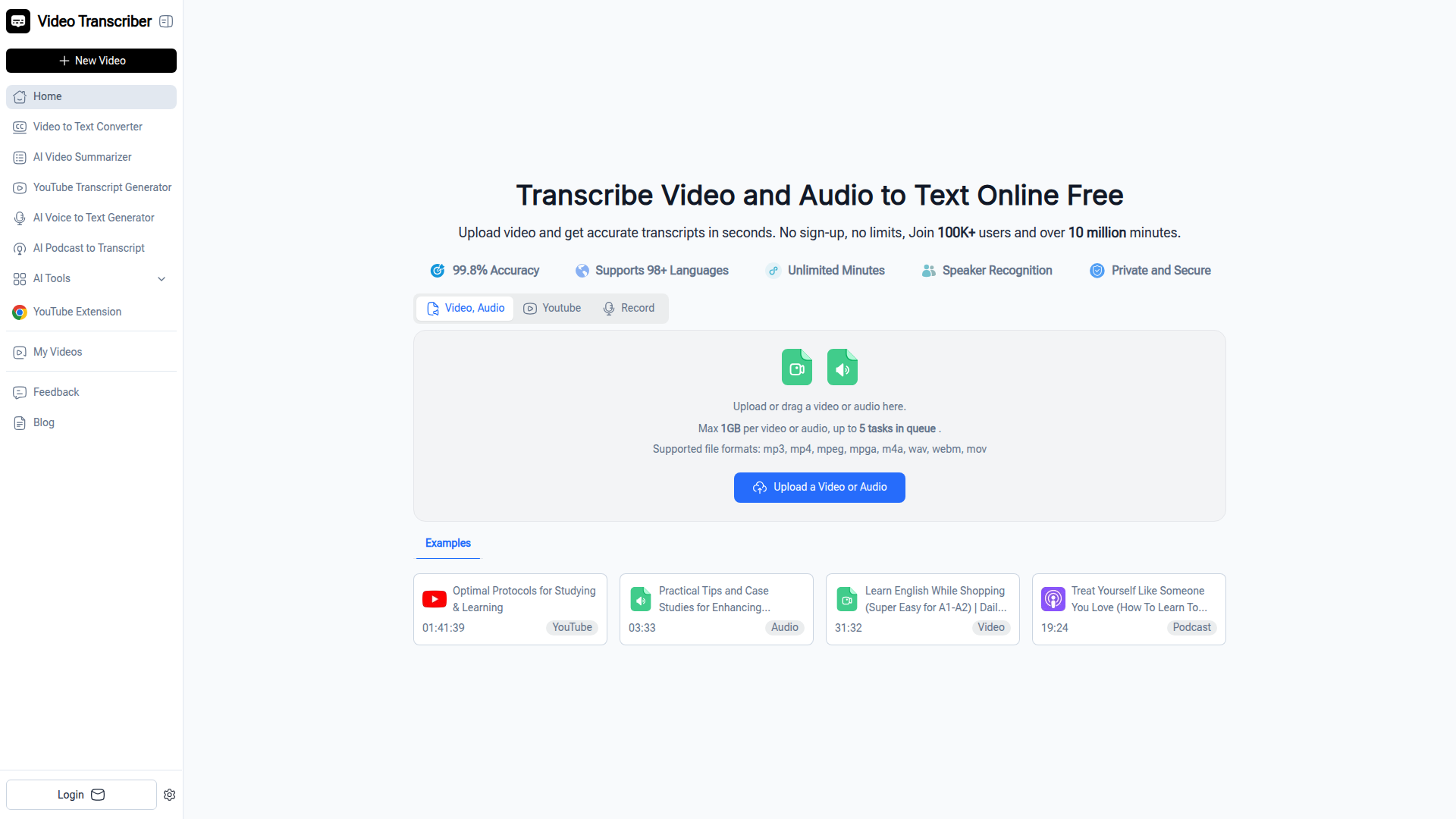
Video Transcriber AI is a browser-based transcription tool that converts video and audio into text from uploads, recordings, or YouTube links. It is positioned as a free, no-sign-up service for users who need quick transcripts for study, work, research, journalism, or content production.
The core workflow is simple: upload a file or submit a link, let the system process the media, then copy, download, or share the transcript. The product emphasizes broad language support, speaker recognition, and handling common media formats, with some operational limits such as a 1GB file cap and a queue limit that appears inconsistently described on the page.
Features
- Video and audio transcription: Converts spoken content from files, recordings, and YouTube links into text for note-taking, documentation, and content reuse.
- No-sign-up web access: Runs in the browser without requiring account creation, which lowers friction for occasional or first-time users.
- Support for 98+ languages: Enables transcription across English and many other languages for multilingual teams and global content workflows.
- Speaker recognition: Labels different speakers, which is useful for meetings, interviews, classes, and panel discussions.
- Flexible input formats: Accepts common file types including mp3, mp4, m4a, wav, webm, mov, and related formats, helping users work with standard media exports.
- Transcript output options: Lets users copy, download, or share completed transcripts for collaboration, study materials, or editorial use.
Helpful Tips
- Validate queue and batch limits before operational use: The page mentions both “up to 5 tasks in queue” and “queue up to 20 videos,” so teams should confirm actual concurrency limits.
- Treat accuracy claims as audio-dependent: The site states high accuracy, but also notes results depend on sound quality and background noise, so clean recordings remain important.
- Use speaker labeling selectively: Speaker recognition is valuable for interviews and meetings, but outputs should still be reviewed when multiple voices overlap.
- Match the tool to lightweight transcription needs: The product appears well suited to fast self-service transcription; the page does not provide evidence of advanced review, editing, or enterprise workflow controls.
- Check format support against your source system: The site lists several formats and references Zoom recordings, but if your workflow depends on less common export types, verify compatibility first.
OpenClaw Skills
Within the OpenClaw ecosystem, Video Transcriber AI could likely serve as an ingestion layer for media-to-text workflows, even though the page does not describe a native integration. An OpenClaw skill could watch for uploaded recordings, submit them for transcription, then route the resulting text into downstream agents for summarization, topic extraction, action-item detection, tagging, translation, or publishing prep.
For target users such as educators, researchers, media teams, and content operators, this combination could shift work from manual listening and note assembly toward structured, agent-assisted processing. A likely use case would be an OpenClaw workflow that takes a lecture, podcast, or meeting transcript and automatically produces study notes, article drafts, searchable archives, or editorial briefs. That would extend the product from basic transcription into a broader knowledge-processing pipeline, while keeping transcription itself as the source step rather than assuming deeper native workflow features.
Embed Code
Share this AI tool on your website or blog by copying and pasting the code below. The embedded widget will automatically update with the latest information.
<iframe src="https://www.aimyflow.com/ai/videotranscriber-ai/embed" width="100%" height="400" frameborder="0"></iframe>
Explore Similar Tools
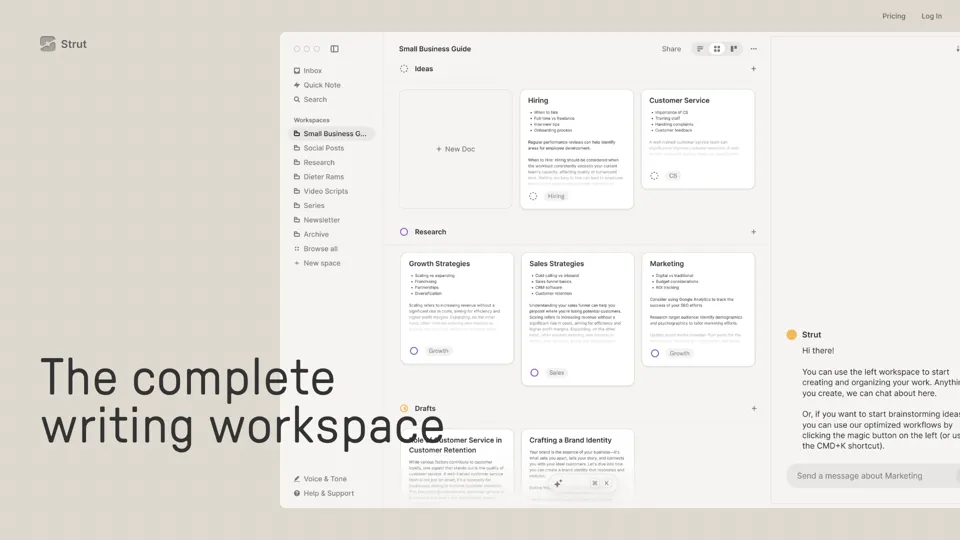
Strut – The complete writing workspace
Strut is an AI-powered writing workspace that combines notes, documents, and collaborative writing projects in one environment, mainly for writers, creators, and teams. In the AI era, it helps knowledge workers move from scattered drafts to more coherent writing and faster iteration.
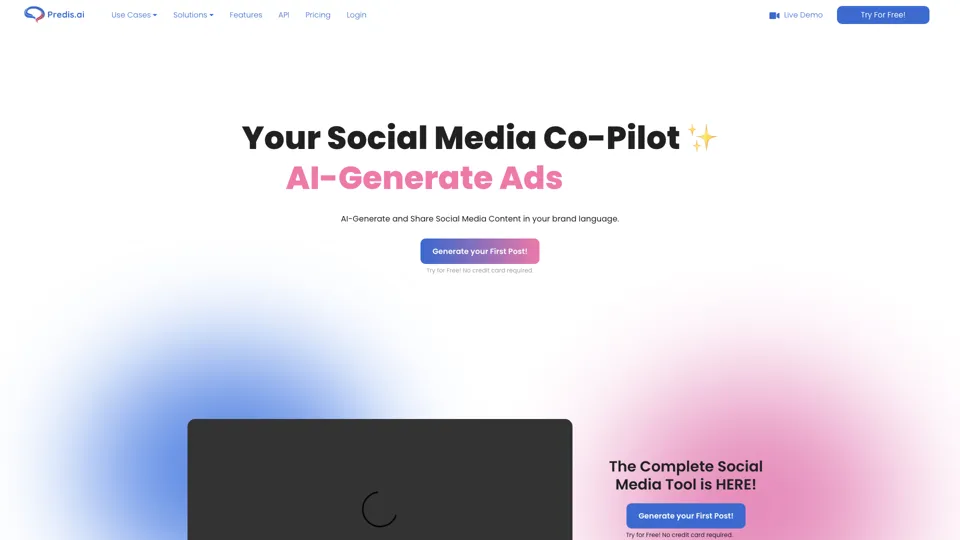
Social Media Marketing made easy with AI | Predis.ai
Predis.ai is an AI social media marketing tool that helps users create video and image content and analyze performance, mainly for marketers, agencies, and growing brands. It shortens content planning and production cycles, helping social teams test and refine campaigns more efficiently.
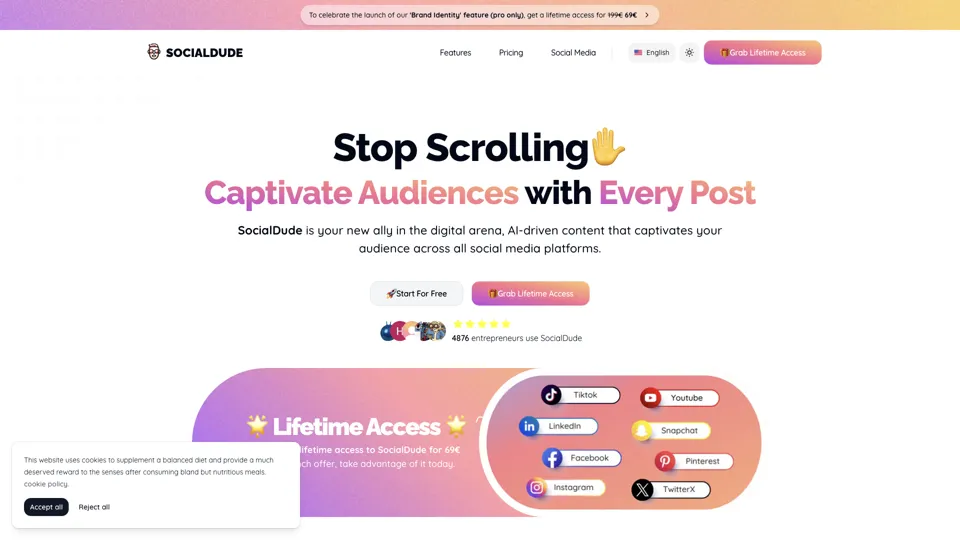
SocialDude.ai - Revolutionize Your Social Media Strategy | SocialDude
SocialDude is an AI social media content platform that helps users create brand-consistent posts and messaging more efficiently, mainly for marketers, founders, and small business teams. In the AI era, it helps social media roles maintain output quality and consistency while reducing daily content production time.
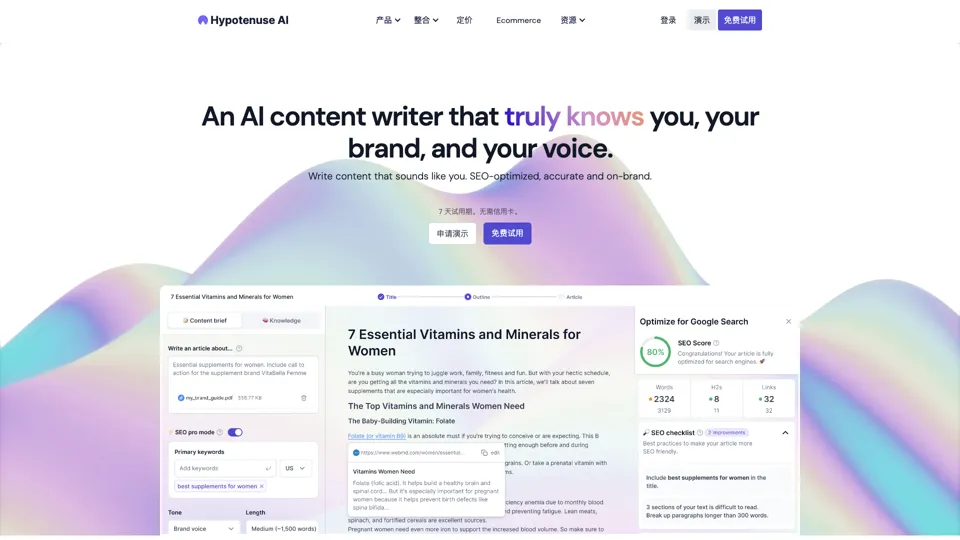
Hypotenuse AI:Smart text generator
Hypotenuse AI is a text generation platform that helps marketers, ecommerce teams, and content writers produce SEO articles, product descriptions, and branded copy at scale. In the AI era, it enables content roles to maintain consistency while increasing publishing speed across large catalogs and campaigns.
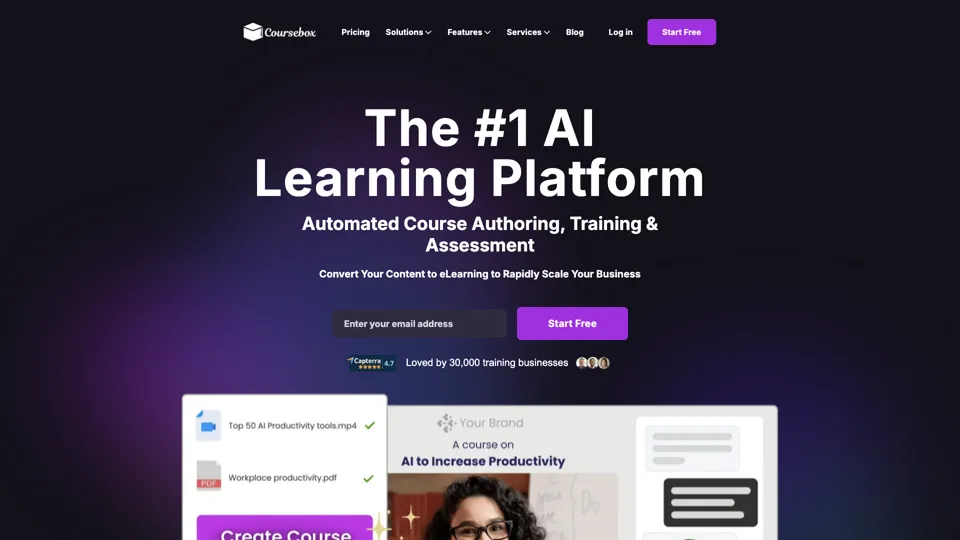
AI Course Creator | Faster and more engaging eLearning
Coursebox AI is an AI course creation platform that helps users build online courses, convert files into eLearning, and deploy tutor chatbots, mainly for educators, trainers, and learning businesses. In the AI era, it enables learning teams to produce engaging training faster and scale support with AI tutors.
All-in-one panel | SkyReels - Ultimate AI Video Creation Platform
SkyReels is an AI video creation platform that turns scripts into finished videos with voiceovers, lip sync, sound effects, music, and editing tools, mainly for creators and marketing teams. In the AI era, it helps video producers compress production workflows and deliver polished content without a full studio setup.
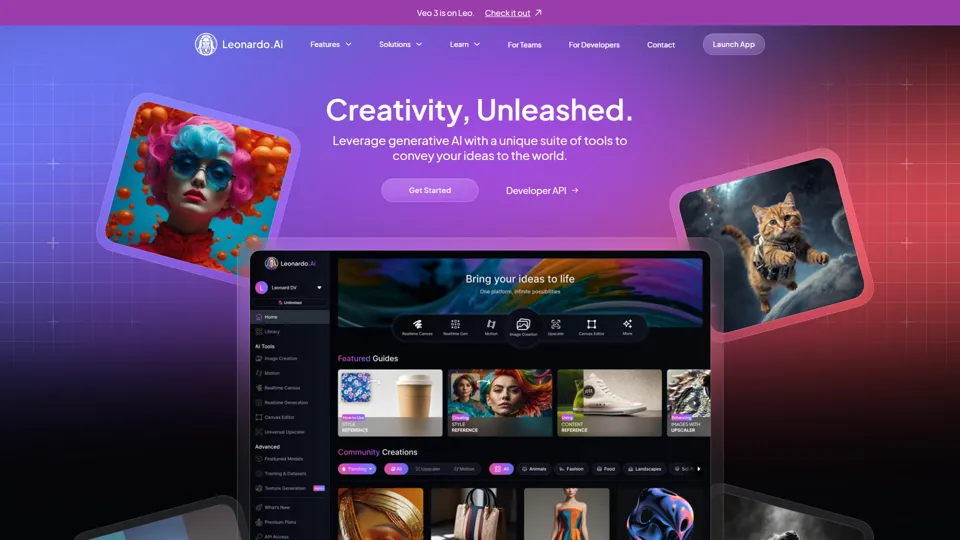
AI Image Generator - Create Art, Images & Video | Leonardo AI
Leonardo AI is an AI image and video generation platform that helps creators, designers, and marketers produce high-quality visual assets quickly. In the AI era, it shortens concept-to-content cycles so creative teams can iterate faster without expanding production overhead.

AI Photo Editor: Remove Background & Create Product Pics | Photoroom
Photoroom is an AI photo editor for creating product and portrait images, with tools for background removal, replacement, and mobile-first image enhancement for sellers, marketers, and creators. It helps ecommerce and marketing teams produce polished visuals quickly without needing a full studio setup.