
AI Photo to Video Generator 2026 | Create Cinematic Videos
Rate this Tool
Average Score
Total Votes
Select your score (1-10):
Detail Information
What
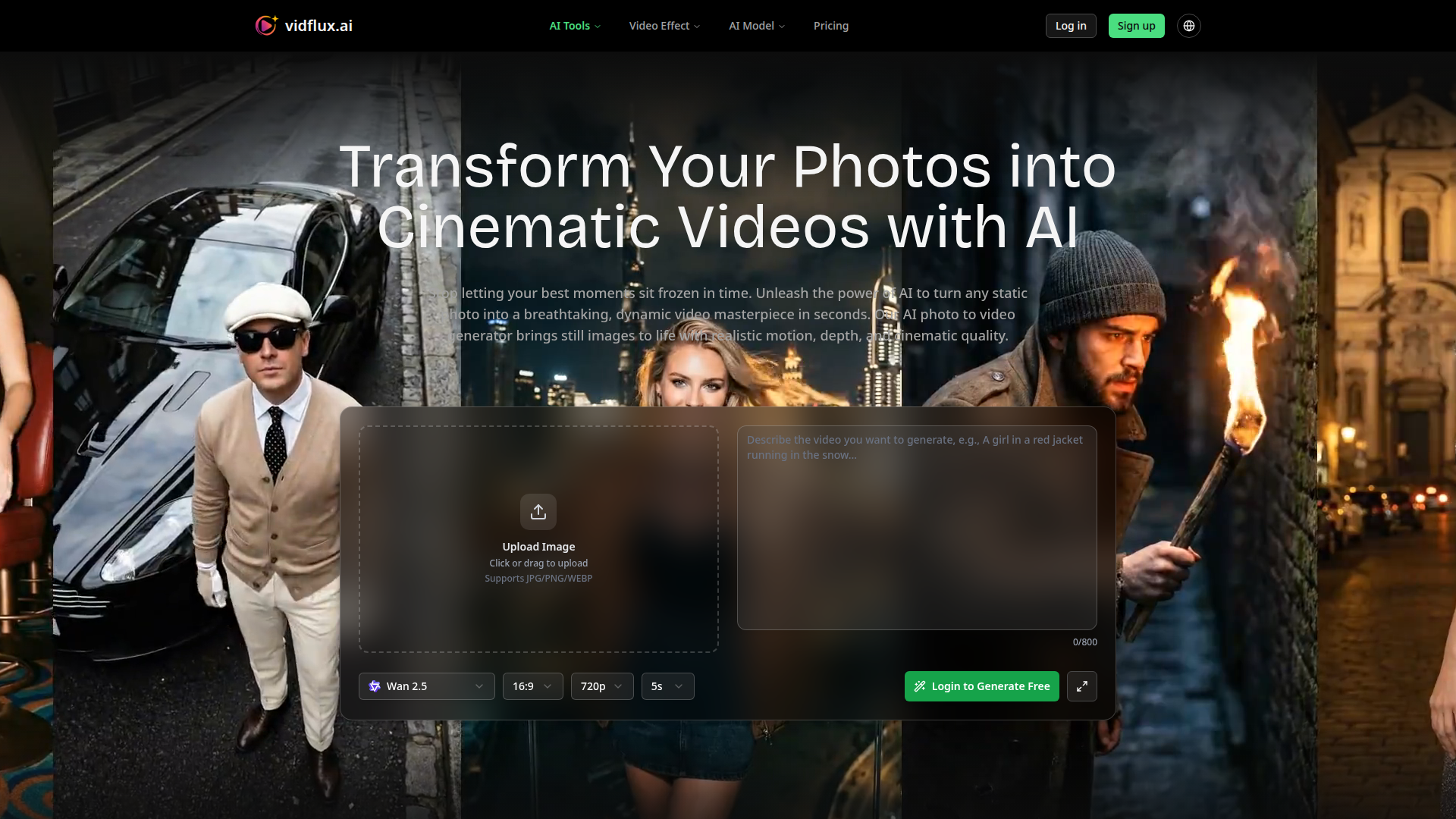
VidFlux is an AI video creation platform centered here on photo-to-video generation. It converts a single uploaded image into a short MP4 video by combining image analysis with a user-written prompt that describes motion, camera behavior, and scene style.
The product appears to serve content creators, marketers, digital artists, e-commerce teams, and other users who need fast video output without traditional editing workflows. Based on the page, its positioning is a self-serve, browser-based AI tool for turning static visual assets into cinematic social, promotional, and creative video content.
Features
- Photo-to-video generation from a single image — Users upload JPG, PNG, or WEBP files and generate short animated videos from still photos.
- Prompt-guided motion control — Text prompts can describe actions, camera movement, and visual style, which helps shape the resulting animation.
- Automatic model selection — The platform states it can choose the best AI model for a given photo, reducing manual setup for users.
- Multiple aspect ratios and resolutions — Support for 16:9, 9:16, and 1:1 formats, with resolution options up to 1080p, makes outputs more usable across different publishing channels.
- Short-form MP4 export — Generated videos can be downloaded in MP4 format for distribution on common digital platforms.
- Additional AI video effects and model access — Beyond photo animation, the site presents themed AI video effects and references multiple AI models across its broader video toolset.
Helpful Tips
- Validate output quality on your main channel first — Since the product emphasizes aspect ratio and prompt control, test one use case such as TikTok, product ads, or archive animation before broader rollout.
- Start with strong source images — The page itself highlights clear lighting, good foreground-background separation, and high resolution as important for better results.
- Standardize prompt patterns — Teams using this type of tool often get more consistent output by creating reusable prompt templates for camera motion, pacing, and style.
- Check workflow fit for duration limits — The page mentions videos up to 15 seconds long, so this is better suited to short-form content than long-form editing workflows.
- Review claims conservatively for business use — The site lists use cases and plan details, but buyers should still verify performance, support responsiveness, and commercial suitability against their actual production needs.
OpenClaw Skills
VidFlux could fit well into the OpenClaw ecosystem as a likely upstream content-generation service for media, marketing, and creative workflows. An OpenClaw skill could collect campaign briefs, choose approved images from a content library, generate structured prompts for different channels, submit jobs to VidFlux, and route finished MP4s into review or publishing queues. The site does not explicitly confirm a native integration, so this is best treated as a likely workflow design rather than a documented capability.
More advanced OpenClaw agents could be built around prompt optimization, asset selection, brand-safe variant generation, and use-case orchestration for industries like e-commerce, real estate, education, and social media marketing. In practice, that combination could shift teams from manually producing every short video asset to operating a repeatable pipeline where still images become channel-ready motion content with lighter creative overhead and faster experimentation cycles.
Embed Code
Share this AI tool on your website or blog by copying and pasting the code below. The embedded widget will automatically update with the latest information.
<iframe src="https://www.aimyflow.com/ai/vidflux-ai-ai-photo-to-video/embed" width="100%" height="400" frameborder="0"></iframe>
Explore Similar Tools
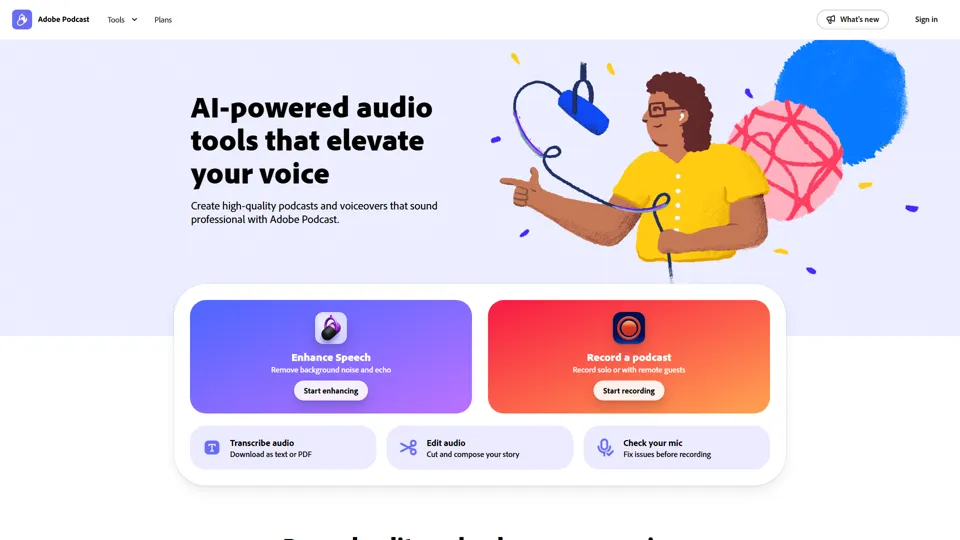
Adobe Podcast | AI audio recording and editing, all on the web
Adobe Podcast is a web-based AI audio recording and editing tool that helps users record, transcribe, enhance, and share spoken content, mainly for podcasters, creators, and teams producing voice media. It reduces cleanup and editing time, letting audio producers and marketers publish clearer content faster.
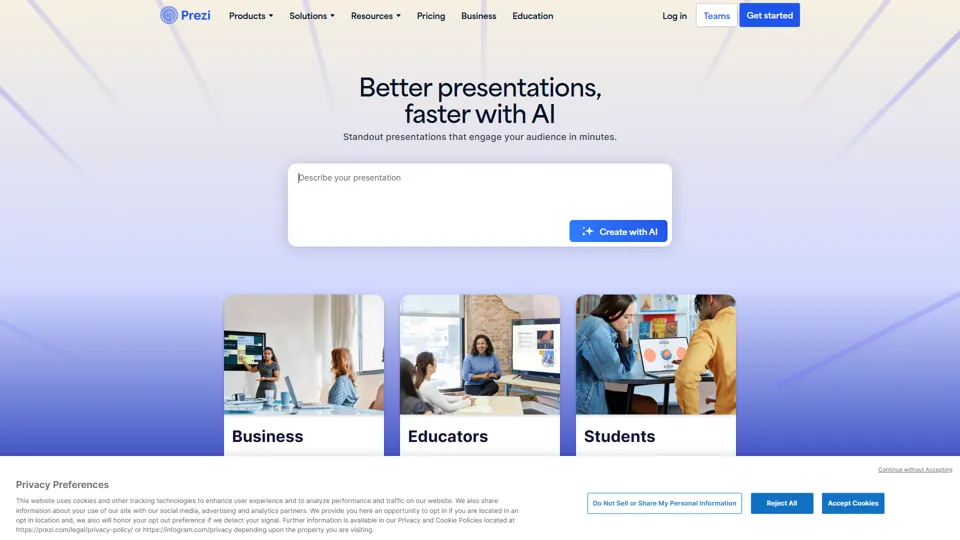
Prezi | AI presentations that engage your audience in minutes
Prezi is a presentation platform with AI features that helps users create engaging, interactive presentations quickly, mainly for business professionals, educators, and sales teams. It helps presenters turn ideas into clearer narratives faster, improving audience engagement without heavy design work.
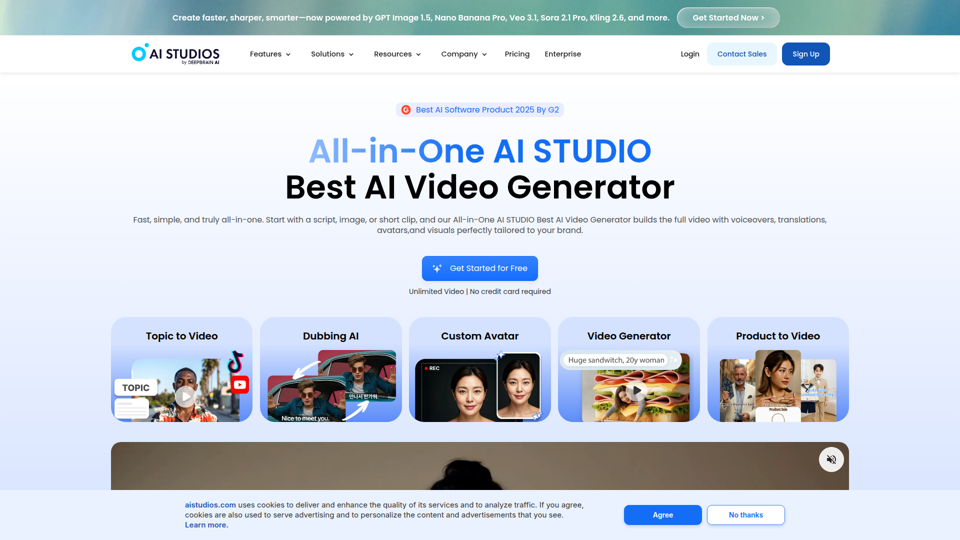
Best AI Video Generator | AI STUDIO
AI Studios is an AI video generator that helps users create, edit, dub, translate, and publish videos from text, documents, URLs, images, or product pages, mainly for training teams, marketers, and content creators. For learning, marketing, and video production roles, it can speed multilingual video workflows with AI avatars, voice cloning, and reusable templates in one workspace.
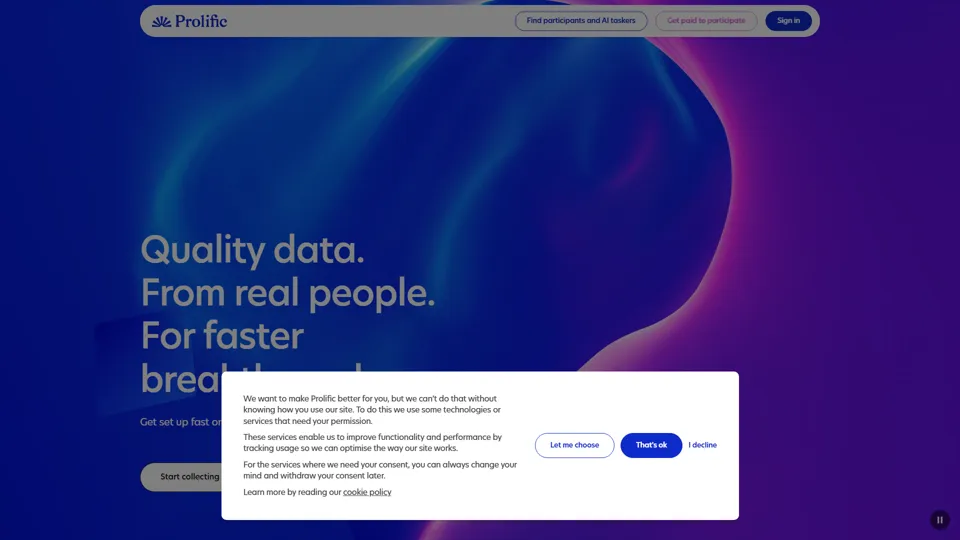
Prolific | Easily collect high-quality data from real people
Prolific is a research platform that helps users collect high-quality human participant data, mainly for researchers, AI developers, and organizations running studies or evaluations. Reliable human feedback improves model testing and research quality, helping teams make better evidence-based decisions.
![[OFFICIAL] FliFlik Voice Changer - Change Your Voice in Real Time](https://pub-eb5c35412bea48f59d57112fe0cdcce8.r2.dev/tools/2026/3/18/fliflik-com-voice-changer-thumbnail-1773840345.png)
[OFFICIAL] FliFlik Voice Changer - Change Your Voice in Real Time
FliFlik Voice Changer is a desktop voice-changing tool for Windows and Mac that helps users modify voices in real time, apply soundboard effects, and change or record audio files, mainly for gamers, streamers, VTubers, online teachers, and remote communicators. For creators and community-facing professionals, AI voice effects and noise reduction can make live sessions, calls, and recorded content more flexible and easier to tailor to different audiences.
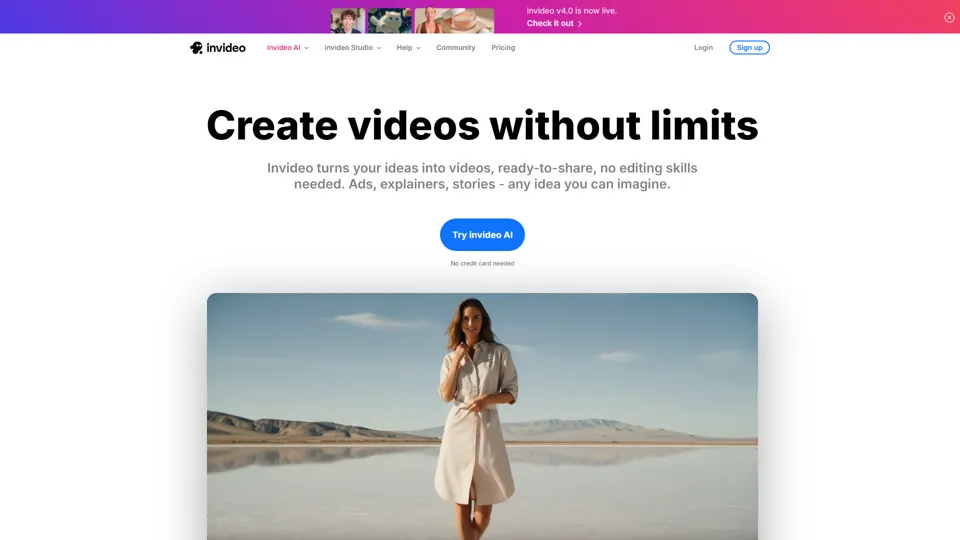
Invideo AI - Create videos without limits
InVideo is an AI video creation platform that helps users make and edit videos, avatar content, and product ads, mainly for marketers, creators, and small business teams. It reduces production time for content roles that need frequent, high-volume video output.
Apple Creator Studio - Apple
Apple Creator Studio is an Apple subscription that bundles Final Cut Pro, Logic Pro, Pixelmator Pro, and enhanced productivity app features to help creators make videos, music, images, graphics, and documents, mainly for creative professionals, students, and educators using Mac and iPad. For video editors, designers, musicians, and content teams, its AI-assisted search, editing, and drafting tools can reduce repetitive production work and speed up moving from concept to finished assets.
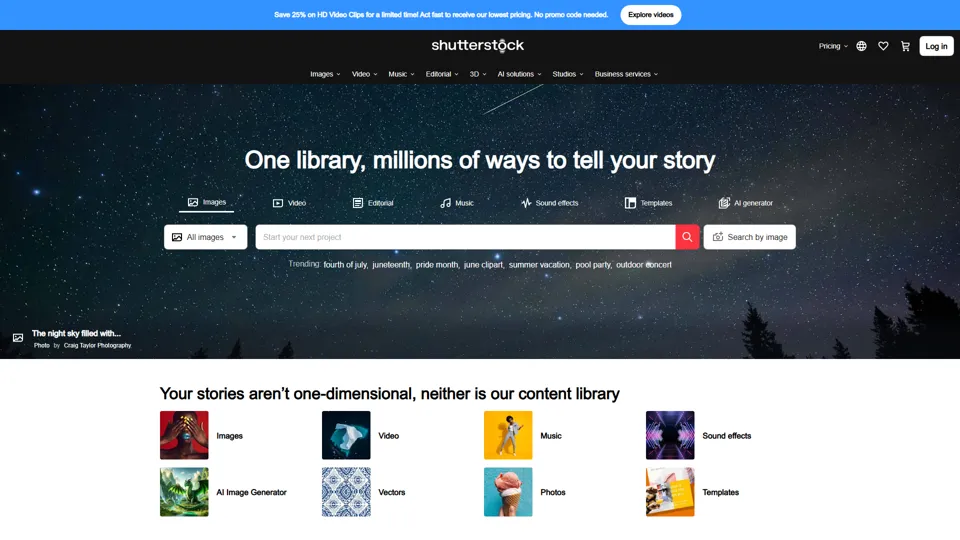
Stock Images, Photos, Vectors, Video, and Music | Shutterstock
Shutterstock is a stock media marketplace offering licensed images, videos, music, and creative assets to help businesses and creators produce visual content efficiently. In the AI era, it gives marketers and designers faster access to scalable content inputs for campaigns, branding, and multimedia production.