
Image to Video AI - All-in-One Platform | VidFlux
Rate this Tool
Average Score
Total Votes
Select your score (1-10):
Detail Information
What
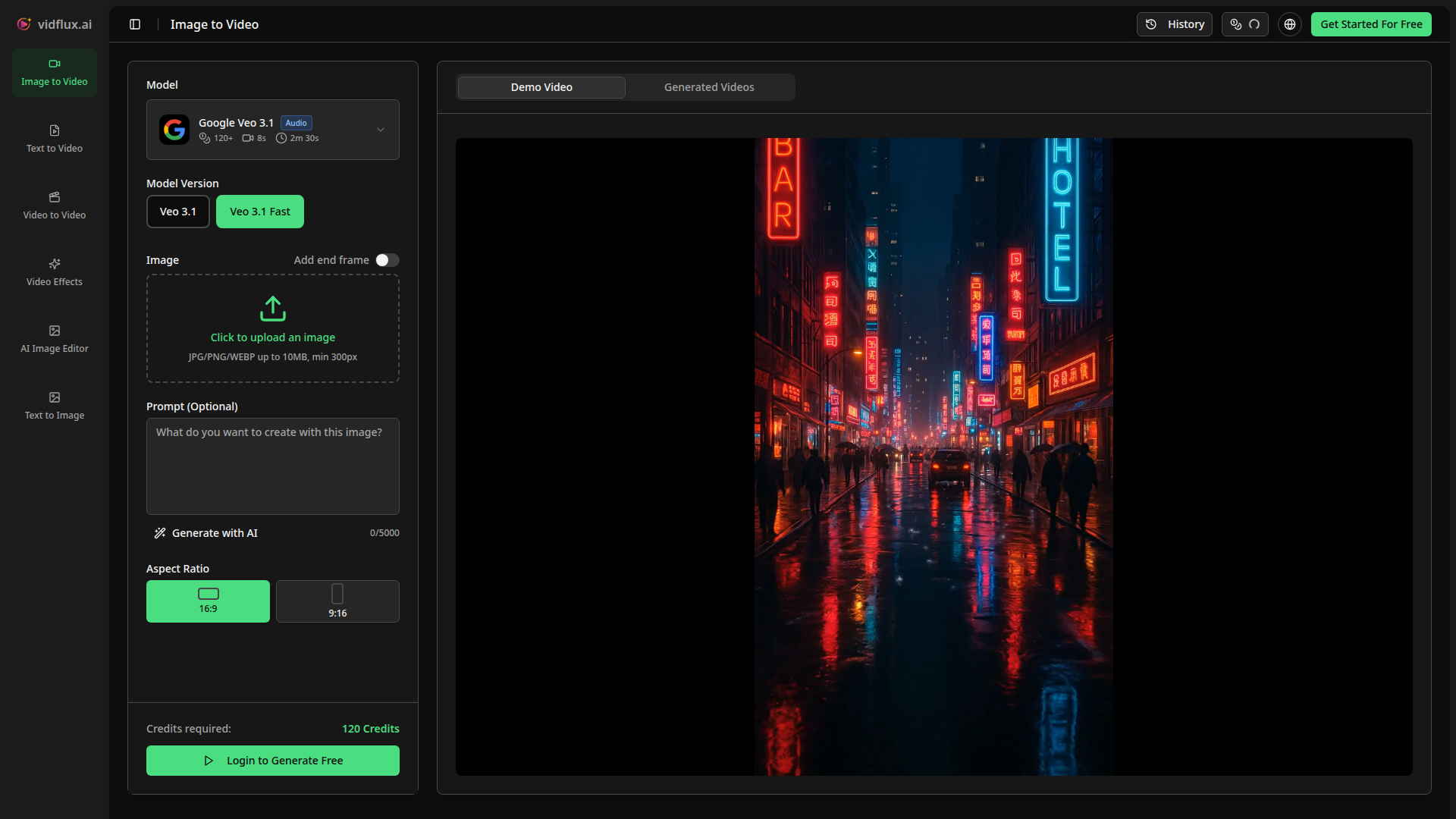
VidFlux.ai is an AI media generation platform centered on image-to-video creation, with additional tools for text-to-video, video-to-video, video effects, AI image editing, and text-to-image. Its main value proposition is access to multiple image-to-video models in one interface, reducing the need to switch between separate tools.
The product appears suited to creators, marketers, and other users who need to turn still images into short video outputs with optional prompts, selectable aspect ratios, duration settings, and, in some cases, audio. Based on the page content, VidFlux.ai is positioned as an all-in-one creative generation workspace rather than a single-model specialist tool.
Features
- Multi-model image-to-video generation — Provides access to 6+ AI models, including Veo 3.1, Sora 2, Kling AI, Grok Imagine, Seedance, and Wan AI, giving users model choice within one platform.
- Image upload with prompt-based animation control — Lets users upload JPG, PNG, or WEBP images and add optional prompts to describe motion, actions, or camera movement.
- Configurable output settings — Supports aspect ratio selection and duration options, which helps adapt generated videos to different publishing formats and creative needs.
- Audio-enabled video generation — The interface shows audio as a selectable option for at least some workflows, indicating support for videos that include sound.
- Unified creative toolset beyond image-to-video — Includes related tools such as text-to-video, video-to-video, AI image editing, text-to-image, video compression, and video effects.
- Generation history and demo visibility — Offers a history area and example outputs, which can help users review prior generations and understand expected results.
Helpful Tips
- Evaluate model fit by use case — Since the platform emphasizes multiple models, compare outputs for realism, motion quality, and style consistency rather than assuming one model fits every project.
- Use precise prompts for motion design — For image-to-video tools, practical prompts should specify subject movement, camera movement, pacing, and scene behavior to improve controllability.
- Prepare source images carefully — Higher-quality images with clear subjects and composition typically produce more reliable animation than cluttered or low-detail inputs, even if the minimum upload threshold is low.
- Test aspect ratio early in production — Choose output format based on destination channel at the start, since reframing after generation can reduce composition quality.
- Check feature depth by workflow — The page lists several creation tools, but it does not fully detail how advanced each one is, so buyers should verify depth for specific production requirements.
OpenClaw Skills
VidFlux.ai could likely work well within the OpenClaw ecosystem as a creative generation endpoint for marketing, content, and design workflows. Likely OpenClaw skills could include an agent that takes a campaign brief, selects a suitable visual asset, drafts motion prompts, routes the job to a preferred VidFlux.ai model, and organizes outputs by channel format. Another likely workflow would connect image generation, image editing, and image-to-video steps into a repeatable content pipeline for social, product storytelling, or ad concept development.
For creative teams, agencies, and in-house marketing operations, this combination could shift work from manual experimentation toward structured, multi-step automation. A likely OpenClaw implementation could compare outputs across models, tag results by style or use case, and trigger revision loops when prompt intent is not met. The source page does not mention native OpenClaw integration, so these should be treated as plausible workflow designs rather than confirmed built-in capabilities.
Embed Code
Share this AI tool on your website or blog by copying and pasting the code below. The embedded widget will automatically update with the latest information.
<iframe src="https://www.aimyflow.com/ai/vidflux-ai-image-to-video/embed" width="100%" height="400" frameborder="0"></iframe>
Explore Similar Tools
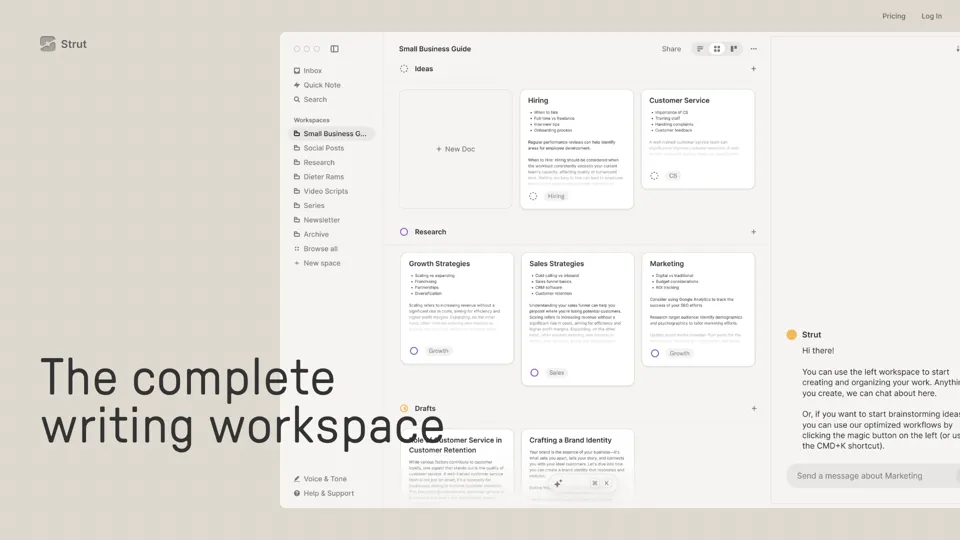
Strut – The complete writing workspace
Strut is an AI-powered writing workspace that combines notes, documents, and collaborative writing projects in one environment, mainly for writers, creators, and teams. In the AI era, it helps knowledge workers move from scattered drafts to more coherent writing and faster iteration.
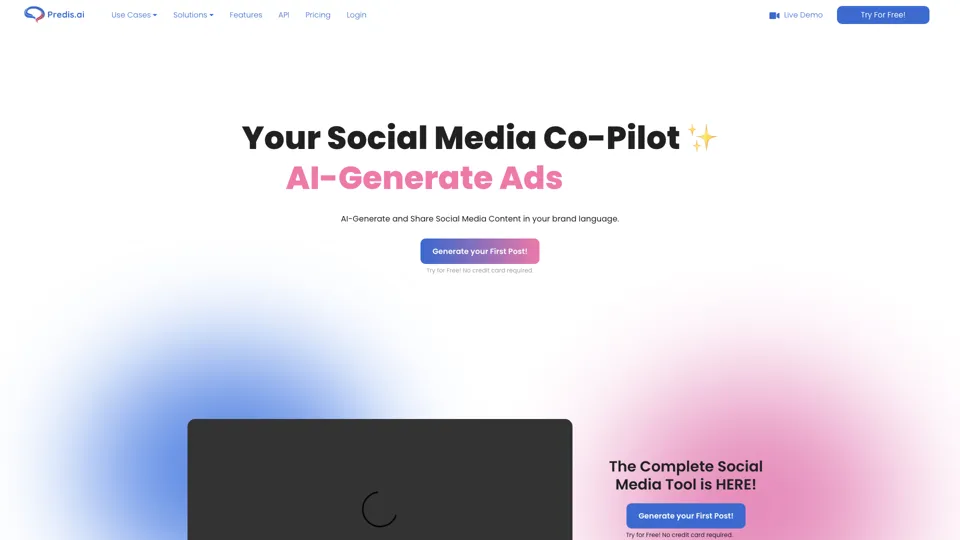
Social Media Marketing made easy with AI | Predis.ai
Predis.ai is an AI social media marketing tool that helps users create video and image content and analyze performance, mainly for marketers, agencies, and growing brands. It shortens content planning and production cycles, helping social teams test and refine campaigns more efficiently.
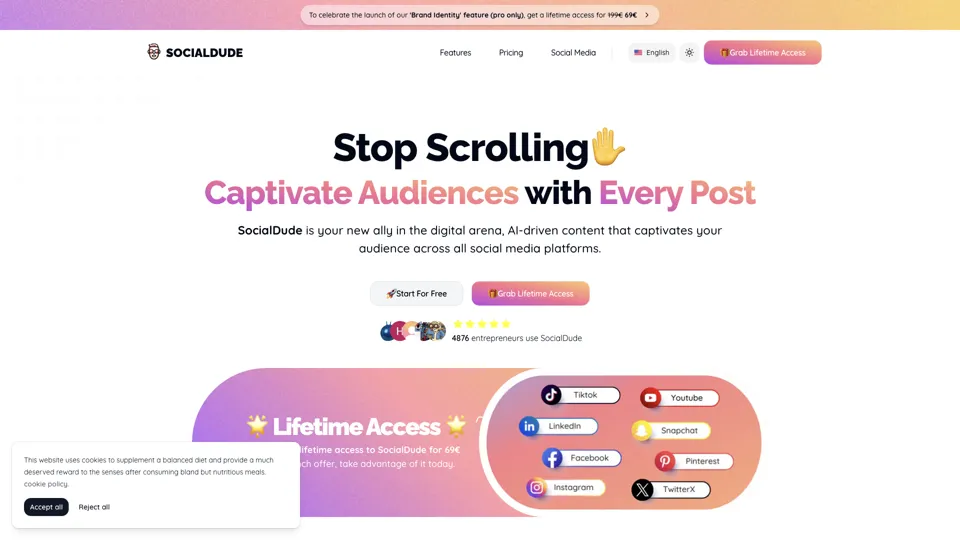
SocialDude.ai - Revolutionize Your Social Media Strategy | SocialDude
SocialDude is an AI social media content platform that helps users create brand-consistent posts and messaging more efficiently, mainly for marketers, founders, and small business teams. In the AI era, it helps social media roles maintain output quality and consistency while reducing daily content production time.
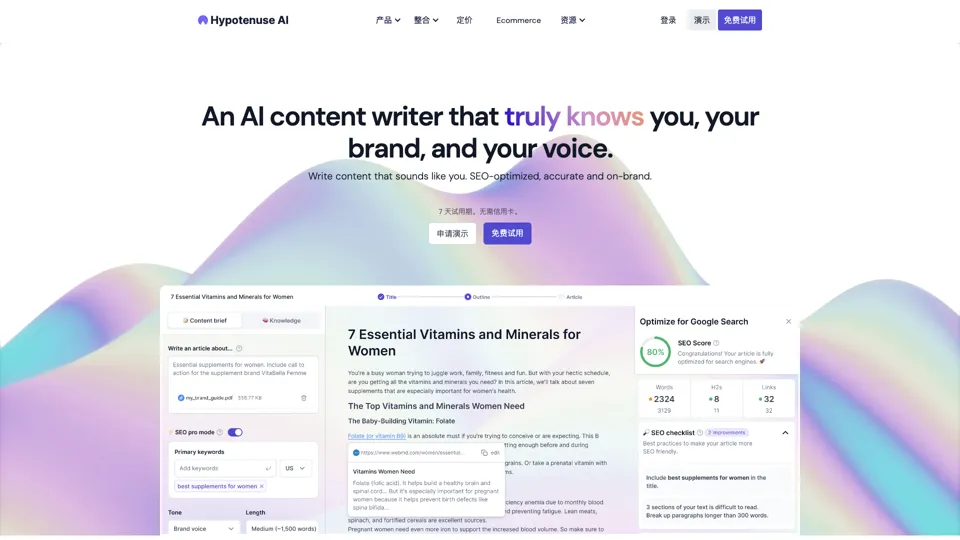
Hypotenuse AI:Smart text generator
Hypotenuse AI is a text generation platform that helps marketers, ecommerce teams, and content writers produce SEO articles, product descriptions, and branded copy at scale. In the AI era, it enables content roles to maintain consistency while increasing publishing speed across large catalogs and campaigns.

AI Course Creator | Faster and more engaging eLearning
Coursebox AI is an AI course creation platform that helps users build online courses, convert files into eLearning, and deploy tutor chatbots, mainly for educators, trainers, and learning businesses. In the AI era, it enables learning teams to produce engaging training faster and scale support with AI tutors.
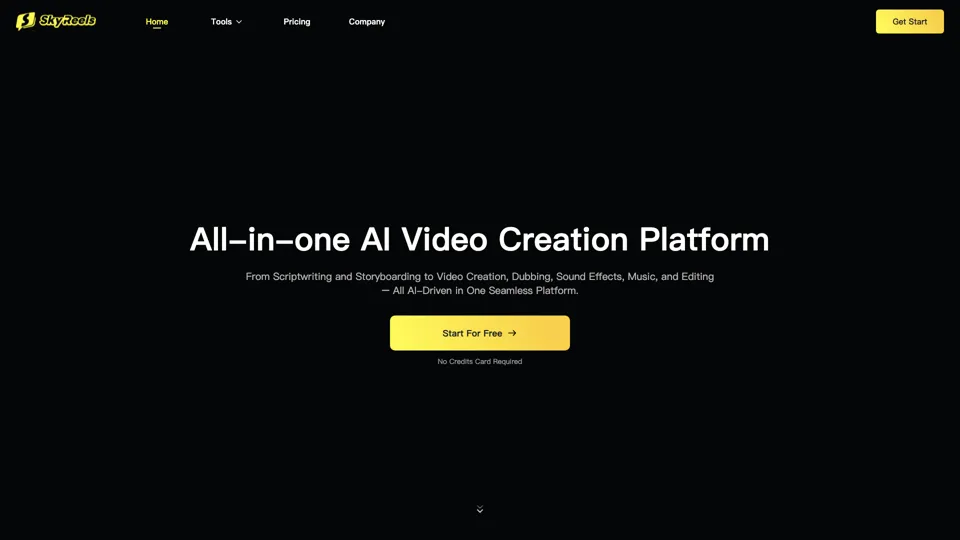
All-in-one panel | SkyReels - Ultimate AI Video Creation Platform
SkyReels is an AI video creation platform that turns scripts into finished videos with voiceovers, lip sync, sound effects, music, and editing tools, mainly for creators and marketing teams. In the AI era, it helps video producers compress production workflows and deliver polished content without a full studio setup.
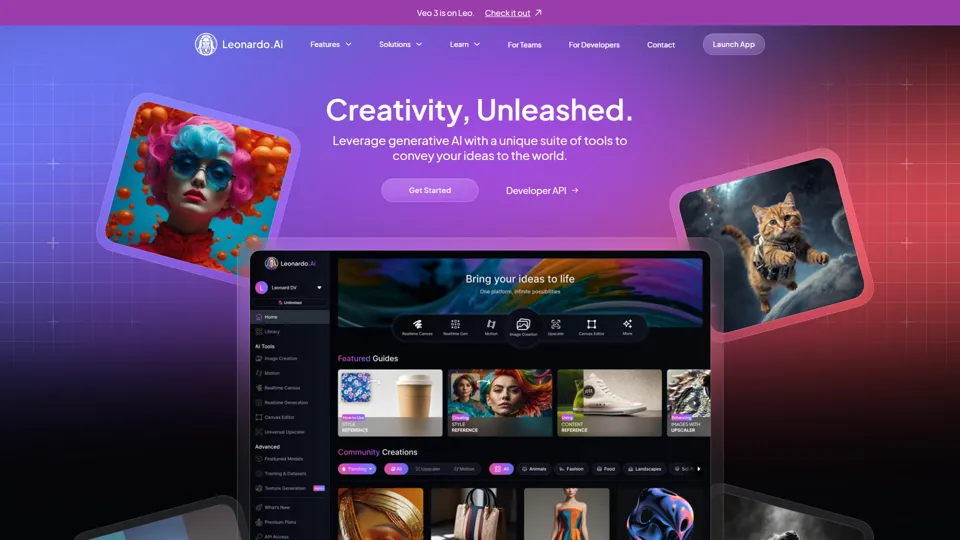
AI Image Generator - Create Art, Images & Video | Leonardo AI
Leonardo AI is an AI image and video generation platform that helps creators, designers, and marketers produce high-quality visual assets quickly. In the AI era, it shortens concept-to-content cycles so creative teams can iterate faster without expanding production overhead.
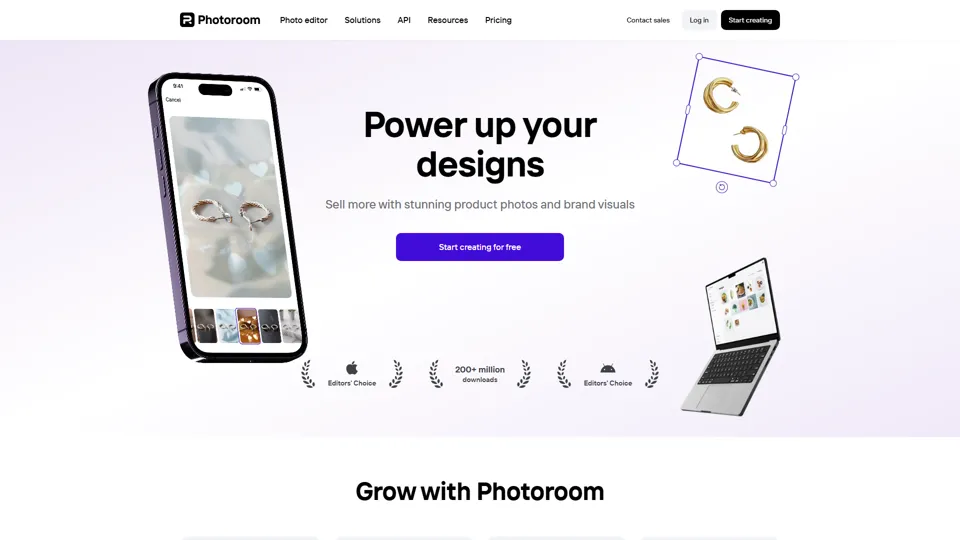
AI Photo Editor: Remove Background & Create Product Pics | Photoroom
Photoroom is an AI photo editor for creating product and portrait images, with tools for background removal, replacement, and mobile-first image enhancement for sellers, marketers, and creators. It helps ecommerce and marketing teams produce polished visuals quickly without needing a full studio setup.