
AI Powered Content Creation Platform | ViralCanvas
Rate this Tool
Average Score
Total Votes
Select your score (1-10):
Detail Information
What
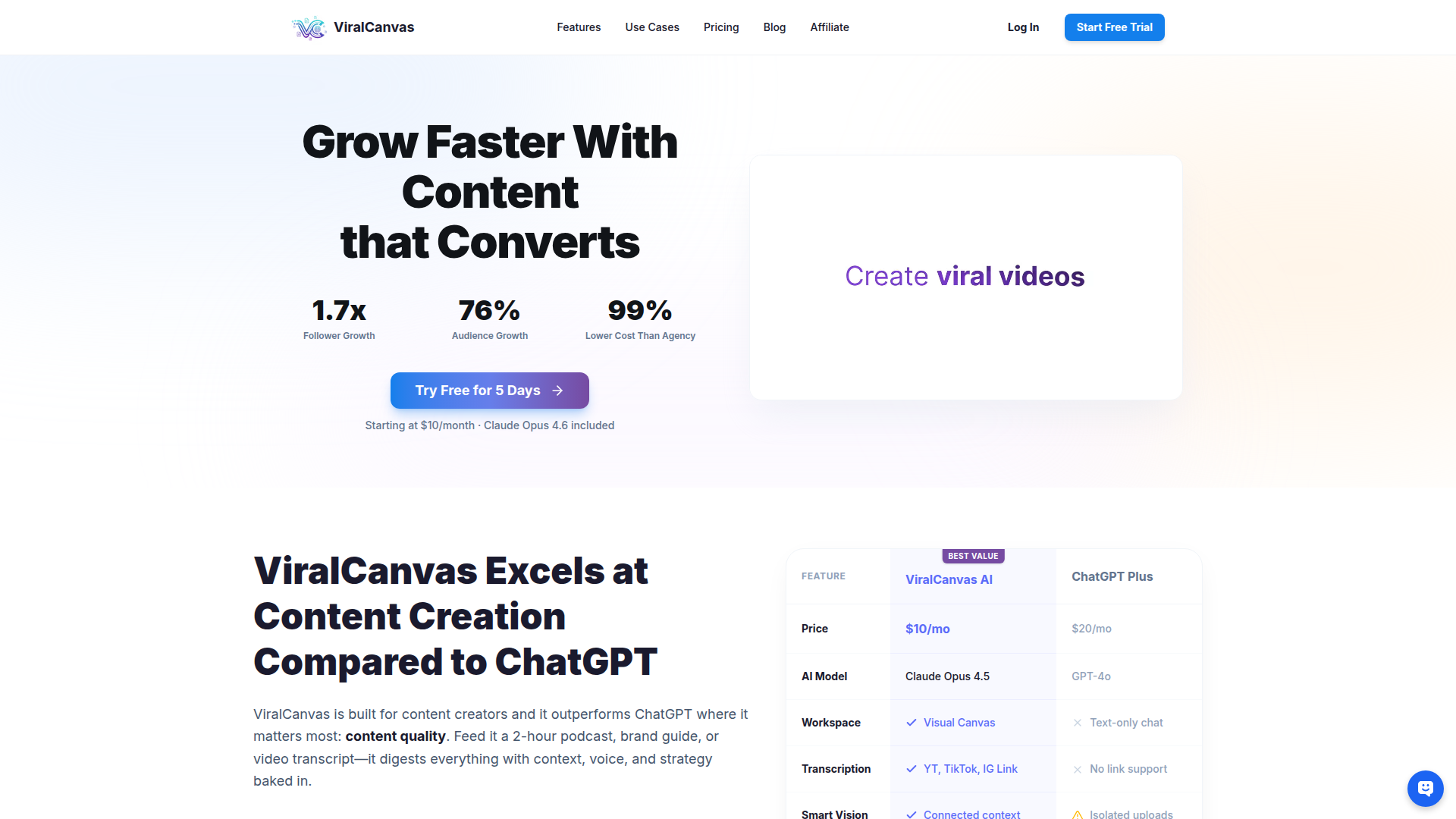
ViralCanvas is an AI-powered content creation platform designed for creators who work from multiple source materials such as videos, transcripts, PDFs, documents, images, and brand guides. Its core workflow centers on importing source content, arranging it on a visual canvas, connecting selected sources to an AI chat, and then generating summaries, research outputs, scripts, posts, or other publishable content.
The product appears positioned as a creator-focused alternative to general-purpose chat tools like ChatGPT or Claude alone. Based on the page, it is intended for YouTube creators, content marketers, educators, podcasters, interviewers, and likely small teams that need a more context-rich workspace for research, repurposing, and brand-consistent writing.
Features
- Visual canvas workspace — Users can place videos, documents, notes, and other assets on a whiteboard-style interface, which helps organize source material and connect the right context to each AI conversation.
- Automatic video transcription — The platform can ingest YouTube, TikTok, and Instagram links and transcribe video content so users can search, summarize, and repurpose long-form material without manual review.
- Context-linked AI conversations — Users can drag specific sources into a chat to ask questions, request summaries, or generate content informed by selected materials rather than relying on isolated prompts.
- Multi-source research synthesis — ViralCanvas can analyze connected inputs such as competitor content, brand guidelines, and research documents together to support strategy development and content planning.
- Multi-model access in one workspace — The page states users can switch among Claude, GPT, Gemini, and related models depending on the task, which may help balance creative writing and analytical work in a single environment.
- Built-in editor and export workflow — Generated content can be refined inside the platform’s editor and then exported, supporting a path from research to ready-to-publish assets.
Helpful Tips
- Assess context management first — For teams comparing this type of product with generic chatbots, the main differentiator is not raw model access but how well the workspace preserves and applies source context across tasks.
- Test with a real repurposing workflow — A practical evaluation should include uploading existing brand assets, a long video or podcast, and several competitor sources to see whether the outputs stay aligned with voice and intent.
- Review credit economics carefully — Since billing is credit-based and usage varies by model, task complexity, and connected files, buyers should map typical workflows before selecting a plan.
- Set internal source-organization rules — The visual workspace is likely most effective when teams define conventions for naming, grouping, and linking assets so repeatable content workflows do not become cluttered.
- Validate collaboration needs directly — The page includes a collaboration FAQ prompt but does not clearly provide the answer in the supplied content, so shared-workspace and team-permission requirements should be confirmed before adoption.
OpenClaw Skills
ViralCanvas could likely fit well into the OpenClaw ecosystem as a context assembly and content-generation layer for creator and marketing workflows. A likely OpenClaw skill could ingest source libraries from campaigns, attach brand guidelines and audience research, then orchestrate repeatable tasks such as transcript analysis, topic clustering, script drafting, newsletter generation, and asset repurposing. The visual-source model described on the page would be especially useful for agents that need explicit grounding in selected materials.
A broader likely use case is an OpenClaw workflow for editorial operations: one agent identifies promising source content, another summarizes and tags it, another drafts channel-specific outputs, and another checks brand voice consistency before publishing. While the page does not state any native OpenClaw integration, the combination could be valuable for creator businesses, media teams, education companies, and agencies that want structured, source-aware AI workflows instead of isolated prompt-based content production.
Embed Code
Share this AI tool on your website or blog by copying and pasting the code below. The embedded widget will automatically update with the latest information.
<iframe src="https://aimyflow.com/ai/viralcanvas-ai/embed" width="100%" height="400" frameborder="0"></iframe>
Explore Similar Tools

Adobe Podcast | AI audio recording and editing, all on the web
Adobe Podcast is a web-based AI audio recording and editing tool that helps users record, transcribe, enhance, and share spoken content, mainly for podcasters, creators, and teams producing voice media. It reduces cleanup and editing time, letting audio producers and marketers publish clearer content faster.
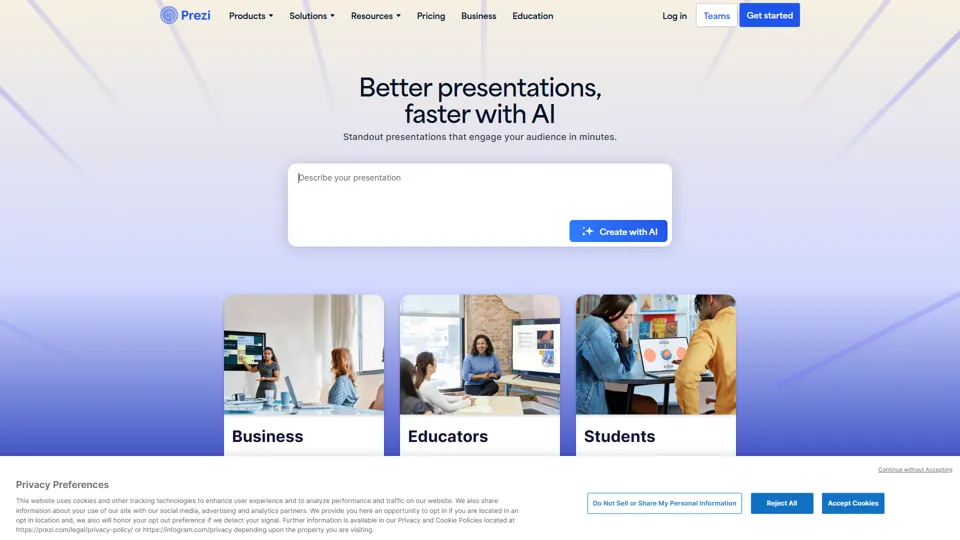
Prezi | AI presentations that engage your audience in minutes
Prezi is a presentation platform with AI features that helps users create engaging, interactive presentations quickly, mainly for business professionals, educators, and sales teams. It helps presenters turn ideas into clearer narratives faster, improving audience engagement without heavy design work.
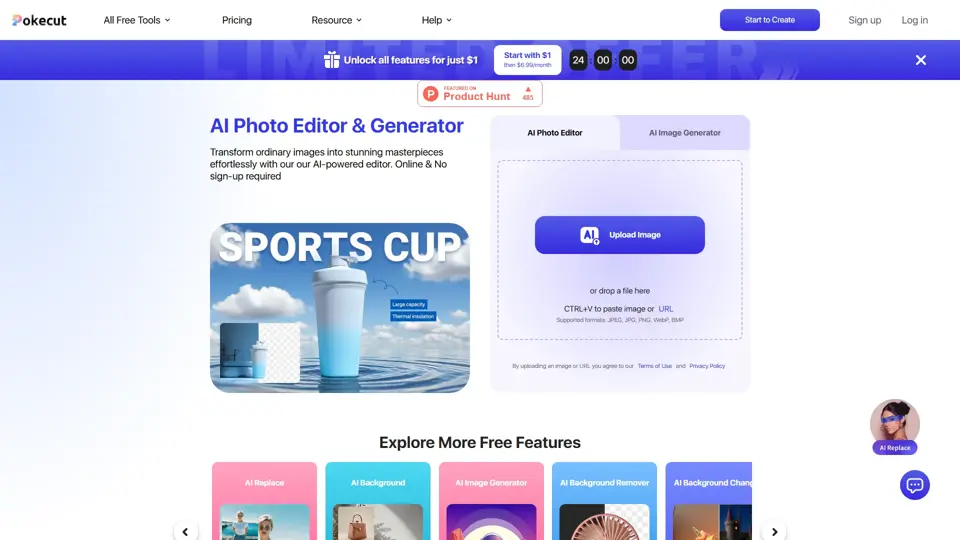
Free AI Photo Editor: Edit & Generate Image Online | Pokecut
Pokecut is an AI photo editor that helps users remove backgrounds, enhance images, and generate visuals online, mainly for ecommerce sellers, marketers, and creators who need quick design-ready assets. It speeds up routine image production so visual teams can create polished content with less manual editing.
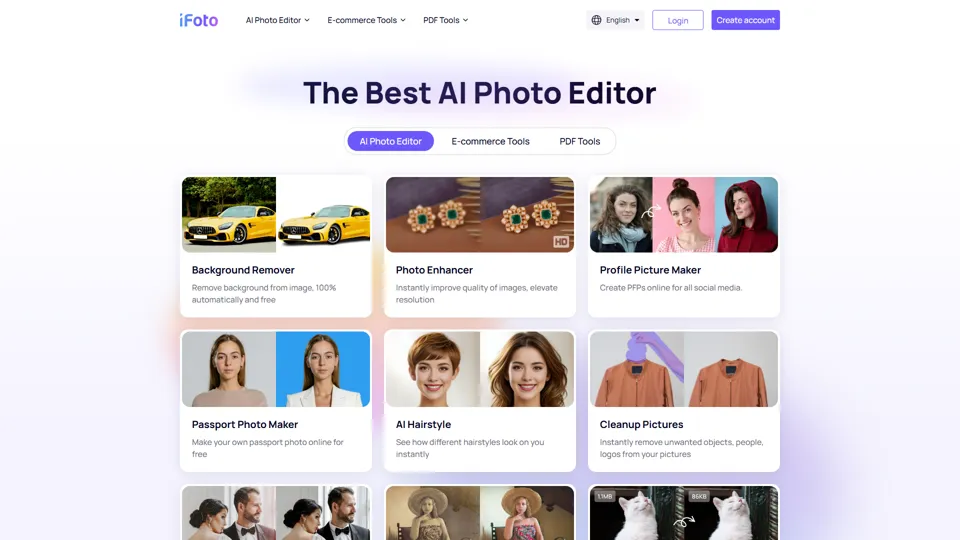
AI Photo Studio: Elevate Your E-Commerce with Our Magic Studio | iFoto
iFoto is an AI photo editing studio that helps users enhance images, change backgrounds, and create polished visuals online, mainly for eCommerce sellers, marketers, and content creators. It speeds up creative production for merchandising and marketing teams without requiring advanced design skills.
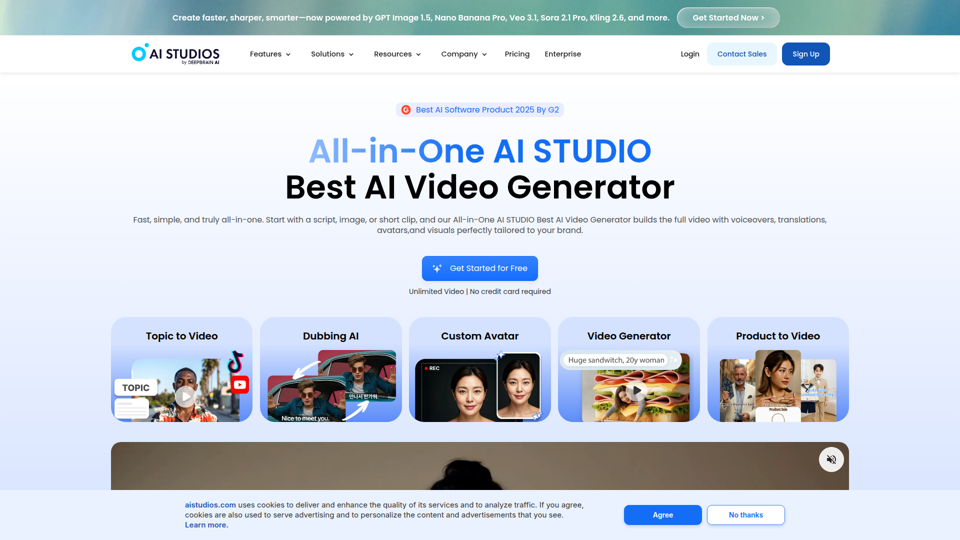
Best AI Video Generator | AI STUDIO
AI Studios is an AI video generator that helps users create, edit, dub, translate, and publish videos from text, documents, URLs, images, or product pages, mainly for training teams, marketers, and content creators. For learning, marketing, and video production roles, it can speed multilingual video workflows with AI avatars, voice cloning, and reusable templates in one workspace.
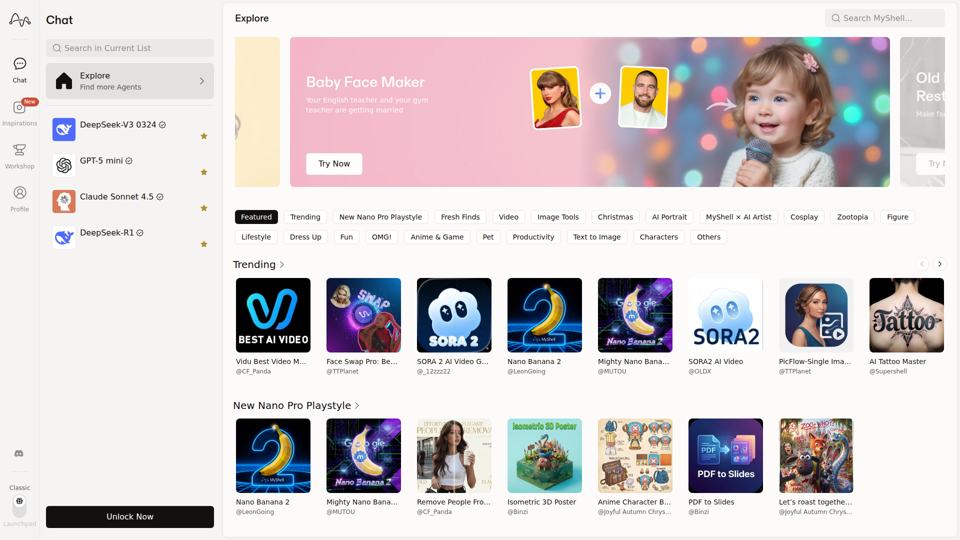
MyShell AI | Build, Share, and Own AI Image Generative APP
MyShell AI is a web platform for building, sharing, and exploring AI image and video generation apps, helping creators and general users make edits, filters, portraits, memes, and media experiments. For designers, marketers, and content creators, it can speed up concepting and asset variation by turning routine visual tasks into reusable AI workflows.
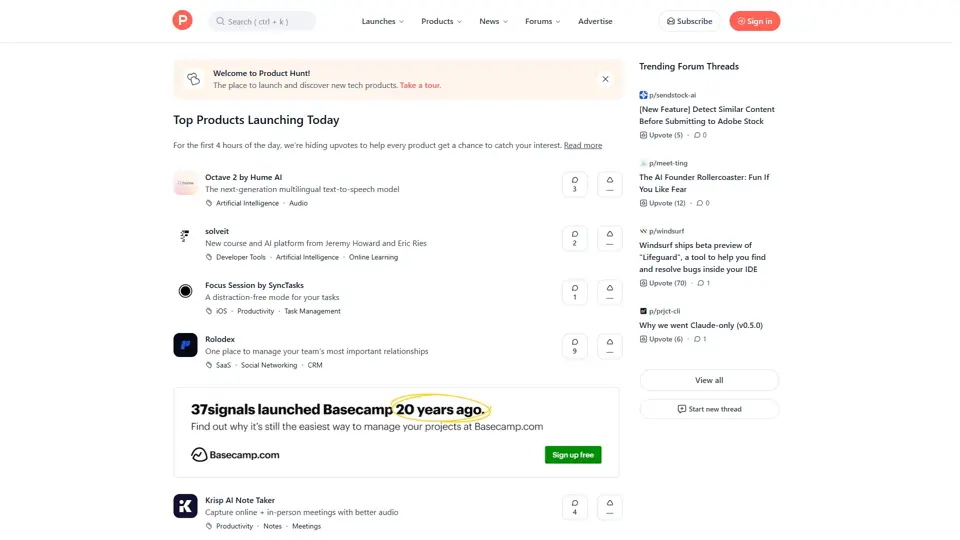
Product Hunt – The best new products in tech.
Product Hunt is a product discovery platform that helps users find, share, and discuss new technology products, mainly for founders, makers, investors, and early adopters. In the AI era, it gives product teams a fast feedback loop and a visible launch channel for new tools.
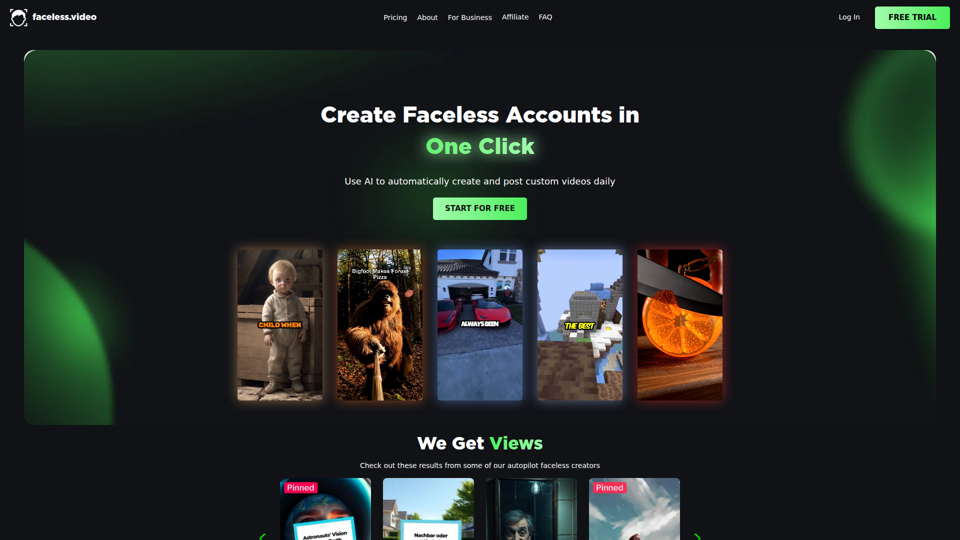
Faceless.video
Faceless.video is an AI video automation tool that creates custom faceless videos from text and posts them daily to linked social accounts, mainly for creators and businesses managing TikTok-style content channels. For social media managers, marketers, and e-commerce teams, it can reduce repetitive production and publishing work so they can focus more on content strategy and channel growth.