
AI 艺术生成器:免费 AI 图像生成器与编辑器 | OpenArt
为这个工具评分
平均分
总投票数
选择你的评分(1-10):
详细信息
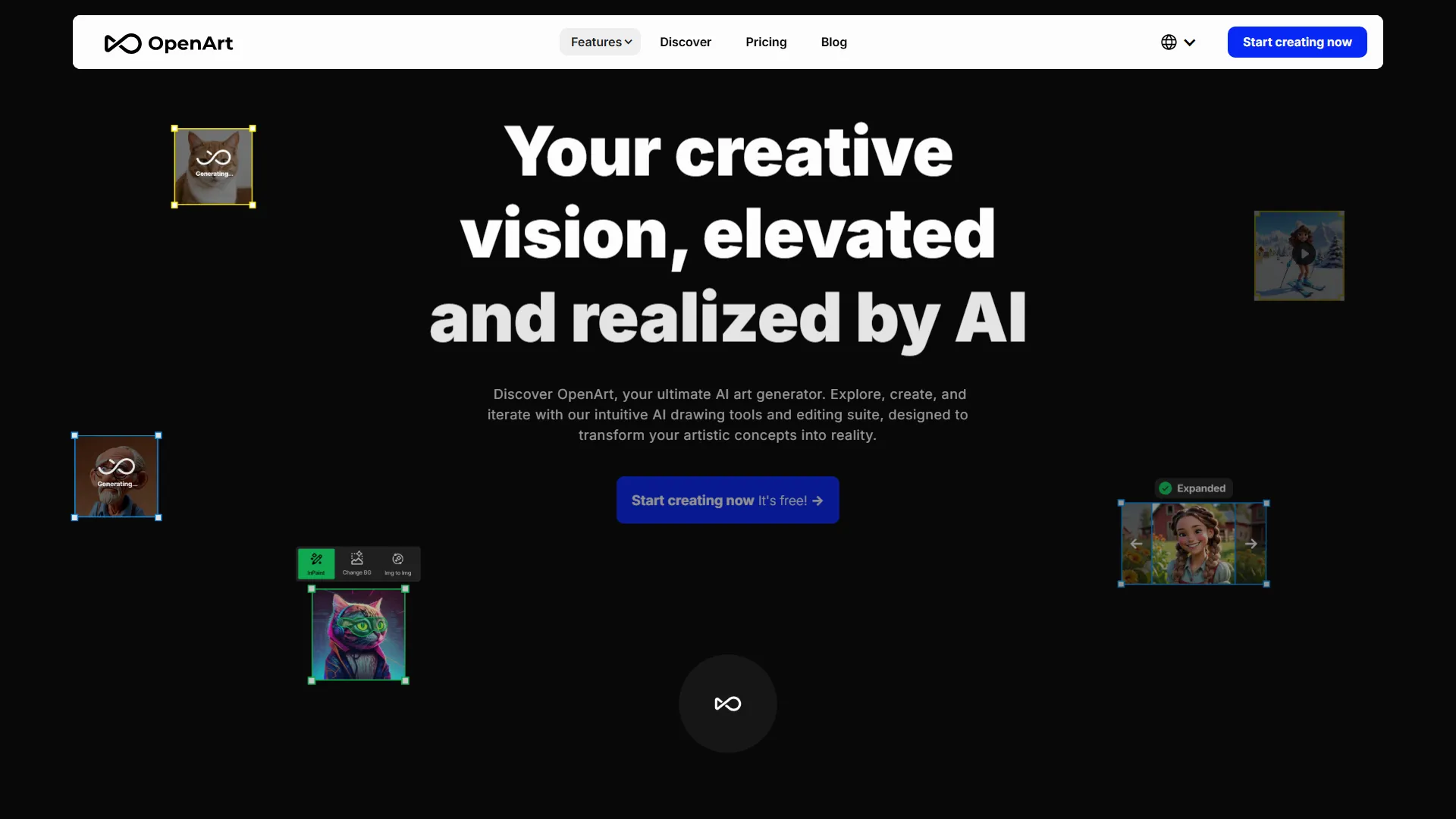
OpenArt 的主要功能:
- 文本生成图像:用户可以输入文本提示来生成图像。
- 图像生成图像:用户可以上传一张图像,并对其应用各种风格或效果。
- 风格迁移:用户可以将一张图像的风格迁移到另一张图像上。
- 构图参考:用户可以使用参考图像生成一张具有相似构图的新图像。
- 姿势参考:用户可以使用参考图像生成一张具有相似姿势的新图像。
- 训练自定义模型:用户可以使用自己的数据集训练自己的模型。
- 批量创建:用户可以一次生成多张图像。
- 编辑:用户可以使用各种工具编辑其生成的图像,例如局部重绘、风格迁移等。
- AI 应用:OpenArt 提供各种由 AI 驱动的应用,例如图像转视频、AI 滤镜等。
使用 OpenArt 的优势:
- 易用性:OpenArt 让任何人都能轻松创作数字艺术,无论其技能水平如何。
- 速度:OpenArt 的 AI 驱动工具可以快速生成图像,为用户节省时间和精力。
- 自定义:OpenArt 允许用户使用各种工具和效果来自定义其图像。
- 社区:OpenArt 拥有一个用户社区,用户可以分享作品、提供反馈并协作完成项目。
定价:
OpenArt 提供多种套餐,包括免费套餐、starter 套餐、hobbyist 套餐和 pro 套餐。免费套餐允许用户生成最高 512 x 512 像素的图像,而付费套餐则提供更多功能和更高分辨率的图像。
结论:
OpenArt 是一个强大的 AI 驱动艺术平台,让任何人都能轻松创作数字艺术。凭借其用户友好的界面、多样的工具和自定义选项,OpenArt 对业余和专业艺术家来说都是很好的资源。无论你是想为个人用途还是商业用途创作艺术,OpenArt 都绝对值得一试。
嵌入代码
将下面的代码复制到你的网站或博客中,即可展示这个 AI 工具。嵌入的小组件会自动同步最新信息。
<iframe src="https://www.aimyflow.com/ai/openart-ai/embed" width="100%" height="400" frameborder="0"></iframe>
探索相似工具
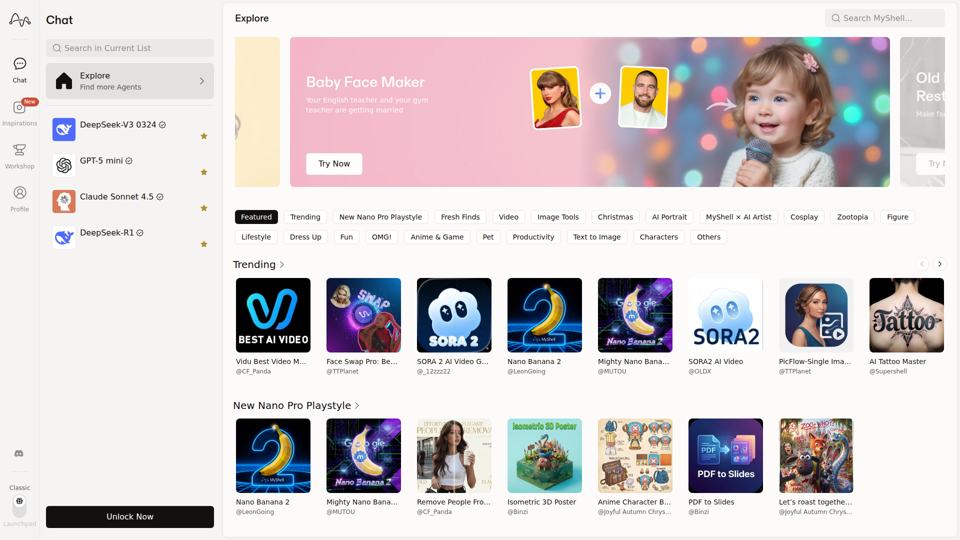
MyShell AI|构建、分享并拥有 AI 图像生成应用
MyShell AI 是一个用于构建、分享和探索 AI 图像与视频生成应用的网页平台,帮助创作者和普通用户进行编辑、滤镜、肖像、表情包和媒体实验。对于设计师、营销人员和内容创作者而言,它可将常规视觉任务转化为可复用的 AI 工作流,从而加快概念设计和素材变体制作。
Midjourney
Midjourney 是一家由社区资助的研究实验室,开发 AI 图像和视频模型,帮助人们探索创意想法和新的视觉媒介,主要面向艺术家、设计师及其他创意专业人士。随着 AI 生成视觉内容成为日常工作流程的一部分,像 Midjourney 这样的工具可以帮助创意团队更快地制作概念原型并传达想法。
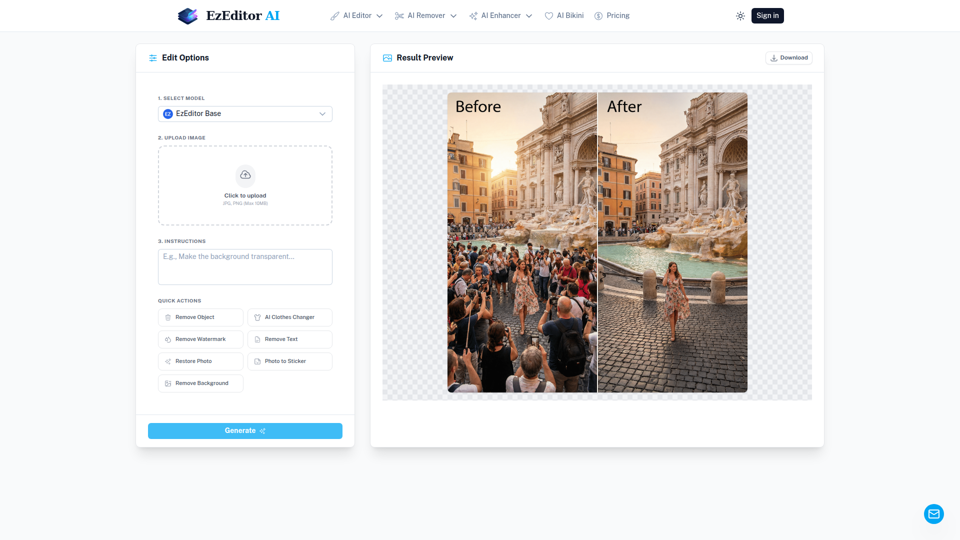
AI 魔法编辑器:文本到图像编辑与生成式填充 | EzEditor
EzEditor AI 魔法编辑器是一款基于浏览器的 AI 照片编辑工具,用户可通过文本提示编辑图像,用于生成式填充、对象移除、服装更换和图像扩展等任务,主要面向需要快速进行视觉编辑且无需手动蒙版的创作者和营销人员。在 AI 辅助的内容工作流中,它可以帮助社交媒体、设计和营销团队更快地产出图像变体和适配不同格式的素材,同时减少手动修图工作。
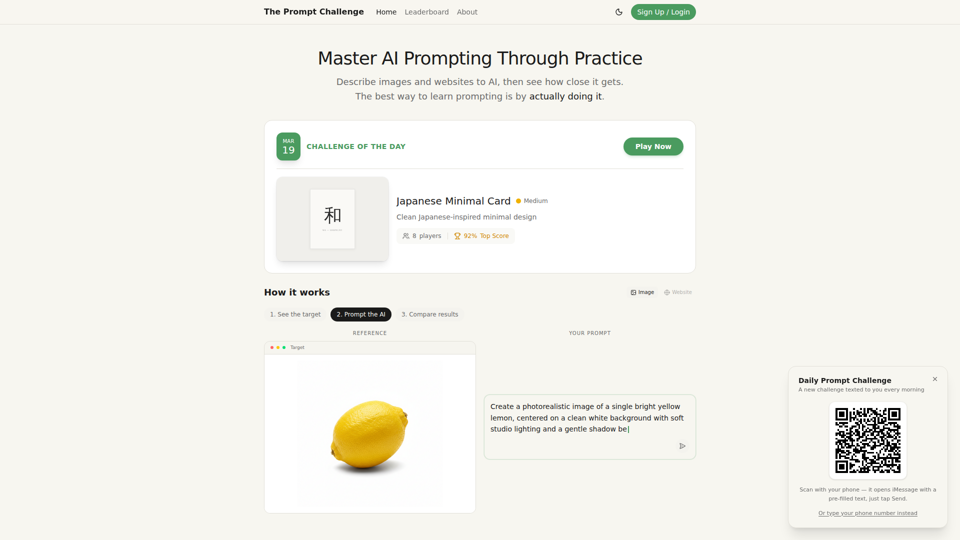
挑战 | 测试你的 AI 提示词编写技能
Prompt Challenge 是一个练习平台,通过描述图像和网站、将 AI 生成结果与参考内容进行比较,以及进行分数竞赛,帮助用户提升 AI 提示词编写能力,主要面向学习提示工程和进行 AI 实操创作的人群。对于设计师、开发者和 AI 从业者来说,这种可重复的提示词测试能够强化指令编写技能,并提升在使用生成式工具进行视觉和界面工作时的一致性。
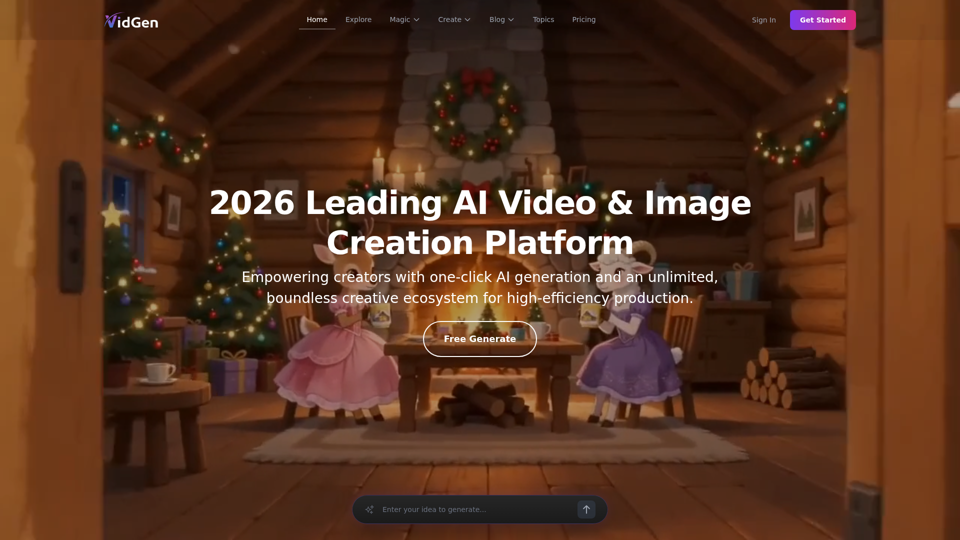
AI 图像与视频描述器 - 无限 AI 模型 - VidGen
VidGen 是一个 AI 图像与视频创作平台,帮助创作者生成视觉内容、应用 AI 效果并探索多种生成模型,主要面向数字艺术家、设计师和专业内容创作者。在 AI 驱动的创意工作流程中,它可以通过减少原型制作、动画制作和概念优化所需的时间,加快视觉团队的创意构思与产出。
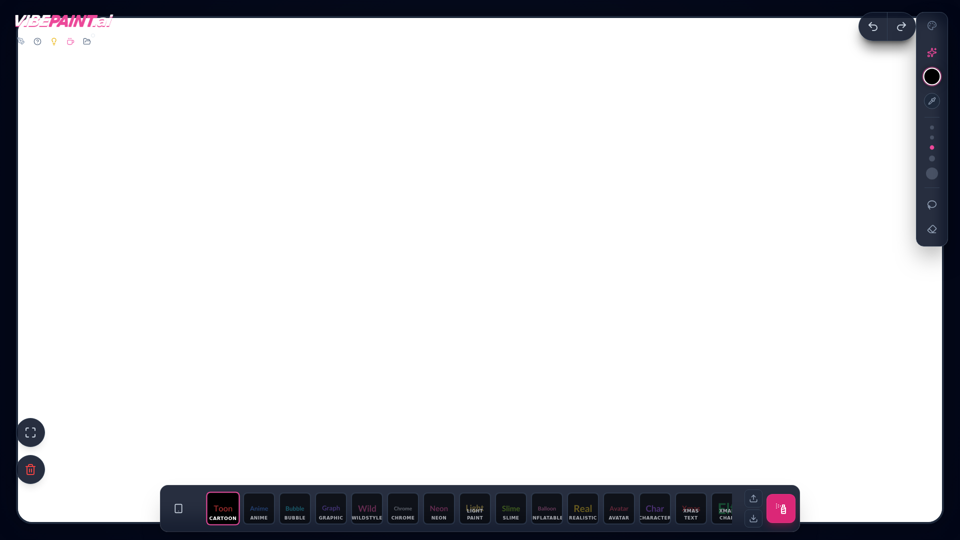
VibePaintAI
VibePaintAI 是一款 AI 图像创作工具,可帮助用户生成卡通、动漫、涂鸦、镀铬、霓虹、写实和头像等风格化视觉内容与文字,主要面向设计师、数字艺术家和内容创作者。在 AI 辅助的创意工作流程中,它能够帮助视觉专业人士快速探索图形、角色和主题艺术作品的多种美学方向。
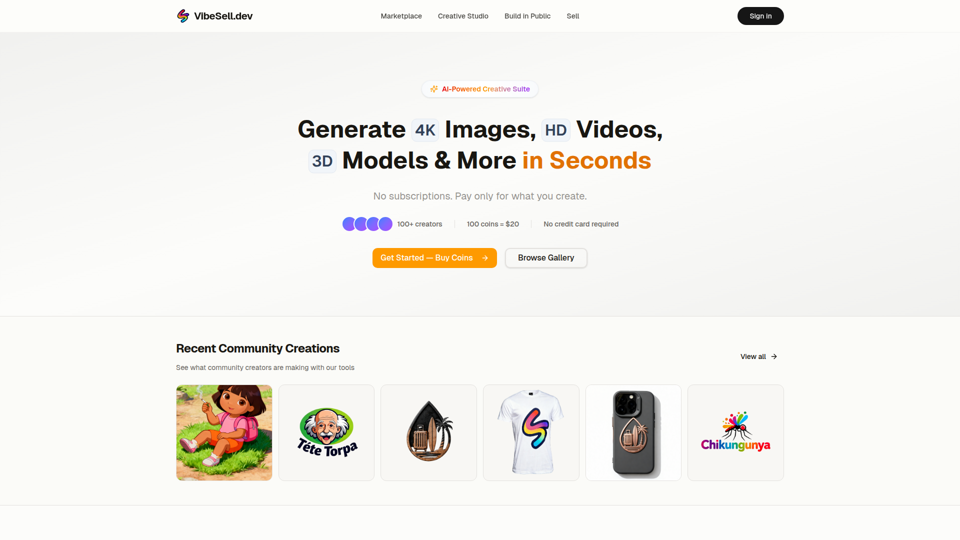
创意工作室 - AI 图像、视频和 3D 模型生成器 | VibeSell.dev
VibeSell 创意工作室是一套由 AI 驱动的创意工具集,帮助创作者生成 4K 图像、高清视频、3D 模型、音频、标志、样机以及自定义 LoRA 模型,主要面向设计师、营销人员和电商卖家。 在 AI 辅助工作流中,它可帮助创意与营销团队更快地产出视觉素材、广告创意和产品图像,同时减少日常生产任务中的手动编辑工作。
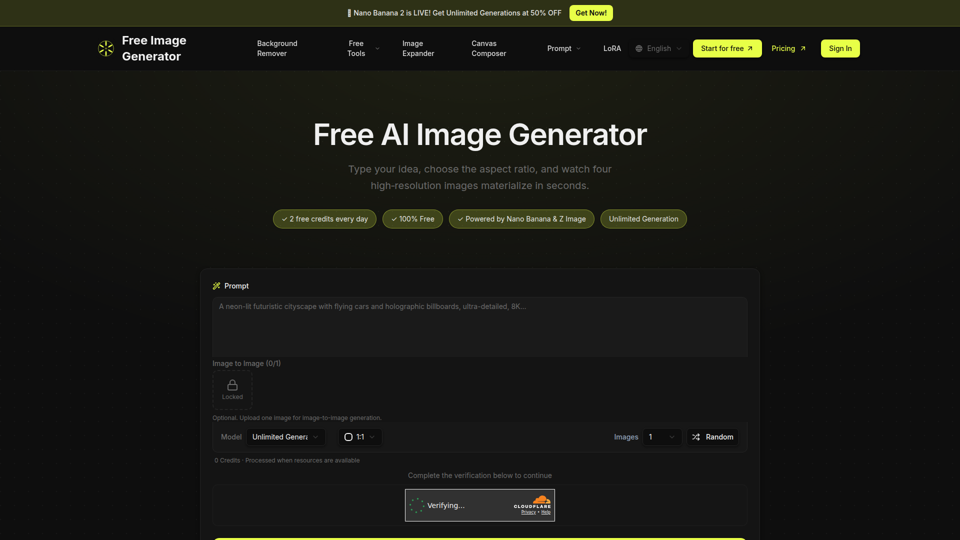
免费图像生成器 - AI 驱动的图像创建
Free Image Generator 是一款 AI 图像生成工具,可将文本提示转换为多张高分辨率图像,并支持可调节的宽高比和简单的图生图选项,主要面向创作者、营销人员以及那些无需设计技能却需要快速获得视觉内容的人群。在 AI 辅助的内容工作流程中,它可以通过一次生成多个图像变体,帮助营销和创意团队更快地测试视觉概念,用于社交媒体帖子、缩略图和营销活动素材。