PicWish AI Photo Editor | Free Online Photo Editing Tools
为这个工具评分
选择你的评分(1-10):
详细信息
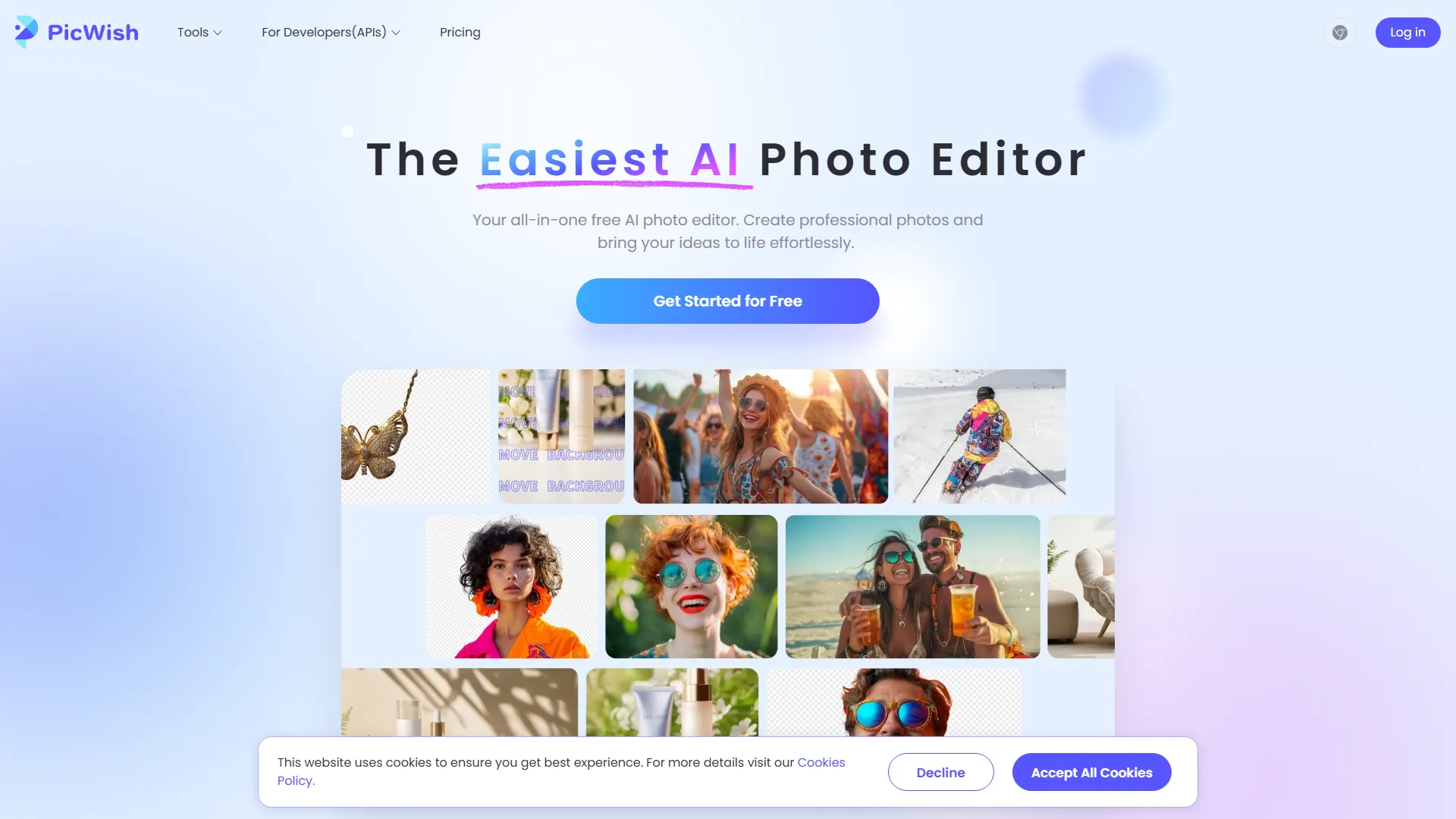
Key Features of PicWish AI Photo Editor
- Background Removal Tool: Allows users to remove backgrounds from images in bulk, ideal for e-commerce and content creation.
- AI Background Generator: Generates instant backgrounds for products, offering custom backgrounds or templates.
- Image Enhancement: Includes tools to unblur and sharpen images, making them clearer and more professional.
- Batch Editing: Enables users to edit multiple photos at once, streamlining the editing process.
- AI Image Translator: Automatically detects and translates text in photos into the user's desired language.
- Bulk Erase Watermark: Quickly detects and removes text watermarks from multiple photos.
- AI Image Extender: Fills gaps in images flawlessly, ideal for product shots, social media, and professional designs.
User Testimonials
- Phillip Sear (Designer): Found the site user-friendly with intuitive editing tools, recommending it for unblurring pictures and background removal.
- Olivia Watson (E-commerce staff): Appreciated the AI visualization for saving time, especially in changing backgrounds, enhancements, and removing objects.
- Melody Daniels (Music teacher): Praised the app for sharpening blurry images of scanned vintage sheet music, finding it miraculous.
Availability and Accessibility
- Available on Windows, macOS, iOS, and Android.
- Offers a free trial and subscription options.
- Has a Facebook community for users to join and discuss the platform.
Legal and Privacy Information
- The website uses cookies to ensure the best experience and has a detailed Cookies Policy.
- Offers terms, privacy, and license agreement information for transparency and user protection.
Overall, PicWish AI Photo Editor seems to be a comprehensive platform designed to cater to various photo editing needs, from background removal and image enhancement to translation and extension, all utilizing AI technology for efficiency and quality.
嵌入代码
将下面的代码复制到你的网站或博客中,即可展示这个 AI 工具。嵌入的小组件会自动同步最新信息。
响应式设计
自动更新
安全 iframe
<iframe src="https://aimyflow.com/ai/picwish-com/embed" width="100%" height="400" frameborder="0"></iframe>