
AI Interview Copilot: Cracking the Coding Interview for Real
Rate this Tool
Average Score
Total Votes
Select your score (1-10):
Detail Information
What
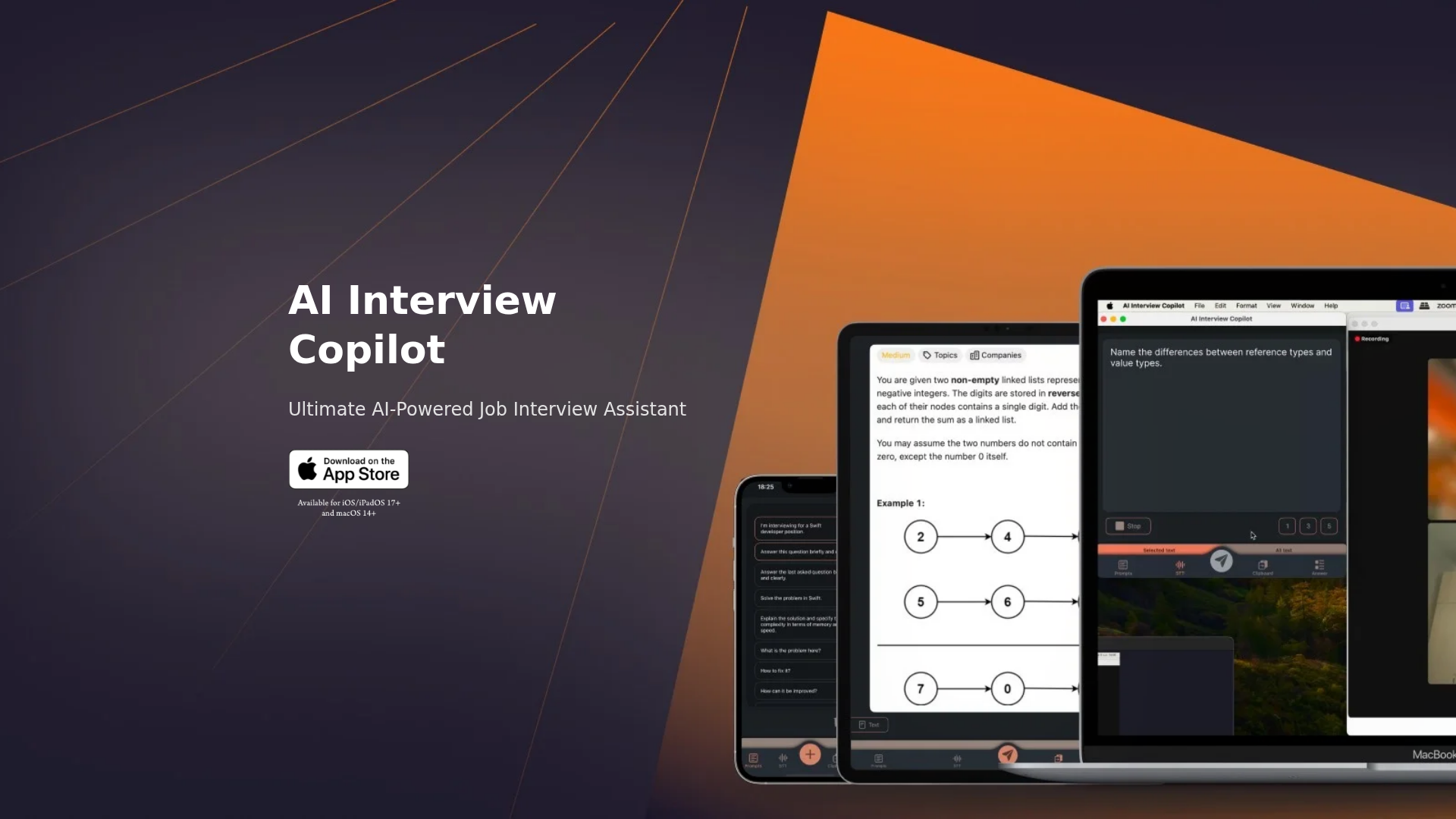
AI Interview Copilot is an interview assistance tool for candidates who want live support during job interviews, especially technical interviews. Based on the source content, it focuses on turning spoken conversation into text, accepting screenshots or images as input, and generating answers with GPT-4o during the interview.
The product appears positioned as a lightweight, real-time copilot for interview settings on Apple devices, with simple controls that minimize typing. Its most explicit use case is helping users handle coding and algorithm questions by transcribing the conversation, analyzing visual prompts, and producing quick responses or code snippets.
Features
- Live voice transcription: Converts interview conversation into text during the session, which helps users capture questions as they are asked.
- 57-language support: Supports use in many languages, which may make the tool more practical for multilingual candidates or international interviews.
- Image and screenshot recognition: Lets users submit screenshots or images, then generates answers based on that visual input.
- Clipboard-based screenshot input: Supports pasting directly from the clipboard, reducing steps when sending technical tasks or visual prompts.
- Minimal-input controls: Emphasizes mouse or trackpad operation and pre-entered prompts, which can reduce typing during live interviews.
- Algorithm problem solving with code generation: For technical roles, it can solve algorithm problems and generate code snippets in real time to assist with coding interview tasks.
Helpful Tips
- Assess fit for interview type: This product is best aligned with technical and problem-solving interviews; the page does not provide equal evidence for broader recruiting workflows such as preparation plans, mock interviews, or post-interview analytics.
- Review interview policies first: For any live interview assistant, candidates should verify whether transcription or AI-assisted response generation is permitted in the interview context.
- Test the Apple-device workflow in advance: Since the page highlights iOS, iPadOS, macOS, and shared clipboard across Apple devices, setup and device handoff should be checked before a real interview.
- Prepare prompts before the session: The product explicitly mentions entering prompts once before the interview, so structured prompt setup is likely important for smoother use.
- Treat generated answers as support, not certainty: Although the page emphasizes accuracy via GPT-4o, users should still validate technical answers and code snippets during high-stakes interviews.
OpenClaw Skills
Within an OpenClaw ecosystem, this product could likely support interview-assistance workflows such as capturing live transcript input, classifying question types, drafting structured answer suggestions, and organizing interview artifacts. A likely skill layer around it would route transcript segments and screenshot-derived tasks into specialized agents for coding help, behavioral answer framing, language translation, or concise summarization.
For recruiting, career coaching, and technical interview preparation, this could enable broader workflows beyond the app’s stated capabilities. For example, an OpenClaw agent could likely turn interview transcripts into post-session review notes, map questions to skill gaps, generate follow-up study plans, or simulate similar technical questions for practice. These are likely use cases rather than confirmed native integrations, but they show how a real-time interview copilot could become part of a larger candidate-support system.
Embed Code
Share this AI tool on your website or blog by copying and pasting the code below. The embedded widget will automatically update with the latest information.
<iframe src="https://www.aimyflow.com/ai/aiinterviewcopilot-com/embed" width="100%" height="400" frameborder="0"></iframe>
Explore Similar Tools
Free AI Photo Editor: Edit & Generate Image Online | Pokecut
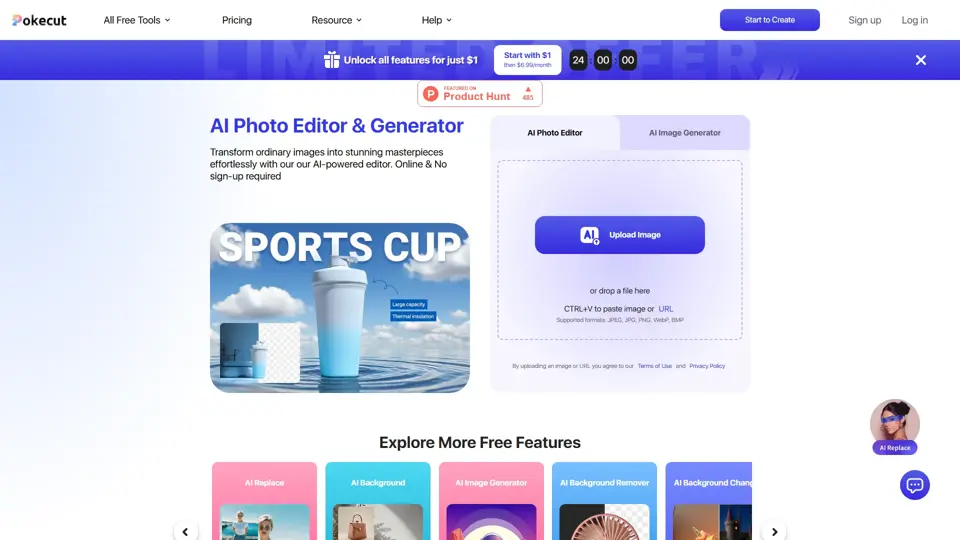
Pokecut is an AI photo editor that helps users remove backgrounds, enhance images, and generate visuals online, mainly for ecommerce sellers, marketers, and creators who need quick design-ready assets. It speeds up routine image production so visual teams can create polished content with less manual editing.
Qoder - The Agentic Coding Platform
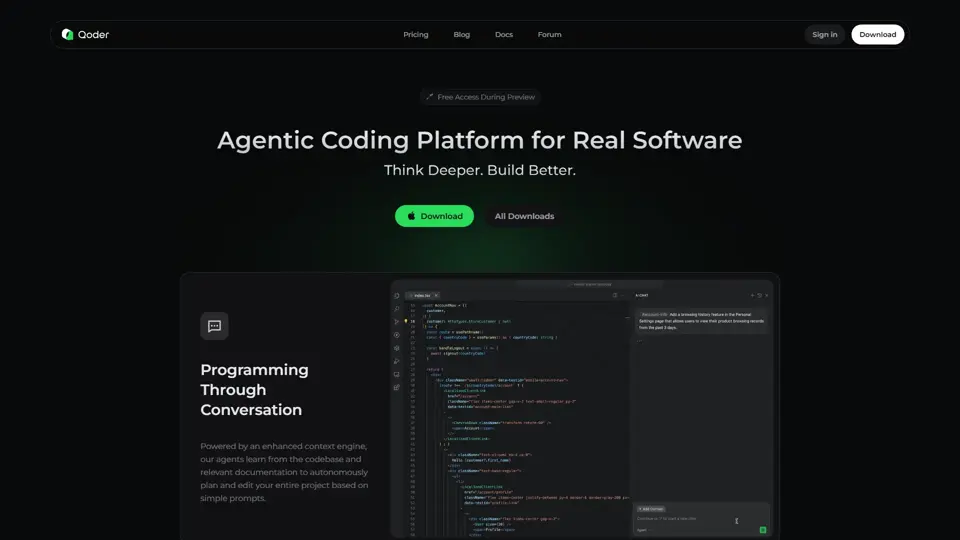
Qoder is an agentic coding platform that helps developers understand codebases and execute software tasks with AI agents, mainly for professional software engineers and development teams. It improves engineering throughput by combining strong code context with advanced models for more reliable task completion.

Seedance 2.0
Seedance 2.0 is ByteDance's AI video generation model designed to create high-quality videos from prompts and multimodal inputs, mainly for creators, developers, and media teams. In the AI era, it helps visual content roles turn ideas into production-ready motion assets with far less manual editing effort.
Struct | Automate your on-call runbook
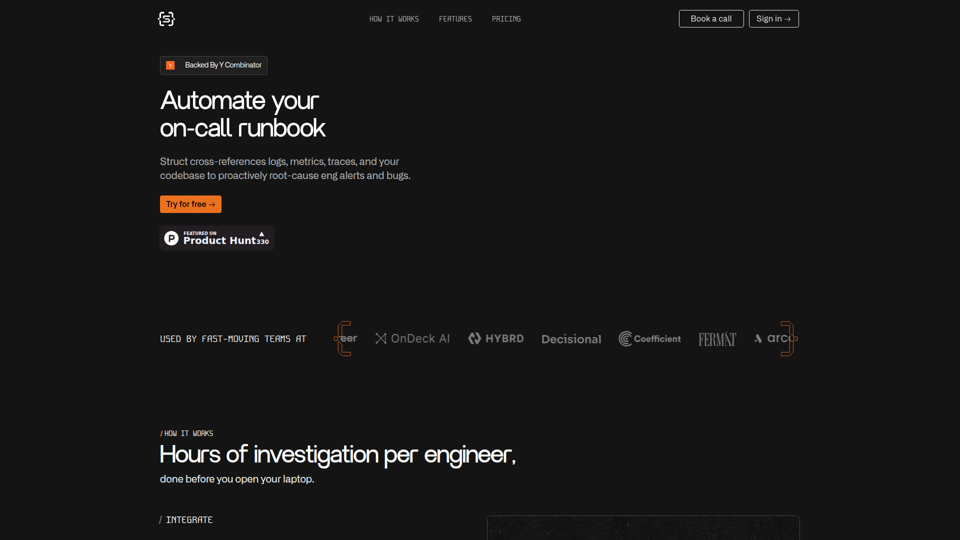
Struct is an AI on-call agent that investigates engineering alerts and bugs by analyzing logs, metrics, traces, and codebases, mainly for software engineers and SRE teams. In the AI era, it helps incident responders shorten triage time by delivering root-cause findings and suggested fixes directly in workflows.
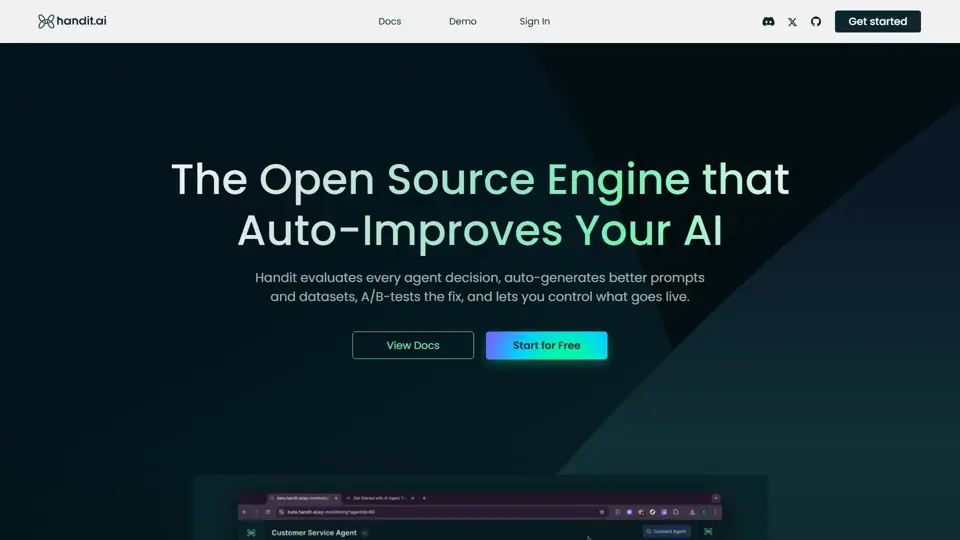
Handit.ai — The Open Source Engine that Auto-Improves Your AI Agents
Handit.ai is an open-source optimization engine that evaluates AI agent decisions, generates improved prompts and datasets, and A/B tests changes for teams building and operating AI agents. It helps AI engineers and product teams improve agent quality faster while keeping tighter control over production behavior.
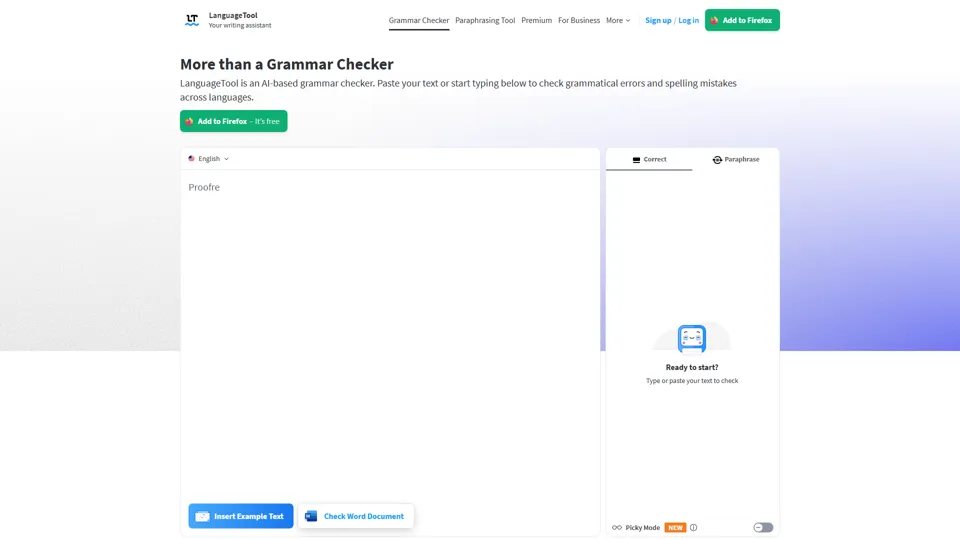
Free AI Grammar Checker - LanguageTool
LanguageTool is an AI-powered grammar and writing assistant that helps users check grammar, spelling, punctuation, and style across more than 30 languages, mainly for students, professionals, and multilingual teams. It helps writing-heavy roles communicate more clearly and edit faster at scale.
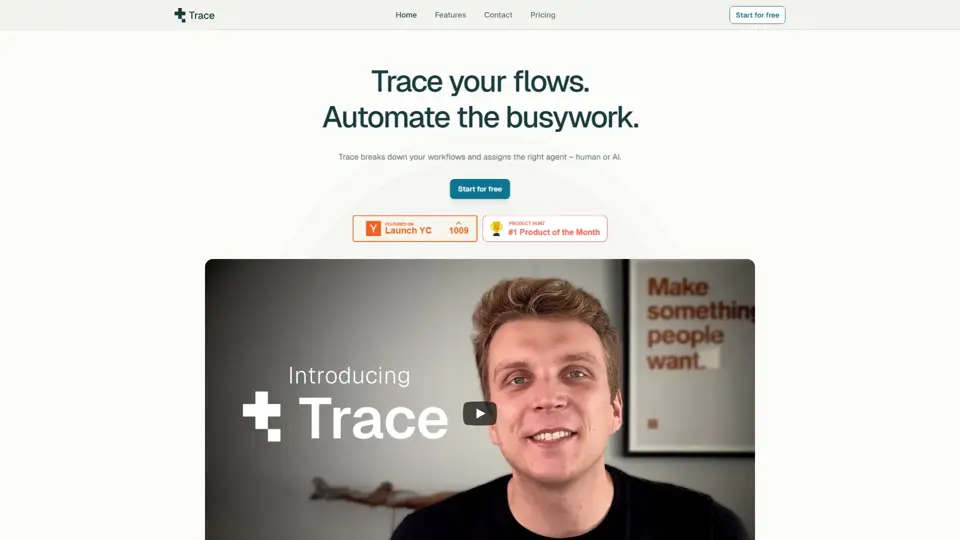
Trace
Trace is a software tool designed to support digital workflows, likely focused on helping teams organize, monitor, or analyze work more effectively. In the AI era, tools that centralize operational visibility help technical and business roles make faster decisions with less manual follow-up.
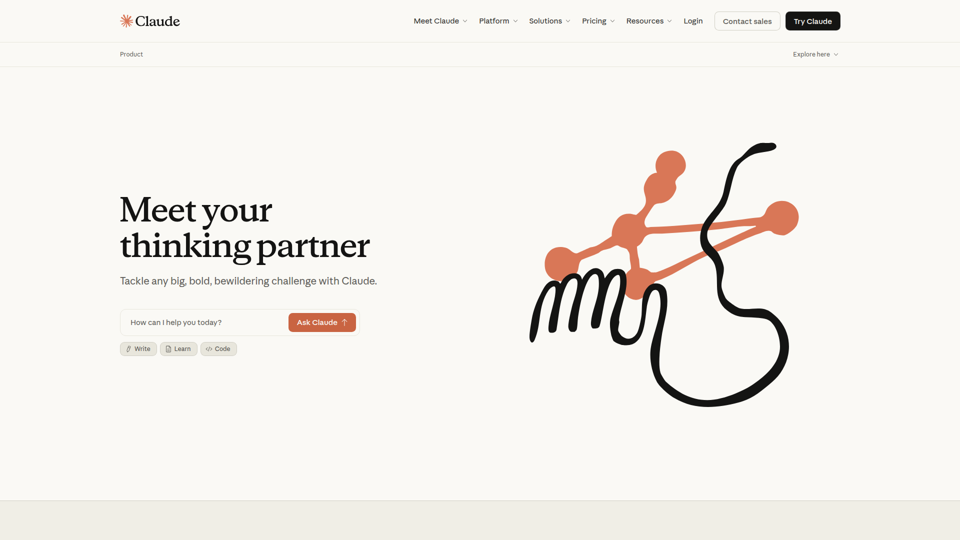
The AI for Problem Solvers | Claude by Anthropic
Claude by Anthropic is an AI assistant for problem solvers that helps users tackle complex work such as writing, coding, data analysis, research, and organizing tasks, mainly for professionals, developers, and teams handling difficult projects. In AI-enabled workflows, it can help knowledge workers and software teams move faster from analysis to execution while keeping people in control of approvals and file access.