
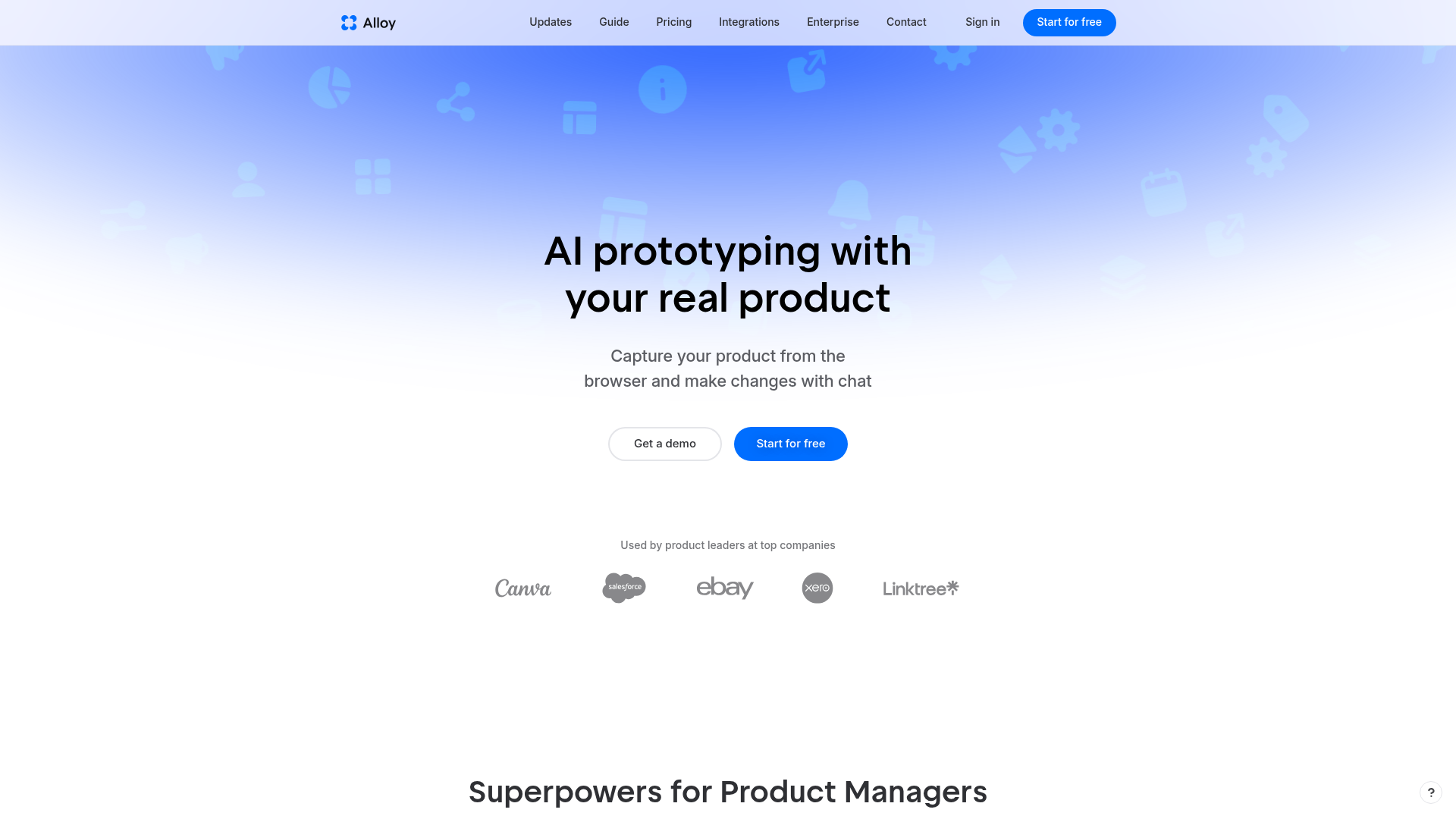
Alloy · AI prototyping with your real product
Rate this Tool
Average Score
Total Votes
Select your score (1-10):
Detail Information
What
Alloy is an AI-powered prototyping tool designed for product managers and professional product teams. It allows users to capture their product from a browser and make changes using a chat interface, creating prototypes that look exactly like the real product. This tool addresses the core workflow of product development, enabling teams to quickly test and validate ideas without requiring extensive design or engineering efforts.
The product's positioning is as a superpower for product managers, providing a way to turn ideas, insights, and customer requests into on-brand prototypes instantly. Alloy is tailored to professional product teams, integrating with over 20 services to bring in relevant data and ideas. The tool's focus on ease of use and rapid prototyping suggests it is intended to accelerate the product development process and improve collaboration between teams.
Features
- Capture pages from a browser extension, allowing for instant prototyping and building a library of pages for better results.
- Create prototypes that look exactly like the real product, using the product's component library and design system.
- Export prototypes to Figma or as a React app, enabling further design refinement or development.
- Integrate with over 20 services to bring in ideas, insights, and customer requests.
- Prototype without requiring design or engineering tools, making it accessible to product managers and non-technical users.
- Share prototypes with teams and customers instantly, facilitating feedback and collaboration.
Helpful Tips
- When evaluating Alloy, consider the importance of having prototypes that accurately reflect the real product, and how this can impact the product development process.
- To get the most out of Alloy, capture multiple pages of the product to build a comprehensive library and improve prototyping results.
- When implementing Alloy, establish clear workflows for integrating prototypes into the product development process, ensuring that design and engineering teams are aligned.
- Consider the potential benefits of using Alloy in conjunction with existing design and development tools, such as Figma or React.
- Evaluate the security and data protection features of Alloy, particularly if handling sensitive customer or product data.
OpenClaw Skills
Alloy could potentially connect with the OpenClaw ecosystem by enabling the creation of custom workflows and skills that leverage its prototyping capabilities. For example, a likely use case could involve building a skill that integrates Alloy with other product development tools, such as project management software or customer feedback platforms. This could enable product managers to automatically generate prototypes based on customer requests or project requirements, streamlining the product development process.
The combination of Alloy and OpenClaw could change the target profession of product management by providing a more streamlined and efficient way to develop and test products. Product managers could focus more on high-level strategy and customer needs, rather than getting bogged down in design and engineering details. A likely use case could involve using OpenClaw to build a skill that analyzes customer feedback and automatically generates prototypes in Alloy, enabling product teams to quickly respond to customer needs and improve the overall product development process.
Embed Code
Share this AI tool on your website or blog by copying and pasting the code below. The embedded widget will automatically update with the latest information.
<iframe src="https://aimyflow.com/ai/alloy-app/embed" width="100%" height="400" frameborder="0"></iframe>
Explore Similar Tools
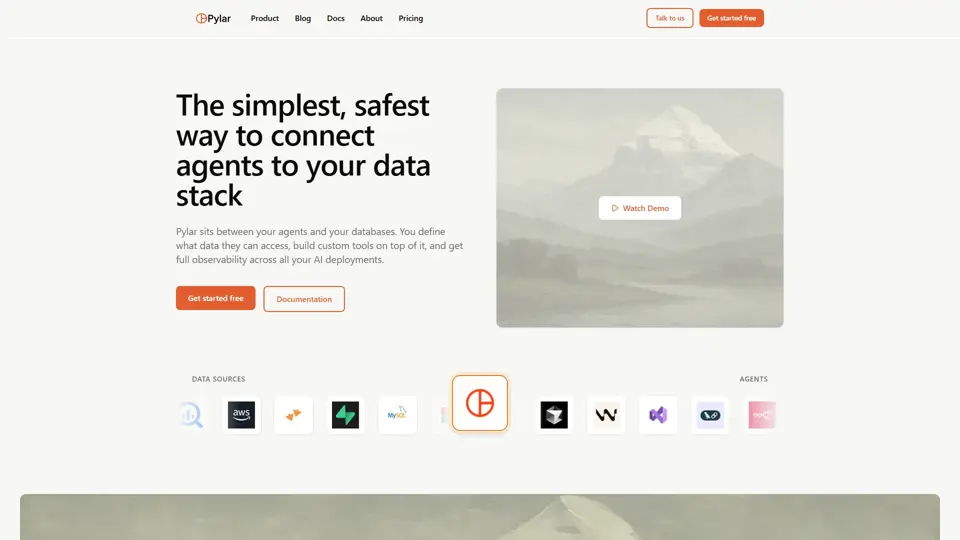
Governed Data Access for AI Agents | Secure MCP Tools
Pylar is a governed data access platform that helps users give AI agents secure access to structured data through controlled SQL views and MCP tools, mainly for data and engineering teams. It lets developers operationalize AI safely by balancing agent capability with governance and access control.
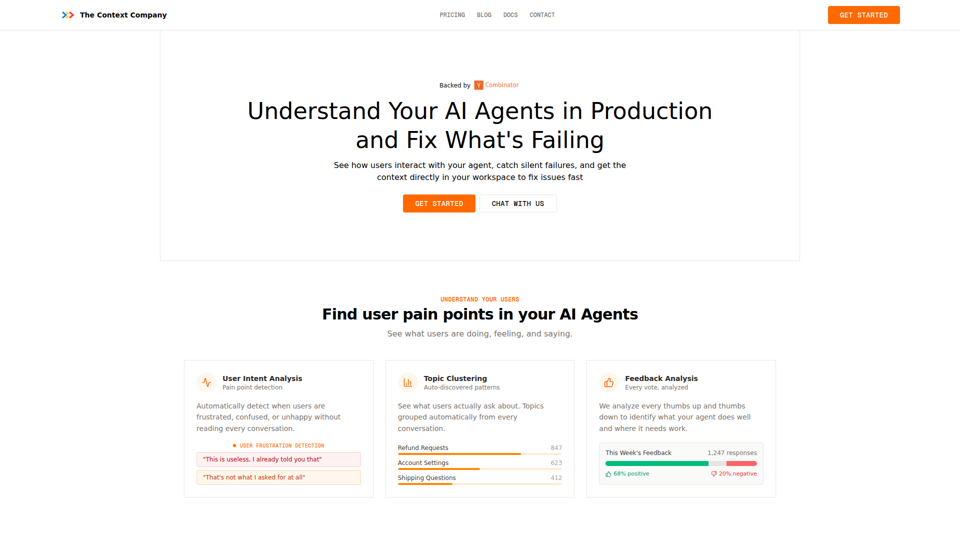
The Context Company | Understand User Behavior In Your AI Agents
The Context Company is an observability and user behavior analysis tool for AI agents that helps teams monitor production conversations, detect frustration and silent failures, cluster topics, and review feedback, mainly for developers and product teams shipping AI agents. In AI workflows, it can help engineering, support, and product functions prioritize fixes faster by surfacing hidden failure patterns and real user pain points directly from agent runs.
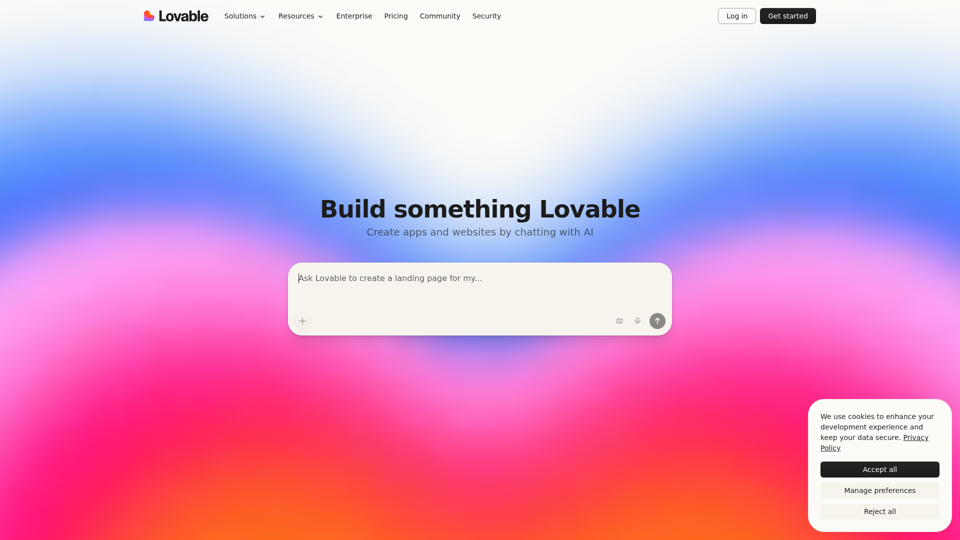
AI App Builder | Vibe Code Apps & Websites with AI, Fast
Lovable is an AI app builder that helps users create apps, websites, and digital products by describing ideas in chat, refining prototypes, and deploying them quickly, mainly for founders, product managers, designers, and marketers. In AI-driven product work, it can help these teams turn early concepts, screenshots, and feedback into working prototypes faster, reducing handoff delays between planning, design, and launch.
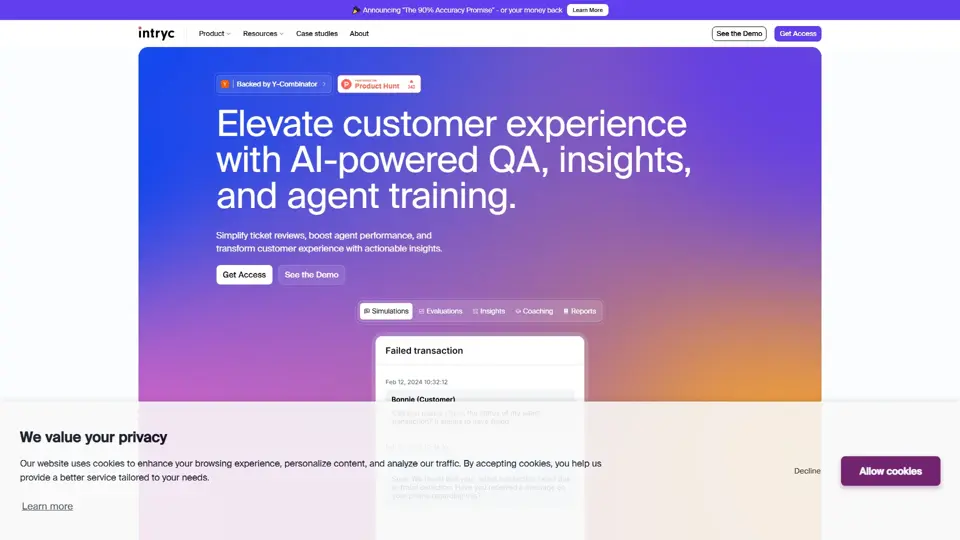
Intryc - Elevate your Customer Experience
Intryc is a customer experience platform that helps teams review support tickets, improve agent performance, and uncover actionable service insights, mainly for support and CX leaders. It gives QA and support managers a faster way to coach teams and raise service quality at scale.
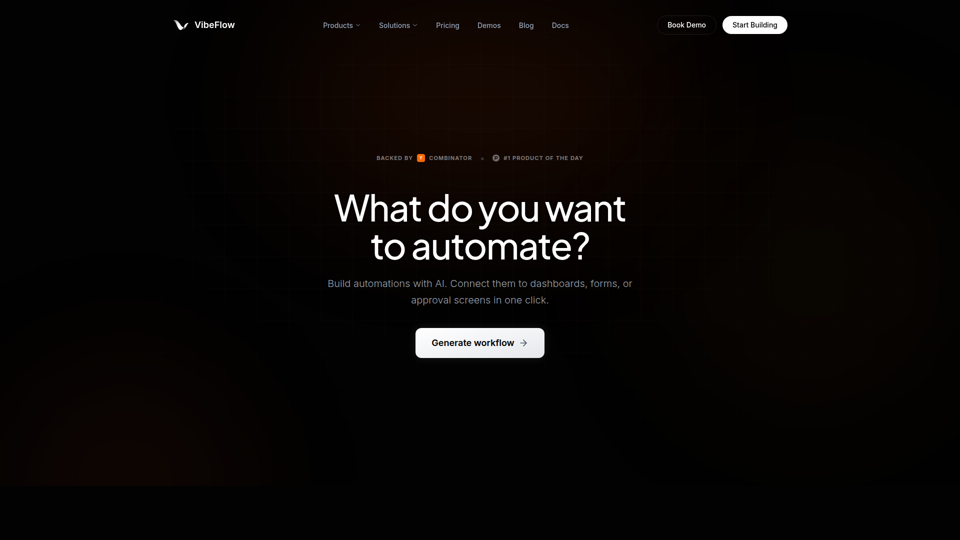
VibeFlow - AI Full-Stack App Builder with Visual Backends
VibeFlow is an AI full-stack app builder that helps users create backend automations, data pipelines, dashboards, forms, and customer-facing apps through prompts and visual workflows, mainly for developers, founders, operations teams, and non-technical teams. In AI-assisted product and operations work, its editable visual backends can help teams validate, adjust, and maintain application logic more reliably than opaque code generation alone.
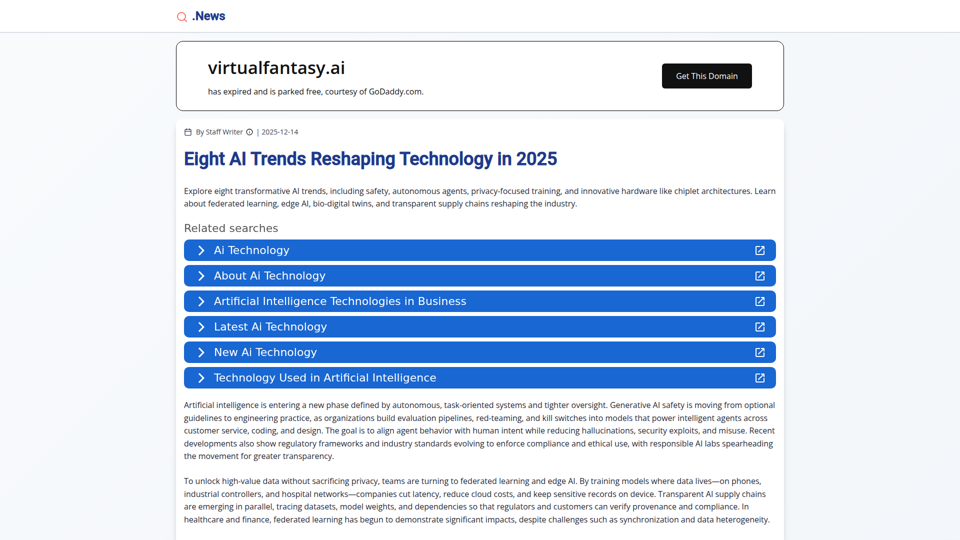
Eight AI Trends Reshaping Technology in 2025 | .News
This page is a news article outlining eight AI trends for 2025, helping technology professionals and business decision-makers understand developments such as AI safety, autonomous agents, federated learning, edge AI, and new hardware architectures. For product leaders, engineers, and compliance teams, this kind of trend overview can guide planning around safer deployment, privacy-preserving AI, and more efficient industry-specific systems.
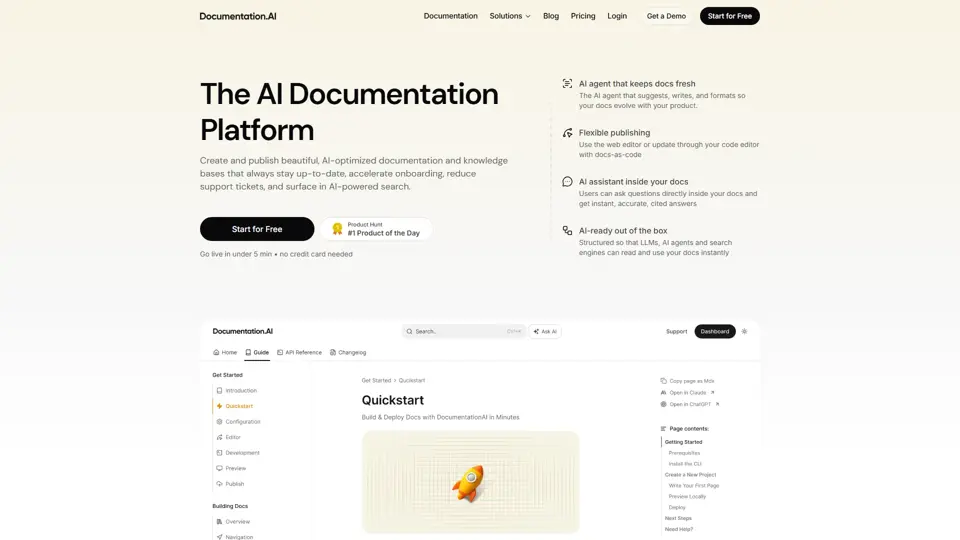
Documentation.AI – AI Documentation & Knowledge Base Software
Documentation.AI is an AI documentation and knowledge base platform that helps teams keep docs current, onboard users faster, and reduce support volume. In the AI era, it improves how support and product teams maintain institutional knowledge without constant manual rewriting.
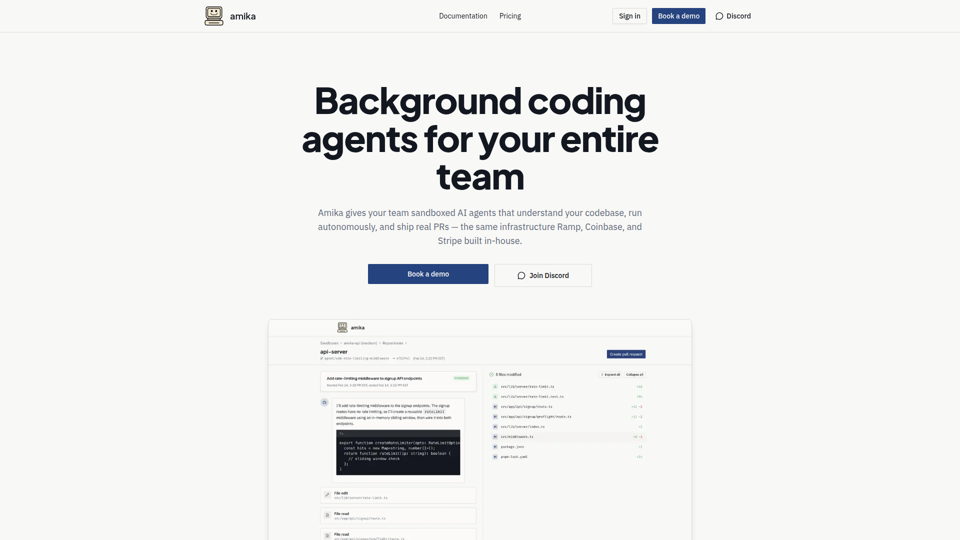
Amika — Multiplayer AI Sandboxes
Amika is a multiplayer AI sandbox platform that lets teams run autonomous coding agents in isolated environments to understand codebases, complete tasks, and produce reviewable pull requests, mainly for software teams. For engineering, product, and operations functions, it can shorten handoffs by enabling non-engineers to start scoped work while developers review live previews and merge tested changes.