
SecureGenie AI - Chrome Web Store
Rate this Tool
Average Score
Total Votes
Select your score (1-10):
Detail Information
What
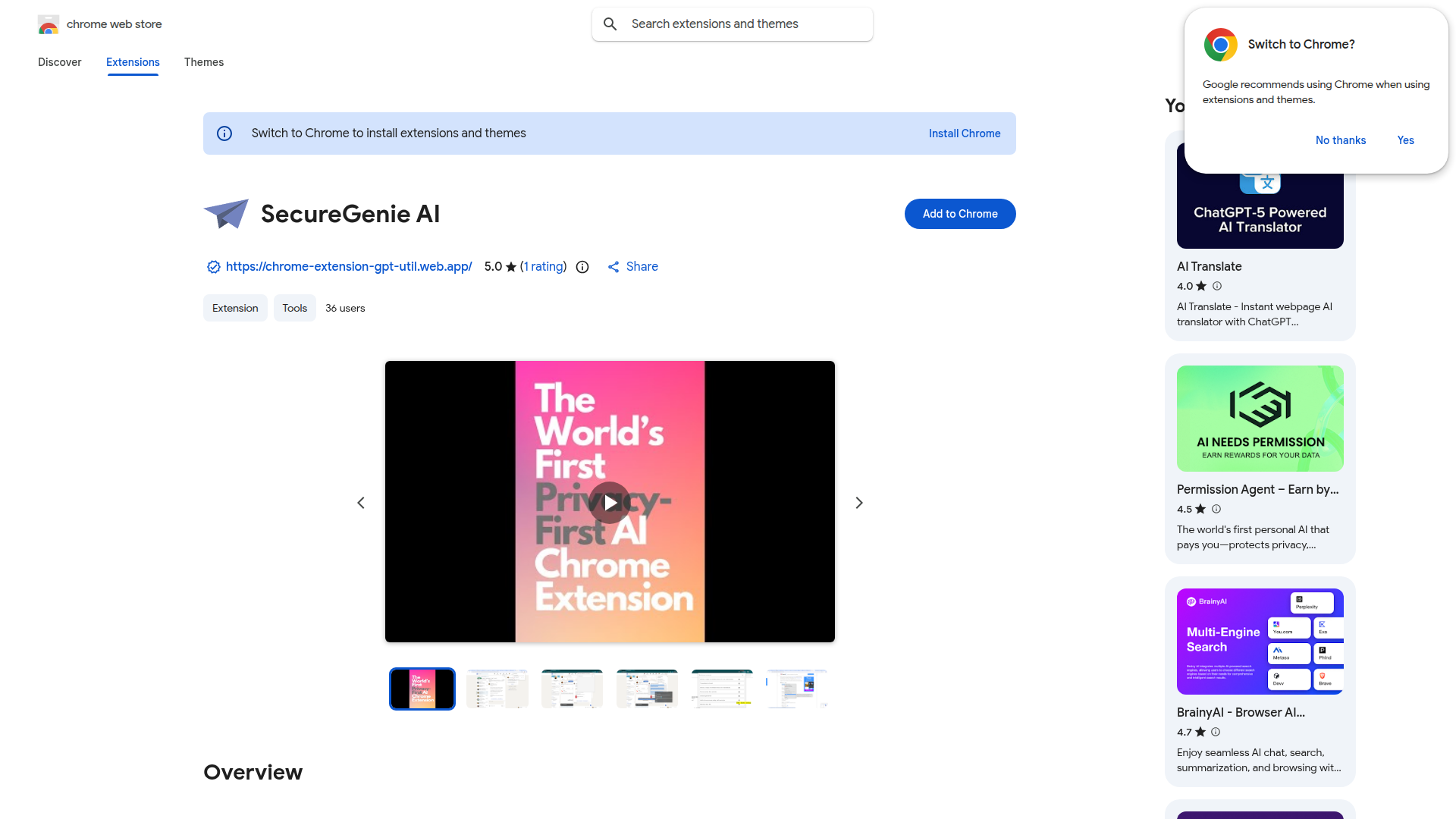
SecureGenie AI is a Chrome extension for running AI actions on user-selected text in the browser. Its main positioning is a privacy-first browser assistant: the listing states that it does not read browser pages by default and that users explicitly select text before sending it through a prompt-driven workflow.
It appears designed for individual professionals and general knowledge workers who want lightweight automation for writing and text handling inside Chrome. The core workflow is simple: save reusable prompts in the extension, highlight text on a webpage, launch “Ask AI” from the context menu, and review the output in a side panel for tasks such as replies, translations, summaries, task lists, and content drafting.
Features
- User-selected text processing: The extension acts on text you highlight, which supports more controlled use than tools that broadly scan page content.
- Custom prompt storage: Users can save preferred prompts in the popup menu, making repetitive AI tasks faster to repeat.
- Context-menu invocation: AI actions are launched from a right-click menu, which fits naturally into browser-based workflows.
- Side-panel output display: Responses appear in a side panel, helping users review generated text without fully leaving the current page.
- Privacy-first default behavior: The listing emphasizes that the extension does not read browser pages by default, which may appeal to users with higher sensitivity to browser data exposure.
- Multi-purpose text assistance: The examples show use cases including replies, translation, summarization, email drafting, research overviews, idea generation, and task list creation.
Helpful Tips
- Validate privacy expectations carefully: The Chrome Web Store listing says the developer does not collect or use data and that the extension does not read pages by default, but buyers should still review the privacy policy and permissions before rollout.
- Start with high-frequency prompts: This type of extension delivers the most value when teams identify a small set of recurring tasks such as response drafting, translation, or summarization.
- Standardize prompt templates: For professional use, create shared prompt wording for common scenarios to improve consistency across outputs.
- Test side-panel workflow fit: Since results are shown in a side panel, assess whether that interaction model works well for your team’s daily browser habits.
- Treat broad capability claims conservatively: The listing gives examples of many use cases, but it does not provide deep technical detail on model behavior, enterprise controls, or system integrations.
OpenClaw Skills
Within an OpenClaw ecosystem, SecureGenie AI could likely serve as a browser-side text capture and prompt execution surface for lightweight knowledge-work automations. A likely use case would be an OpenClaw skill that turns selected text into structured outputs such as CRM-ready notes, email drafts, research snippets, task breakdowns, or multilingual summaries, with the browser extension acting as the user-facing trigger point rather than a full workflow engine.
More advanced OpenClaw agents could likely build on this pattern by routing selected text into downstream workflows for triage, categorization, enrichment, or approval. For recruiters, sales teams, support staff, researchers, and operators, that combination could shift repetitive browser work from manual drafting toward guided micro-automation. The source page does not mention native OpenClaw integration, so this should be treated as a likely workflow design opportunity rather than a confirmed product capability.
Embed Code
Share this AI tool on your website or blog by copying and pasting the code below. The embedded widget will automatically update with the latest information.
<iframe src="https://www.aimyflow.com/ai/chromewebstore-google-com-detail-securegenie-ai-nineodnoejclcbppiadeoofcabdkdndi/embed" width="100%" height="400" frameborder="0"></iframe>
Explore Similar Tools
EchoRead - AI Reading Companion
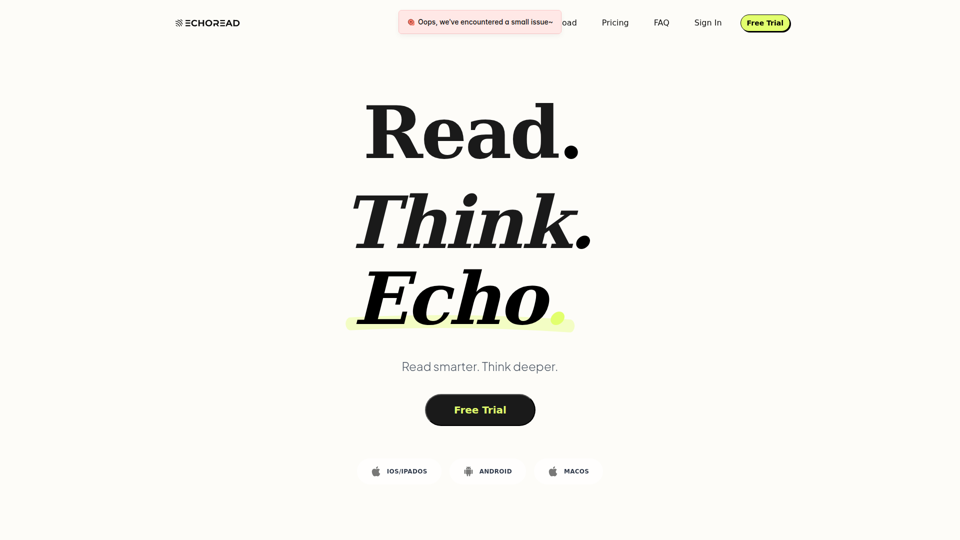
EchoRead is an AI reading companion that helps readers consolidate highlights from sources like Kindle, WeRead, and PDFs into structured notes, mind maps, podcasts, and Q&A, mainly for lifelong learners and knowledge workers who want to turn reading into usable knowledge. For educators, researchers, writers, and other thinking-heavy roles, it can speed synthesis and review by organizing context and supporting deeper learning with AI-guided questioning and recall.
VideoMule - Product Training and Demo Video Maker
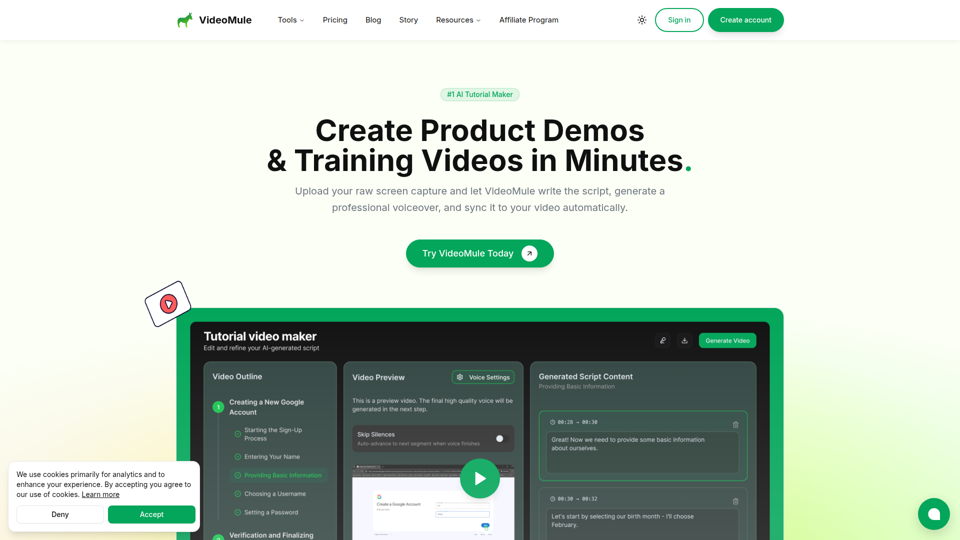
VideoMule is an AI tutorial and product demo video maker that turns raw screen recordings into narrated training videos with automatic script writing, voiceover, subtitles, and syncing, mainly for product marketers, learning and development teams, educators, technical writers, and customer success teams. In AI-assisted content workflows, it can help these teams produce clearer onboarding, documentation, and feature walkthrough videos faster without recording voiceovers manually.
Online Document Translator - Keep Format for PDF, Word, EPUB
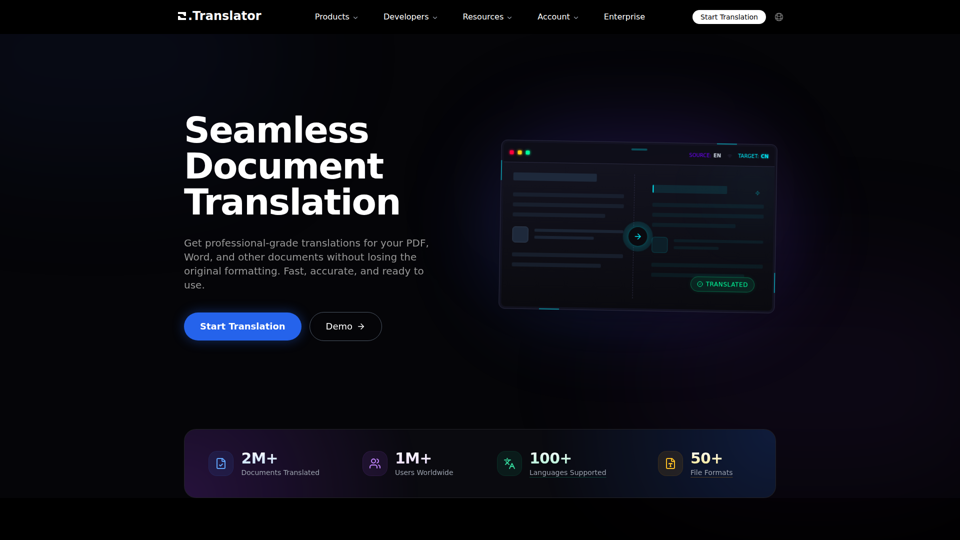
Office Translator is an AI document translation platform that translates PDFs, Word files, EPUBs, and many other formats while preserving original layout and formatting, mainly for professionals and teams handling multilingual documents. For translators, localization teams, and business or academic staff, it can speed cross-language document workflows while maintaining terminology consistency and editable structure.
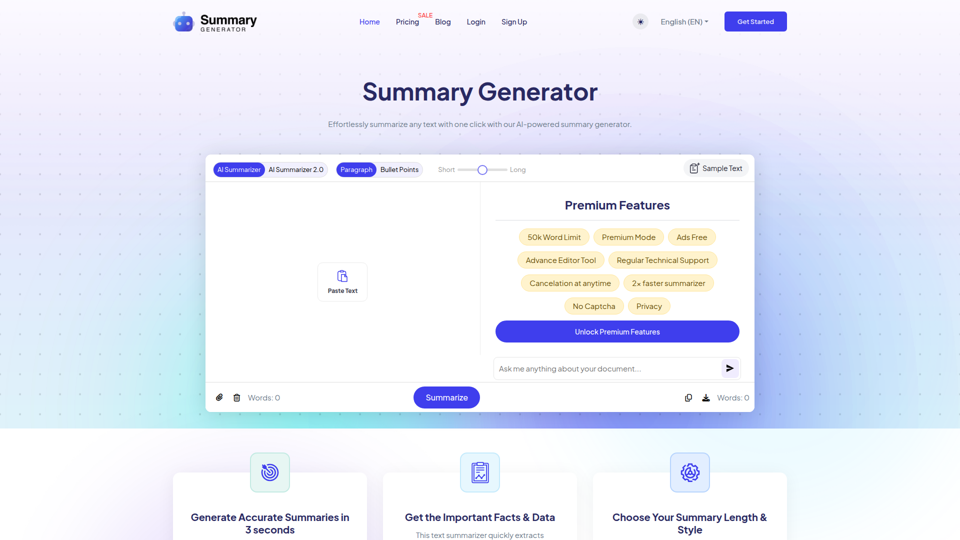
Ai Summary Generator - Summarize Text in One Click
SummaryGenerator.io is an AI text summarizer that condenses pasted or uploaded text into short or long summaries in paragraph or bullet-point form, mainly for students, researchers, writers, and readers reviewing articles, papers, reports, and meeting notes. For research, writing, and content review workflows, it can speed up information triage by surfacing key points and reducing time spent reading dense source material.
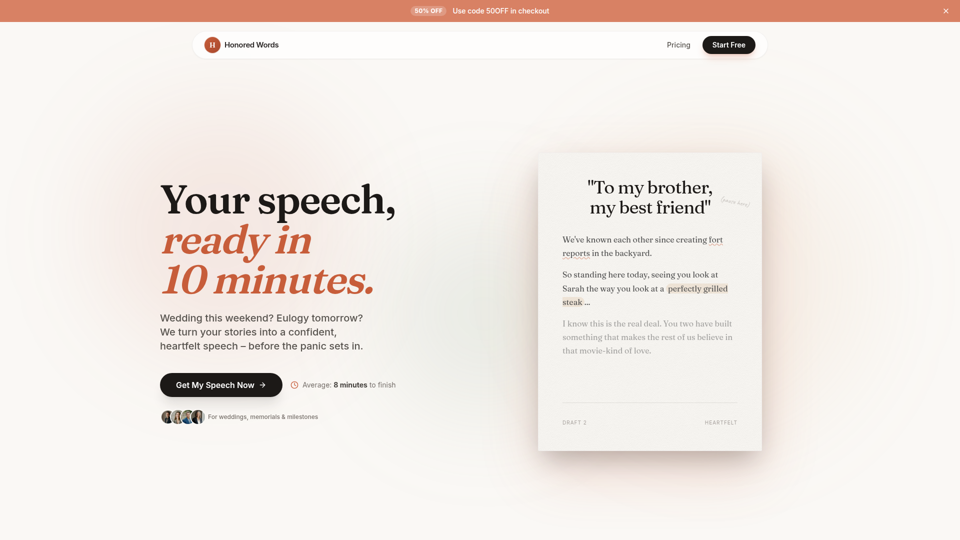
Honored Words - Your Speech, Ready in 10 Minutes | Honored Words
Honored Words is an AI speech-writing tool that helps people quickly create personalized speeches for weddings, memorials, and other milestone events, especially best men, maids of honor, parents, brides, and grooms. By turning specific memories and tone preferences into editable drafts, it helps event speakers produce more authentic, audience-aware remarks with less writing stress.
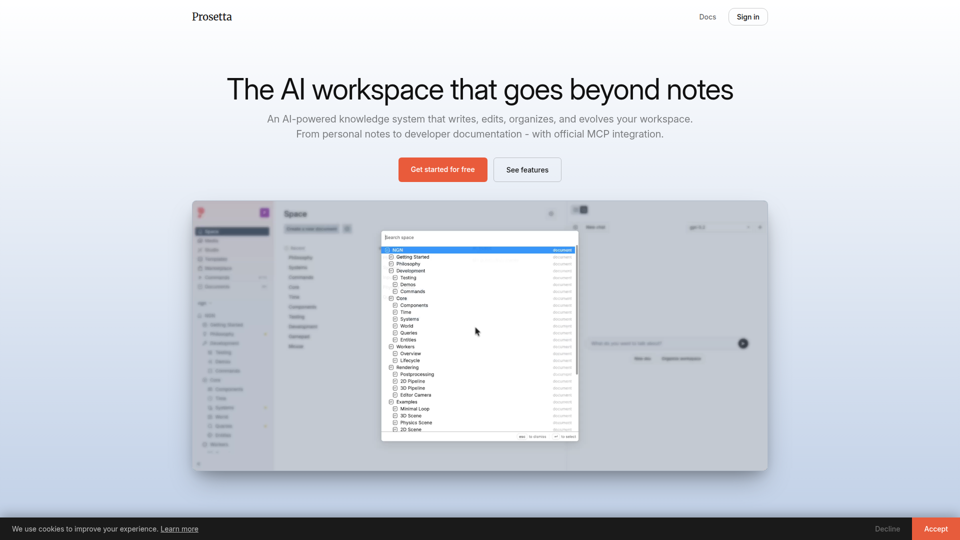
Prosetta
Prosetta is an AI workspace for writing, editing, organizing, and publishing documents, images, and videos in a collaborative knowledge system, aimed mainly at teams, creators, and developers managing notes or documentation. With real-time editing and MCP-based doc updates, it can help technical writers and software teams keep documentation closer to current code and workflows.
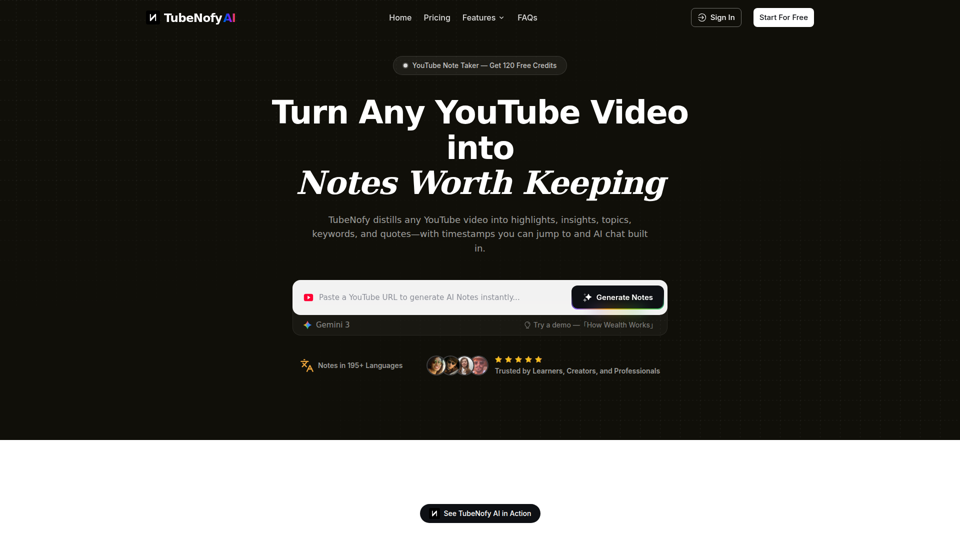
YouTube Note Taker – Turn YouTube Videos into Notes Worth Keeping | TubeNofy
TubeNofy is an AI YouTube note taker that turns videos into structured notes with highlights, insights, keywords, quotes, timestamps, search, and chat, mainly for learners, creators, and professionals who want reusable notes from lectures, interviews, Shorts, and other videos. For researchers, writers, and knowledge workers, it can reduce rewatching and manual note-taking by making video content easier to verify, reference, export, and reuse in everyday workflows.

Vidocu - Transform Videos into Tutorials & Documentation with AI
Vidocu is an AI video-to-documentation platform that helps teams turn screen recordings, demos, tutorials, and webinars into subtitles, voiceovers, translated versions, and step-by-step help articles, mainly for support, training, product marketing, and sales enablement workflows. For customer support, training, and content teams, it can reduce manual post-production and make video knowledge easier to publish, localize, and reuse across help centers, blogs, and internal documentation.