
AI Document Formatter - Format Text & Docs Instantly
Rate this Tool
Average Score
Total Votes
Select your score (1-10):
Detail Information
What
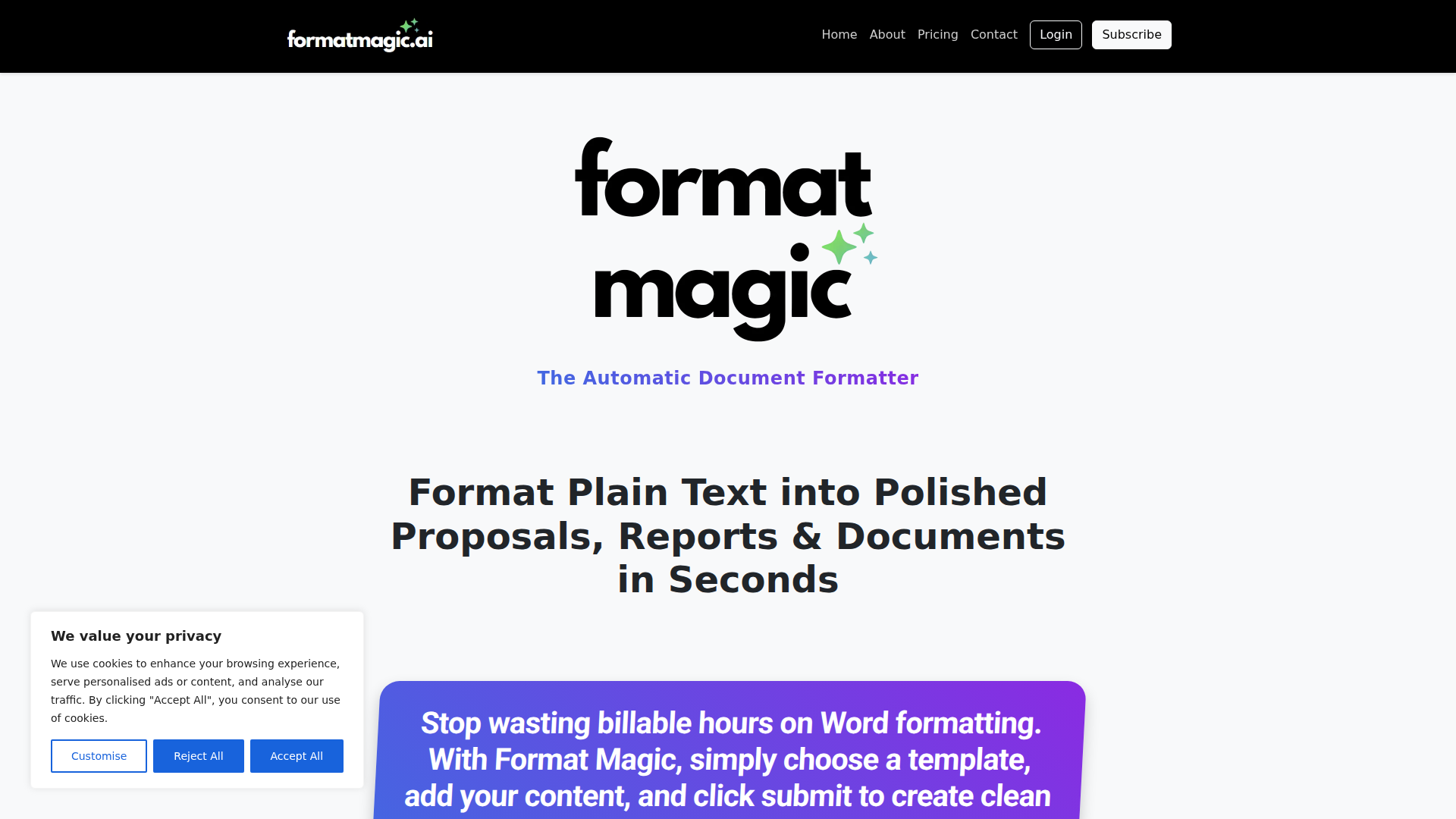
Format Magic is an AI document formatting tool that turns plain text, AI-generated text, and existing Word or PDF files into professionally formatted documents. The page positions it as a way to reduce time spent on manual layout work for proposals, reports, consultant deliverables, résumés, and cover letters.
The core workflow is straightforward: select a document category and template, paste text or upload a file, choose formatting options, then generate a formatted output and PDF. It appears to serve professionals who create client-facing documents and want consistent presentation without spending significant time in Word on styling and reformatting.
Features
- Plain-text to structured document formatting — Users can paste raw text from notes, emails, or simple editors and have it converted into a polished, print-ready document.
- AI-output cleanup and styling — The tool reformats text from ChatGPT, Gemini, and similar systems by applying template-based headings, lists, paragraphs, and tables.
- DOCX and PDF reformatting — Existing Word and PDF documents can be uploaded and restyled with a new template without changing the underlying content.
- Template-driven document creation — Users choose from document, résumé, and cover letter categories and apply one of many templates for fast visual standardization.
- Output revision and template switching — After processing, users can review the formatted output, make edits, and change templates before creating the final PDF.
- Advanced document options and customization — The page shows options such as cover pages, page numbers, table of contents, page orientation, and a Premium template customizer for branding elements like colors, fonts, headers, footers, and logos.
Helpful Tips
- Assess template fit early — For teams producing recurring documents, verify that available templates match your document types and visual standards before wider rollout.
- Standardize input structure — Clean headings and consistent source text will likely improve output quality, especially when using auto-generated table of contents features.
- Test with real legacy files — If reformatting old DOCX or PDF documents is a key use case, validate results on representative files because complex layouts can vary widely.
- Review image handling details — The page notes automatic image extraction for registered users and says headers and footers are not currently extracted, which matters for branded reports.
- Check plan-dependent features — Some capabilities, such as the Template Customizer and certain image-related functions, are explicitly limited to logged-in users or Premium subscribers.
OpenClaw Skills
A likely OpenClaw use case would be an agent that prepares source content before it reaches Format Magic. For example, an OpenClaw workflow could collect notes from meetings, emails, CRM records, or AI-generated drafts, normalize the structure into sections and headings, and then pass that content into a document-formatting step. While the page does not confirm a native integration, this kind of orchestration would fit teams that produce proposals, reports, and résumé-style documents at scale.
Another likely pattern is a post-processing skill layer around formatted outputs. OpenClaw agents could review drafts for missing sections, enforce naming conventions, create client-specific document variants, or route completed files into approval and delivery workflows. In consulting, recruiting, and professional services, that combination could shift document production from a mostly manual formatting task into a semi-automated content operations pipeline, where staff focus more on substance and less on presentation cleanup.
Embed Code
Share this AI tool on your website or blog by copying and pasting the code below. The embedded widget will automatically update with the latest information.
<iframe src="https://www.aimyflow.com/ai/formatmagic-ai/embed" width="100%" height="400" frameborder="0"></iframe>
Explore Similar Tools
EchoRead - AI Reading Companion
EchoRead is an AI reading companion that helps readers consolidate highlights from sources like Kindle, WeRead, and PDFs into structured notes, mind maps, podcasts, and Q&A, mainly for lifelong learners and knowledge workers who want to turn reading into usable knowledge. For educators, researchers, writers, and other thinking-heavy roles, it can speed synthesis and review by organizing context and supporting deeper learning with AI-guided questioning and recall.
VideoMule - Product Training and Demo Video Maker
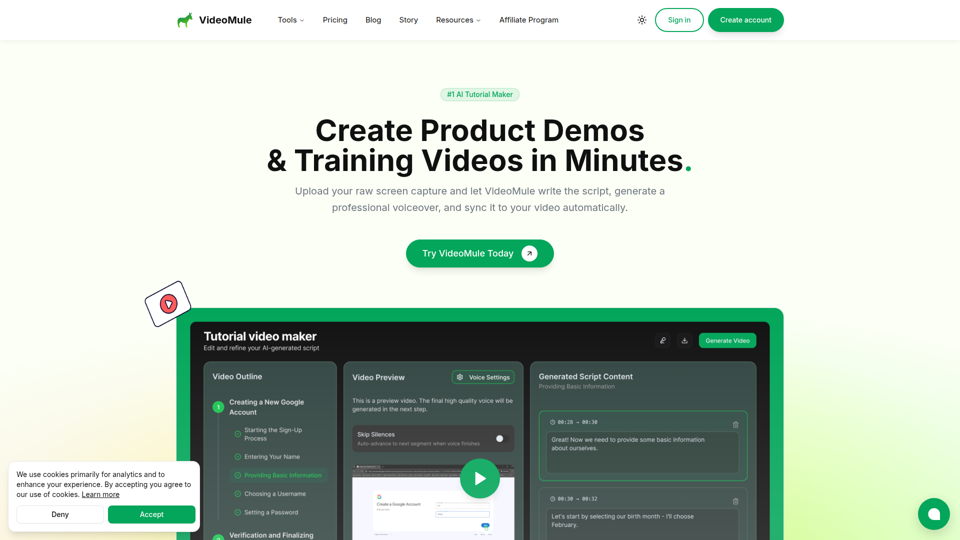
VideoMule is an AI tutorial and product demo video maker that turns raw screen recordings into narrated training videos with automatic script writing, voiceover, subtitles, and syncing, mainly for product marketers, learning and development teams, educators, technical writers, and customer success teams. In AI-assisted content workflows, it can help these teams produce clearer onboarding, documentation, and feature walkthrough videos faster without recording voiceovers manually.
Online Document Translator - Keep Format for PDF, Word, EPUB
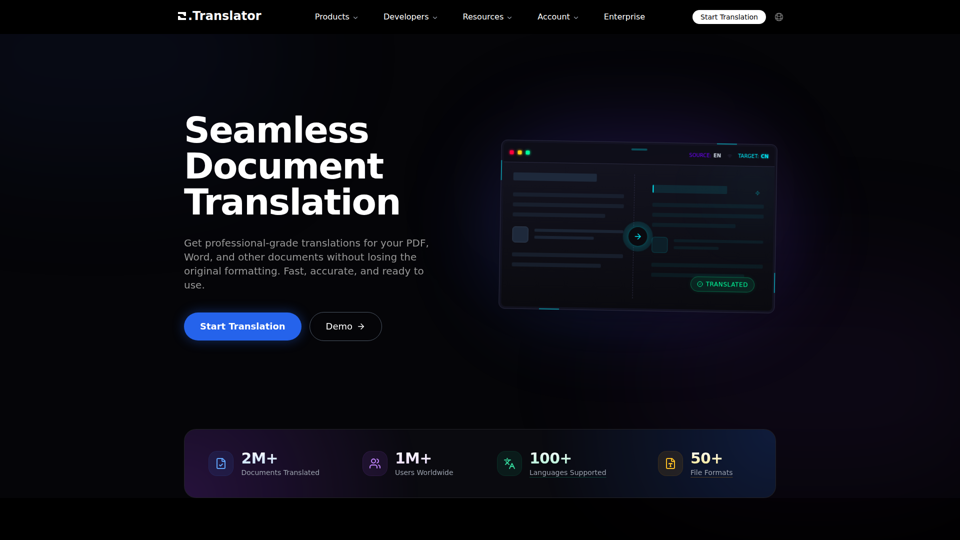
Office Translator is an AI document translation platform that translates PDFs, Word files, EPUBs, and many other formats while preserving original layout and formatting, mainly for professionals and teams handling multilingual documents. For translators, localization teams, and business or academic staff, it can speed cross-language document workflows while maintaining terminology consistency and editable structure.
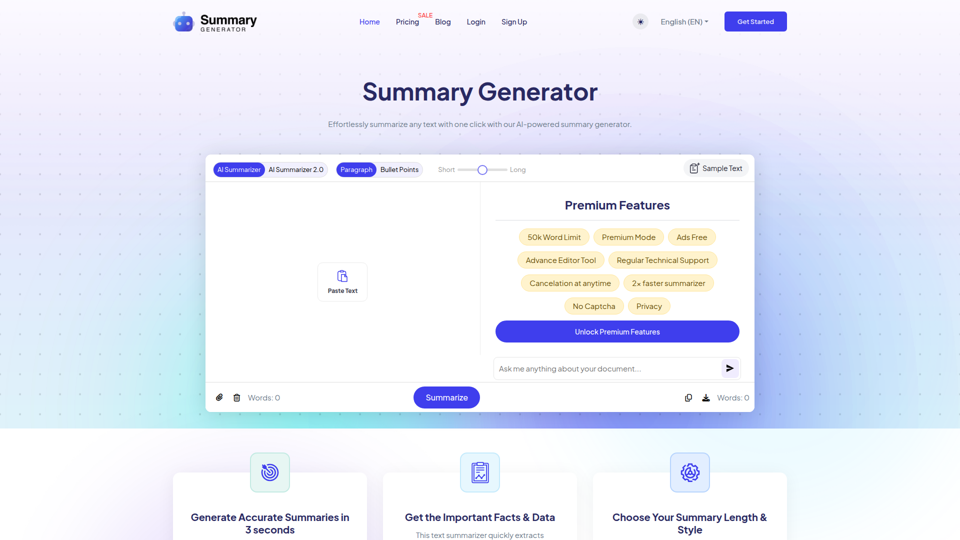
Ai Summary Generator - Summarize Text in One Click
SummaryGenerator.io is an AI text summarizer that condenses pasted or uploaded text into short or long summaries in paragraph or bullet-point form, mainly for students, researchers, writers, and readers reviewing articles, papers, reports, and meeting notes. For research, writing, and content review workflows, it can speed up information triage by surfacing key points and reducing time spent reading dense source material.
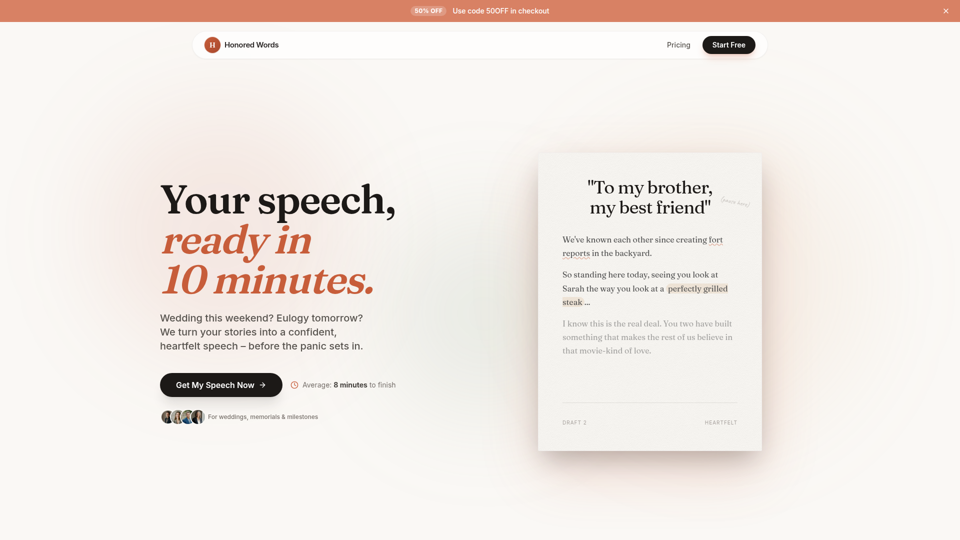
Honored Words - Your Speech, Ready in 10 Minutes | Honored Words
Honored Words is an AI speech-writing tool that helps people quickly create personalized speeches for weddings, memorials, and other milestone events, especially best men, maids of honor, parents, brides, and grooms. By turning specific memories and tone preferences into editable drafts, it helps event speakers produce more authentic, audience-aware remarks with less writing stress.
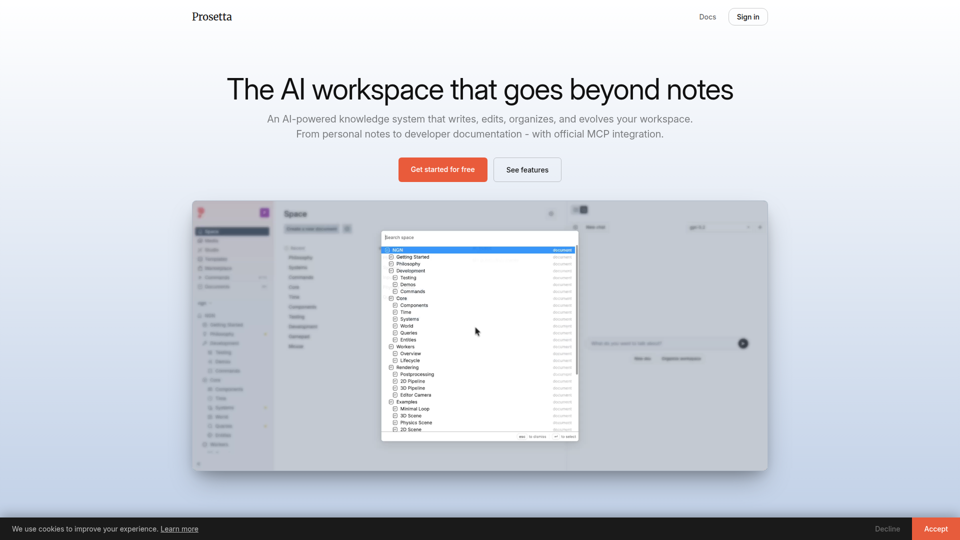
Prosetta
Prosetta is an AI workspace for writing, editing, organizing, and publishing documents, images, and videos in a collaborative knowledge system, aimed mainly at teams, creators, and developers managing notes or documentation. With real-time editing and MCP-based doc updates, it can help technical writers and software teams keep documentation closer to current code and workflows.
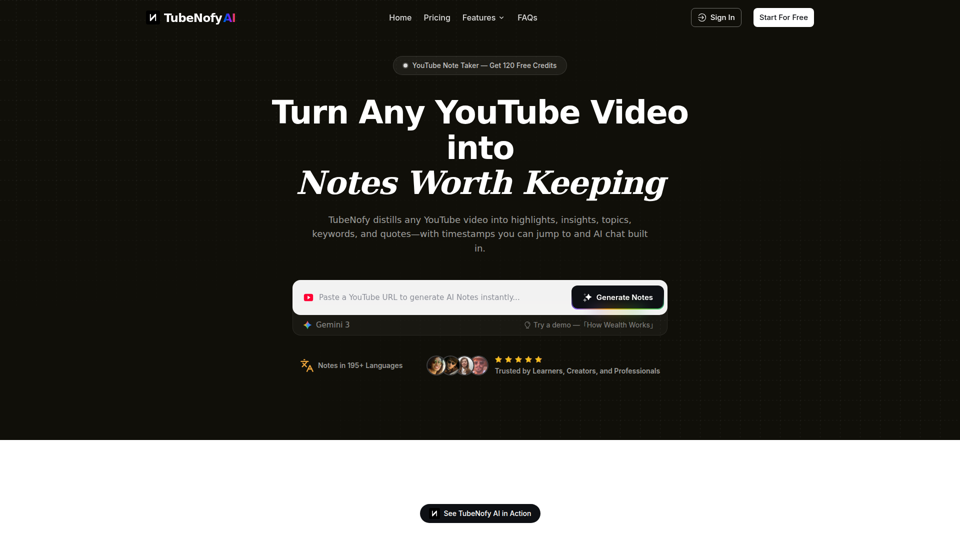
YouTube Note Taker – Turn YouTube Videos into Notes Worth Keeping | TubeNofy
TubeNofy is an AI YouTube note taker that turns videos into structured notes with highlights, insights, keywords, quotes, timestamps, search, and chat, mainly for learners, creators, and professionals who want reusable notes from lectures, interviews, Shorts, and other videos. For researchers, writers, and knowledge workers, it can reduce rewatching and manual note-taking by making video content easier to verify, reference, export, and reuse in everyday workflows.
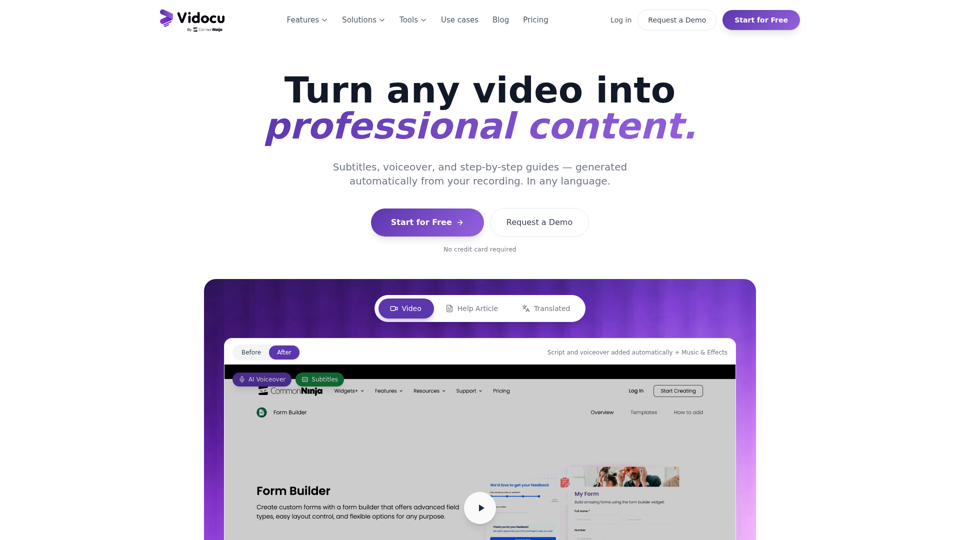
Vidocu - Transform Videos into Tutorials & Documentation with AI
Vidocu is an AI video-to-documentation platform that helps teams turn screen recordings, demos, tutorials, and webinars into subtitles, voiceovers, translated versions, and step-by-step help articles, mainly for support, training, product marketing, and sales enablement workflows. For customer support, training, and content teams, it can reduce manual post-production and make video knowledge easier to publish, localize, and reuse across help centers, blogs, and internal documentation.