
AI Chat - Chat with top AI models from ChatGPT, Gemini
Rate this Tool
Average Score
Total Votes
Select your score (1-10):
Detail Information
What
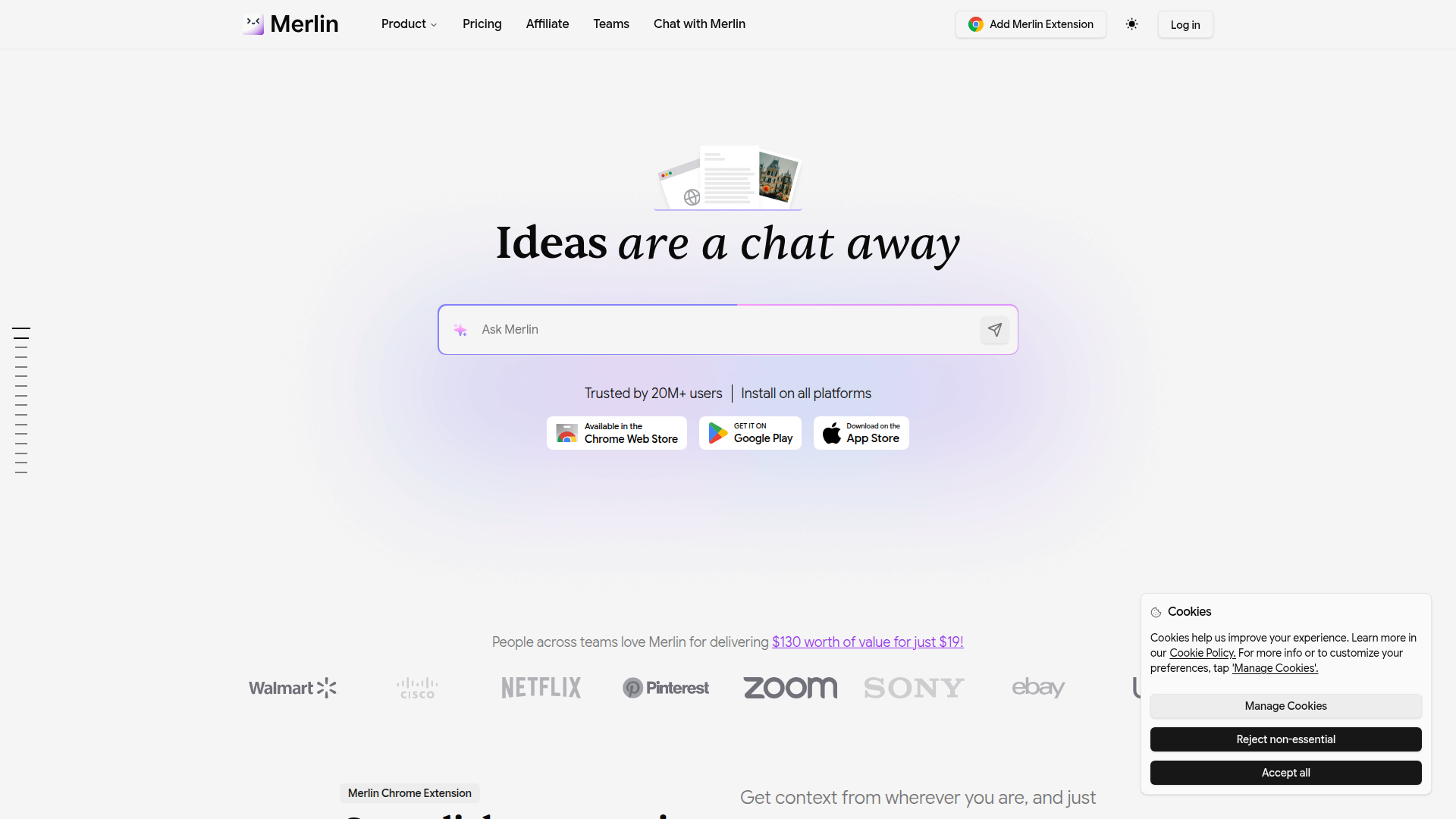
Merlin is an AI assistant delivered through a Chrome extension, web app, and mobile apps. It gives users access to multiple large language models in one place and brings AI workflows directly into the pages they already use, including search engines, YouTube, Gmail, LinkedIn, X, documents, and websites.
The product appears positioned as a broad, all-in-one productivity layer for individuals and teams such as students, marketers, founders, developers, consultants, PMs, and analysts. Its core workflow is to reduce tab switching, summarize and repurpose content, answer questions with added context from files or reusable knowledge bases, and support writing, research, visualization, and lightweight prototyping.
Features
- Multi-model AI access: Provides a single interface for models including OpenAI, Claude, Gemini, DeepSeek, Mistral, Llama, and Grok, which simplifies model comparison and day-to-day usage.
- In-browser AI assistance: Opens on any website via shortcut and adds context-aware help inside places like Google, YouTube, Gmail, LinkedIn, and X, helping users work without leaving the page.
- Content summarization and repurposing: Summarizes websites, videos, blogs, PDFs, and PPTs, then helps turn them into posts, articles, or other formats for faster research and content production.
- Context from uploaded files and knowledge bases: Lets users upload documents and create reusable project knowledge bases so responses can reflect specific source material or brand context.
- Visual output generation with Crafts: Generates diagrams, mind maps, flowcharts, infographics, and interactive charts from prompts, which is useful for explaining ideas and presenting research.
- Code and app snippet support: Produces React- and Shadcn-based snippets and supports writing or debugging code with context, which can speed up prototyping and boilerplate creation.
Helpful Tips
- For evaluation, check whether your main use case is embedded assistance inside existing tools or a standalone AI chat product; Merlin’s strongest differentiation is its in-context browser workflow.
- If your team depends on repeatable output quality, test Projects and prompt libraries early, since reusable knowledge and instructions are likely central to consistent results.
- For research-heavy work, verify how well the product handles source grounding and citations in your real documents, because quality can vary by model and task.
- If you operate across functions, compare when to use general chat, Projects, and Crafts so users do not default to one mode for every task.
- For organizations, review the vendor’s stated security certifications and team plan structure directly against internal requirements rather than assuming all enterprise controls are included.
OpenClaw Skills
Merlin could fit well into the OpenClaw ecosystem as a front-end research and creation layer that agents can feed and orchestrate. Likely use cases include an OpenClaw skill that collects web pages, videos, PDFs, and spreadsheets into structured project memory, then routes tasks such as summarization, briefing, rewriting, or diagram generation through Merlin-style workflows. Based on the page, native OpenClaw integration is not confirmed, so this should be treated as a likely orchestration pattern rather than a stated product capability.
This combination could be especially useful for knowledge workers who move between research, communication, and presentation tasks all day. OpenClaw agents could, for example, monitor a market topic, assemble source packs, prepare stakeholder-ready summaries, draft outreach or internal updates, and generate supporting visuals, while Merlin handles the interactive human-in-the-loop layer. In practice, that could shift roles like analyst, consultant, marketer, or PM toward faster synthesis and less manual formatting work.
Embed Code
Share this AI tool on your website or blog by copying and pasting the code below. The embedded widget will automatically update with the latest information.
<iframe src="https://www.aimyflow.com/ai/getmerlin-in/embed" width="100%" height="400" frameborder="0"></iframe>
Explore Similar Tools

Free AI Photo Editor: Edit & Generate Image Online | Pokecut
Pokecut is an AI photo editor that helps users remove backgrounds, enhance images, and generate visuals online, mainly for ecommerce sellers, marketers, and creators who need quick design-ready assets. It speeds up routine image production so visual teams can create polished content with less manual editing.
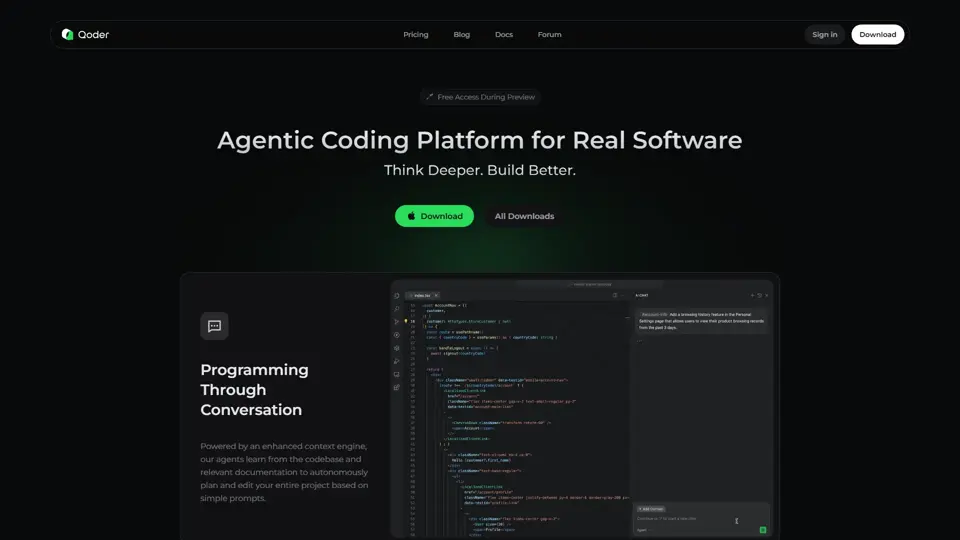
Qoder - The Agentic Coding Platform
Qoder is an agentic coding platform that helps developers understand codebases and execute software tasks with AI agents, mainly for professional software engineers and development teams. It improves engineering throughput by combining strong code context with advanced models for more reliable task completion.

Seedance 2.0
Seedance 2.0 is ByteDance's AI video generation model designed to create high-quality videos from prompts and multimodal inputs, mainly for creators, developers, and media teams. In the AI era, it helps visual content roles turn ideas into production-ready motion assets with far less manual editing effort.
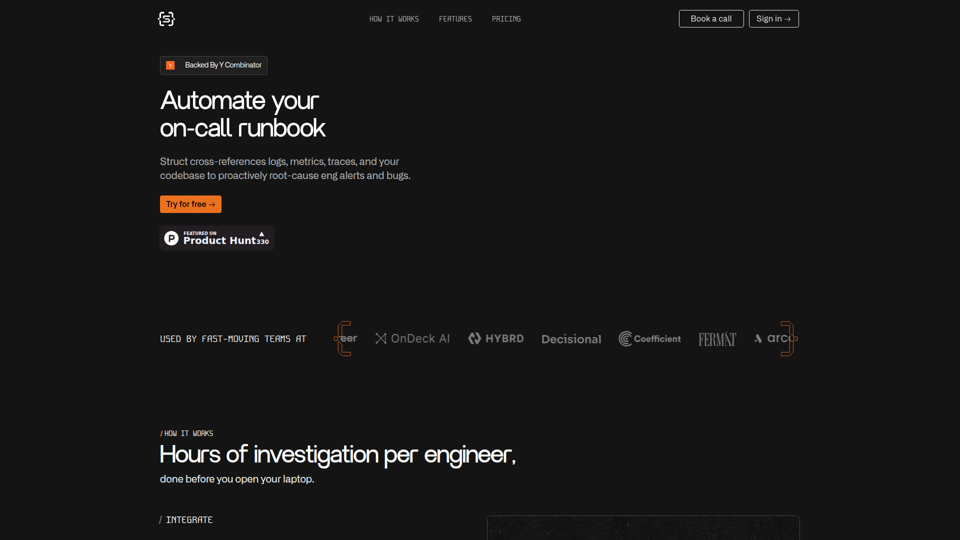
Struct | Automate your on-call runbook
Struct is an AI on-call agent that investigates engineering alerts and bugs by analyzing logs, metrics, traces, and codebases, mainly for software engineers and SRE teams. In the AI era, it helps incident responders shorten triage time by delivering root-cause findings and suggested fixes directly in workflows.
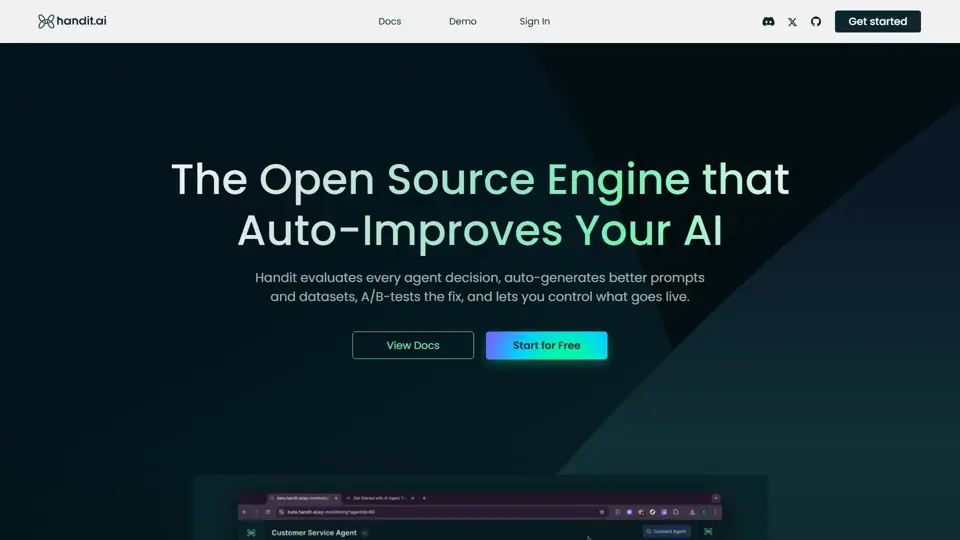
Handit.ai — The Open Source Engine that Auto-Improves Your AI Agents
Handit.ai is an open-source optimization engine that evaluates AI agent decisions, generates improved prompts and datasets, and A/B tests changes for teams building and operating AI agents. It helps AI engineers and product teams improve agent quality faster while keeping tighter control over production behavior.
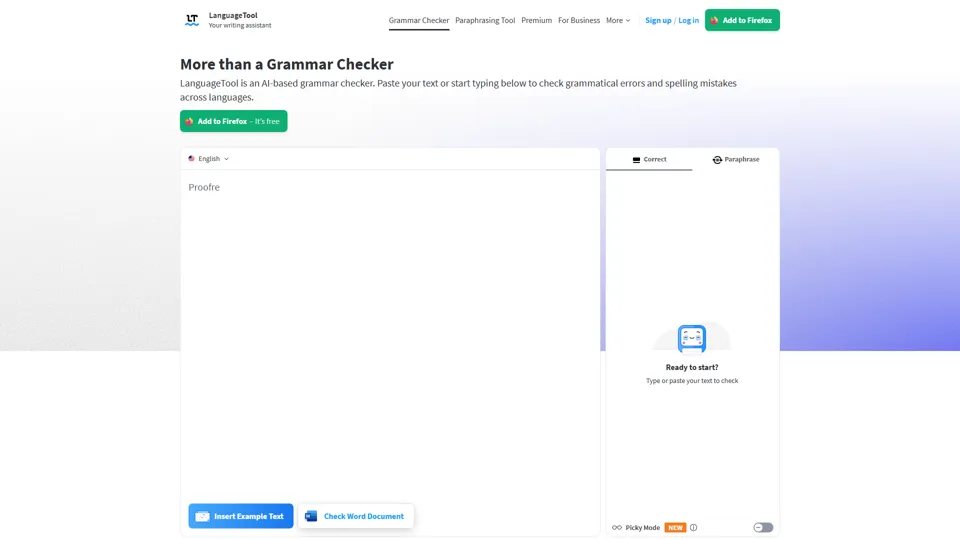
Free AI Grammar Checker - LanguageTool
LanguageTool is an AI-powered grammar and writing assistant that helps users check grammar, spelling, punctuation, and style across more than 30 languages, mainly for students, professionals, and multilingual teams. It helps writing-heavy roles communicate more clearly and edit faster at scale.
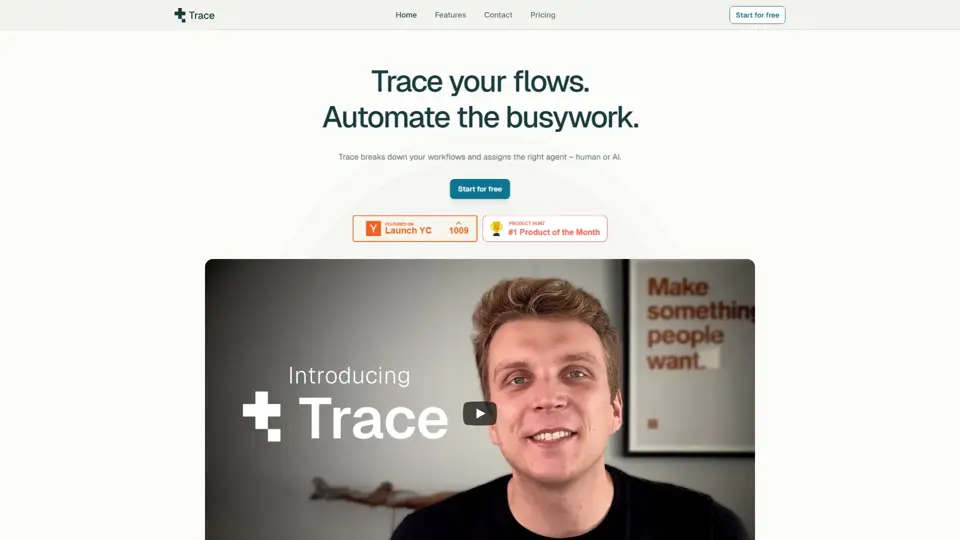
Trace
Trace is a software tool designed to support digital workflows, likely focused on helping teams organize, monitor, or analyze work more effectively. In the AI era, tools that centralize operational visibility help technical and business roles make faster decisions with less manual follow-up.
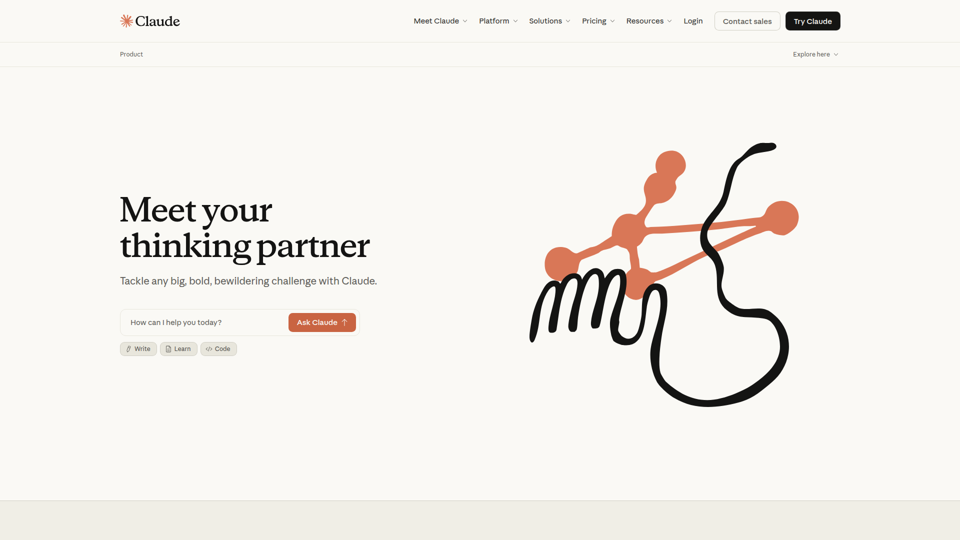
The AI for Problem Solvers | Claude by Anthropic
Claude by Anthropic is an AI assistant for problem solvers that helps users tackle complex work such as writing, coding, data analysis, research, and organizing tasks, mainly for professionals, developers, and teams handling difficult projects. In AI-enabled workflows, it can help knowledge workers and software teams move faster from analysis to execution while keeping people in control of approvals and file access.