
GitMind Chat - Your Best AI Assistant
Rate this Tool
Average Score
Total Votes
Select your score (1-10):
Detail Information
What
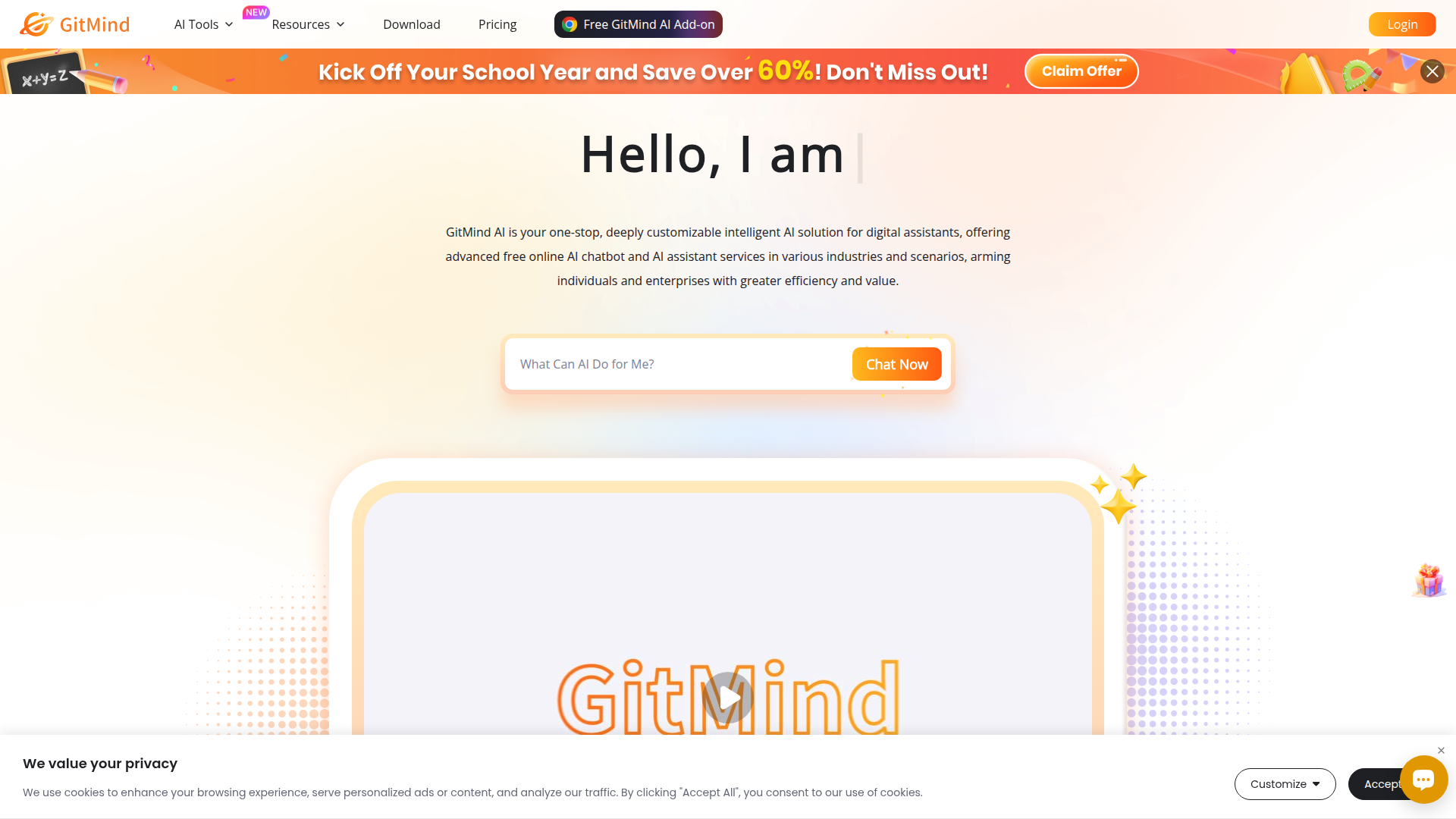
GitMind Chat is an AI assistant product within the GitMind platform. It is positioned as an all-in-one conversational assistant for individuals and enterprises, with support for general chat as well as work-oriented tasks such as data analysis, customer service, schedule management, copywriting, decision support, and interdisciplinary learning.
The product combines a general AI chat interface with prebuilt role-based agents and no-code assistant creation. Based on the page, the core workflow is to either choose a pre-trained assistant, create a custom assistant by defining role and rules, or start a conversation using prompts plus files, links, and images to get context-aware responses.
Features
- General AI chat with multimodal inputs: Users can chat with the assistant and provide files, links, or images to help the system generate more relevant answers.
- Built-in role-based AI agents: The product includes predefined assistants for functions such as marketing, coding, data analysis, legal review, translation, teaching, writing, and customer service.
- No-code custom assistant creation: Users can create an assistant in a guided flow by uploading an avatar, entering role information, choosing a type, and setting rules.
- Training from multiple content sources: GitMind AI can be customized using Q&A, documents, web pages, and software sources to better align responses with a specific business or use case.
- Contextual memory and multilingual support: The page states that the chatbot remembers conversation history for in-context answers and supports 22 languages.
- Cross-platform and sharing support: GitMind is available on web and mobile, syncs chat history and mind maps across devices, and allows selected chat history to be turned into sharing links.
Helpful Tips
- Validate domain-specific outputs carefully: Although the page lists legal, data, and forecasting use cases, buyers should verify answer quality and review requirements before relying on the tool for high-stakes work.
- Use prebuilt assistants as starting templates: Teams evaluating adoption can begin with the built-in agents to understand role design before investing time in custom assistant setup.
- Plan knowledge inputs deliberately: If using the customization service, organize Q&A, files, webpages, and other source materials in advance to improve response consistency and relevance.
- Test multilingual and context behavior with real scenarios: For organizations working across regions or long conversations, pilot with representative tasks to confirm how well memory and language support perform in practice.
- Treat performance claims conservatively: The page includes efficiency and satisfaction improvement figures, but it does not provide methodology, so these claims should be independently validated.
OpenClaw Skills
GitMind Chat could likely fit well into the OpenClaw ecosystem as a front-end assistant layer for knowledge work and operational support. Based on the page, likely OpenClaw skills could include a document Q&A agent, a customer support triage assistant, a marketing research workflow, a writing and translation assistant, or a meeting and schedule support agent. If OpenClaw is used to orchestrate workflows, GitMind-style assistants could serve as the conversational interface that collects user intent and routes tasks into structured automations.
A likely higher-value use case would be combining GitMind’s no-code assistant creation and domain-trained personas with OpenClaw agents that handle downstream actions, approvals, and multi-step processes. For example, education, legal operations, e-commerce support, or enterprise management teams could use GitMind as the interaction layer while OpenClaw manages repeatable workflows, knowledge retrieval, and handoffs. The source page does not confirm a native OpenClaw integration, so this should be viewed as a plausible interoperability model rather than a documented product feature.
Embed Code
Share this AI tool on your website or blog by copying and pasting the code below. The embedded widget will automatically update with the latest information.
<iframe src="https://www.aimyflow.com/ai/gitmind-com-ai-chat/embed" width="100%" height="400" frameborder="0"></iframe>
Explore Similar Tools

Free AI Photo Editor: Edit & Generate Image Online | Pokecut
Pokecut is an AI photo editor that helps users remove backgrounds, enhance images, and generate visuals online, mainly for ecommerce sellers, marketers, and creators who need quick design-ready assets. It speeds up routine image production so visual teams can create polished content with less manual editing.
Qoder - The Agentic Coding Platform
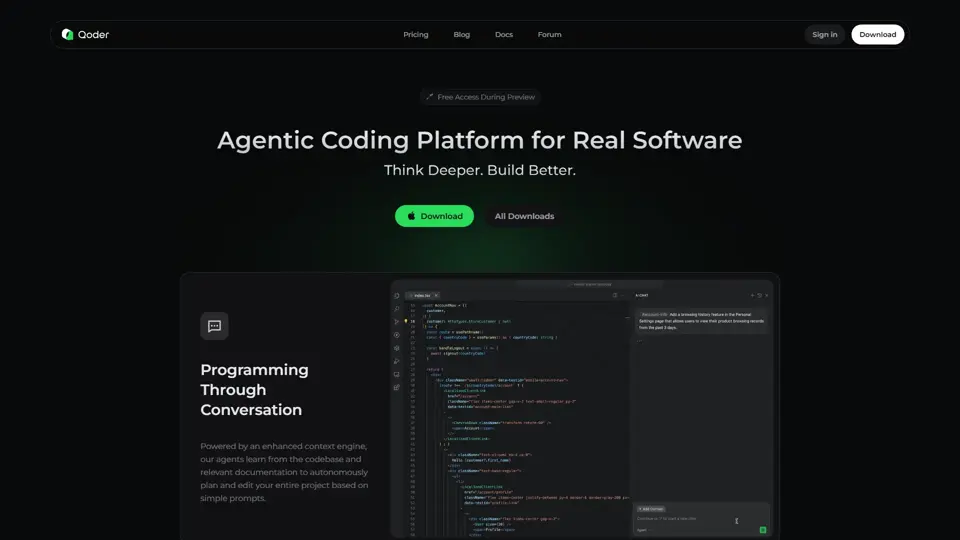
Qoder is an agentic coding platform that helps developers understand codebases and execute software tasks with AI agents, mainly for professional software engineers and development teams. It improves engineering throughput by combining strong code context with advanced models for more reliable task completion.

Seedance 2.0
Seedance 2.0 is ByteDance's AI video generation model designed to create high-quality videos from prompts and multimodal inputs, mainly for creators, developers, and media teams. In the AI era, it helps visual content roles turn ideas into production-ready motion assets with far less manual editing effort.
Struct | Automate your on-call runbook
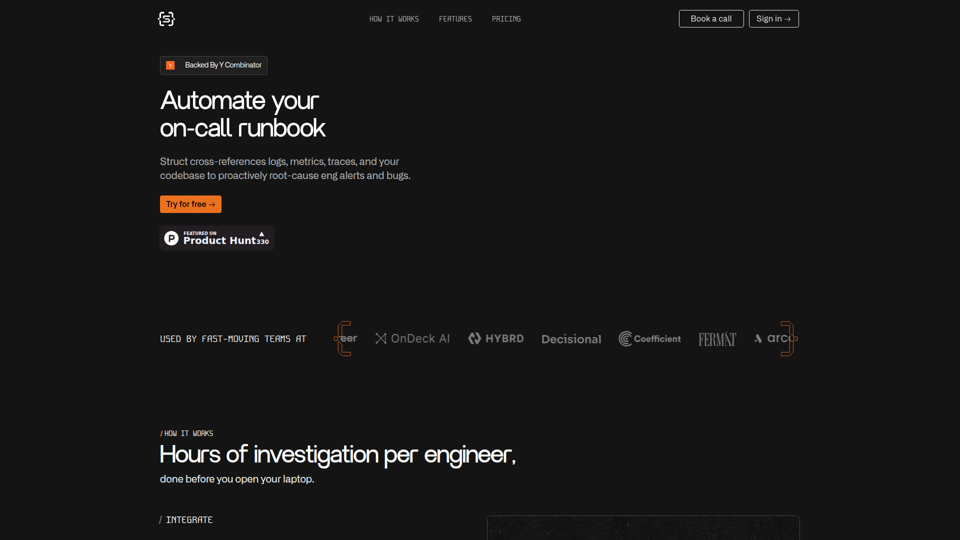
Struct is an AI on-call agent that investigates engineering alerts and bugs by analyzing logs, metrics, traces, and codebases, mainly for software engineers and SRE teams. In the AI era, it helps incident responders shorten triage time by delivering root-cause findings and suggested fixes directly in workflows.
Handit.ai — The Open Source Engine that Auto-Improves Your AI Agents
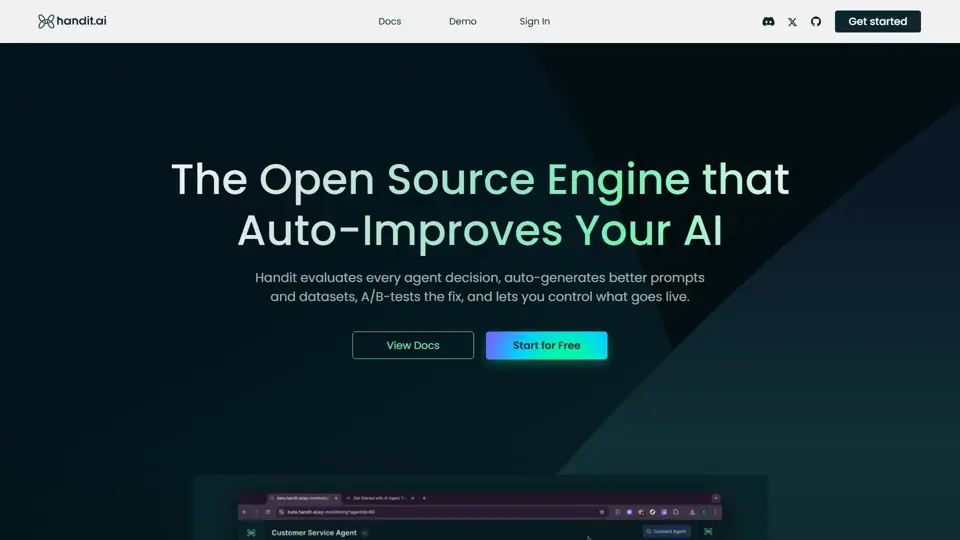
Handit.ai is an open-source optimization engine that evaluates AI agent decisions, generates improved prompts and datasets, and A/B tests changes for teams building and operating AI agents. It helps AI engineers and product teams improve agent quality faster while keeping tighter control over production behavior.
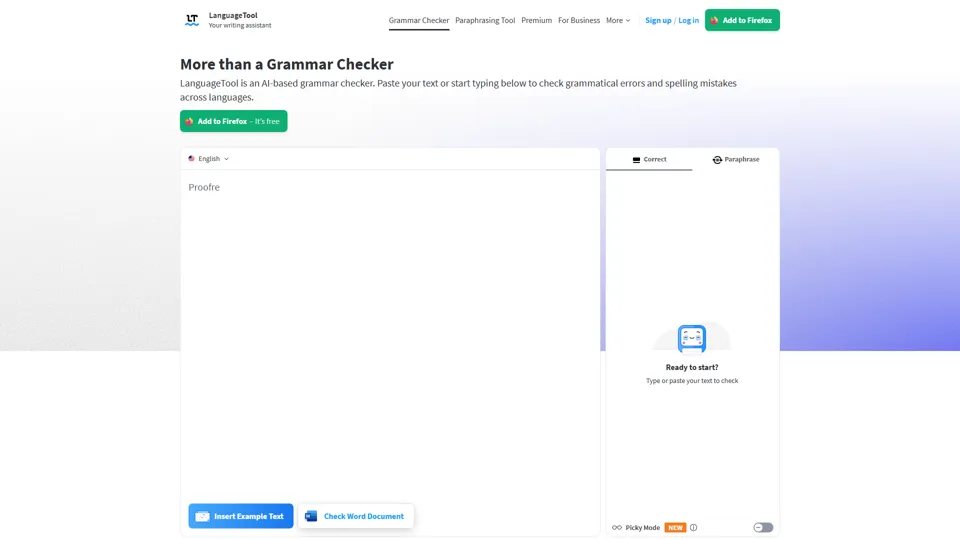
Free AI Grammar Checker - LanguageTool
LanguageTool is an AI-powered grammar and writing assistant that helps users check grammar, spelling, punctuation, and style across more than 30 languages, mainly for students, professionals, and multilingual teams. It helps writing-heavy roles communicate more clearly and edit faster at scale.
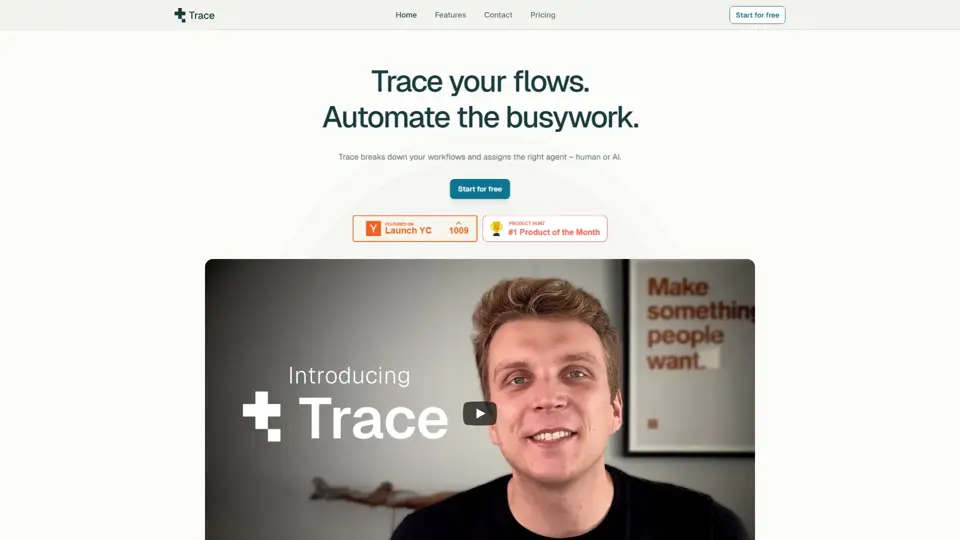
Trace
Trace is a software tool designed to support digital workflows, likely focused on helping teams organize, monitor, or analyze work more effectively. In the AI era, tools that centralize operational visibility help technical and business roles make faster decisions with less manual follow-up.
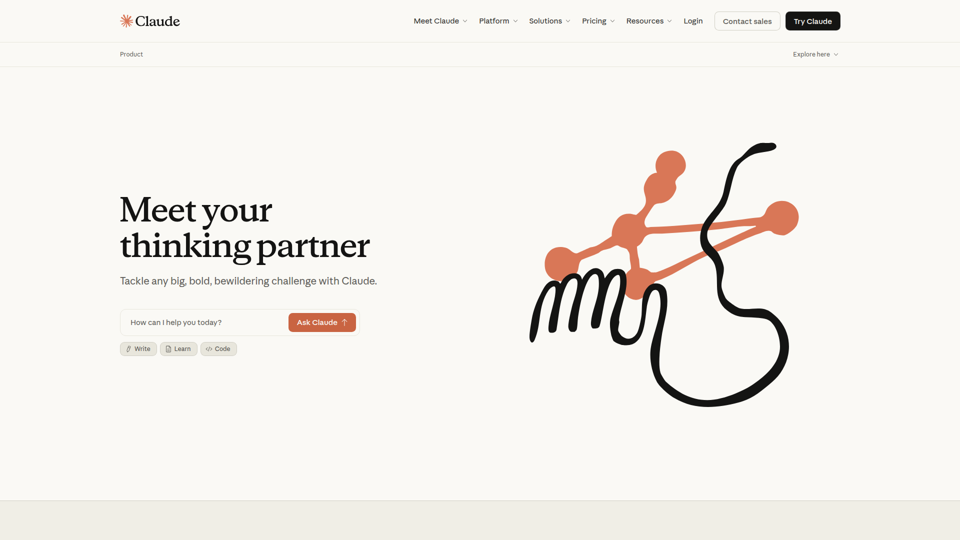
The AI for Problem Solvers | Claude by Anthropic
Claude by Anthropic is an AI assistant for problem solvers that helps users tackle complex work such as writing, coding, data analysis, research, and organizing tasks, mainly for professionals, developers, and teams handling difficult projects. In AI-enabled workflows, it can help knowledge workers and software teams move faster from analysis to execution while keeping people in control of approvals and file access.