
Alice - Your Personal AI Assistant App
Rate this Tool
Average Score
Total Votes
Select your score (1-10):
Detail Information
What
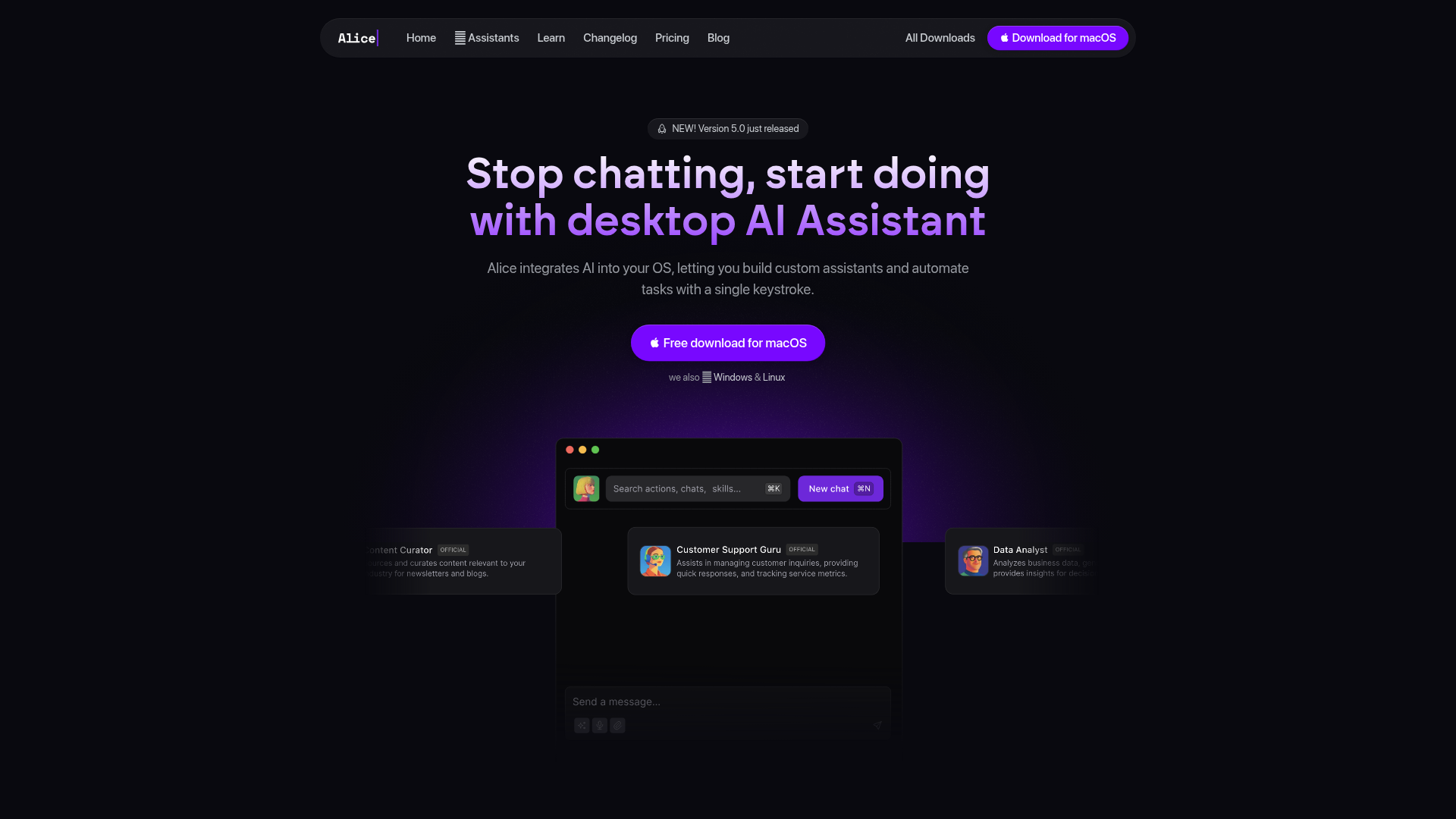
Alice is a desktop AI assistant app that brings AI workflows directly into the operating system. It is positioned as a native productivity layer for individuals who want faster access to AI, reusable prompts, and task automation without relying on browser tabs or separate web apps.
The product appears to serve knowledge workers, creators, operators, and technical users who want to combine chat, saved skills, document context, and app actions in one interface. Its core workflow is: summon Alice with a hotkey, use a model or prebuilt assistant, apply saved skills or automations, and complete multi-step tasks such as summarizing files, drafting content, querying connected tools, or triggering follow-up actions.
Features
- OS-level AI access with hotkeys: Alice can be summoned from the desktop with a keyboard shortcut, which reduces friction for quick prompting and repeatable actions.
- Custom assistants and skills library: Users can build their own assistants or install from a library of 50+ assistants and 200+ skills, making common workflows reusable instead of rewritten each time.
- Memory and document context: The app can use project documents, notes, and user preferences to generate more personalized responses across ongoing work.
- Multi-model interface: Alice provides access to models from providers such as OpenAI, Claude, and Gemini in one place, with support for bringing your own API keys.
- Automation through app actions and no-code tools: The site states that Alice can work with applications and connect to tools like Zapier, Make, and n8n to automate operational tasks.
- Web, image, and voice capabilities: Alice supports web search, image reading, image generation, voice input, and text-to-speech for mixed-mode workflows beyond text chat.
Helpful Tips
- Assess where OS-level access matters most: This kind of product is most useful when teams repeatedly switch between apps, prompts, and lightweight operational tasks throughout the day.
- Start with a few high-frequency skills: Adoption tends to improve when users first save prompts for recurring tasks such as summarization, rewriting, translation, QA checks, or CRM follow-ups.
- Validate automation boundaries early: If app control and no-code workflows are important, confirm exactly which actions are supported in your environment because the page describes broad automation potential but not full technical limits.
- Plan model governance and cost ownership: Since Alice supports multiple models and bring-your-own-key usage, teams should define which models are used for which tasks before broad rollout.
- Review privacy and local-processing needs carefully: The site mentions local storage and offline models, but buyers should still verify deployment details and data handling requirements against their own policies.
OpenClaw Skills
Alice is a strong candidate for OpenClaw workflows centered on desktop productivity, personal automation, and role-based AI assistants. Likely OpenClaw skills could include prompt routing by task type, assistant selection by department, document-aware drafting, meeting follow-up generation, CRM update flows, and trigger-based actions launched from a global shortcut. If Alice exposes stable actions in practice, OpenClaw agents could coordinate multi-step work such as reading a local file, summarizing it, drafting an email, and passing the output into another tool.
In a broader workflow design, OpenClaw could sit above Alice as an orchestration layer for profession-specific systems. Likely use cases include a sales co-pilot that prepares outreach from local data, a content operations agent that combines research with CMS posting steps, or a product operations assistant that turns notes into tasks and summaries. This is an inference rather than a confirmed native OpenClaw integration, but the combination could make desktop AI more operational by turning one-off prompts into structured, reusable workflows across everyday tools.
Embed Code
Share this AI tool on your website or blog by copying and pasting the code below. The embedded widget will automatically update with the latest information.
<iframe src="https://www.aimyflow.com/ai/heyalice-app/embed" width="100%" height="400" frameborder="0"></iframe>
Explore Similar Tools

Free AI Photo Editor: Edit & Generate Image Online | Pokecut
Pokecut is an AI photo editor that helps users remove backgrounds, enhance images, and generate visuals online, mainly for ecommerce sellers, marketers, and creators who need quick design-ready assets. It speeds up routine image production so visual teams can create polished content with less manual editing.
Qoder - The Agentic Coding Platform
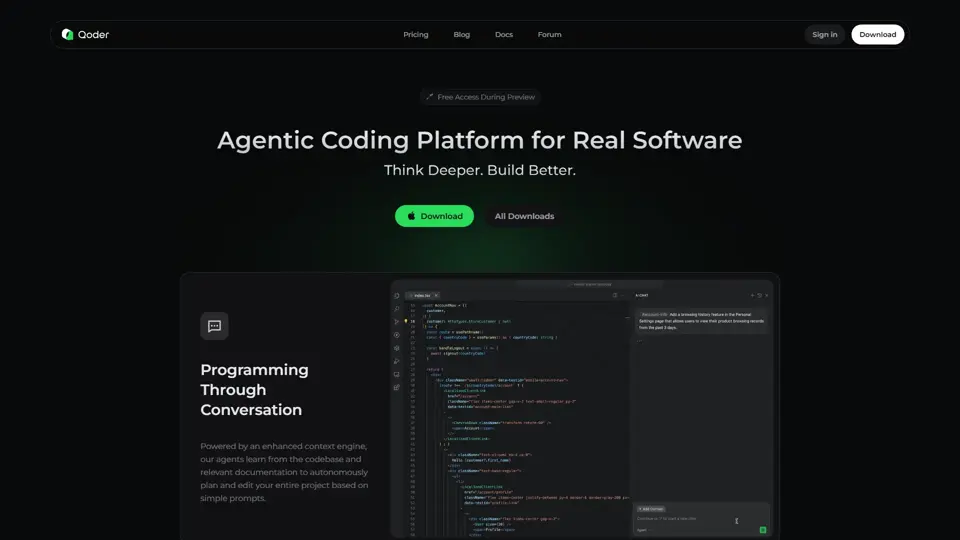
Qoder is an agentic coding platform that helps developers understand codebases and execute software tasks with AI agents, mainly for professional software engineers and development teams. It improves engineering throughput by combining strong code context with advanced models for more reliable task completion.

Seedance 2.0
Seedance 2.0 is ByteDance's AI video generation model designed to create high-quality videos from prompts and multimodal inputs, mainly for creators, developers, and media teams. In the AI era, it helps visual content roles turn ideas into production-ready motion assets with far less manual editing effort.
Struct | Automate your on-call runbook
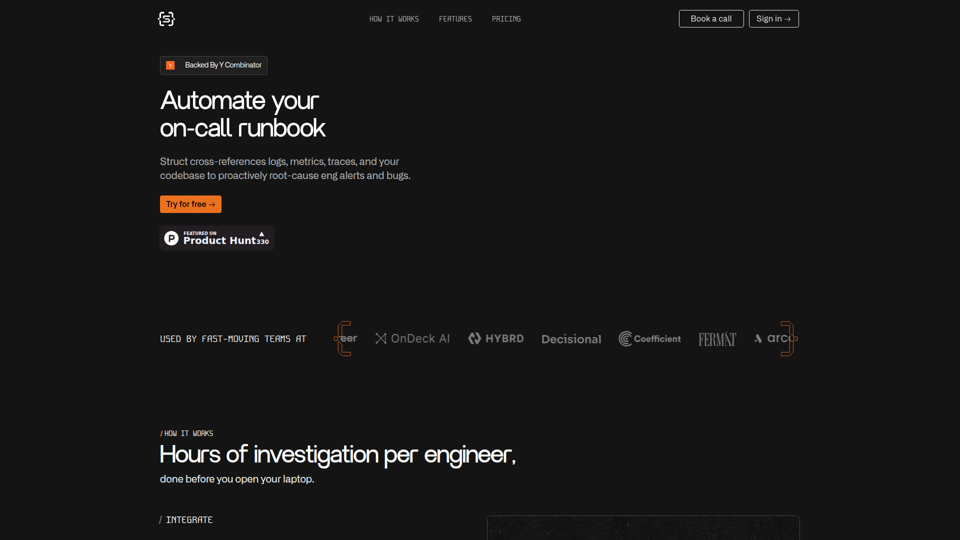
Struct is an AI on-call agent that investigates engineering alerts and bugs by analyzing logs, metrics, traces, and codebases, mainly for software engineers and SRE teams. In the AI era, it helps incident responders shorten triage time by delivering root-cause findings and suggested fixes directly in workflows.
Handit.ai — The Open Source Engine that Auto-Improves Your AI Agents
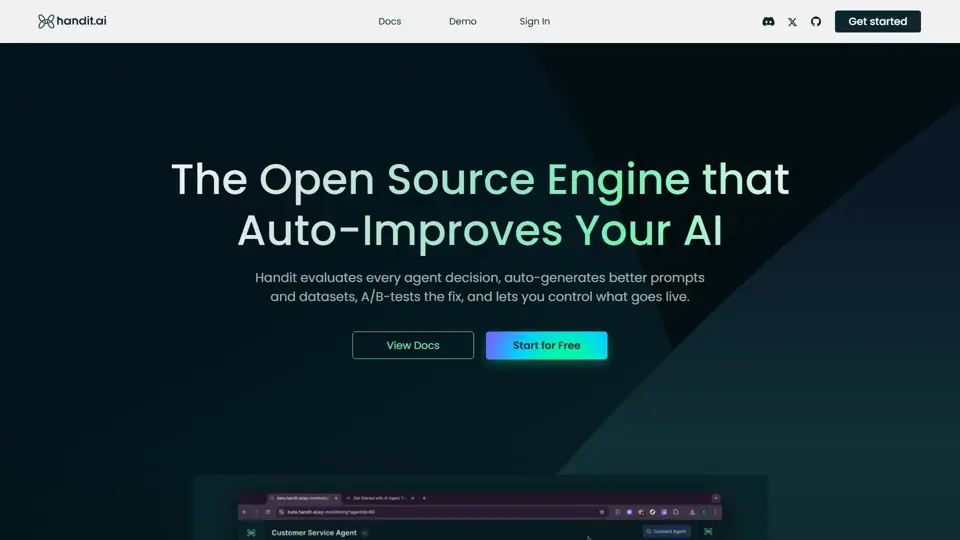
Handit.ai is an open-source optimization engine that evaluates AI agent decisions, generates improved prompts and datasets, and A/B tests changes for teams building and operating AI agents. It helps AI engineers and product teams improve agent quality faster while keeping tighter control over production behavior.
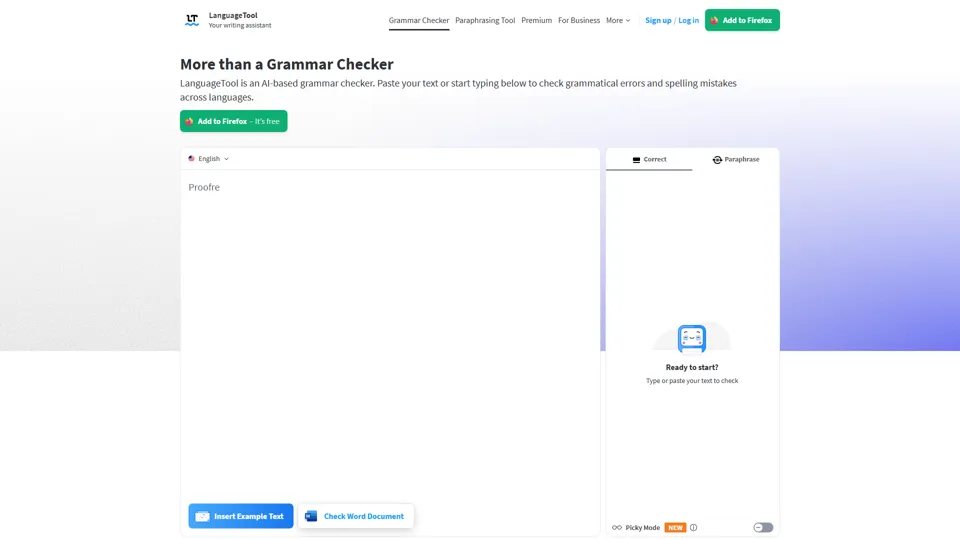
Free AI Grammar Checker - LanguageTool
LanguageTool is an AI-powered grammar and writing assistant that helps users check grammar, spelling, punctuation, and style across more than 30 languages, mainly for students, professionals, and multilingual teams. It helps writing-heavy roles communicate more clearly and edit faster at scale.
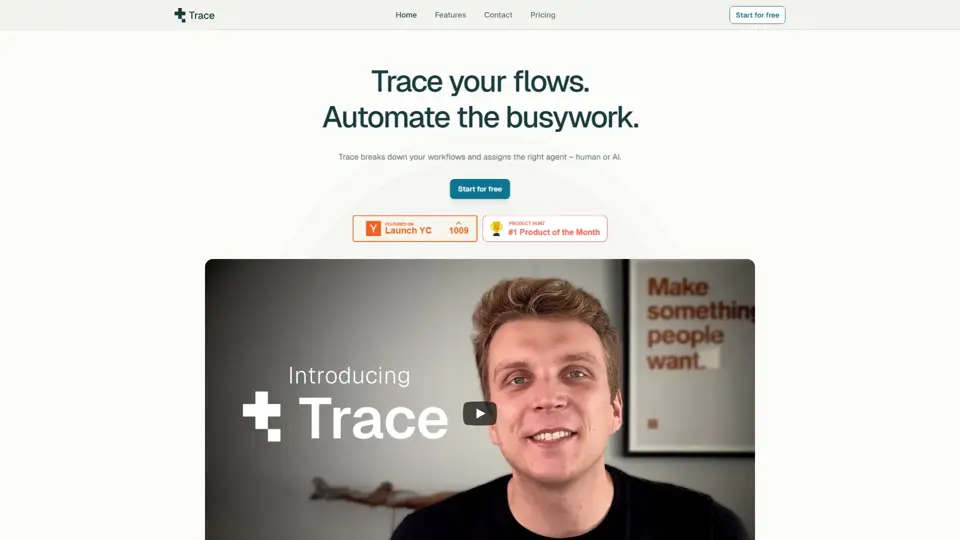
Trace
Trace is a software tool designed to support digital workflows, likely focused on helping teams organize, monitor, or analyze work more effectively. In the AI era, tools that centralize operational visibility help technical and business roles make faster decisions with less manual follow-up.
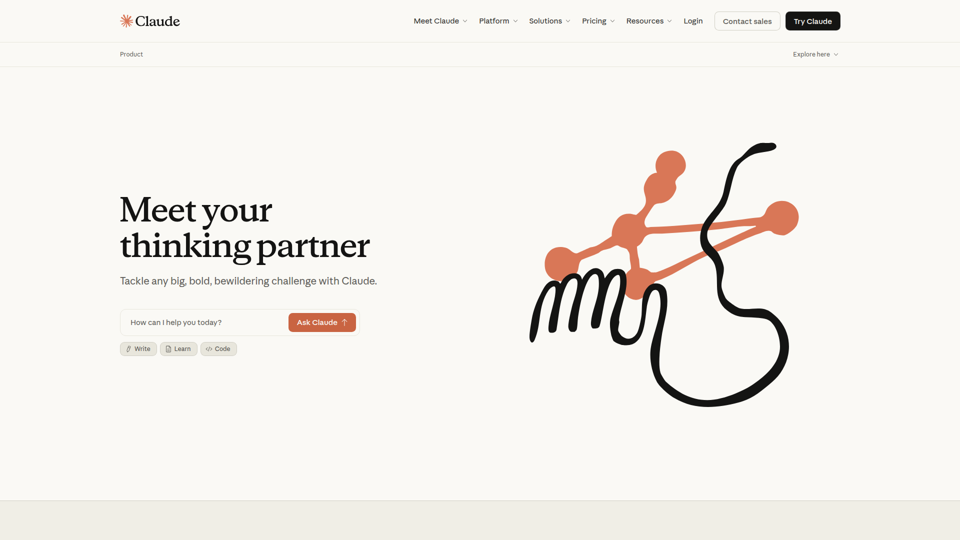
The AI for Problem Solvers | Claude by Anthropic
Claude by Anthropic is an AI assistant for problem solvers that helps users tackle complex work such as writing, coding, data analysis, research, and organizing tasks, mainly for professionals, developers, and teams handling difficult projects. In AI-enabled workflows, it can help knowledge workers and software teams move faster from analysis to execution while keeping people in control of approvals and file access.