
Linum | Type text, dream video

Rate this Tool
Average Score
Total Votes
Select your score (1-10):
Detail Information
What
Linum is a small research lab focused on training text-to-video models from scratch. Based on the page content, its main public product is Linum v2, a 2B-parameter text-to-video model released with model weights and source code under Apache 2.0.
The product appears aimed at researchers, developers, and technically capable teams that want open access to a generative video model rather than a closed consumer app. Its core workflow is straightforward: provide a text prompt and generate video output, with the site indicating support for 360p and 720p generation. Linum is best positioned as an open research and model-development effort with practical release artifacts.
Features
- Text-to-video generation: Converts written prompts into generated video, addressing creative and research use cases that start from natural-language scene descriptions.
- Open model weights: Provides downloadable model weights, which is useful for teams that want to inspect, run, adapt, or evaluate the model directly.
- Source code access: Publishes source code, supporting reproducibility, experimentation, and developer-led implementation work.
- Linum v2 model release: Offers a named second-generation model, suggesting an actively iterated research line rather than a one-off demo.
- 2B-parameter model: Uses a 2-billion-parameter architecture, which helps indicate the model’s scale for technical evaluation and deployment planning.
- 360p and 720p output references: The page explicitly mentions these resolutions, giving a practical sense of the model’s intended output formats.
Helpful Tips
- Evaluate it as an open model, not a finished end-user platform: The page highlights weights and source code, but does not describe a hosted production workflow, admin tooling, or enterprise controls.
- Check output quality against your target use case: The site references 360p and 720p generation, so teams should validate whether those resolutions and motion characteristics fit research, prototyping, or content needs.
- Plan for technical setup effort: Because Linum emphasizes open releases and research notes, adoption likely suits teams comfortable with model infrastructure, testing, and prompt iteration.
- Use the research notes to assess maturity: The Field Notes posts on reconstruction, generation quality, and training operations can help buyers or evaluators understand the team’s technical priorities and tradeoffs.
- Treat unsupported capabilities conservatively: The page does not confirm editing workflows, image-to-video, API access, fine-tuning services, or commercial deployment features, so those should not be assumed.
OpenClaw Skills
Within the OpenClaw ecosystem, Linum could likely serve as a foundation model inside agentic creative or research workflows. A likely use case would be an OpenClaw skill that turns structured briefs into prompt variants, sends them to a Linum-based generation pipeline, ranks outputs against style constraints, and organizes approved clips for downstream review. Since the page does not mention a native integration, this should be treated as a workflow inference rather than a confirmed product connection.
This combination could be especially useful for creative operations, media prototyping, and AI research teams. OpenClaw agents could likely handle prompt decomposition, experiment tracking, batch generation scheduling, and comparative evaluation across scenes or resolutions, while Linum supplies the core video synthesis capability. In practice, that could shift video ideation from a manual trial-and-error process toward a more systematic generation-and-review workflow for studios, labs, and internal content teams.
Embed Code
Share this AI tool on your website or blog by copying and pasting the code below. The embedded widget will automatically update with the latest information.
<iframe src="https://www.aimyflow.com/ai/linum-ai/embed" width="100%" height="400" frameborder="0"></iframe>
Explore Similar Tools

Free AI Photo Editor: Edit & Generate Image Online | Pokecut
Pokecut is an AI photo editor that helps users remove backgrounds, enhance images, and generate visuals online, mainly for ecommerce sellers, marketers, and creators who need quick design-ready assets. It speeds up routine image production so visual teams can create polished content with less manual editing.
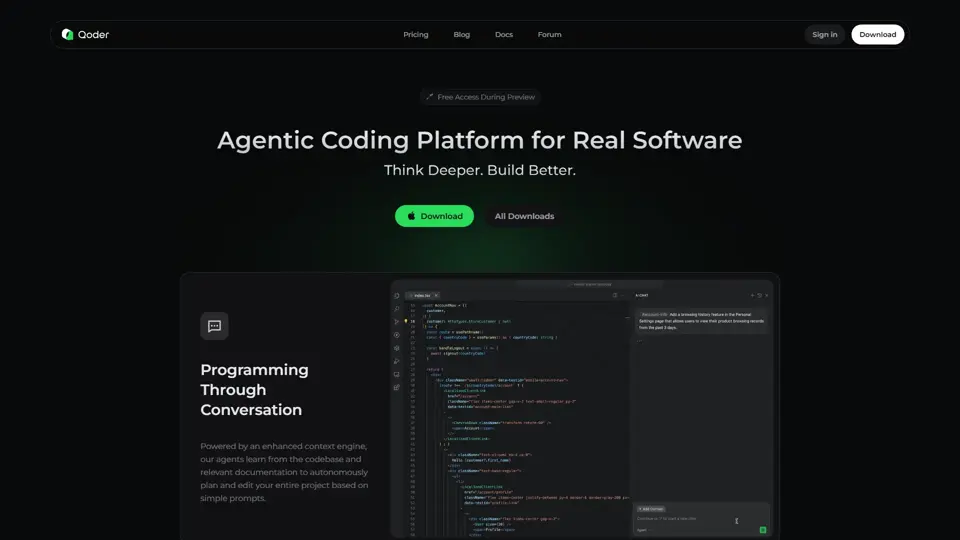
Qoder - The Agentic Coding Platform
Qoder is an agentic coding platform that helps developers understand codebases and execute software tasks with AI agents, mainly for professional software engineers and development teams. It improves engineering throughput by combining strong code context with advanced models for more reliable task completion.

Seedance 2.0
Seedance 2.0 is ByteDance's AI video generation model designed to create high-quality videos from prompts and multimodal inputs, mainly for creators, developers, and media teams. In the AI era, it helps visual content roles turn ideas into production-ready motion assets with far less manual editing effort.
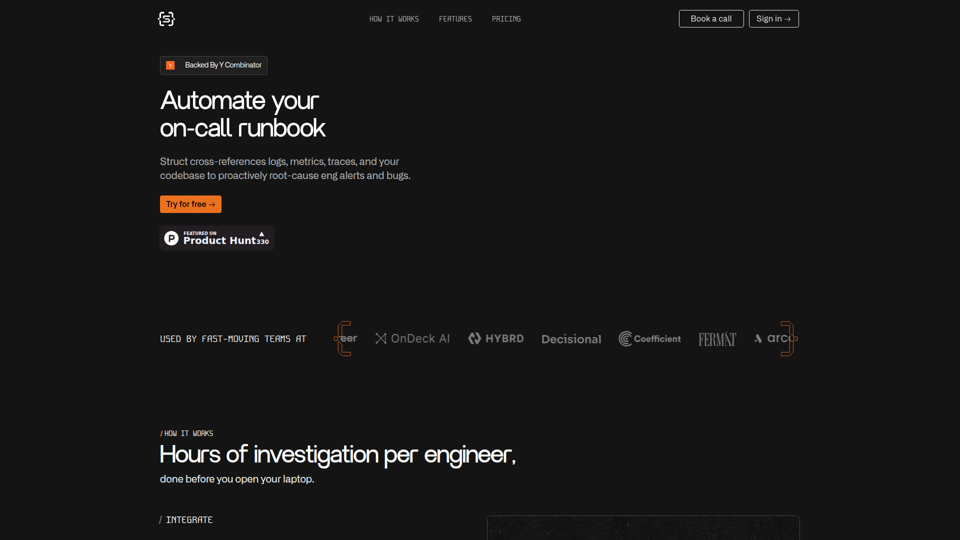
Struct | Automate your on-call runbook
Struct is an AI on-call agent that investigates engineering alerts and bugs by analyzing logs, metrics, traces, and codebases, mainly for software engineers and SRE teams. In the AI era, it helps incident responders shorten triage time by delivering root-cause findings and suggested fixes directly in workflows.
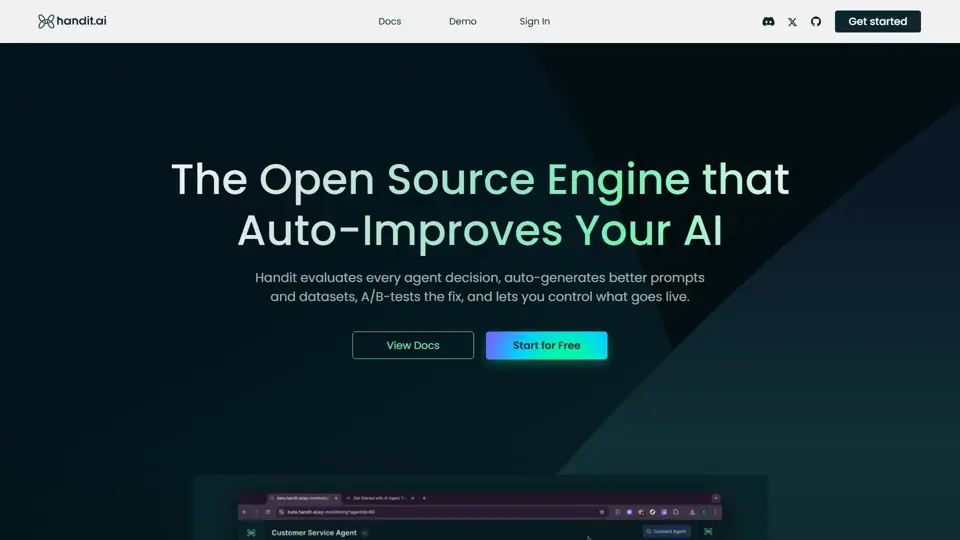
Handit.ai — The Open Source Engine that Auto-Improves Your AI Agents
Handit.ai is an open-source optimization engine that evaluates AI agent decisions, generates improved prompts and datasets, and A/B tests changes for teams building and operating AI agents. It helps AI engineers and product teams improve agent quality faster while keeping tighter control over production behavior.
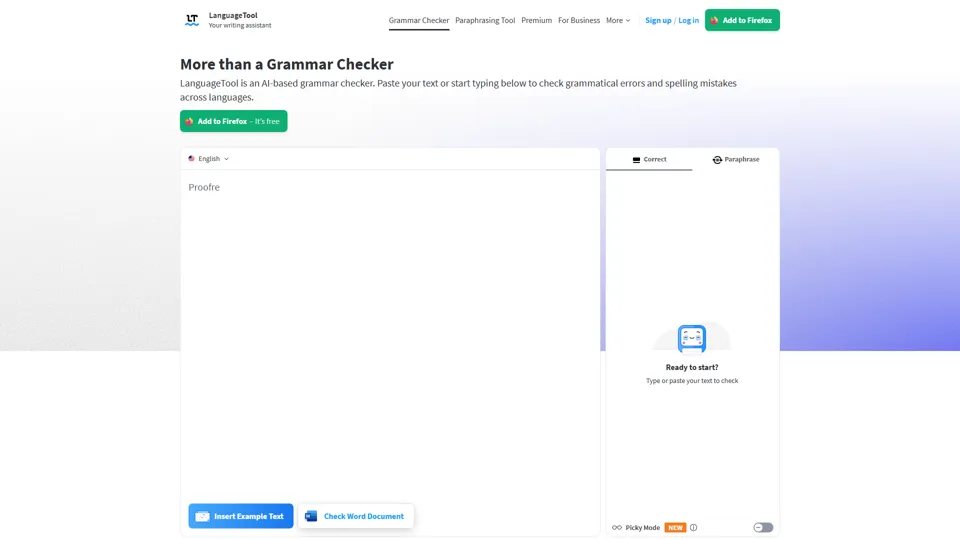
Free AI Grammar Checker - LanguageTool
LanguageTool is an AI-powered grammar and writing assistant that helps users check grammar, spelling, punctuation, and style across more than 30 languages, mainly for students, professionals, and multilingual teams. It helps writing-heavy roles communicate more clearly and edit faster at scale.
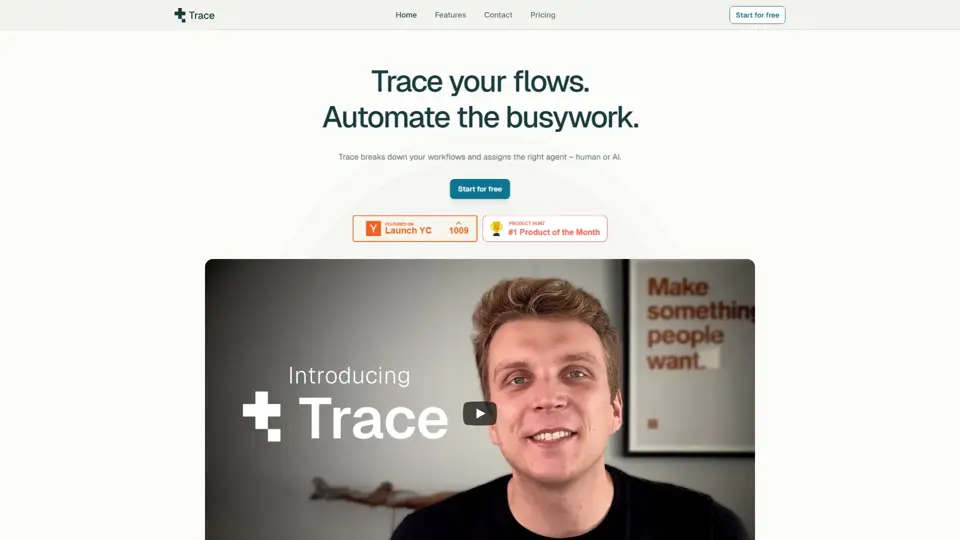
Trace
Trace is a software tool designed to support digital workflows, likely focused on helping teams organize, monitor, or analyze work more effectively. In the AI era, tools that centralize operational visibility help technical and business roles make faster decisions with less manual follow-up.
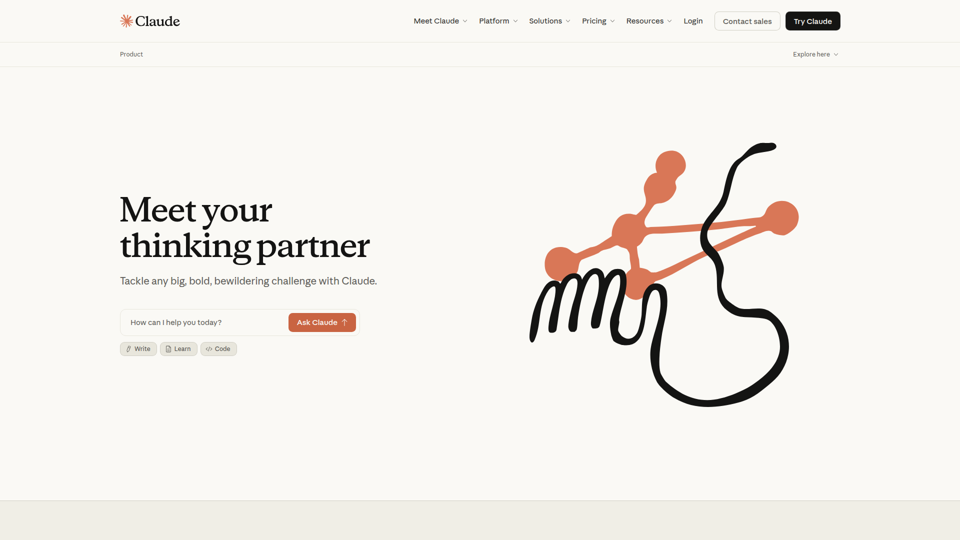
The AI for Problem Solvers | Claude by Anthropic
Claude by Anthropic is an AI assistant for problem solvers that helps users tackle complex work such as writing, coding, data analysis, research, and organizing tasks, mainly for professionals, developers, and teams handling difficult projects. In AI-enabled workflows, it can help knowledge workers and software teams move faster from analysis to execution while keeping people in control of approvals and file access.