
Mermaid Viewer - Online Diagram Editor with Live Preview
Rate this Tool
Average Score
Total Votes
Select your score (1-10):
Detail Information
What
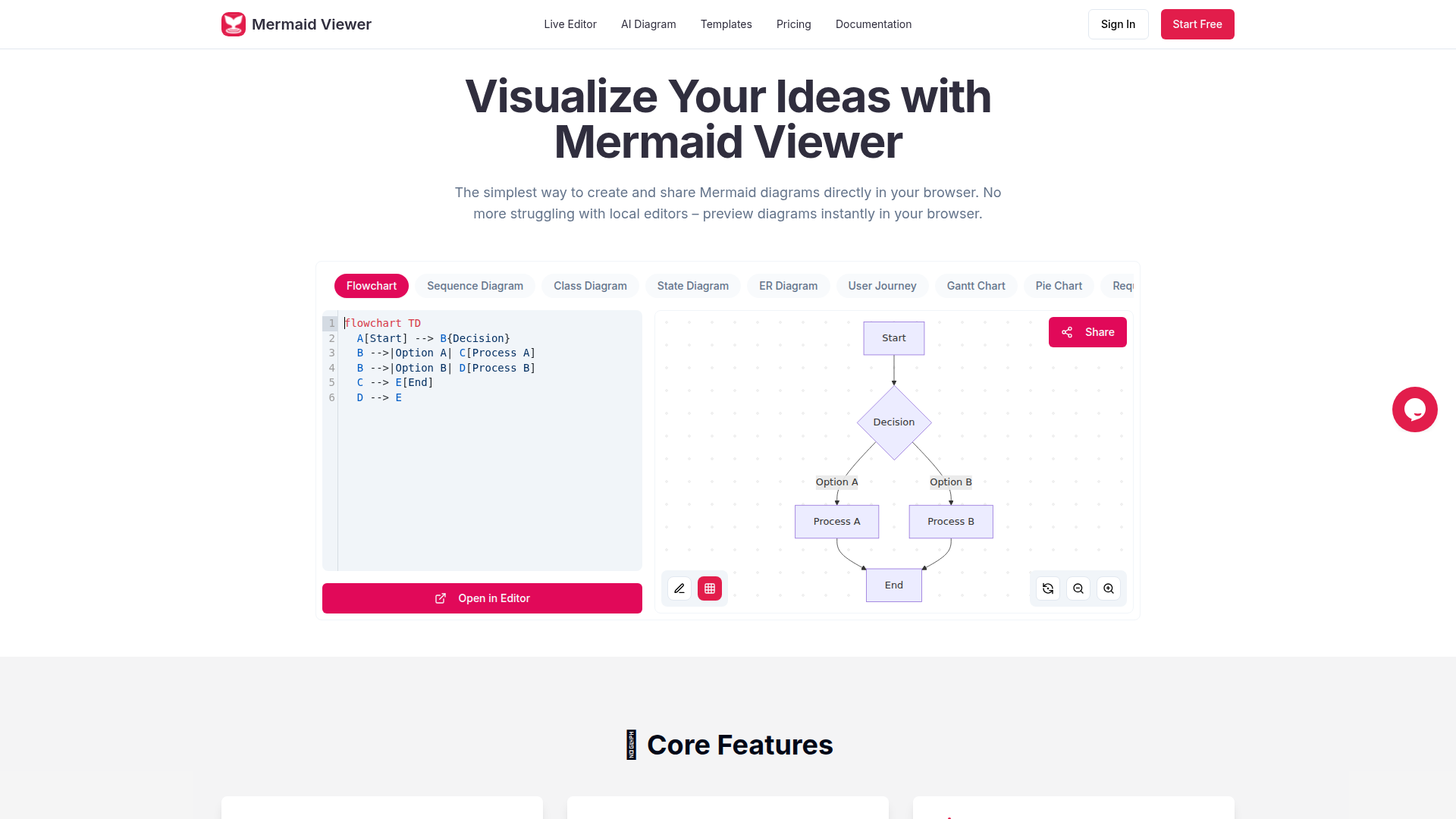
Mermaid Viewer is a browser-based editor for creating, previewing, and sharing Mermaid diagrams without relying on a local setup. It is aimed at developers and other users who work with diagram-as-code formats and want a faster way to write Mermaid syntax, see results immediately, and export diagrams in common file types.
The core workflow is straightforward: enter Mermaid code, review the live preview, and export or share the finished diagram. Based on the page content, the product is positioned as an accessible online Mermaid editor with support for multiple diagram types, AI-assisted code generation, collaboration features, and tiered plans for individual and professional use.
Features
- Live preview while editing: The editor updates diagrams as you type, which reduces iteration time and removes the need for manual rendering.
- Support for many Mermaid diagram types: It covers formats including flowcharts, sequence diagrams, class diagrams, ER diagrams, Gantt charts, C4 diagrams, mind maps, timelines, and more, making it suitable for a broad range of documentation use cases.
- AI-assisted Mermaid generation: A “Generate with GPT-4” function converts text descriptions into Mermaid code, which can help users start diagrams faster or draft structures from natural language.
- Export options with formatting controls: Users can save diagrams as SVG, PNG, Markdown, and, on higher plans, additional formats such as PDF and JPG; the page also mentions custom DPI and dark/light themes.
- Template library: Pre-built templates for common workflows help users begin with existing structures instead of starting from scratch.
- Sharing, collaboration, and version history: The product supports shared editor links for co-editing, and paid plans add version history and more advanced sharing capabilities; enterprise-oriented deployment and role-based access control are also mentioned.
Helpful Tips
- Validate privacy needs against deployment model: The page states that data stays in the browser and is not stored, but it also mentions sharing, collaboration, and version history, so teams should confirm how these behaviors differ by feature and plan.
- Match plan limits to expected usage: Diagram caps, AI conversation limits, export quality, and version history vary significantly across plans, so evaluate expected volume before standardizing on a tier.
- Use templates to improve consistency: For teams documenting recurring processes, starting from templates can reduce formatting drift and make diagrams easier to maintain across projects.
- Test AI-assisted generation on representative cases: Natural-language-to-Mermaid features can accelerate drafting, but syntax and structure should still be reviewed carefully for technical accuracy.
- Check enterprise requirements directly: Docker deployment and role-based access control are referenced, but the page provides limited implementation detail, so larger organizations should verify scope and administration model before adoption.
OpenClaw Skills
Mermaid Viewer could likely fit well into OpenClaw workflows centered on technical documentation, architecture communication, and process mapping. A likely use case would be an OpenClaw skill that takes meeting notes, product requirements, or system descriptions and turns them into draft Mermaid syntax, then routes that output into Mermaid Viewer for human review, live editing, and export. This would be especially useful for engineering, DevOps, product, and operations teams that already communicate through structured diagrams.
A broader OpenClaw ecosystem could build agents for diagram generation from tickets, architecture change logs, incident reports, or SOP documents, with Mermaid Viewer serving as the editing and visualization layer rather than the system of record. While the page does not confirm any native OpenClaw integration, a likely workflow would pair OpenClaw reasoning and content extraction with Mermaid Viewer’s browser-based editing, sharing, and export features to shorten the path from raw information to usable diagrams in development and operational environments.
Embed Code
Share this AI tool on your website or blog by copying and pasting the code below. The embedded widget will automatically update with the latest information.
<iframe src="https://www.aimyflow.com/ai/mermaidviewer-com/embed" width="100%" height="400" frameborder="0"></iframe>
Explore Similar Tools
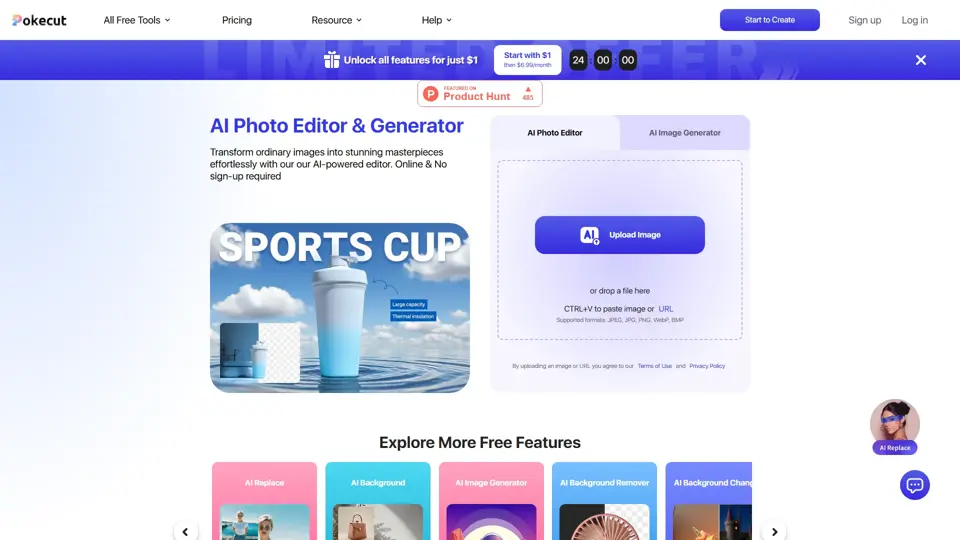
Free AI Photo Editor: Edit & Generate Image Online | Pokecut
Pokecut is an AI photo editor that helps users remove backgrounds, enhance images, and generate visuals online, mainly for ecommerce sellers, marketers, and creators who need quick design-ready assets. It speeds up routine image production so visual teams can create polished content with less manual editing.
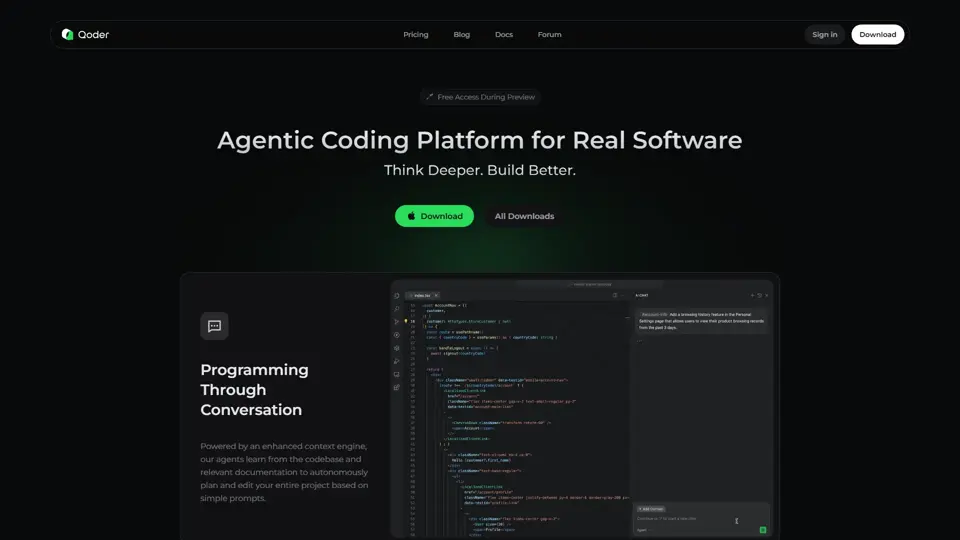
Qoder - The Agentic Coding Platform
Qoder is an agentic coding platform that helps developers understand codebases and execute software tasks with AI agents, mainly for professional software engineers and development teams. It improves engineering throughput by combining strong code context with advanced models for more reliable task completion.

Seedance 2.0
Seedance 2.0 is ByteDance's AI video generation model designed to create high-quality videos from prompts and multimodal inputs, mainly for creators, developers, and media teams. In the AI era, it helps visual content roles turn ideas into production-ready motion assets with far less manual editing effort.
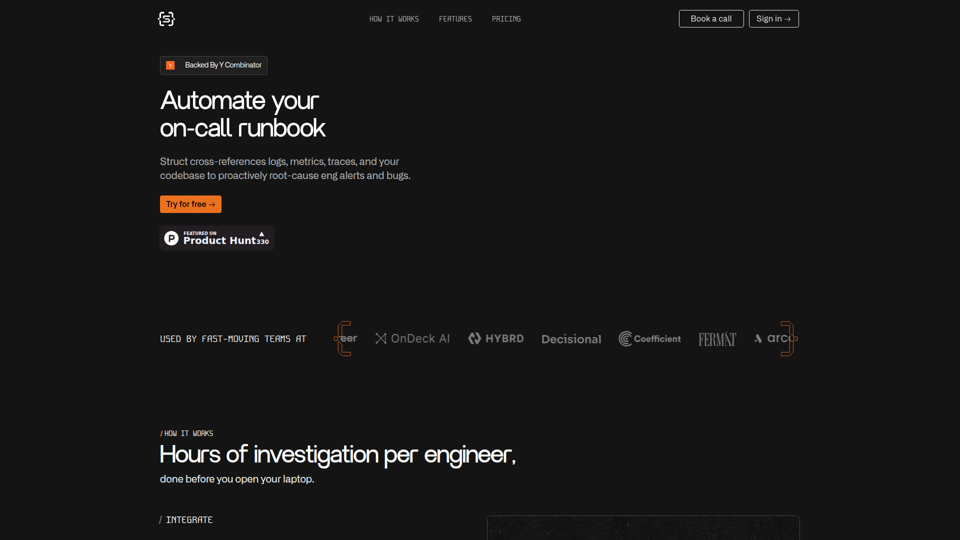
Struct | Automate your on-call runbook
Struct is an AI on-call agent that investigates engineering alerts and bugs by analyzing logs, metrics, traces, and codebases, mainly for software engineers and SRE teams. In the AI era, it helps incident responders shorten triage time by delivering root-cause findings and suggested fixes directly in workflows.
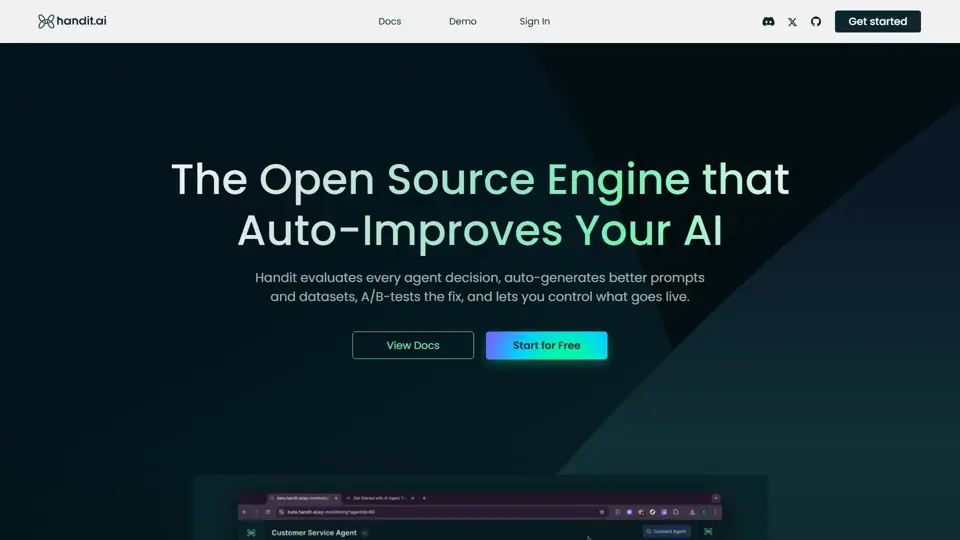
Handit.ai — The Open Source Engine that Auto-Improves Your AI Agents
Handit.ai is an open-source optimization engine that evaluates AI agent decisions, generates improved prompts and datasets, and A/B tests changes for teams building and operating AI agents. It helps AI engineers and product teams improve agent quality faster while keeping tighter control over production behavior.
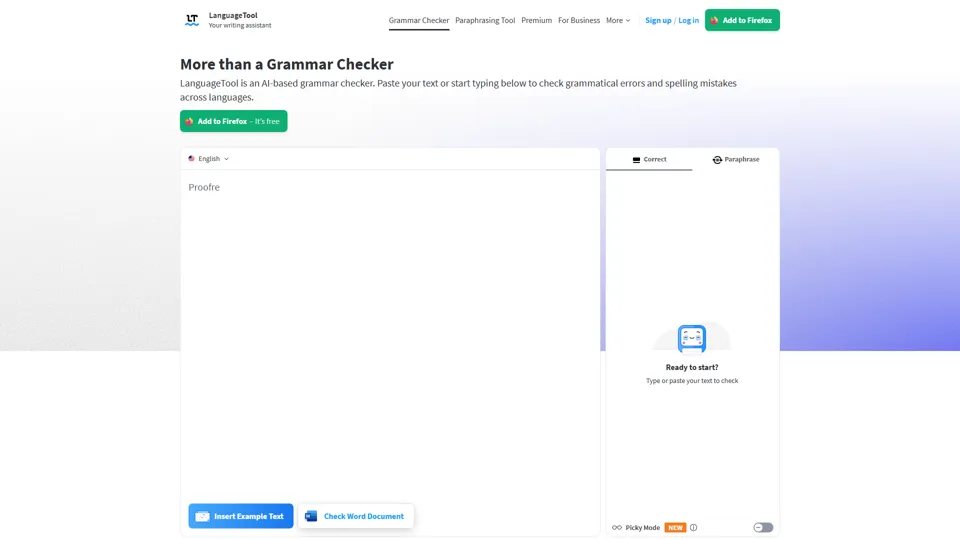
Free AI Grammar Checker - LanguageTool
LanguageTool is an AI-powered grammar and writing assistant that helps users check grammar, spelling, punctuation, and style across more than 30 languages, mainly for students, professionals, and multilingual teams. It helps writing-heavy roles communicate more clearly and edit faster at scale.
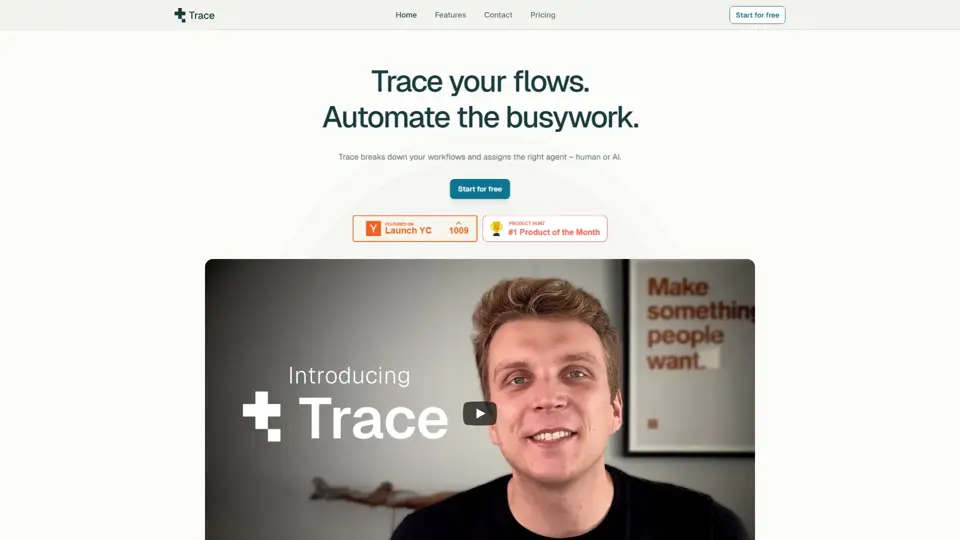
Trace
Trace is a software tool designed to support digital workflows, likely focused on helping teams organize, monitor, or analyze work more effectively. In the AI era, tools that centralize operational visibility help technical and business roles make faster decisions with less manual follow-up.
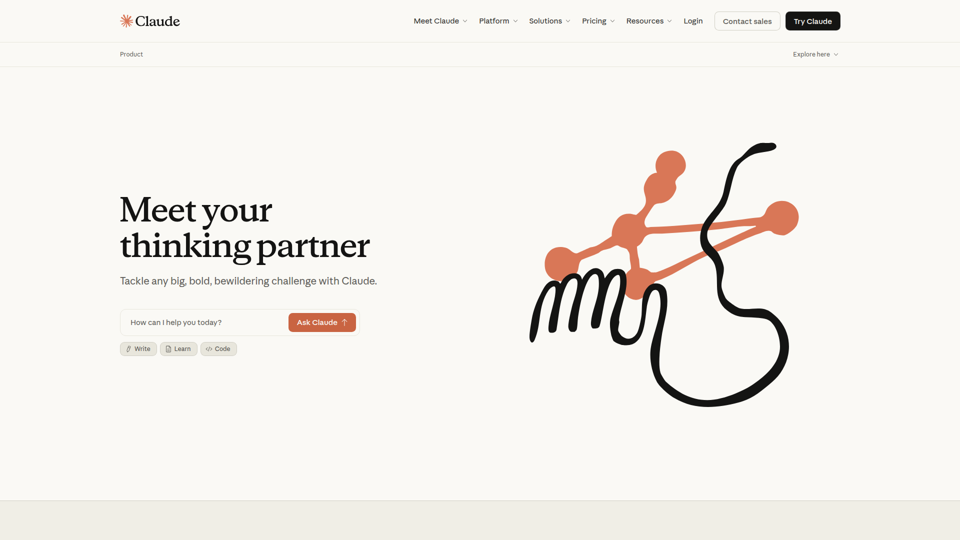
The AI for Problem Solvers | Claude by Anthropic
Claude by Anthropic is an AI assistant for problem solvers that helps users tackle complex work such as writing, coding, data analysis, research, and organizing tasks, mainly for professionals, developers, and teams handling difficult projects. In AI-enabled workflows, it can help knowledge workers and software teams move faster from analysis to execution while keeping people in control of approvals and file access.