
Official Norton Neo AI Browser
Rate this Tool
Average Score
Total Votes
Select your score (1-10):
Detail Information
What
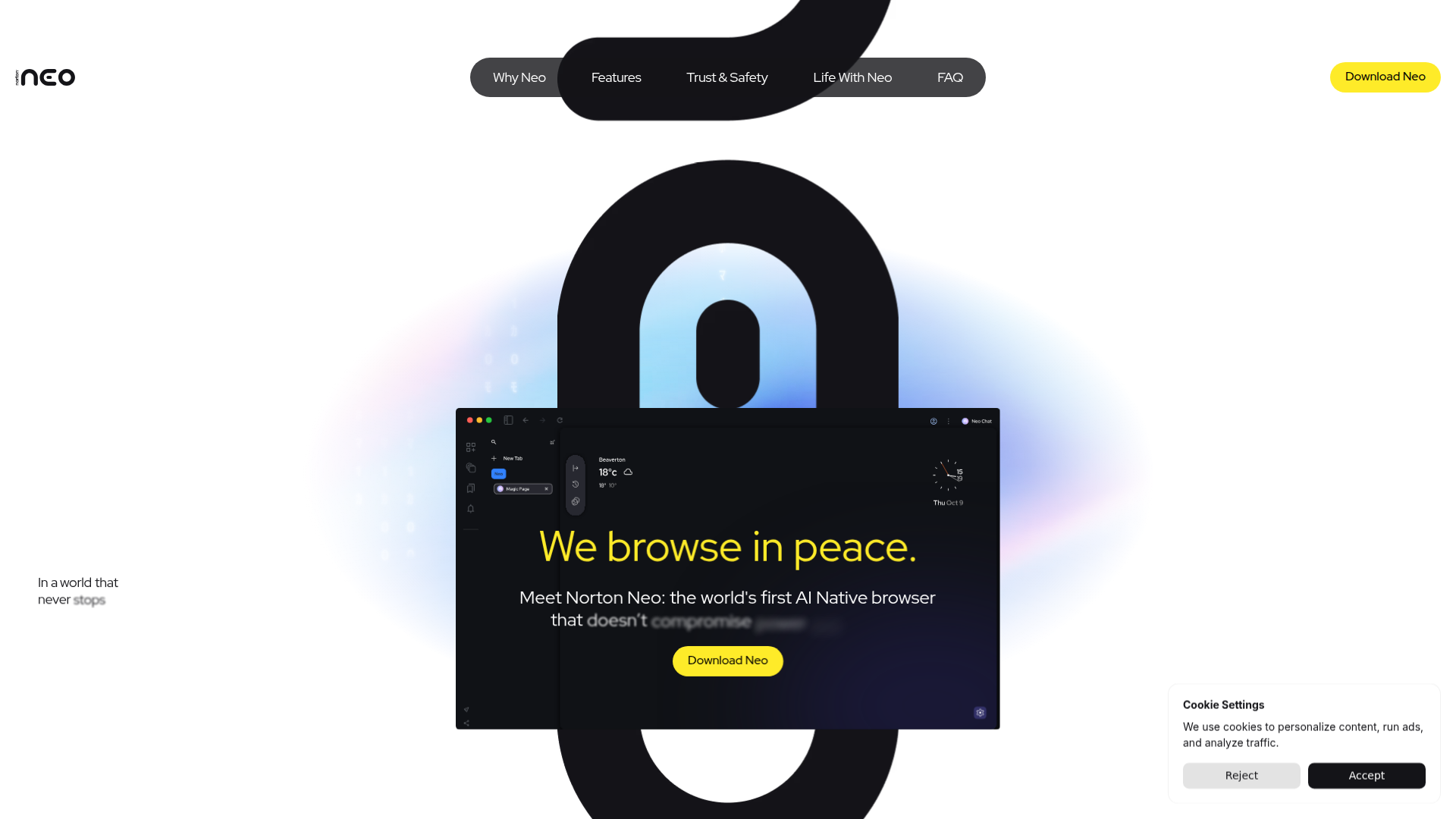
Norton Neo is an AI-native web browser from Norton that combines browsing assistance, privacy controls, and built-in web protection. Based on the page, it is designed for people who spend significant time online for research, work, shopping, streaming, and general browsing, and want a browser that reduces tab overload and helps turn searches into usable answers.
Its core positioning appears to be a privacy-conscious AI browser rather than a general AI chatbot or standalone security tool. The stated workflow centers on organizing browsing activity, surfacing relevant context, shaping discovery through a personalized feed, and giving users control over what the browser remembers, while keeping chats and browsing history stored locally and using Norton Web Shield to block malicious sites and phishing.
Features
- Local storage for chats and browsing history — The page states that chats and browsing history are stored locally, which is intended to keep user data on the device rather than centrally retained by the product.
- User-controlled memory settings — Users can choose what Neo remembers, what it forgets, or turn memory-related behavior off, giving more direct control over personalization and privacy.
- Norton Web Shield protection — Built-in Norton Web Shield blocks malicious sites and phishing attempts before a user clicks, adding a security layer inside the browser workflow.
- AI-assisted search-to-answer workflow — Neo is described as moving users from search results toward direct answers and action, which suggests a browsing experience focused on faster information retrieval.
- Tab and browsing clarity tools — The site emphasizes reducing noise, shrinking tabs into order, and helping important information rise to the surface, indicating a focus on navigation and attention management.
- Personalized discovery feed — Neo includes a feed shaped around what inspires the user, positioning the browser as not just a navigation tool but also a curated discovery surface.
Helpful Tips
- Verify platform and extension support before rollout — The FAQ headings mention platform support and Chrome extensions, but the visible answers are placeholder text, so these points should be confirmed independently before adoption.
- Assess privacy needs against local-device workflows — Local storage and user-controlled memory are useful for privacy-sensitive work, but teams should still review device management, backup, and endpoint security practices.
- Pilot with research-heavy users first — The strongest use case suggested by the page is reducing search friction and tab overload, so analysts, students, content researchers, and knowledge workers are the most logical early evaluators.
- Treat AI claims conservatively until tested — The site describes smoother answers and momentum in browsing, but it does not provide technical detail on model behavior, accuracy, or task boundaries, so hands-on validation is important.
- Compare it as a browser-first productivity tool — Neo appears best evaluated against other modern browsers with AI and privacy features, rather than against standalone chat assistants or enterprise security platforms.
OpenClaw Skills
Within the OpenClaw ecosystem, Norton Neo would likely fit best as the browser layer inside agent-assisted research and web execution workflows. A likely use case would be OpenClaw skills that open Neo-based sessions, gather pages for analysis, summarize findings, track source material, and hand structured outputs into downstream drafting or CRM workflows. The privacy-oriented positioning could also make it attractive in workflows where browser memory and local data handling matter, although the page does not confirm any native OpenClaw integration.
More broadly, OpenClaw agents could be designed around professions that spend their day in the browser: market researchers, SDRs, recruiting teams, competitive intelligence analysts, students, and content teams. A likely OpenClaw pattern would combine Neo for safer navigation, tab reduction, and context gathering with OpenClaw skills for extraction, synthesis, task routing, and next-step automation. If implemented well, that combination could shift browser work from fragmented manual searching toward a more structured research-and-action system, especially in knowledge-heavy environments.
Embed Code
Share this AI tool on your website or blog by copying and pasting the code below. The embedded widget will automatically update with the latest information.
<iframe src="https://www.aimyflow.com/ai/neobrowser-ai/embed" width="100%" height="400" frameborder="0"></iframe>
Explore Similar Tools
Free AI Photo Editor: Edit & Generate Image Online | Pokecut
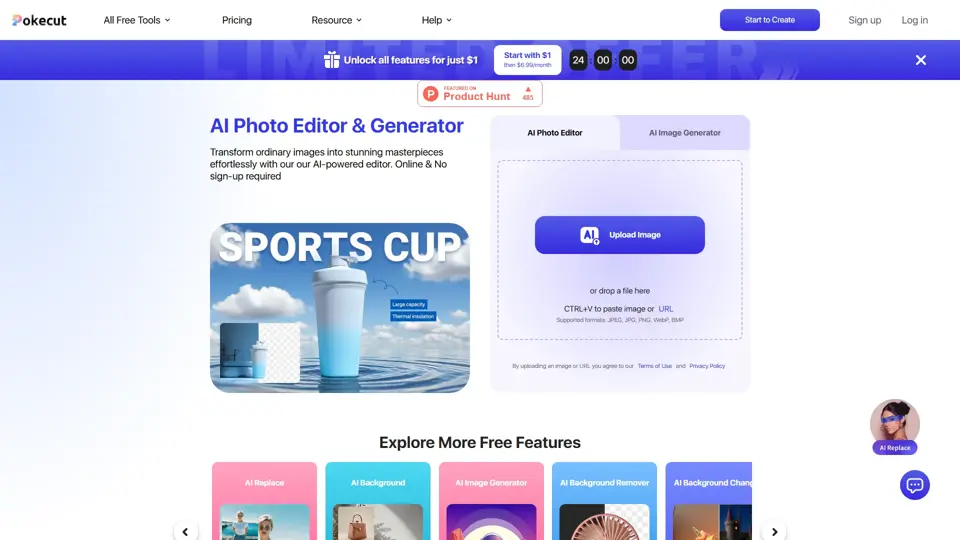
Pokecut is an AI photo editor that helps users remove backgrounds, enhance images, and generate visuals online, mainly for ecommerce sellers, marketers, and creators who need quick design-ready assets. It speeds up routine image production so visual teams can create polished content with less manual editing.
Qoder - The Agentic Coding Platform
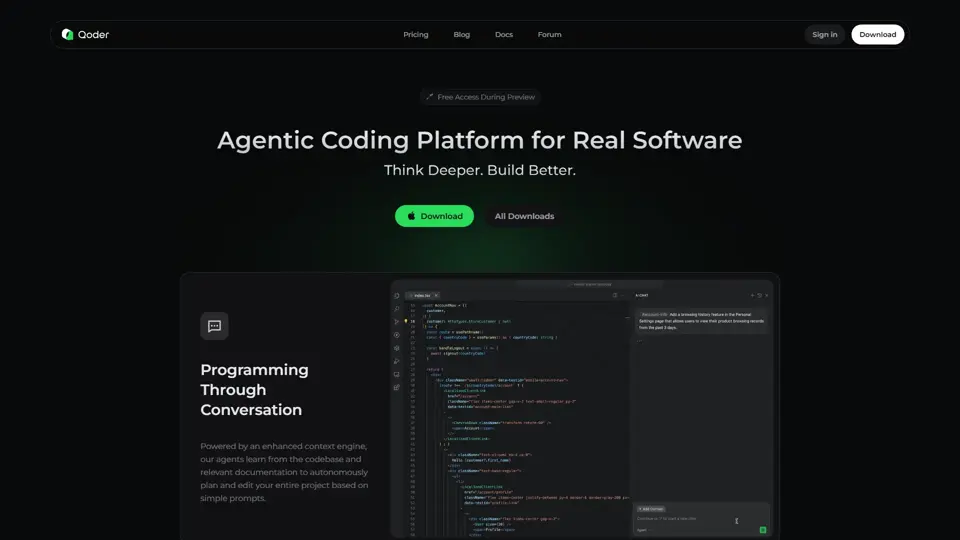
Qoder is an agentic coding platform that helps developers understand codebases and execute software tasks with AI agents, mainly for professional software engineers and development teams. It improves engineering throughput by combining strong code context with advanced models for more reliable task completion.

Seedance 2.0
Seedance 2.0 is ByteDance's AI video generation model designed to create high-quality videos from prompts and multimodal inputs, mainly for creators, developers, and media teams. In the AI era, it helps visual content roles turn ideas into production-ready motion assets with far less manual editing effort.
Struct | Automate your on-call runbook
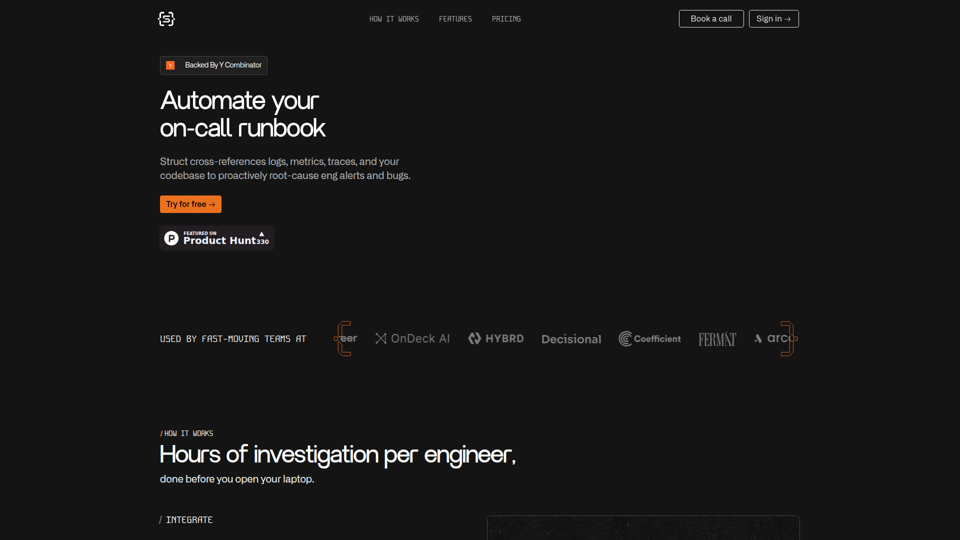
Struct is an AI on-call agent that investigates engineering alerts and bugs by analyzing logs, metrics, traces, and codebases, mainly for software engineers and SRE teams. In the AI era, it helps incident responders shorten triage time by delivering root-cause findings and suggested fixes directly in workflows.
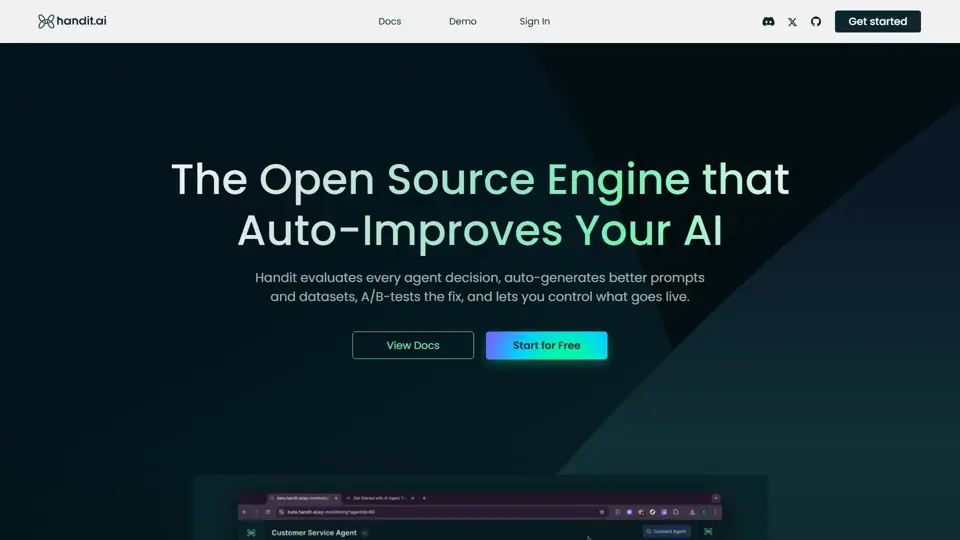
Handit.ai — The Open Source Engine that Auto-Improves Your AI Agents
Handit.ai is an open-source optimization engine that evaluates AI agent decisions, generates improved prompts and datasets, and A/B tests changes for teams building and operating AI agents. It helps AI engineers and product teams improve agent quality faster while keeping tighter control over production behavior.
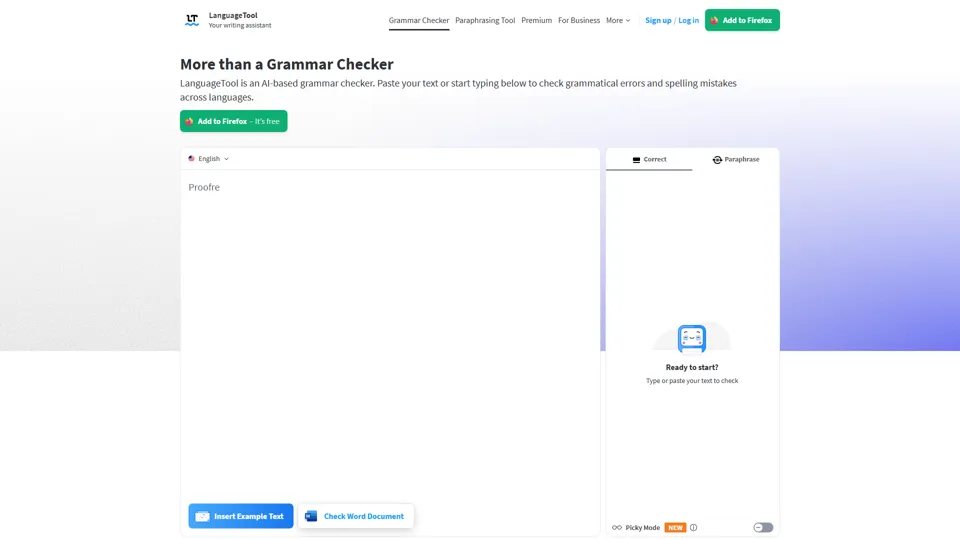
Free AI Grammar Checker - LanguageTool
LanguageTool is an AI-powered grammar and writing assistant that helps users check grammar, spelling, punctuation, and style across more than 30 languages, mainly for students, professionals, and multilingual teams. It helps writing-heavy roles communicate more clearly and edit faster at scale.
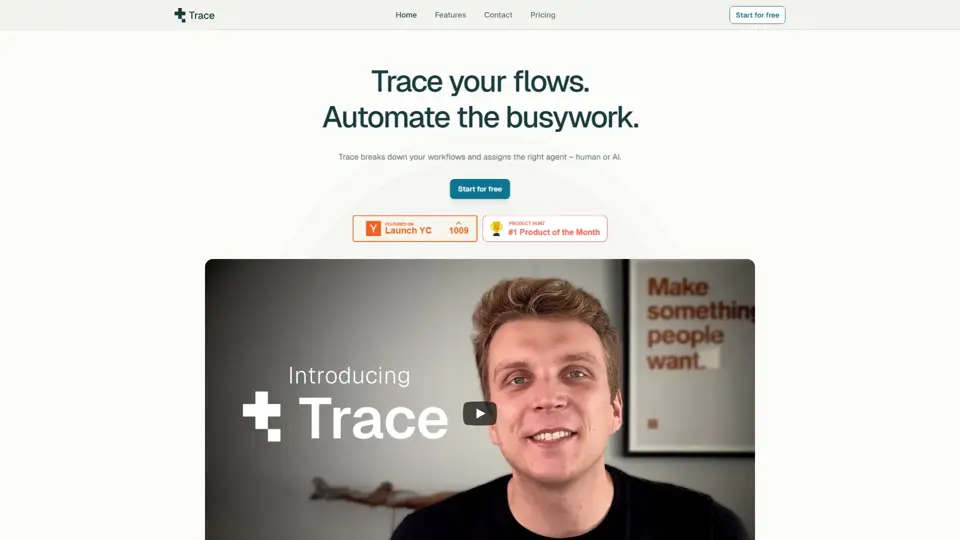
Trace
Trace is a software tool designed to support digital workflows, likely focused on helping teams organize, monitor, or analyze work more effectively. In the AI era, tools that centralize operational visibility help technical and business roles make faster decisions with less manual follow-up.
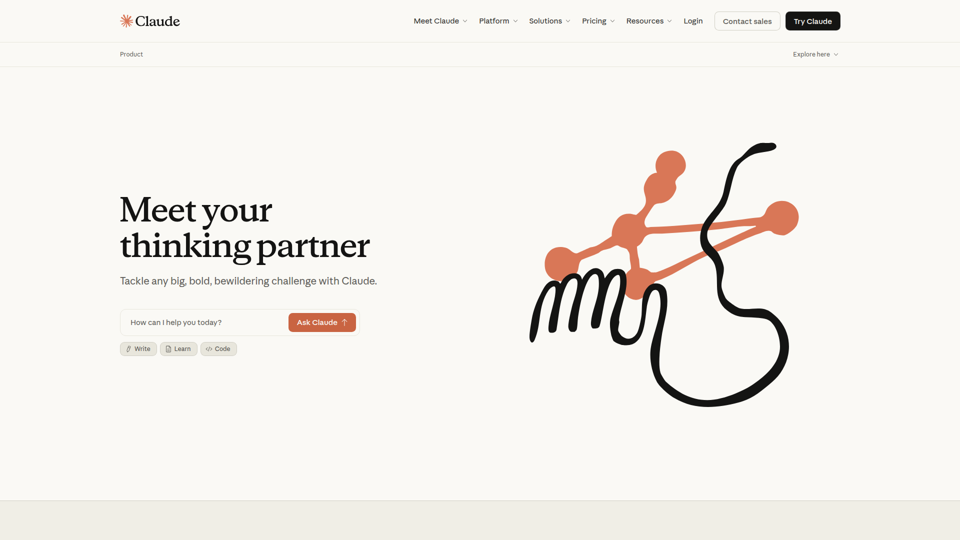
The AI for Problem Solvers | Claude by Anthropic
Claude by Anthropic is an AI assistant for problem solvers that helps users tackle complex work such as writing, coding, data analysis, research, and organizing tasks, mainly for professionals, developers, and teams handling difficult projects. In AI-enabled workflows, it can help knowledge workers and software teams move faster from analysis to execution while keeping people in control of approvals and file access.