
Report Video Generator | Excel to Video | Data to Video
Rate this Tool
Average Score
Total Votes
Select your score (1-10):
Detail Information
What
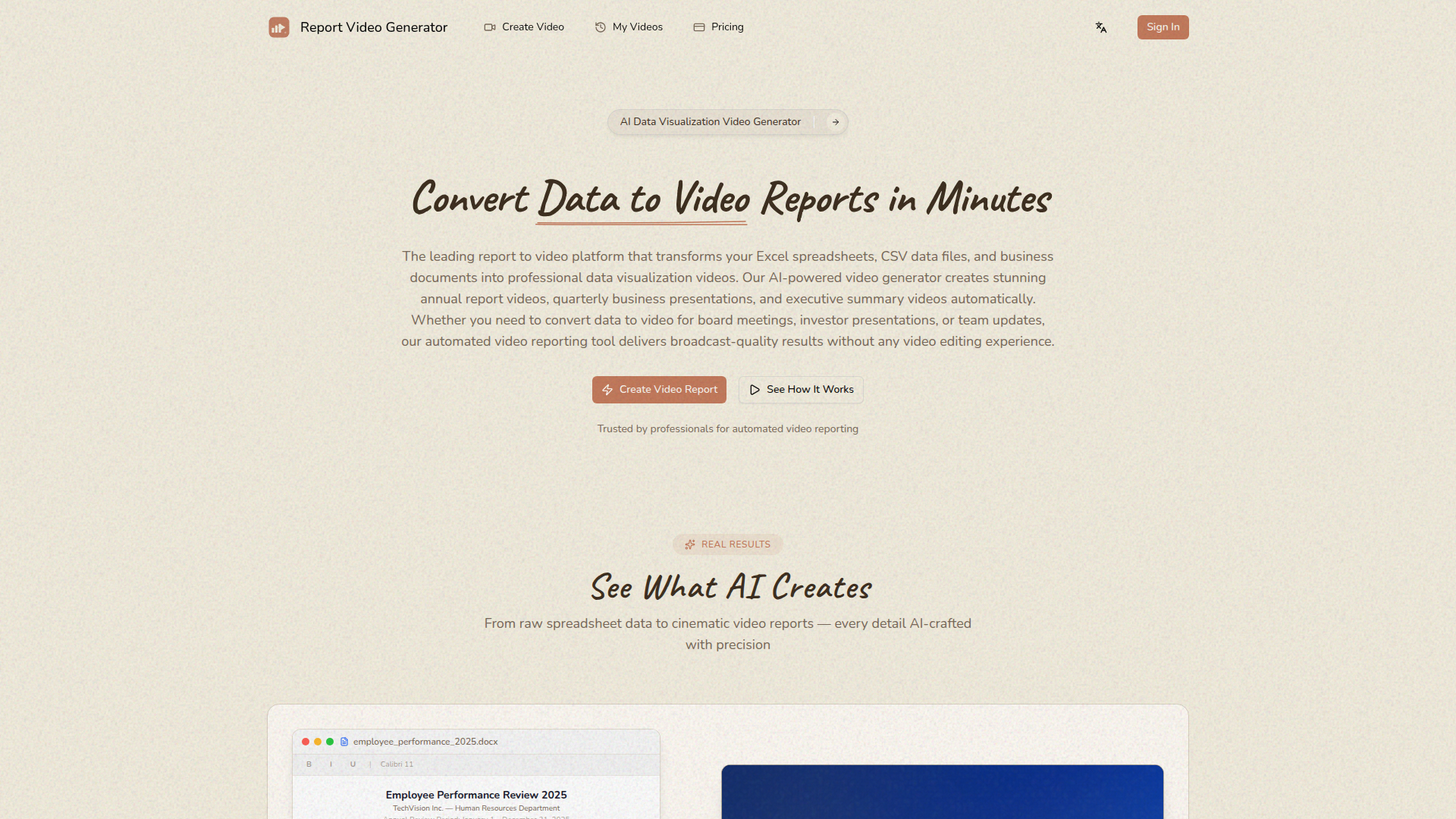
Report Video Generator is an AI-powered data-to-video platform that turns spreadsheets and business documents into narrated video presentations. Based on the page, it is built for business professionals who need to convert Excel, CSV, JSON, Word, and PowerPoint content into visual reports for annual reviews, quarterly updates, investor presentations, and executive briefings.
The core workflow is straightforward: upload a file, describe the story or goals, choose a visual style, and receive a 1080p video with animated charts, graphs, and AI voice narration. Its positioning appears to be a self-serve report automation tool for teams that want presentation-quality video output without traditional video editing work.
Features
- Multi-format file ingestion: Supports Excel, CSV, JSON, Word, and PowerPoint files, allowing teams to start from common business reporting formats rather than rebuild content manually.
- Automatic data analysis and chart selection: The system analyzes uploaded data, identifies trends and metrics, and selects chart types and visualization approaches to present information more clearly.
- AI-generated narration: Each video includes synchronized voice narration that explains the data story, which helps turn static reports into guided presentations.
- Style presets for business contexts: Offers preset visual styles such as Apple Keynote, Minimal Corporate, and Tech, making it easier to match the presentation format to the audience and use case.
- 1080p HD video export: Outputs completed reports in HD format for use in meetings, presentations, and broader distribution.
- Fast report creation workflow: The product emphasizes generation in minutes, which is valuable for deadline-driven reporting cycles and recurring updates.
Helpful Tips
- Check source data structure before upload: Clean headers, consistent date formats, and well-labeled metrics will likely improve the quality of automated analysis and chart selection.
- Use the prompt field strategically: Clear instructions about audience, priorities, and the metrics to emphasize should help shape a more useful narrative and video structure.
- Validate narration against business context: Even if the AI summarizes trends automatically, teams should review wording and interpretation before using the video in executive or investor settings.
- Choose style presets by audience: Formal internal reviews may benefit from a minimal corporate look, while external or high-visibility presentations may justify a more polished cinematic style.
- Confirm operational limits early: The page states a maximum file size of 20MB each and shows supported formats, so larger or more complex reporting workflows may need preparation or splitting.
OpenClaw Skills
Within an OpenClaw ecosystem, this product could likely support agent workflows that transform recurring business reporting into reusable media pipelines. For example, an OpenClaw skill could monitor a shared folder or reporting system, detect new monthly Excel or CSV files, prepare a structured brief, and pass the package into Report Video Generator to create a standardized video update. The site does not state a native integration, so this is a likely workflow concept rather than a confirmed capability.
OpenClaw agents could also extend the product beyond one-off video creation by adding review, distribution, and knowledge-management layers. Likely use cases include an executive reporting agent that drafts a summary prompt from KPI changes, an HR communications agent that converts workforce documents into internal update videos, or a finance workflow that routes generated videos into board prep materials. Combined with automation, the product could shift reporting teams from manual slide-building toward repeatable, narrative-first reporting operations.
Embed Code
Share this AI tool on your website or blog by copying and pasting the code below. The embedded widget will automatically update with the latest information.
<iframe src="https://www.aimyflow.com/ai/reporttovideo-com/embed" width="100%" height="400" frameborder="0"></iframe>
Explore Similar Tools
Alguna: Modern Pricing, Quoting & Billing Platform
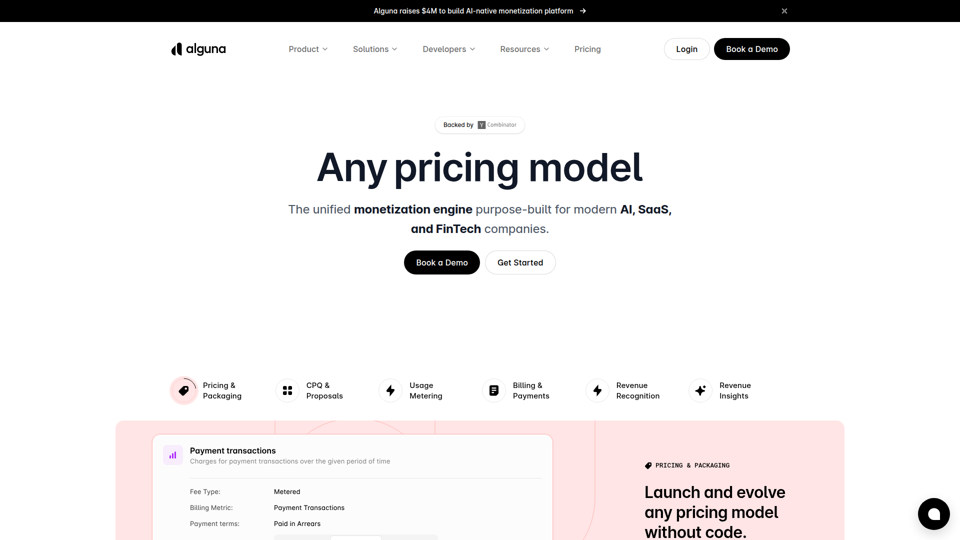
Alguna is an AI-native monetization platform for AI, SaaS, and fintech companies that helps finance, revenue, and sales teams manage pricing and packaging, CPQ, usage metering, billing, invoicing, payments, and revenue recognition in one system. For RevOps and finance functions, it can reduce manual handoffs and speed iteration on usage-based and hybrid pricing as AI products and agent monetization models evolve.

Campfire | The AI-Native ERP
Campfire is an AI-native ERP that helps high-growth finance and accounting teams automate core accounting, revenue automation, reporting, and close management as they scale. For accountants, controllers, and finance operations teams, its AI-driven reconciliations, transaction categorization, and anomaly detection can reduce manual review work and speed up close processes.
Cedalio | Automate Documents and Data with AI
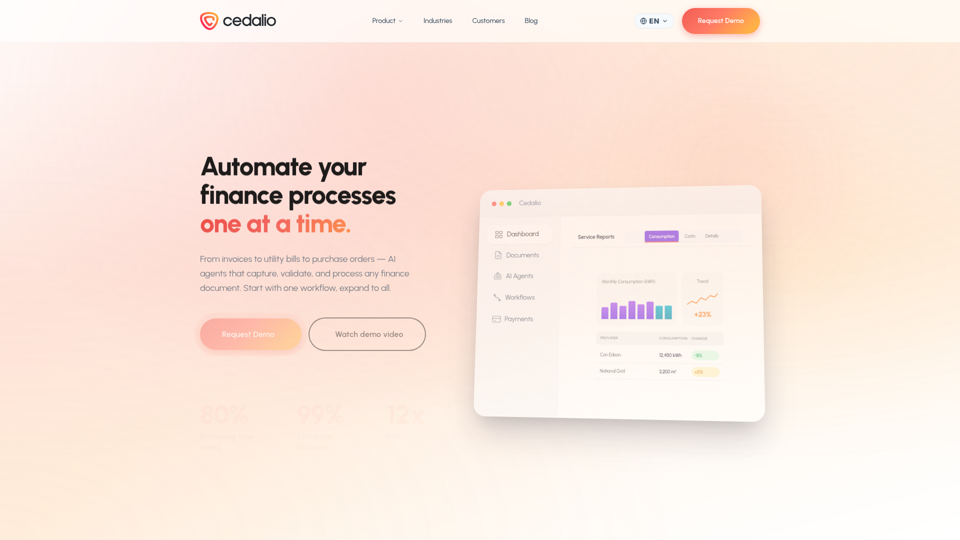
Cedalio is an AI document and data automation platform that helps finance teams, especially accounts payable staff, capture, validate, reconcile, and pay invoices, utility bills, purchase orders, and related finance documents. In AI-driven finance operations, it can reduce manual document handling and give AP analysts and finance managers faster visibility into exceptions, approvals, and payment timing.
Concourse | AI Agents for Corporate Finance Teams
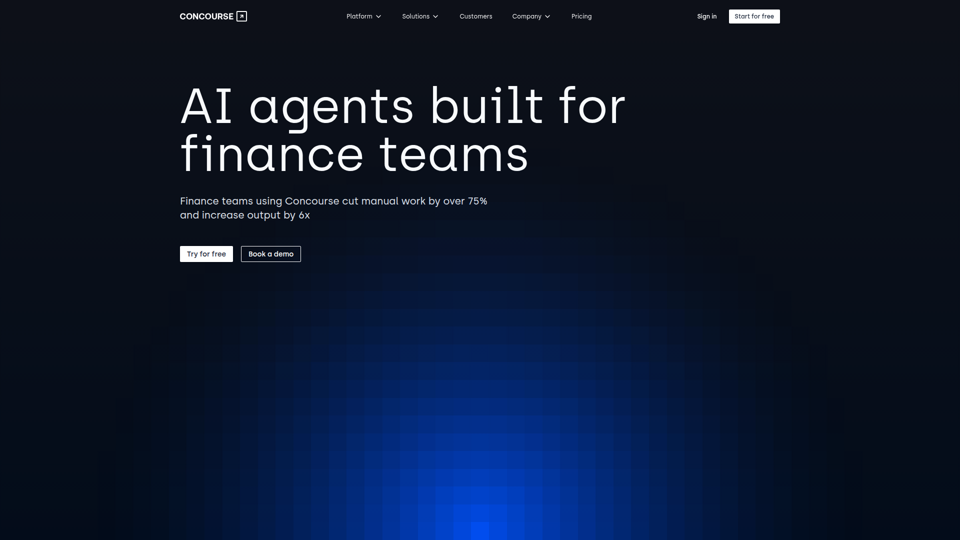
Concourse is an AI agent platform for corporate finance and accounting teams that connects to financial systems to automate analysis, reporting, forecasting, and workflow tasks through natural language. In AI-enabled finance operations, it can help FP&A, accounting, and finance managers spend less time on manual reporting and more time on decision-making, variance review, and business performance insights.