
Sweep - AI for JetBrains IDEs
Rate this Tool
Average Score
Total Votes
Select your score (1-10):
Detail Information
What
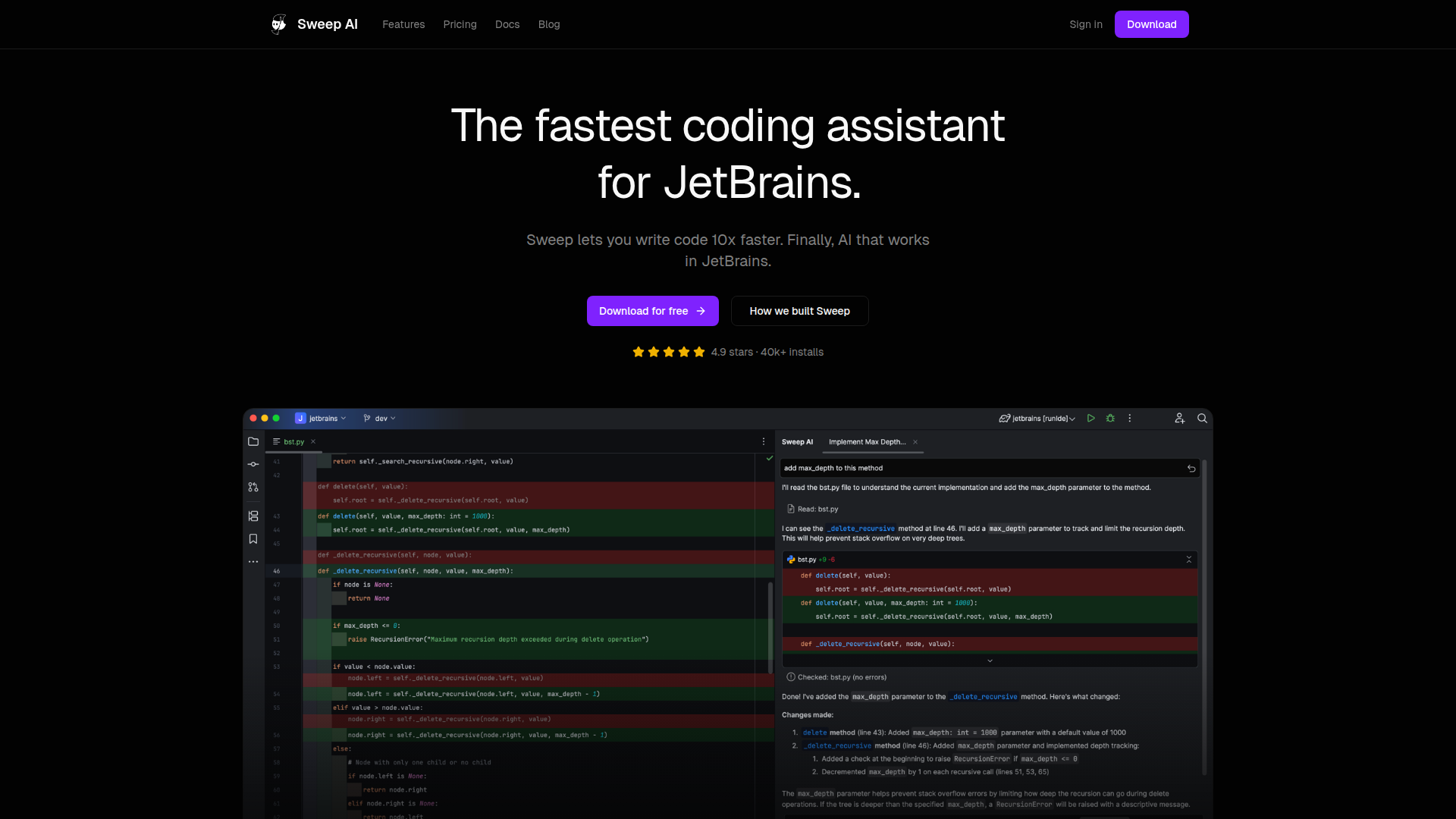
Sweep is an AI coding assistant built specifically for JetBrains IDEs. It is aimed at professional developers using tools such as IntelliJ IDEA, PyCharm, Android Studio, WebStorm, PhpStorm, and Rider, with a workflow centered on code generation, next-edit autocomplete, codebase-aware suggestions, and agent-style assistance inside the IDE.
Based on the page, Sweep appears positioned as a JetBrains-native alternative to general AI coding tools, with emphasis on speed, codebase understanding, and privacy-first deployment. The core promise is reducing context switching by bringing fast autocomplete, project indexing, and AI-assisted coding directly into the developer’s existing JetBrains environment.
Features
- JetBrains-focused AI assistant — Built for JetBrains IDEs, which helps teams keep their preferred development environment instead of moving to a separate AI-first editor.
- Custom tab-based autocomplete — Sweep’s Tab model suggests precise code changes in milliseconds, supporting rapid next-edit completion with minimal interruption to flow.
- Codebase indexing and context awareness — It indexes the entire project so suggestions can reflect definitions, files, and broader repository context rather than only the current file.
- Agent-style coding support — The product is described as an AI agent for JetBrains, indicating support for more multi-step coding assistance than simple inline completion alone.
- Privacy and enterprise security posture — Sweep states it uses its own LLMs and that code is not retained by third parties; the page also mentions SOC 2 compliance and enterprise readiness.
- Expanded developer tooling — The changelog references capabilities such as AI code review, web search and fetch tools, and remote MCP server support, suggesting a broader in-IDE assistance surface beyond autocomplete.
Helpful Tips
- Validate IDE coverage for your stack — Sweep supports many JetBrains products, but teams should confirm the exact IDEs and languages they rely on before standardizing.
- Test context quality on a real repository — Since the value depends heavily on project indexing and codebase understanding, evaluate it on a representative codebase rather than isolated snippets.
- Review security documentation for internal use — The site makes specific privacy and security claims, so regulated or security-conscious teams should compare those details with internal policy requirements.
- Separate autocomplete value from agent value — In adoption reviews, measure whether the main gain comes from fast inline completion, deeper repository reasoning, or newer tools like code review.
- Check feature maturity by release notes — Some capabilities appear in the changelog rather than the main product summary, so buyers should verify availability and readiness for their deployment context.
OpenClaw Skills
Sweep could likely pair well with OpenClaw as the execution layer around developer workflows in JetBrains-centric engineering teams. Likely use cases include an OpenClaw skill that turns issue tickets into implementation plans, a repository assistant that prepares coding tasks for Sweep inside the IDE, or an agent that gathers code context, diffs, and documentation before handing structured prompts to developers.
A broader OpenClaw workflow could also connect Sweep-supported coding with surrounding engineering operations such as code review preparation, changelog drafting, architectural Q&A, or branch comparison. This is a likely ecosystem scenario rather than a confirmed native integration from the page, but the combination could be valuable for software teams that want IDE-native coding help from Sweep and cross-tool orchestration, policy checks, or multi-step engineering automation from OpenClaw.
Embed Code
Share this AI tool on your website or blog by copying and pasting the code below. The embedded widget will automatically update with the latest information.
<iframe src="https://www.aimyflow.com/ai/sweep-dev/embed" width="100%" height="400" frameborder="0"></iframe>
Explore Similar Tools

Free AI Photo Editor: Edit & Generate Image Online | Pokecut
Pokecut is an AI photo editor that helps users remove backgrounds, enhance images, and generate visuals online, mainly for ecommerce sellers, marketers, and creators who need quick design-ready assets. It speeds up routine image production so visual teams can create polished content with less manual editing.
Qoder - The Agentic Coding Platform
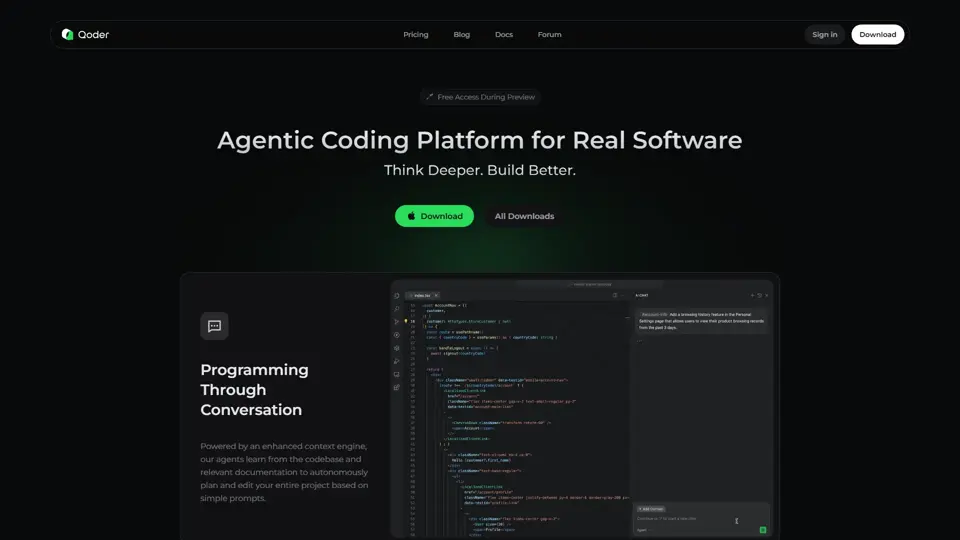
Qoder is an agentic coding platform that helps developers understand codebases and execute software tasks with AI agents, mainly for professional software engineers and development teams. It improves engineering throughput by combining strong code context with advanced models for more reliable task completion.

Seedance 2.0
Seedance 2.0 is ByteDance's AI video generation model designed to create high-quality videos from prompts and multimodal inputs, mainly for creators, developers, and media teams. In the AI era, it helps visual content roles turn ideas into production-ready motion assets with far less manual editing effort.

Struct | Automate your on-call runbook
Struct is an AI on-call agent that investigates engineering alerts and bugs by analyzing logs, metrics, traces, and codebases, mainly for software engineers and SRE teams. In the AI era, it helps incident responders shorten triage time by delivering root-cause findings and suggested fixes directly in workflows.
Handit.ai — The Open Source Engine that Auto-Improves Your AI Agents
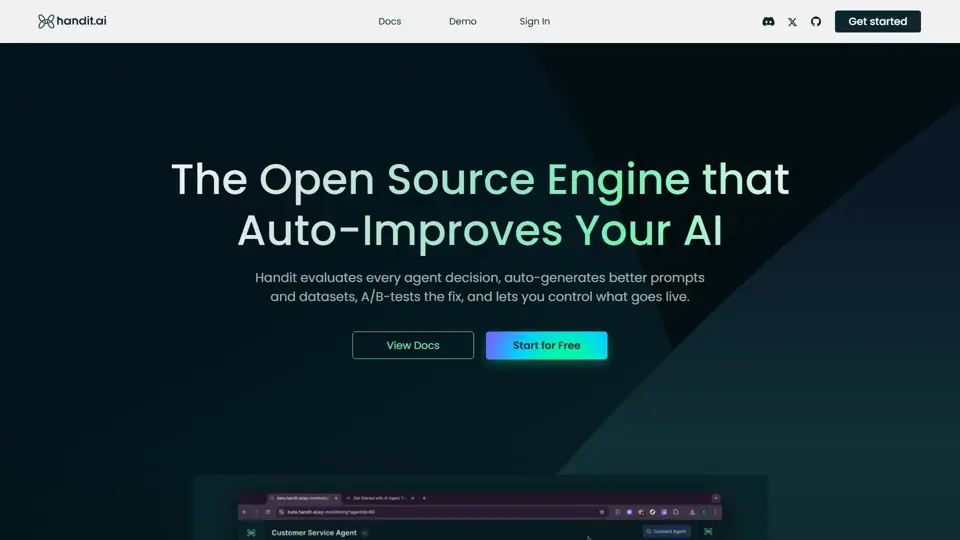
Handit.ai is an open-source optimization engine that evaluates AI agent decisions, generates improved prompts and datasets, and A/B tests changes for teams building and operating AI agents. It helps AI engineers and product teams improve agent quality faster while keeping tighter control over production behavior.

Free AI Grammar Checker - LanguageTool
LanguageTool is an AI-powered grammar and writing assistant that helps users check grammar, spelling, punctuation, and style across more than 30 languages, mainly for students, professionals, and multilingual teams. It helps writing-heavy roles communicate more clearly and edit faster at scale.

Trace
Trace is a software tool designed to support digital workflows, likely focused on helping teams organize, monitor, or analyze work more effectively. In the AI era, tools that centralize operational visibility help technical and business roles make faster decisions with less manual follow-up.

The AI for Problem Solvers | Claude by Anthropic
Claude by Anthropic is an AI assistant for problem solvers that helps users tackle complex work such as writing, coding, data analysis, research, and organizing tasks, mainly for professionals, developers, and teams handling difficult projects. In AI-enabled workflows, it can help knowledge workers and software teams move faster from analysis to execution while keeping people in control of approvals and file access.