
TableFlow: AI-Powered Document Extraction & Automation
Rate this Tool
Average Score
Total Votes
Select your score (1-10):
Detail Information
What
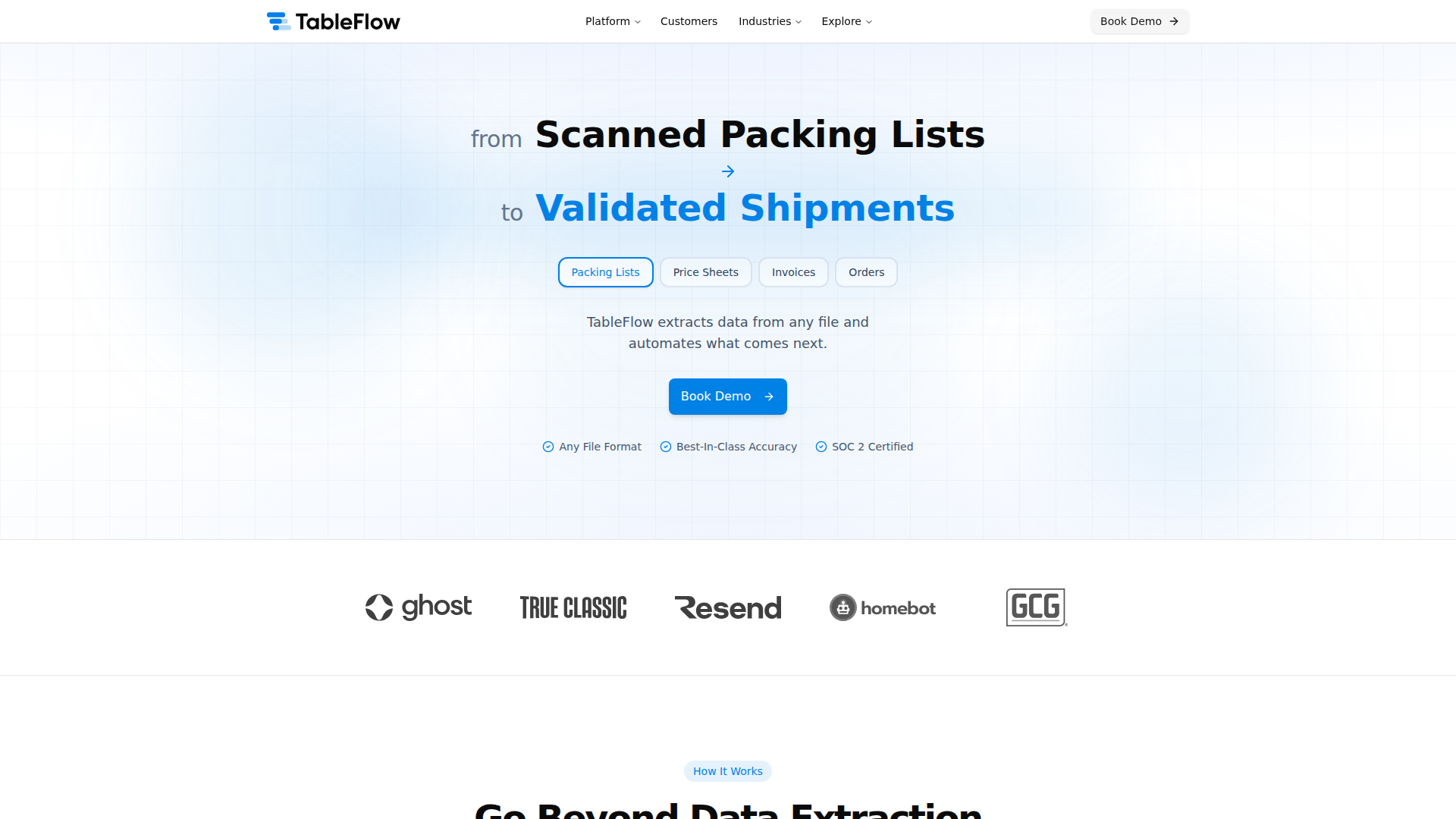
TableFlow is an AI-powered document extraction and automation platform designed to help businesses automate their document workflows. It serves various industries, including marketplace, wholesale and distribution, retail and e-commerce, manufacturing, and financial services. The platform's core workflow involves extracting data from any file format, verifying the extracted data, and automating the next steps, such as matching, reconciling, and syncing the data with existing systems.
TableFlow's likely positioning is as a solution for companies struggling with manual data entry, data inconsistencies, and workflow inefficiencies. Its ability to handle various file formats, including scanned documents, PDFs, and Excel files, makes it a versatile tool for automating document workflows. The platform's AI-powered engine and business logic rules enable it to understand document context and apply business rules, ensuring high accuracy and compliance.
Features
- Extracts data from any file format, including scanned documents, PDFs, and Excel files, using AI-powered technology.
- Verifies extracted data through multi-step validation, including AI checks and business logic rules, to ensure accuracy and compliance.
- Matches and reconciles data, such as part numbers and purchase orders, to ensure consistency and accuracy.
- Automates workflows, including data syncing with existing systems, such as ERP, via API or webhook.
- Provides visual attribution and human-in-the-loop review for edge cases, ensuring transparency and accuracy.
- Offers integration with multiple systems, including NetSuite, SAP, and Salesforce, and is SOC 2 Type II certified.
Helpful Tips
- When evaluating document extraction and automation platforms, consider the ability to handle various file formats and the level of accuracy required for your business.
- Implementing a platform like TableFlow can help reduce manual effort and improve collaboration across teams, but it's essential to assess the specific needs of your organization and the potential return on investment.
- To ensure successful adoption, it's crucial to define clear business rules and output requirements, as well as provide adequate training and support for users.
- When integrating with existing systems, consider the potential impact on workflows and data consistency, and plan accordingly.
- Regularly review and update business rules and workflows to ensure they remain relevant and effective.
OpenClaw Skills
TableFlow's AI-powered document extraction and automation capabilities could be leveraged within the OpenClaw ecosystem to create powerful workflows and skills. For instance, a likely use case could involve integrating TableFlow with OpenClaw's data processing and analytics capabilities to create a comprehensive data management solution. This combination could enable businesses to automate document workflows, extract insights from the data, and make informed decisions. Additionally, OpenClaw's workflow automation capabilities could be used to create custom workflows that incorporate TableFlow's document extraction and automation features, further streamlining business processes.
The integration of TableFlow with OpenClaw could also enable the creation of new skills and agents that can automate specific tasks, such as data entry, document processing, and workflow management. These skills could be designed to learn from experience and adapt to changing business requirements, making them increasingly effective over time. As a result, the combination of TableFlow and OpenClaw could have a significant impact on the target profession or industry, enabling businesses to operate more efficiently, reduce manual effort, and improve overall productivity.
Embed Code
Share this AI tool on your website or blog by copying and pasting the code below. The embedded widget will automatically update with the latest information.
<iframe src="https://www.aimyflow.com/ai/tableflow-com/embed" width="100%" height="400" frameborder="0"></iframe>
Explore Similar Tools
Free AI Photo Editor: Edit & Generate Image Online | Pokecut
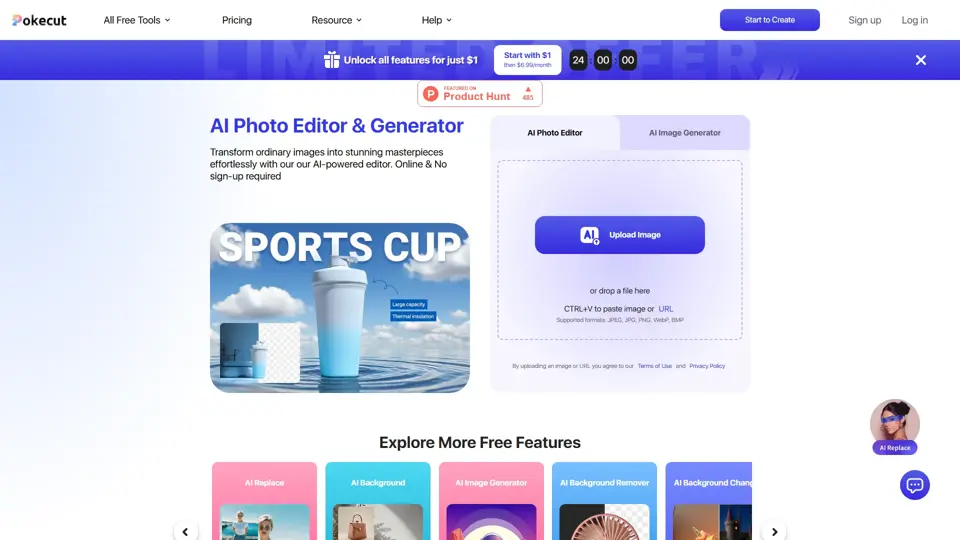
Pokecut is an AI photo editor that helps users remove backgrounds, enhance images, and generate visuals online, mainly for ecommerce sellers, marketers, and creators who need quick design-ready assets. It speeds up routine image production so visual teams can create polished content with less manual editing.
Qoder - The Agentic Coding Platform
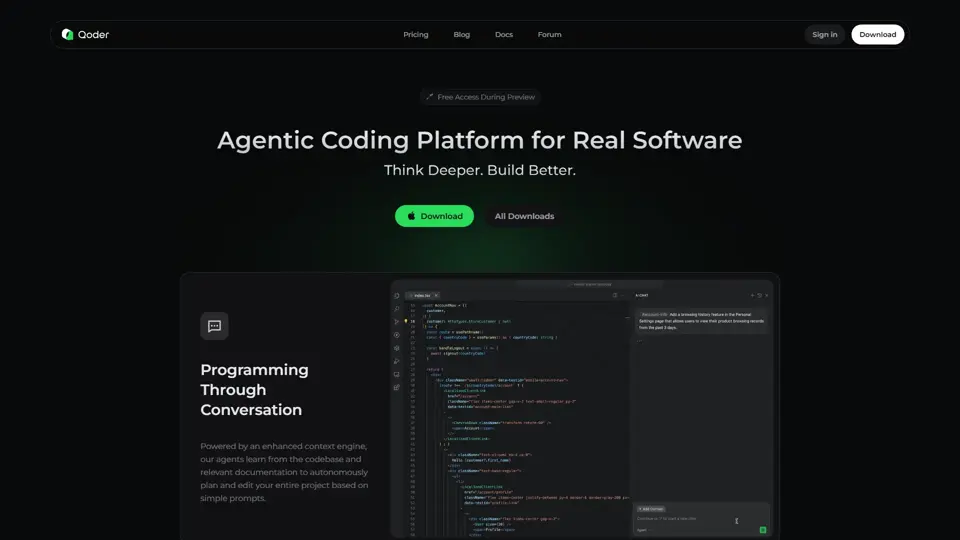
Qoder is an agentic coding platform that helps developers understand codebases and execute software tasks with AI agents, mainly for professional software engineers and development teams. It improves engineering throughput by combining strong code context with advanced models for more reliable task completion.

Seedance 2.0
Seedance 2.0 is ByteDance's AI video generation model designed to create high-quality videos from prompts and multimodal inputs, mainly for creators, developers, and media teams. In the AI era, it helps visual content roles turn ideas into production-ready motion assets with far less manual editing effort.
Struct | Automate your on-call runbook
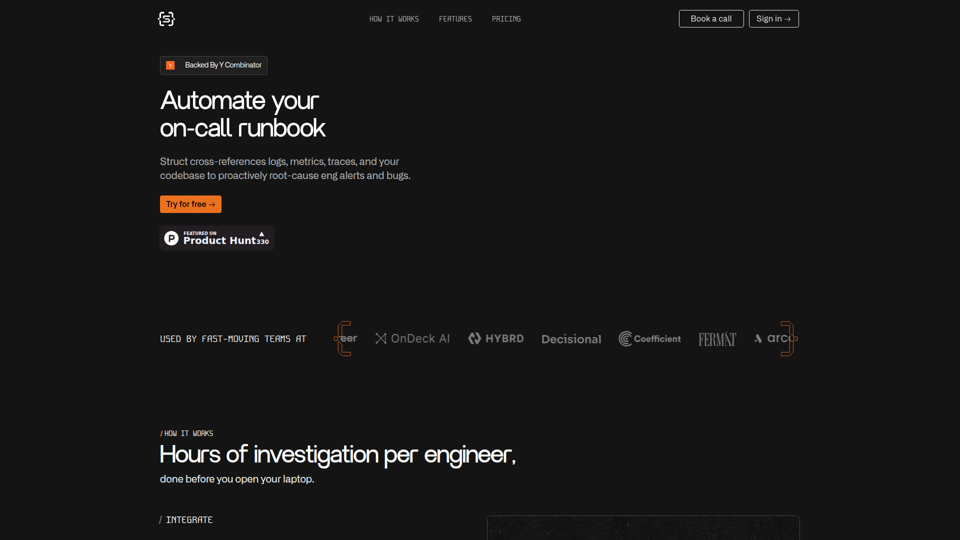
Struct is an AI on-call agent that investigates engineering alerts and bugs by analyzing logs, metrics, traces, and codebases, mainly for software engineers and SRE teams. In the AI era, it helps incident responders shorten triage time by delivering root-cause findings and suggested fixes directly in workflows.
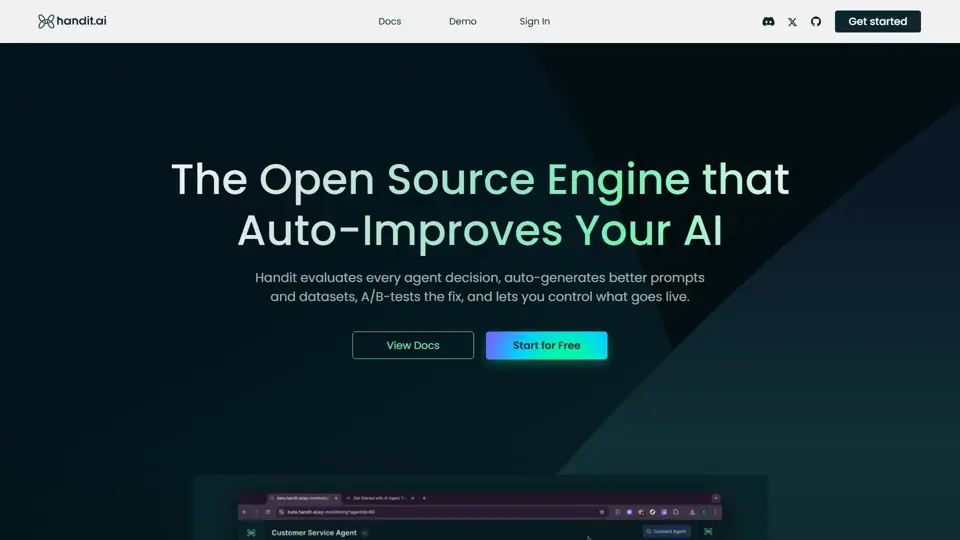
Handit.ai — The Open Source Engine that Auto-Improves Your AI Agents
Handit.ai is an open-source optimization engine that evaluates AI agent decisions, generates improved prompts and datasets, and A/B tests changes for teams building and operating AI agents. It helps AI engineers and product teams improve agent quality faster while keeping tighter control over production behavior.
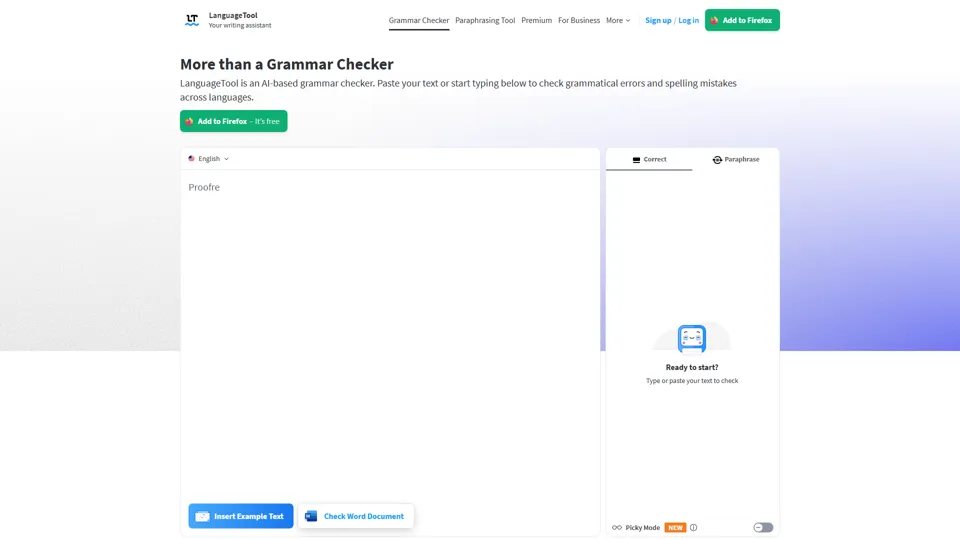
Free AI Grammar Checker - LanguageTool
LanguageTool is an AI-powered grammar and writing assistant that helps users check grammar, spelling, punctuation, and style across more than 30 languages, mainly for students, professionals, and multilingual teams. It helps writing-heavy roles communicate more clearly and edit faster at scale.
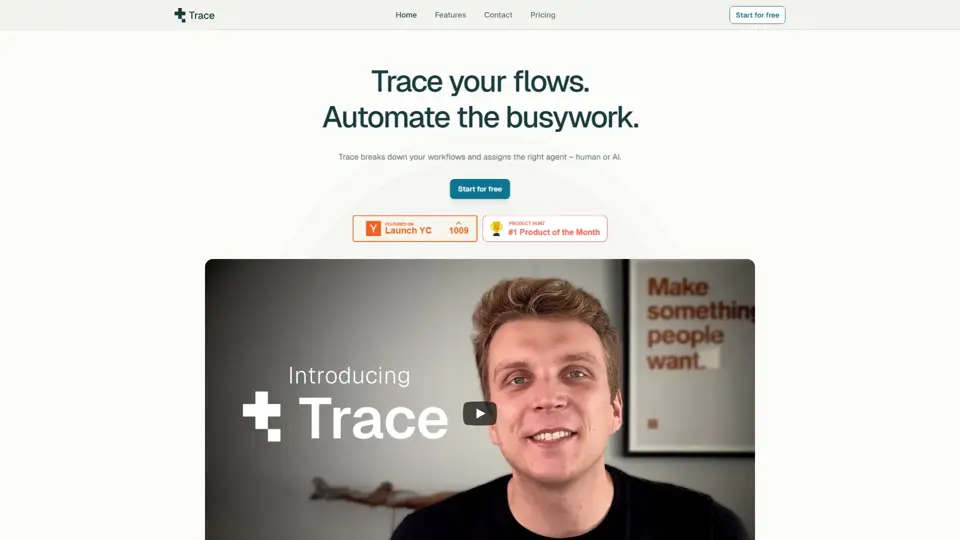
Trace
Trace is a software tool designed to support digital workflows, likely focused on helping teams organize, monitor, or analyze work more effectively. In the AI era, tools that centralize operational visibility help technical and business roles make faster decisions with less manual follow-up.
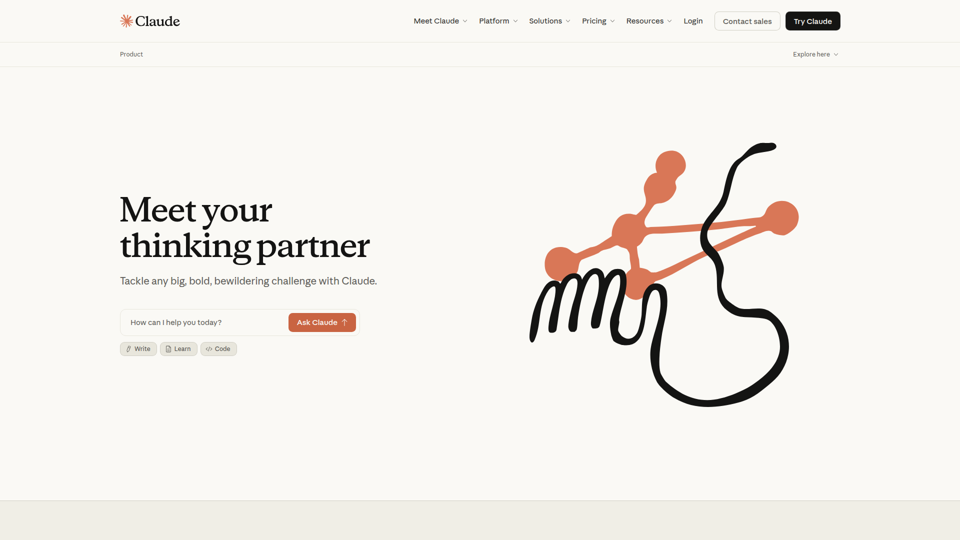
The AI for Problem Solvers | Claude by Anthropic
Claude by Anthropic is an AI assistant for problem solvers that helps users tackle complex work such as writing, coding, data analysis, research, and organizing tasks, mainly for professionals, developers, and teams handling difficult projects. In AI-enabled workflows, it can help knowledge workers and software teams move faster from analysis to execution while keeping people in control of approvals and file access.