
Tempo
Rate this Tool
Average Score
Total Votes
Select your score (1-10):
Detail Information
What
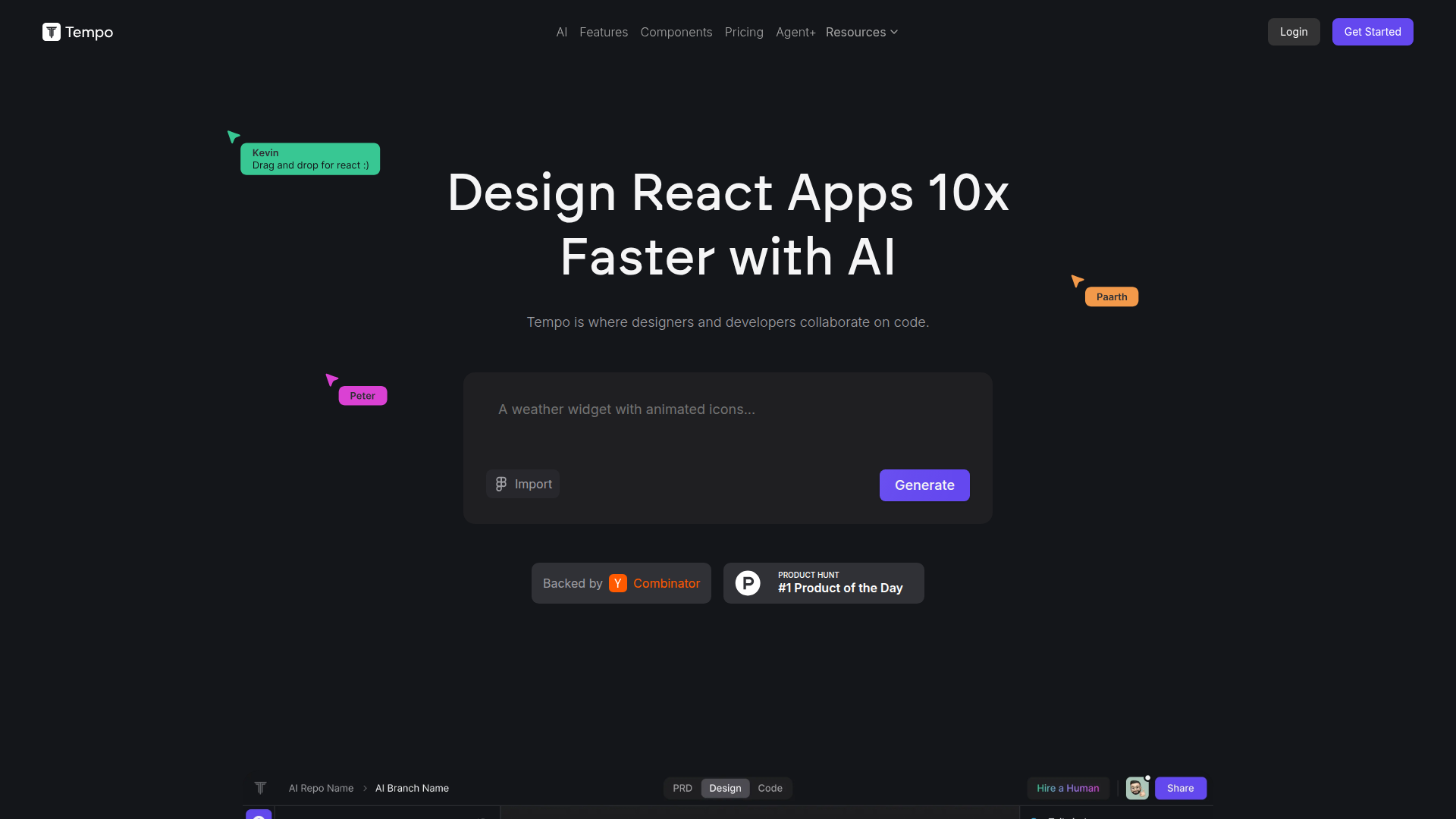
Tempo is an AI-assisted product for designing and building React application interfaces faster. It combines a visual editor, code generation, and developer workflow controls so designers and developers can collaborate directly on React code rather than working in separate tools.
The product appears aimed at teams or individuals building React front ends, especially those who want to work from an existing codebase instead of starting over. Its positioning is likely a hybrid of visual builder, AI coding assistant, and React-focused collaboration environment, with optional higher-touch service through its Agent+ offering.
Features
- Visual editing for React code: Tempo lets users edit React components, layouts, and styles with a drag-and-drop interface, making UI changes easier for design-oriented workflows.
- Works with existing React codebases: Users can bring in current React projects instead of rebuilding from scratch, which helps preserve prior engineering work.
- Code-level flexibility: The platform states that code can be structured and customized freely, which is valuable for teams that need maintainable output rather than locked templates.
- Storybook and design system support: Users can import components from Storybook or generate a custom component library, supporting design system setup and reuse.
- Local and GitHub-based workflow support: Tempo allows editing in VSCode and pushing to GitHub, helping developers keep familiar tooling and retain control over hosting and deployment.
- Template and component starting points: The product includes access to React components and community templates, which can speed up prototyping and interface assembly.
Helpful Tips
- Validate how well it handles your existing codebase: If your team has established patterns, test Tempo on a representative React project before wider adoption.
- Use it where visual editing and code ownership both matter: The product is likely strongest for teams that want rapid UI iteration without giving up direct access to source code.
- Check design system fit early: If Storybook and reusable components are central to your workflow, confirm how well Tempo preserves naming, structure, and styling conventions.
- Separate self-serve and service-based value: Tempo offers both software access and an Agent+ service, so buyers should decide whether they need a tool, a delivery partner, or both.
- Review credit-based usage carefully: Since core plans are credit-based, teams should estimate how often they will use generation and agent features to avoid mismatched plan selection.
OpenClaw Skills
Within the OpenClaw ecosystem, Tempo could likely support skills focused on front-end generation, UI refinement, and React component operations. Likely workflows include turning product requirements into interface drafts, generating or modifying React screens, comparing design-system compliance, and preparing implementation-ready UI tasks for engineering teams. If OpenClaw agents can orchestrate multi-step delivery, Tempo would fit naturally as the React design-and-build layer in that sequence.
A likely high-value use case would be an OpenClaw product team agent that takes a PRD, produces screen plans, drafts component structures, and then uses Tempo-oriented skills to generate or refine front-end output before handing work to developers for review in VSCode and GitHub. For design systems teams, OpenClaw could also coordinate audits of Storybook components and suggest where Tempo should be used to standardize or extend UI patterns. These are inferred workflow possibilities, not confirmed native integrations from the source page.
Embed Code
Share this AI tool on your website or blog by copying and pasting the code below. The embedded widget will automatically update with the latest information.
<iframe src="https://www.aimyflow.com/ai/tempo-new/embed" width="100%" height="400" frameborder="0"></iframe>
Explore Similar Tools

Free AI Photo Editor: Edit & Generate Image Online | Pokecut
Pokecut is an AI photo editor that helps users remove backgrounds, enhance images, and generate visuals online, mainly for ecommerce sellers, marketers, and creators who need quick design-ready assets. It speeds up routine image production so visual teams can create polished content with less manual editing.
Qoder - The Agentic Coding Platform
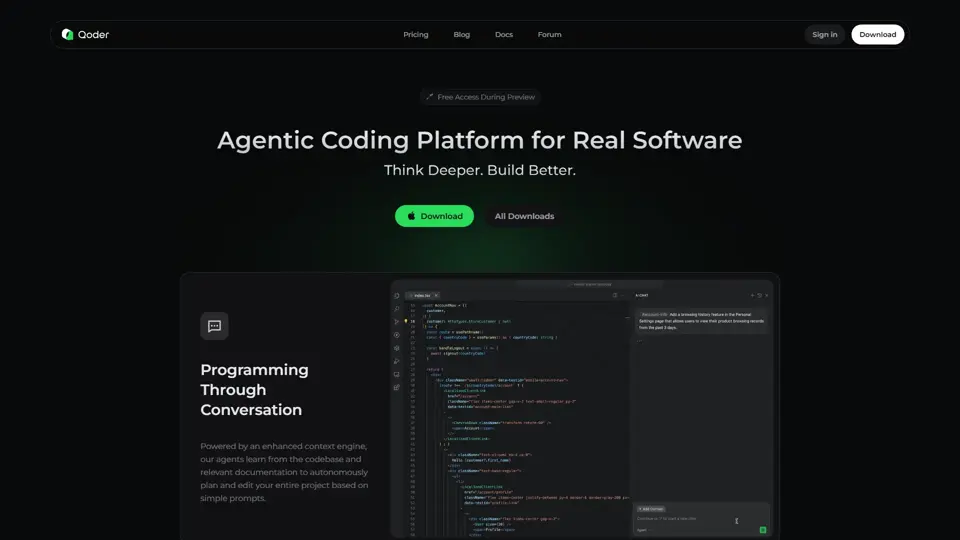
Qoder is an agentic coding platform that helps developers understand codebases and execute software tasks with AI agents, mainly for professional software engineers and development teams. It improves engineering throughput by combining strong code context with advanced models for more reliable task completion.

Seedance 2.0
Seedance 2.0 is ByteDance's AI video generation model designed to create high-quality videos from prompts and multimodal inputs, mainly for creators, developers, and media teams. In the AI era, it helps visual content roles turn ideas into production-ready motion assets with far less manual editing effort.
Struct | Automate your on-call runbook
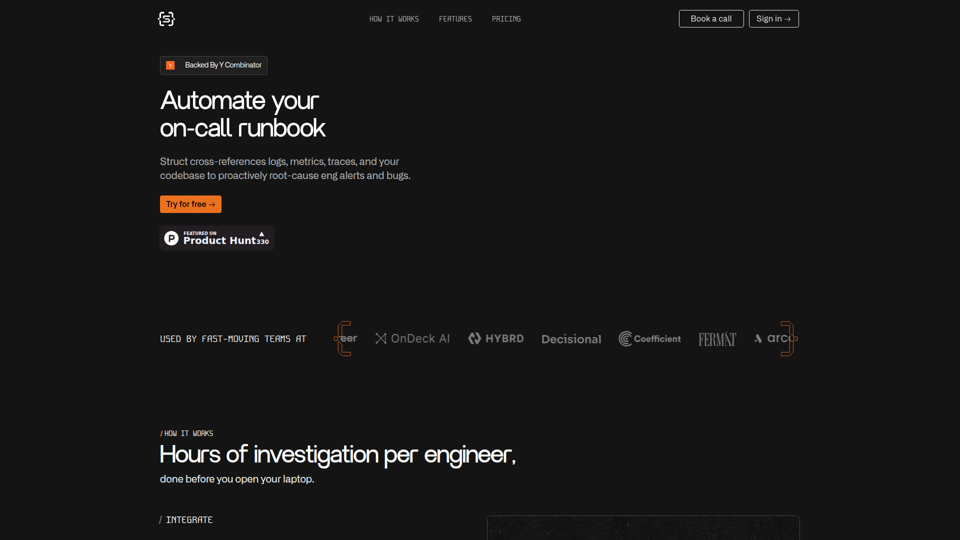
Struct is an AI on-call agent that investigates engineering alerts and bugs by analyzing logs, metrics, traces, and codebases, mainly for software engineers and SRE teams. In the AI era, it helps incident responders shorten triage time by delivering root-cause findings and suggested fixes directly in workflows.
Handit.ai — The Open Source Engine that Auto-Improves Your AI Agents
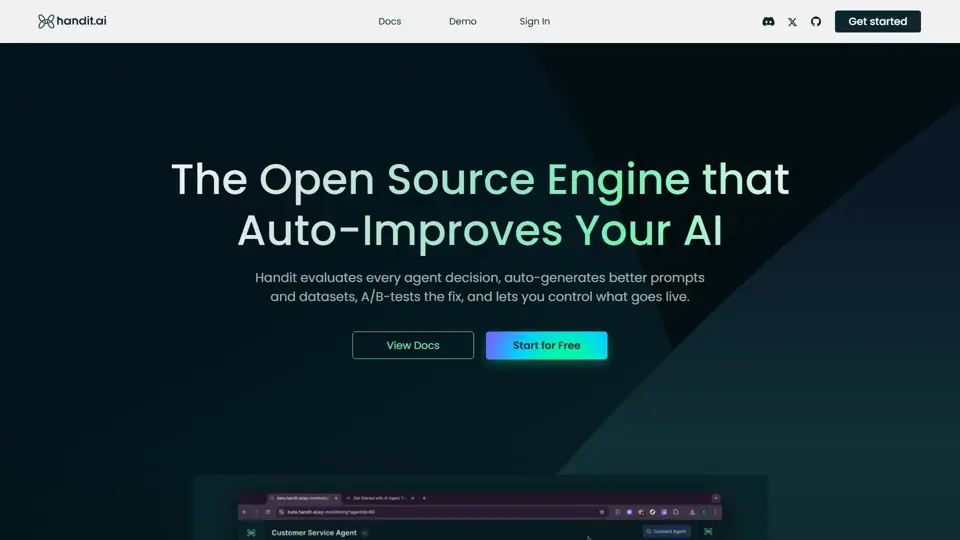
Handit.ai is an open-source optimization engine that evaluates AI agent decisions, generates improved prompts and datasets, and A/B tests changes for teams building and operating AI agents. It helps AI engineers and product teams improve agent quality faster while keeping tighter control over production behavior.
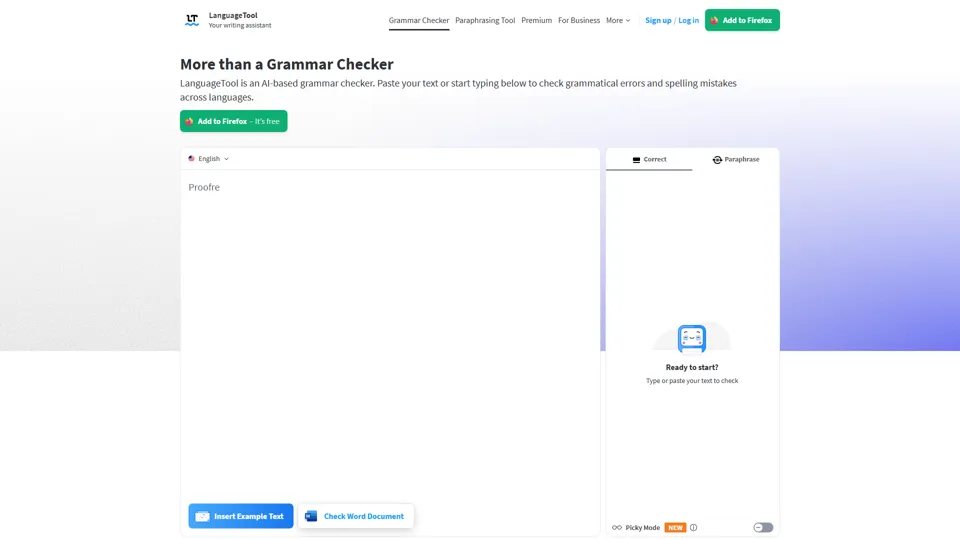
Free AI Grammar Checker - LanguageTool
LanguageTool is an AI-powered grammar and writing assistant that helps users check grammar, spelling, punctuation, and style across more than 30 languages, mainly for students, professionals, and multilingual teams. It helps writing-heavy roles communicate more clearly and edit faster at scale.
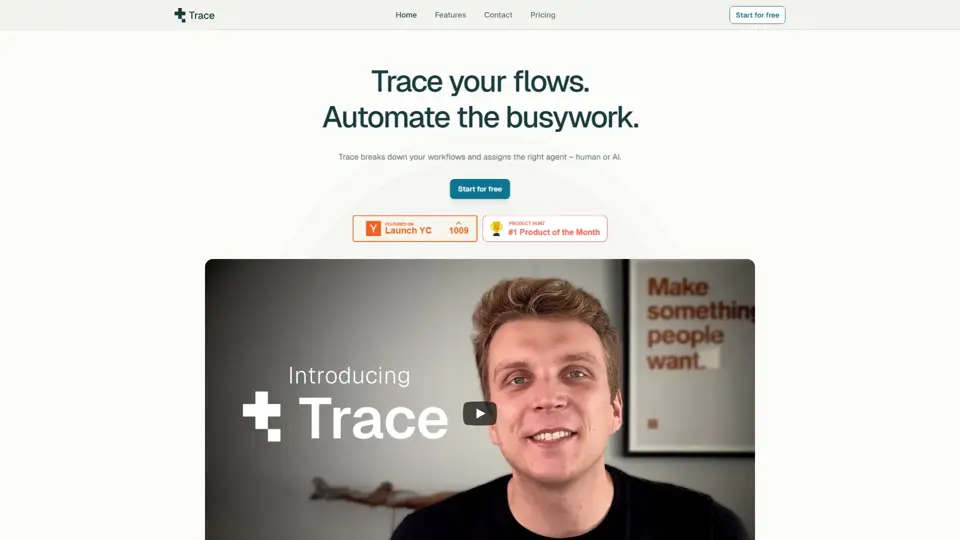
Trace
Trace is a software tool designed to support digital workflows, likely focused on helping teams organize, monitor, or analyze work more effectively. In the AI era, tools that centralize operational visibility help technical and business roles make faster decisions with less manual follow-up.
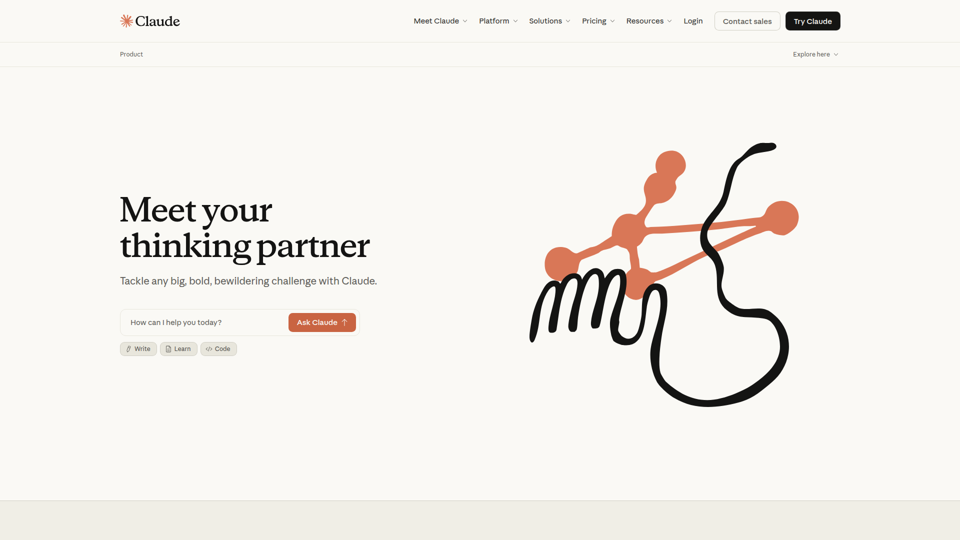
The AI for Problem Solvers | Claude by Anthropic
Claude by Anthropic is an AI assistant for problem solvers that helps users tackle complex work such as writing, coding, data analysis, research, and organizing tasks, mainly for professionals, developers, and teams handling difficult projects. In AI-enabled workflows, it can help knowledge workers and software teams move faster from analysis to execution while keeping people in control of approvals and file access.