
AI Menu Photo - AI Food Photo Editor for Menu Images
Rate this Tool
Average Score
Total Votes
Select your score (1-10):
Detail Information
What
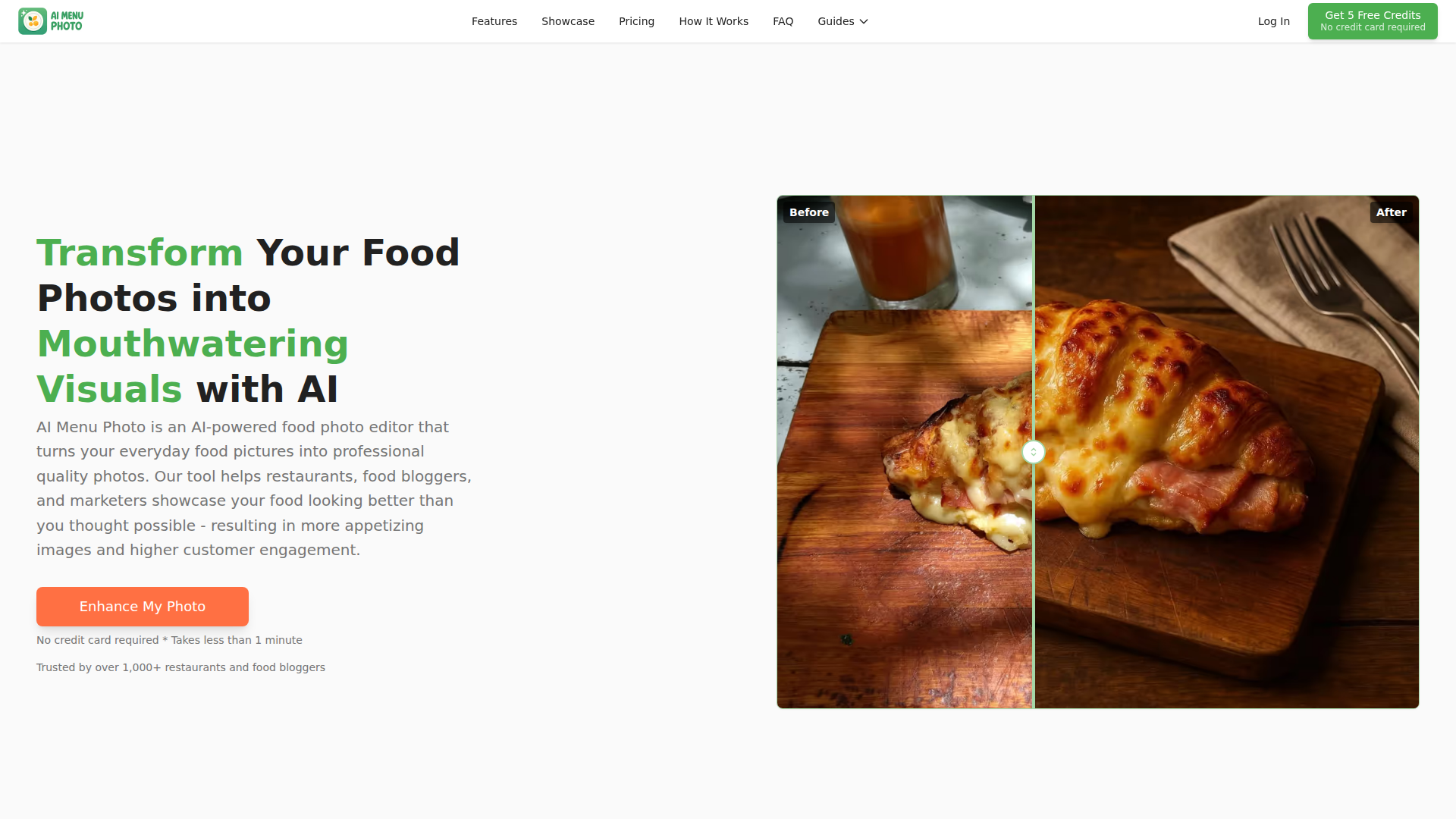
AI Menu Photo is an AI food photo editor for turning basic food pictures into polished menu and marketing images. It is aimed at restaurants, cloud kitchens, food bloggers, influencers, and marketers that need better-looking food photos for online menus, delivery apps, websites, and social media.
The core workflow is simple: upload a food image, choose a preset or custom style, generate an enhanced version, and export it in a platform-ready format. Based on the page, the product is positioned as a low-friction alternative to traditional food photoshoots and manual editing software, with a focus on speed, visual consistency, and delivery-platform use cases.
Features
- AI photo enhancement: Automatically improves lighting, color, contrast, sharpness, and clarity to make food images look more professional from a single upload.
- Background cleanup and replacement: Removes or simplifies distracting backgrounds so the dish remains the visual focus in menu and promotional images.
- Preset and custom styling: Offers ready-made visual styles and prompt-based custom styling to help teams match brand aesthetics or create a specific scene.
- Angle generation from one image: Can create top-down, 45-degree, or side-view outputs from a single source photo, which may reduce the need for multiple shoots.
- Platform-ready aspect ratios and exports: Supports square, landscape, and portrait formats, with export guidance for Uber Eats, DoorDash, Grubhub, Instagram, and similar channels.
- Consistency and reference-based workflows: Higher-tier plans include styling memory and reference image uploads to support a more uniform look across a menu.
Helpful Tips
- Validate realism before publishing: If using prompt-based edits or ingredient changes, review outputs carefully so menu images still reflect the actual dish customers will receive.
- Use one visual standard across channels: For restaurants and delivery-first brands, consistent angle, background style, and color treatment usually matter more than highly creative variation.
- Start with platform constraints: Build your workflow around the crop rules and image requirements of delivery apps first, then reuse variants for web and social channels.
- Test presets against your menu mix: A style that works for burgers or plated entrées may not work equally well for soups, bakery items, or packaged foods.
- Assess plan fit by volume and control needs: Teams with many SKUs or a stronger brand system will likely benefit more from reference uploads, style consistency tools, and broader export options.
OpenClaw Skills
Within the OpenClaw ecosystem, AI Menu Photo could likely support skills for restaurant content operations, menu publishing, and creative asset management. Likely workflow examples include an agent that collects dish photos from store teams, routes them through a defined enhancement brief, checks output dimensions against delivery platform requirements, and prepares approved variants for menus, social posts, and local listings. The page does not state a native OpenClaw integration, so this should be treated as a plausible workflow rather than a confirmed capability.
A broader OpenClaw setup could combine this product with agents for menu QA, brand governance, and listing optimization. For example, a hospitality operations team could use one workflow to generate consistent food visuals, another to match each image to the correct item and channel, and another to flag images that may overstate ingredients or presentation. In practice, that combination could help restaurant marketers and multi-location operators move faster while keeping visual standards more consistent across delivery apps, websites, and promotional campaigns.
Embed Code
Share this AI tool on your website or blog by copying and pasting the code below. The embedded widget will automatically update with the latest information.
<iframe src="https://www.aimyflow.com/ai/aimenuphoto-com/embed" width="100%" height="400" frameborder="0"></iframe>
Explore Similar Tools
Digital Menu for Restaurants | Free AI QR Menu Builder - Vibe Menu
Vibe Menu is an AI-powered digital QR menu builder that helps restaurants and other service-based businesses turn PDFs or simple descriptions into interactive, mobile-friendly menus and catalogs, mainly for owners and operators who need fast updates without design or technical work. For restaurant managers, hospitality teams, and similar operators, it can streamline menu maintenance, multilingual presentation, and quick item or price changes from a phone.
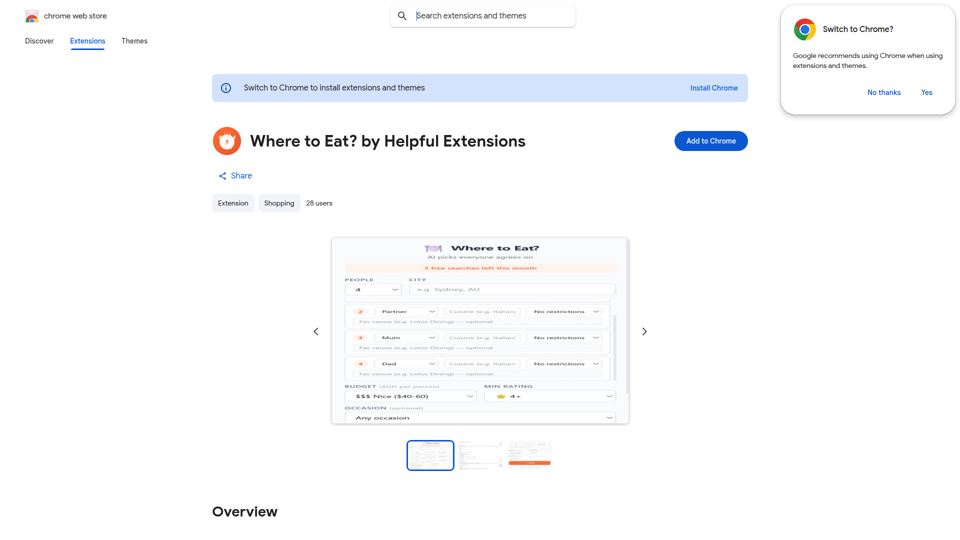
Where to Eat? by Helpful Extensions - Chrome Web Store
Where to Eat? by Helpful Extensions is a Chrome extension that helps groups choose restaurants by weighing different dietary needs, budgets, and preferences, mainly for people organizing shared meals or social dining plans. In the AI era, it can help coordinators, team organizers, and group planners reduce back-and-forth and reach practical dining decisions faster.
AI Food Photo Editor - FoodShot AI | Transform Food Photos in Seconds
FoodShot AI is an AI food photo editor that helps restaurants, chefs, food creators, and marketers turn basic dish photos into menu-ready images, delivery app visuals, social posts, and promotional posters. For restaurant operators and marketing teams, it can shorten the path from a phone photo to usable branded content across menus, delivery platforms, and social channels.
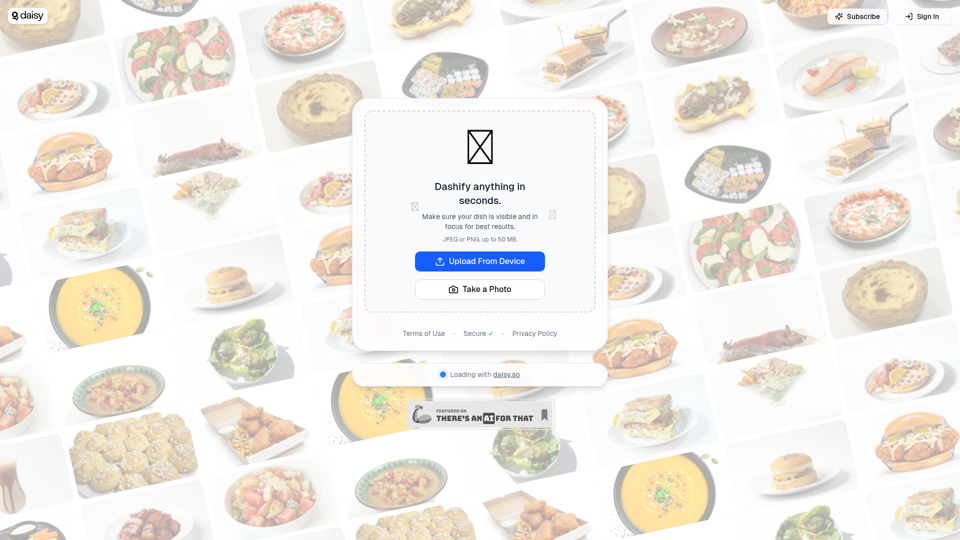
Dashify with daisy 🌼
Dashify with daisy is an AI image tool that helps users quickly turn food photos into polished menu photography, mainly for restaurants and other food businesses. It can speed up menu and marketing updates by giving hospitality teams more consistent dish images from simple uploads or camera shots.
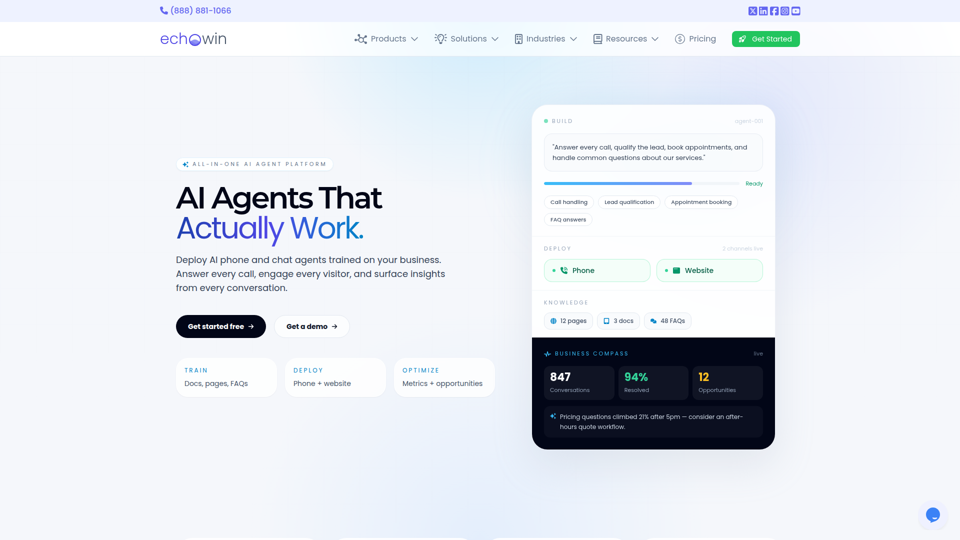
echowin | All-in-One AI Agent Platform for Small Business
echowin is an all-in-one AI agent platform that helps small businesses build and deploy no-code phone and website chat agents to answer calls, qualify leads, book appointments, handle support questions, and analyze conversations. For front-desk, support, and operations teams, its conversation intelligence can turn everyday customer interactions into actionable insights on demand trends, service gaps, and workflow improvements.
IsOn24 | Call agent for business
IsOn24 is an AI call agent for businesses that answers calls and texts, books appointments and reservations, captures lead details, and routes priority calls, mainly for service-based businesses such as contractors, restaurants, salons, accountants, legal offices, and freelancers. For front-desk, intake, and customer service teams, it can reduce missed inquiries and keep scheduling and lead capture consistent across phone, text, and online channels.
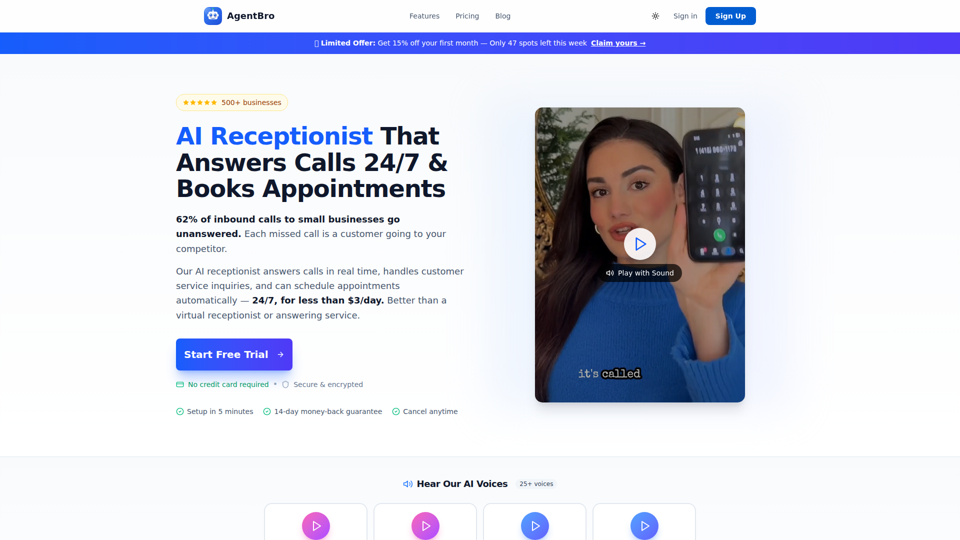
AgentBro - AI Receptionist That Books Appointments 24/7
AgentBro is an AI phone receptionist that answers inbound business calls 24/7, books appointments, captures leads, and handles customer inquiries for small businesses and service-based teams. For owners, front-desk staff, and schedulers, it can reduce missed-call workload while using transcripts, analytics, and calendar syncing to keep follow-up and booking operations more consistent.
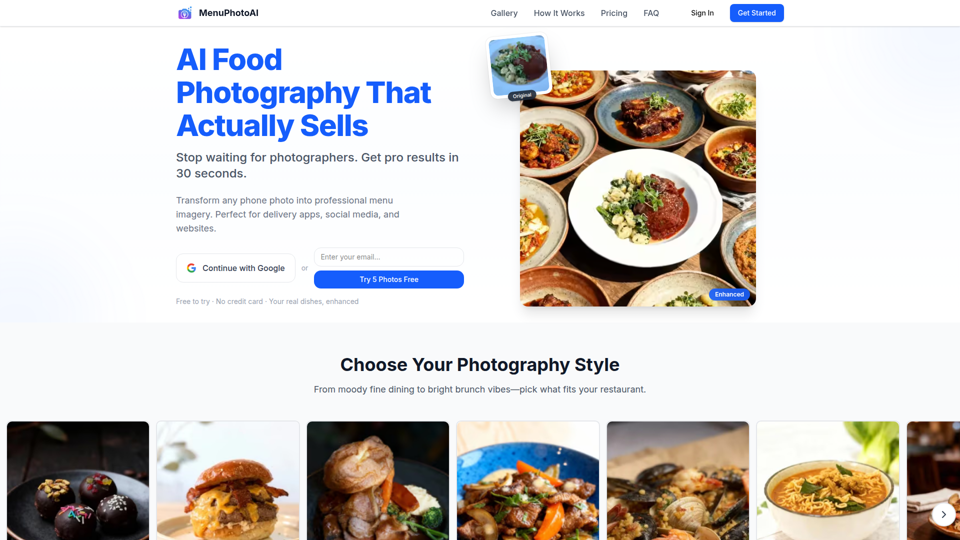
AI Food Photography: Studio Quality in 30 Seconds | Free Trial | MenuPhotoAI
MenuPhotoAI is an AI food photography tool that turns restaurant phone photos into menu-ready images with improved lighting, backgrounds, and styling in about 30 seconds, mainly for restaurant owners and food businesses. For restaurant marketers and operators, it can speed up producing consistent visuals for delivery apps, websites, and social channels without arranging repeated photo shoots.