
Where to Eat? by Helpful Extensions - Chrome Web Store
Rate this Tool
Average Score
Total Votes
Select your score (1-10):
Detail Information
What
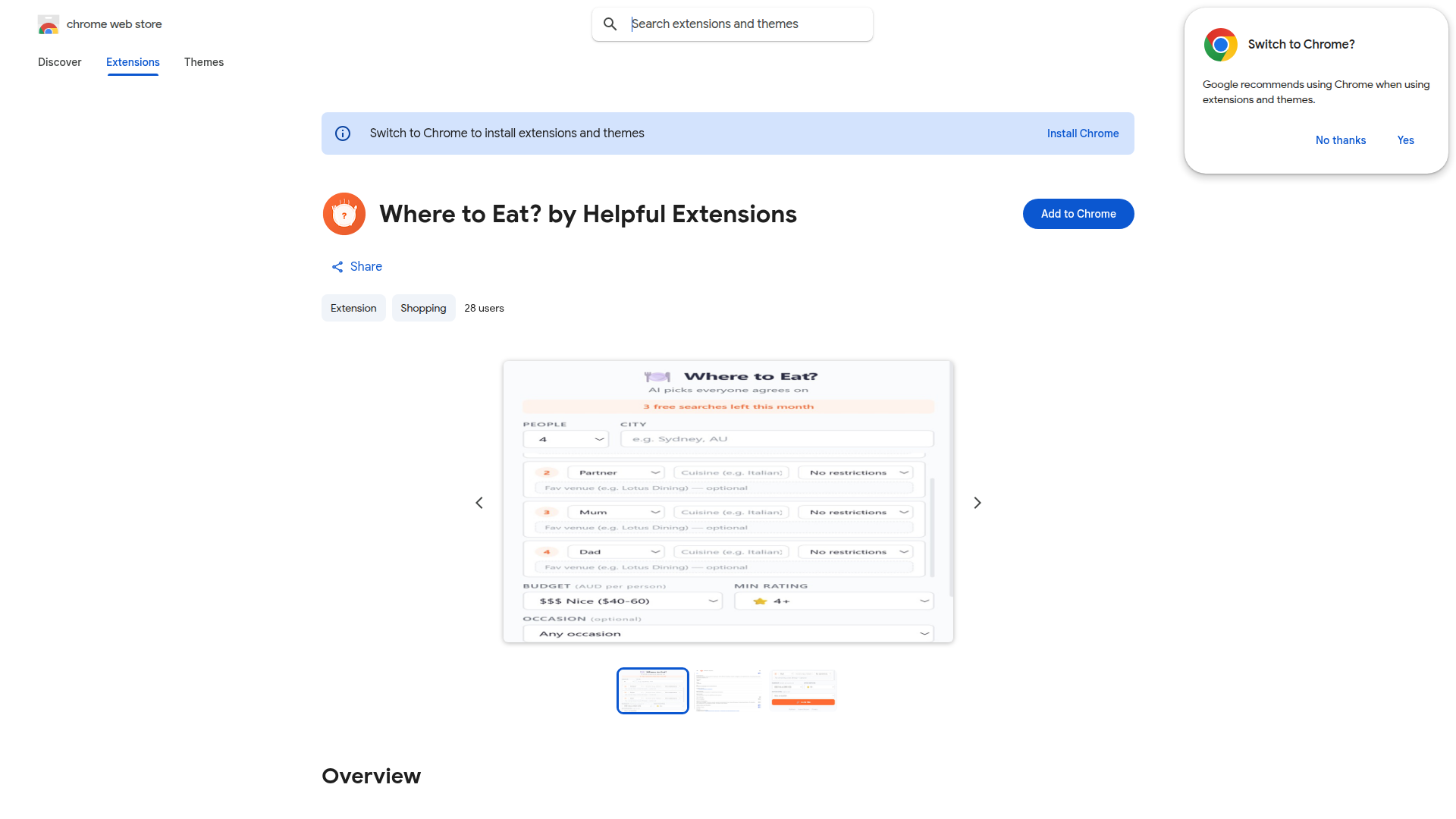
Where to Eat? by Helpful Extensions is a Chrome extension designed to help groups choose a restaurant when people have different dietary needs, budgets, and personal preferences. The listing describes it as using AI-powered recommendations to find options that the group can agree on.
The product appears to serve consumers rather than businesses, especially friends, families, or small groups coordinating dining plans. Based on the page, its positioning is a lightweight decision-support tool focused on reducing friction in restaurant selection, though the listing does not explain the exact workflow, restaurant data sources, or how recommendations are generated.
Features
- Group dining decision support: Helps a group narrow down where to eat when members have conflicting requirements or preferences.
- Preference-aware restaurant selection: Takes into account factors such as dietary needs, budget, and general preferences to improve fit across the group.
- AI-powered recommendations: Uses AI to suggest restaurant options intended to increase the chance of group agreement, though the listing does not detail the model or method.
- Chrome-based access: Runs as a Chrome extension, which likely makes it convenient to use during planning without switching to a separate app.
- Privacy declaration of no data collection: The Chrome Web Store page states that the developer does not collect or use user data, which may reduce adoption friction for privacy-conscious users.
Helpful Tips
- Validate fit for your planning habits: Since the listing does not explain the full user flow, confirm whether the extension works where your group already plans meals, such as search, maps, or messaging contexts.
- Check recommendation transparency: For tools that mediate group choices, it helps to understand which inputs matter most, especially when balancing diet restrictions against budget and convenience.
- Use it for narrow, recurring decisions: This type of extension is likely most useful for repeat scenarios like team lunches, family dinners, or social meetups where indecision is the main problem.
- Assess edge cases before relying on it: If your group has strict allergy, religious, or accessibility requirements, verify that the tool surfaces enough detail rather than treating all preferences as equal.
- Treat AI suggestions as a starting point: AI-assisted restaurant matching can speed up shortlisting, but final decisions may still need human review if trade-offs are sensitive.
OpenClaw Skills
Within the OpenClaw ecosystem, this product could likely support decision-making workflows for hospitality and group coordination. A likely use case would be an agent that gathers participant preferences from chat or forms, structures them into constraints such as dietary needs and budget, and then uses Where to Eat? as one input into a broader recommendation flow. Because the listing does not mention APIs or native integrations, this should be viewed as a potential workflow rather than a confirmed capability.
OpenClaw skills around this extension could include a group dining coordinator, preference reconciliation agent, or local outing planner. In practice, that could help office managers, executive assistants, event organizers, or social coordinators move from informal back-and-forth into a repeatable decision process. The combination could shift restaurant selection from subjective debate to structured, semi-automated consensus building, especially in settings where speed and inclusiveness matter more than deep restaurant research.
Embed Code
Share this AI tool on your website or blog by copying and pasting the code below. The embedded widget will automatically update with the latest information.
<iframe src="https://www.aimyflow.com/ai/chromewebstore-google-com-detail-where-to-eat-by-helpful-e-nakdpkdhdglelechpiijgjcoedepdmip/embed" width="100%" height="400" frameborder="0"></iframe>
Explore Similar Tools

Digital Menu for Restaurants | Free AI QR Menu Builder - Vibe Menu
Vibe Menu is an AI-powered digital QR menu builder that helps restaurants and other service-based businesses turn PDFs or simple descriptions into interactive, mobile-friendly menus and catalogs, mainly for owners and operators who need fast updates without design or technical work. For restaurant managers, hospitality teams, and similar operators, it can streamline menu maintenance, multilingual presentation, and quick item or price changes from a phone.
AI Food Photo Editor - FoodShot AI | Transform Food Photos in Seconds
FoodShot AI is an AI food photo editor that helps restaurants, chefs, food creators, and marketers turn basic dish photos into menu-ready images, delivery app visuals, social posts, and promotional posters. For restaurant operators and marketing teams, it can shorten the path from a phone photo to usable branded content across menus, delivery platforms, and social channels.
Dashify with daisy 🌼
Dashify with daisy is an AI image tool that helps users quickly turn food photos into polished menu photography, mainly for restaurants and other food businesses. It can speed up menu and marketing updates by giving hospitality teams more consistent dish images from simple uploads or camera shots.
echowin | All-in-One AI Agent Platform for Small Business
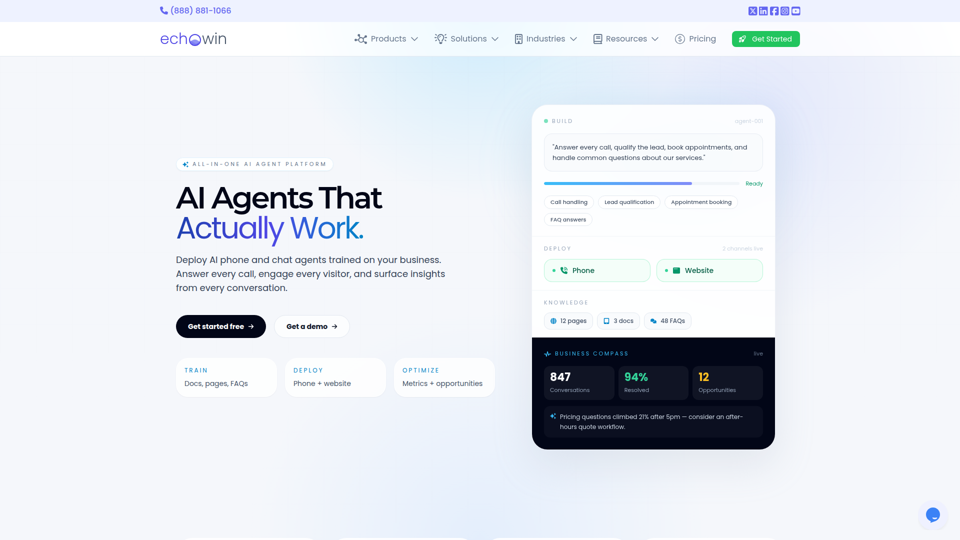
echowin is an all-in-one AI agent platform that helps small businesses build and deploy no-code phone and website chat agents to answer calls, qualify leads, book appointments, handle support questions, and analyze conversations. For front-desk, support, and operations teams, its conversation intelligence can turn everyday customer interactions into actionable insights on demand trends, service gaps, and workflow improvements.
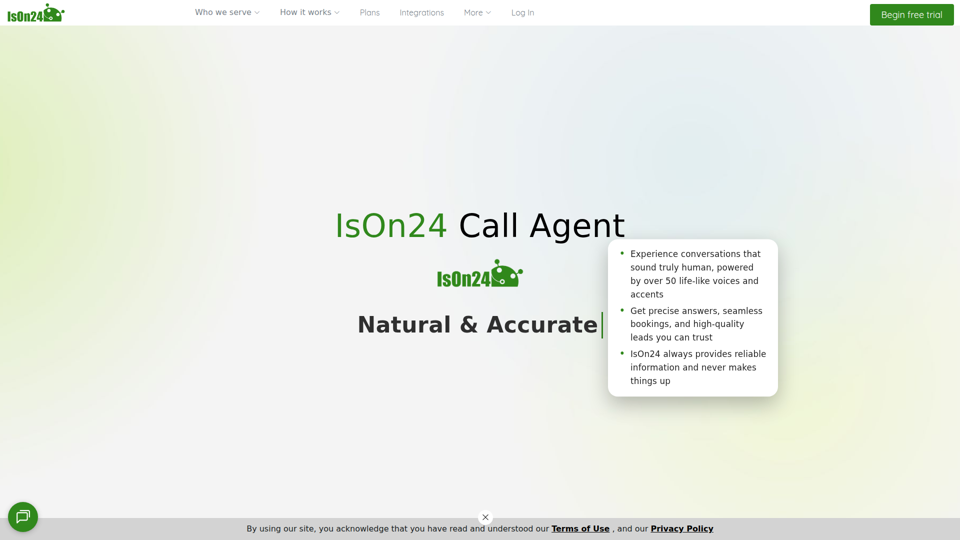
IsOn24 | Call agent for business
IsOn24 is an AI call agent for businesses that answers calls and texts, books appointments and reservations, captures lead details, and routes priority calls, mainly for service-based businesses such as contractors, restaurants, salons, accountants, legal offices, and freelancers. For front-desk, intake, and customer service teams, it can reduce missed inquiries and keep scheduling and lead capture consistent across phone, text, and online channels.
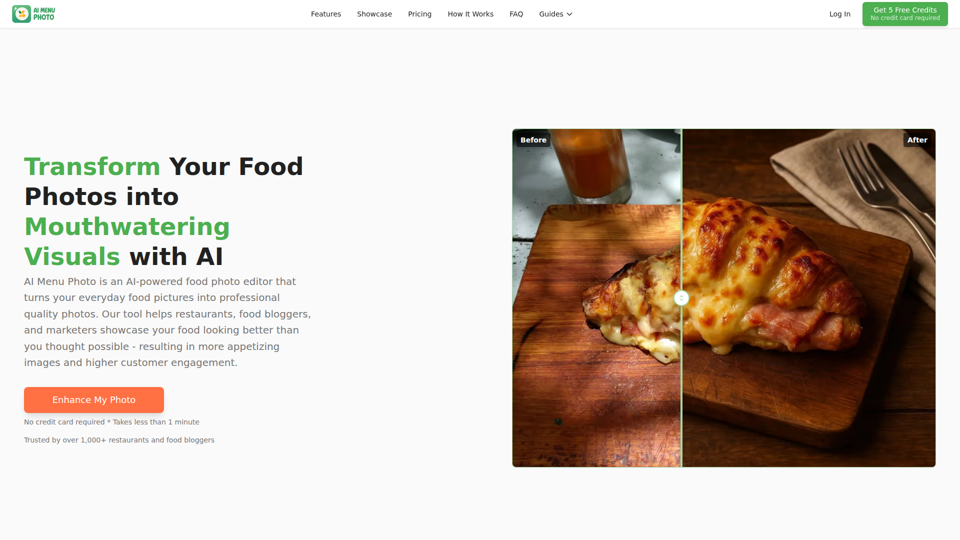
AI Menu Photo - AI Food Photo Editor for Menu Images
AI Menu Photo is an AI food photo editor that helps restaurants, cloud kitchens, food bloggers, and marketers turn basic dish photos into professional-looking menu, delivery app, and social media images with lighting fixes, background cleanup, style changes, and platform-ready exports. In AI-driven food commerce, it can help restaurant operators, marketers, and menu managers publish consistent, compliant visuals faster across ordering platforms.
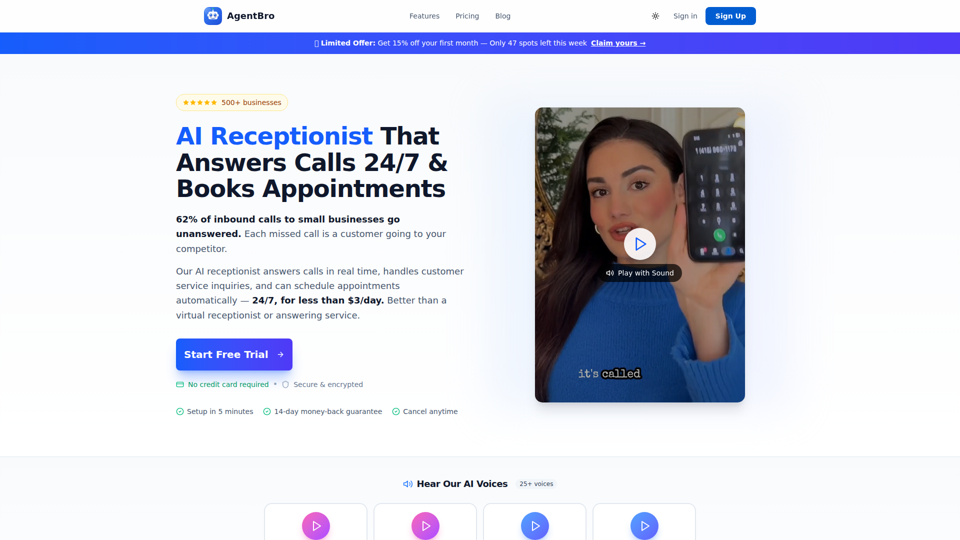
AgentBro - AI Receptionist That Books Appointments 24/7
AgentBro is an AI phone receptionist that answers inbound business calls 24/7, books appointments, captures leads, and handles customer inquiries for small businesses and service-based teams. For owners, front-desk staff, and schedulers, it can reduce missed-call workload while using transcripts, analytics, and calendar syncing to keep follow-up and booking operations more consistent.
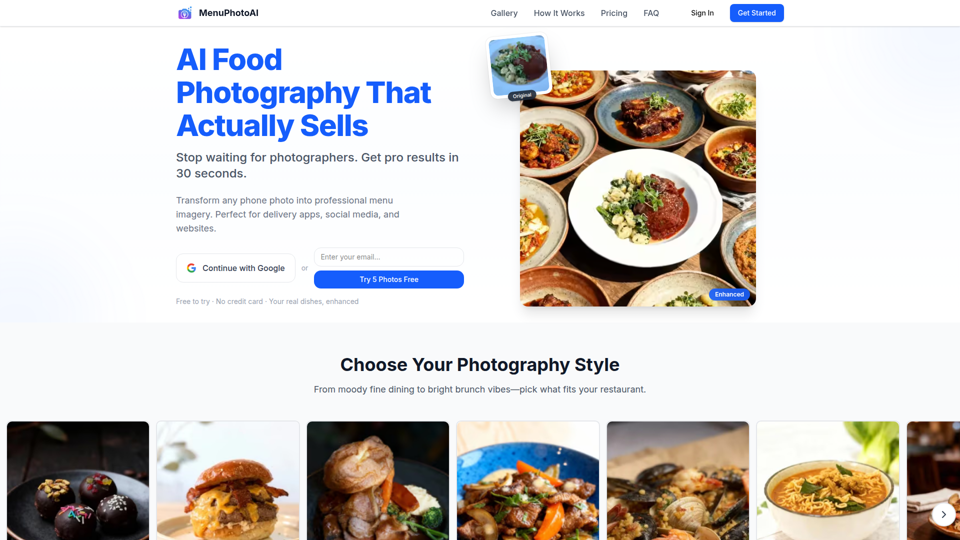
AI Food Photography: Studio Quality in 30 Seconds | Free Trial | MenuPhotoAI
MenuPhotoAI is an AI food photography tool that turns restaurant phone photos into menu-ready images with improved lighting, backgrounds, and styling in about 30 seconds, mainly for restaurant owners and food businesses. For restaurant marketers and operators, it can speed up producing consistent visuals for delivery apps, websites, and social channels without arranging repeated photo shoots.