
Outerbase | The interface for your database
Rate this Tool
Average Score
Total Votes
Select your score (1-10):
Detail Information
What
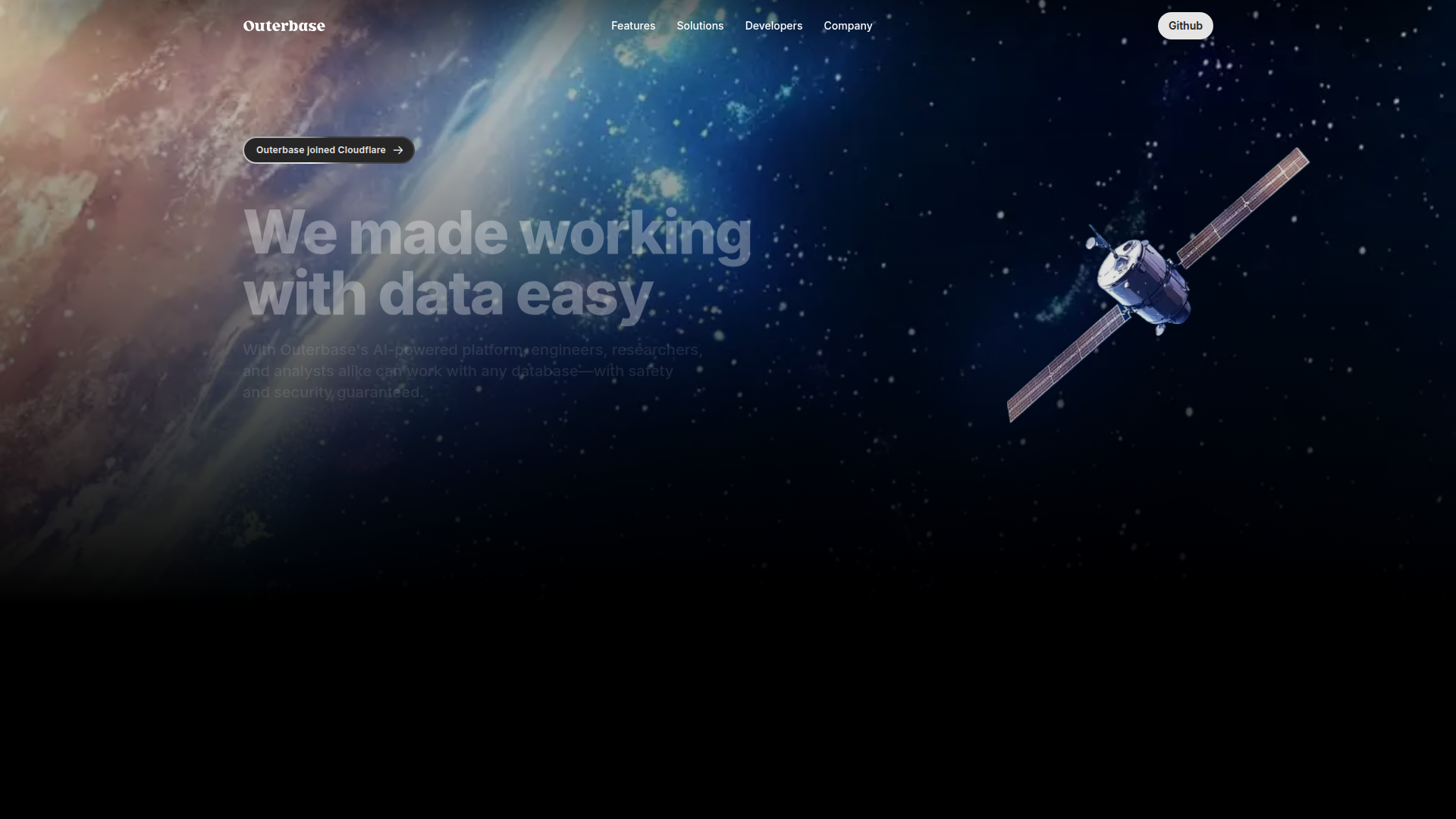
Outerbase is a database interface for working with SQL and NoSQL data through tables, queries, dashboards, AI assistance, and a data catalog. It is positioned for engineers, analysts, and researchers who need to explore, query, document, and visualize data without switching across multiple tools.
The product appears to combine database administration, lightweight analytics, and metadata management in one workspace. Its core workflow centers on connecting an existing database, navigating records in a spreadsheet-like editor, querying with AI support, generating charts or dashboards, and improving shared understanding through business terms and relationship diagrams.
Features
- AI-assisted database exploration: Ask EZQL™ lets users ask questions about database content for quick insights, which can reduce the effort needed to write queries from scratch.
- AI-supported query editing: The query editor helps fix mistakes and suggest improvements, which is useful for teams with mixed SQL proficiency.
- Spreadsheet-style table editor: Tables are presented in a responsive editor designed for navigation and editing, making operational data work more accessible to non-specialists.
- Dashboard and chart creation: Users can build dashboards manually or have AI generate them, helping teams turn query results into self-serve analytics.
- Data catalog and schema context: Business terms, relational diagrams, and virtual relationships help teams document meaning and understand how data connects without changing the underlying schema.
- Broad database connectivity and access controls: Outerbase supports a range of SQL and NoSQL databases and includes features such as SSH tunneling, role-based restrictions, and private AI model handling according to the page.
Helpful Tips
- Validate AI-generated outputs: AI-assisted queries, charts, and dashboards can accelerate analysis, but teams should still review logic, joins, and metric definitions before relying on results.
- Use the data catalog early: Defining business terms and relationships upfront can improve consistency across analysts, engineers, and any AI-assisted workflows.
- Check fit for your database mix: Outerbase supports many common engines, but buyers should confirm support depth for their exact database type, permissions model, and deployment setup.
- Plan governance around access roles: Since the platform is used across technical and non-technical users, role design and least-privilege access are important for safe adoption.
- Assess embedding needs carefully: The site mentions embeddable tables and analytics, so teams should verify the implementation requirements and front-end constraints for their use case.
OpenClaw Skills
Outerbase could likely serve as a strong data interaction layer within the OpenClaw ecosystem. Likely use cases include skills that translate business questions into database exploration flows, generate draft SQL, summarize table contents, document schema meaning from the data catalog, and produce dashboard-ready outputs for operating teams. If OpenClaw agents can access approved Outerbase workflows, they could help analysts and operators move faster from question to validated insight.
In a broader workflow, OpenClaw could orchestrate agents around Outerbase for tasks such as KPI investigations, data quality triage, relational schema walkthroughs, and recurring reporting preparation. This is a likely workflow pattern rather than a confirmed native integration based on the page. Combined well, the pairing could make database-backed work more accessible for product, operations, research, and analytics teams by turning raw data access into guided, role-aware decision workflows.
Embed Code
Share this AI tool on your website or blog by copying and pasting the code below. The embedded widget will automatically update with the latest information.
<iframe src="https://www.aimyflow.com/ai/outerbase-com/embed" width="100%" height="400" frameborder="0"></iframe>
Explore Similar Tools
Columns: build data workflow
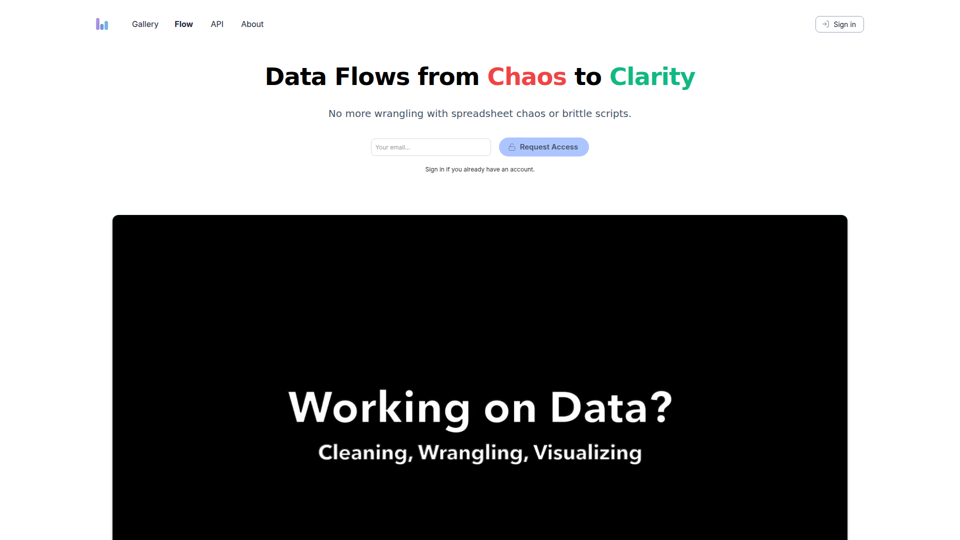
Columns Flow is a data workflow tool that helps spreadsheet users, analysts, engineers, and managers turn connected data sources into visual reports, automated updates, alerts, and shareable summaries using plain-language transformations. For data and operations teams, it can reduce manual wrangling and brittle scripts while keeping reporting and downstream handoffs more consistent in AI-assisted workflows.
StatPecker · Smart insights for business, stunning visuals for content creators.
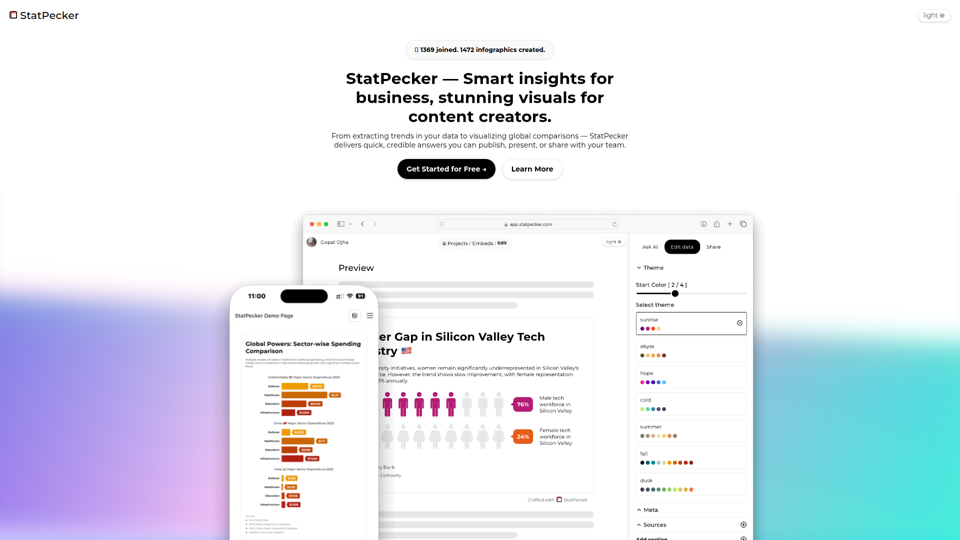
StatPecker is an AI data insight and visualization tool that helps users ask questions about data, analyze local CSV files privately on-device, and create publishable charts and infographics, mainly for content writers and data analysts. In AI-assisted content and reporting workflows, it can help analysts and writers turn raw data into credible visuals faster for articles, presentations, and team sharing.
BrowserAct — AI‑powered No‑Code Web Scraper & Automation
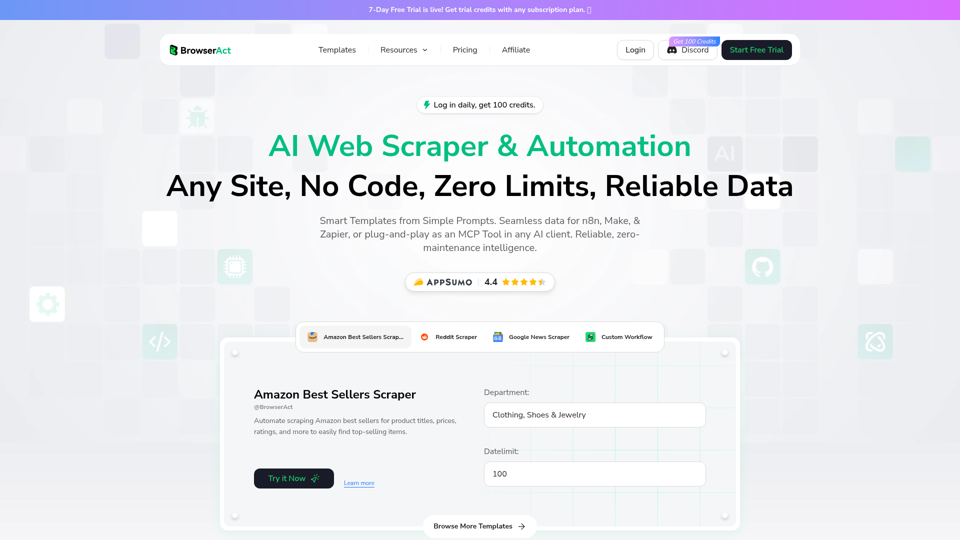
BrowserAct is an AI-powered no-code web scraper and browser automation tool that helps users extract website data and build automated workflows from natural language prompts, mainly for operations teams, analysts, and developers. In AI-driven data workflows, it can reduce manual scraping upkeep by turning websites into reusable automation steps for research, monitoring, and system-to-system data handling.
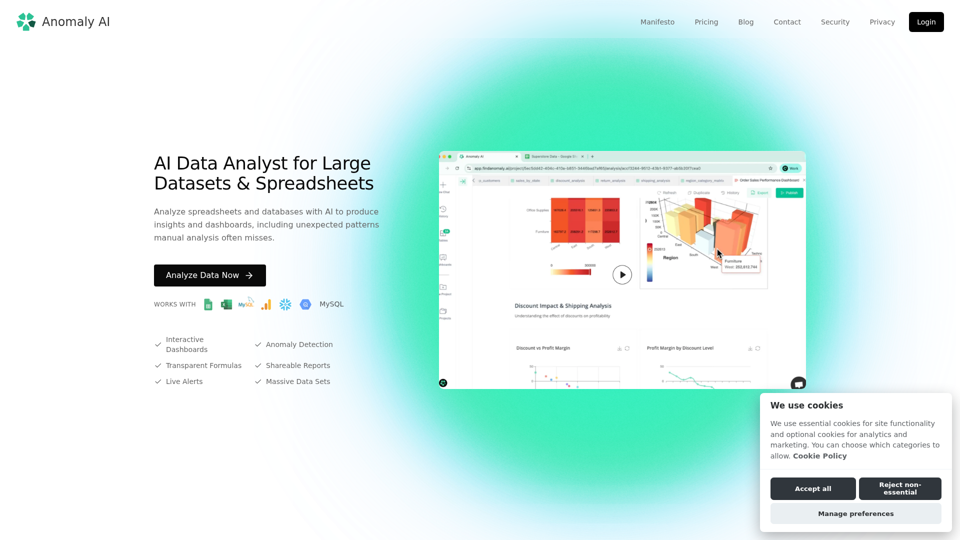
AI Data Analyst for Large Datasets & Spreadsheets
Anomaly AI is an AI data analyst for large datasets and spreadsheets that helps teams analyze Excel, Google Sheets, BigQuery, and databases to generate insights, dashboards, and anomaly detection, mainly for spreadsheet-oriented business and analytics teams working beyond Excel’s limits. In AI-driven analytics workflows, it can help analysts, operations, finance, and product teams verify metrics faster and surface patterns or risks that manual review may miss.
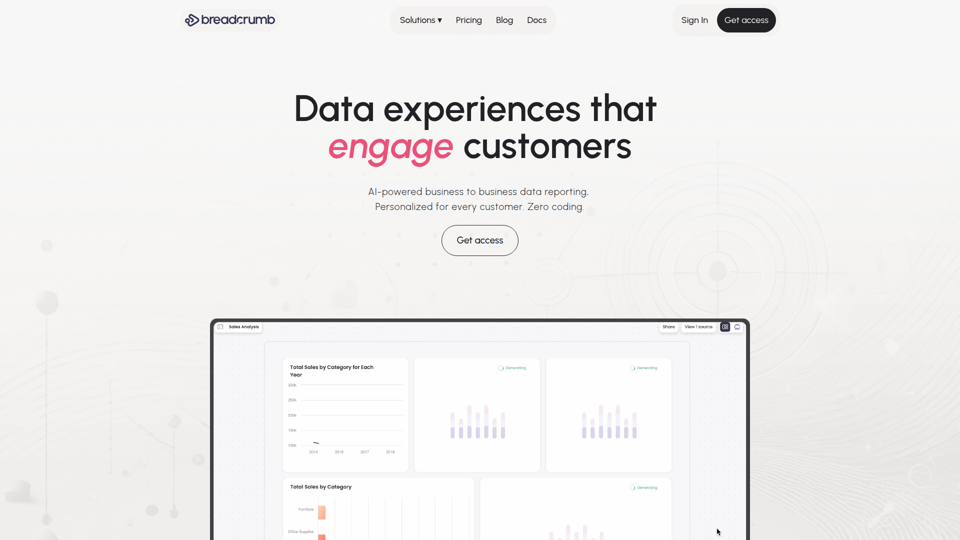
Breadcrumb.ai - AI-powered customer reporting at scale
Breadcrumb.ai is an AI-powered customer reporting and analytics platform that helps users combine, analyze, visualize, and embed data into personalized reports without coding, mainly for managers, teams, consultants, and agencies serving multiple stakeholders or clients. In AI-driven reporting workflows, it can reduce manual back-and-forth for client services, operations, and revenue teams by automating data preparation and enabling self-serve insights through conversational reports.
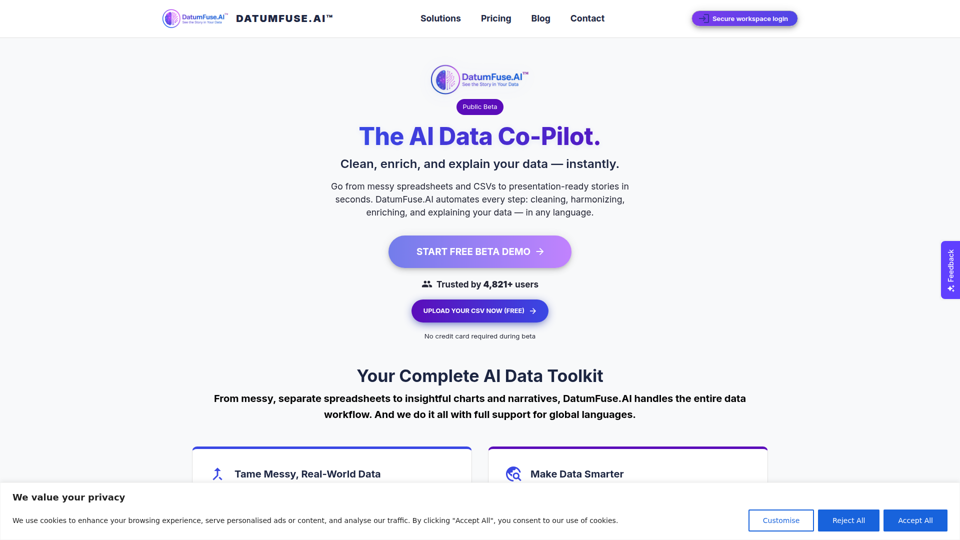
DatumFuse.AI – AI Platform for Data Cleaning, Harmonization, Augmentation, Narration & Visualization
DatumFuse.AI is an AI data platform that helps users clean, harmonize, augment, visualize, and narrate spreadsheet and CSV data, mainly for teams and professionals working with messy business datasets. For marketers, operations teams, consultants, and presenters, it can reduce manual data wrangling and speed up turning exports into clearer charts, summaries, and decision-ready reports.
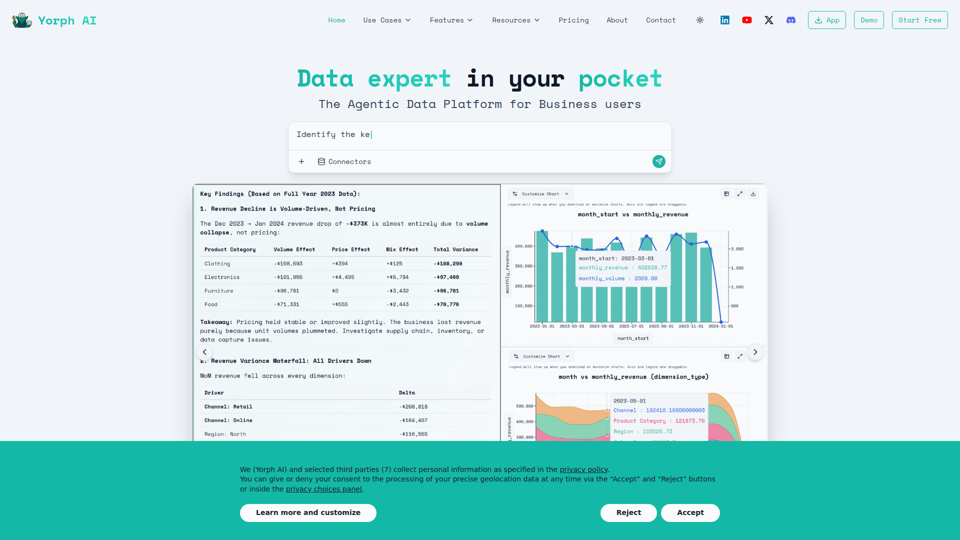
Yorph AI - Data Expert in Your Pocket
Yorph AI is an agentic data platform that helps business users and analytics teams sync, transform, analyze, and visualize data through reusable pipelines, semantic layers, and plain-language queries. For analysts, FP&A, product, and operations teams, it can reduce manual data wrangling and speed explainable, validated analysis for faster decision-making.
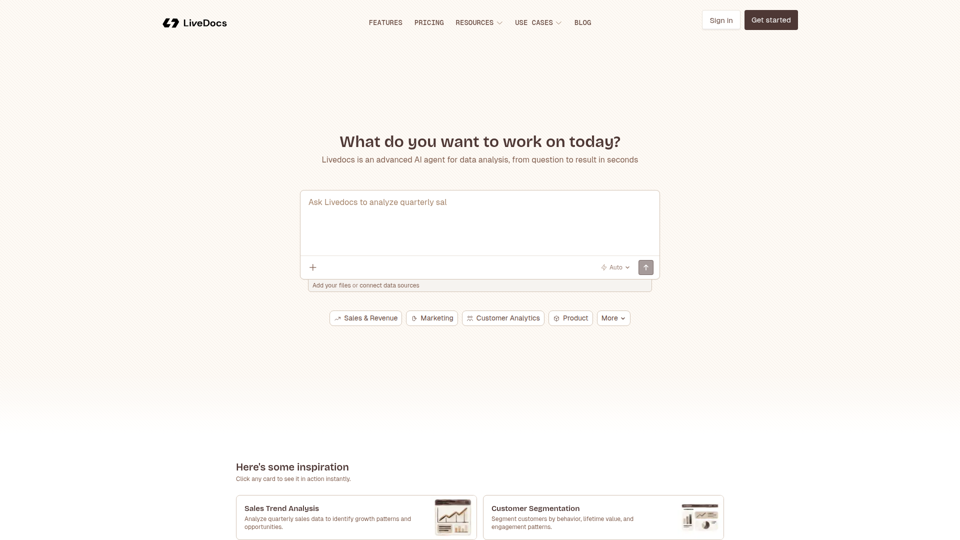
Livedocs - Advanced AI for Data | Livedocs
Livedocs is an AI data analysis agent that helps users analyze datasets, generate SQL queries, build dashboards, and uncover insights quickly, mainly for teams working in sales, marketing, customer analytics, product, and related data functions. In AI-driven workflows, it can help analysts and operations teams move faster from raw data to decisions by automating common exploratory and reporting tasks.