
Adam - AI Powered CAD
Rate this Tool
Average Score
Total Votes
Select your score (1-10):
Detail Information
What
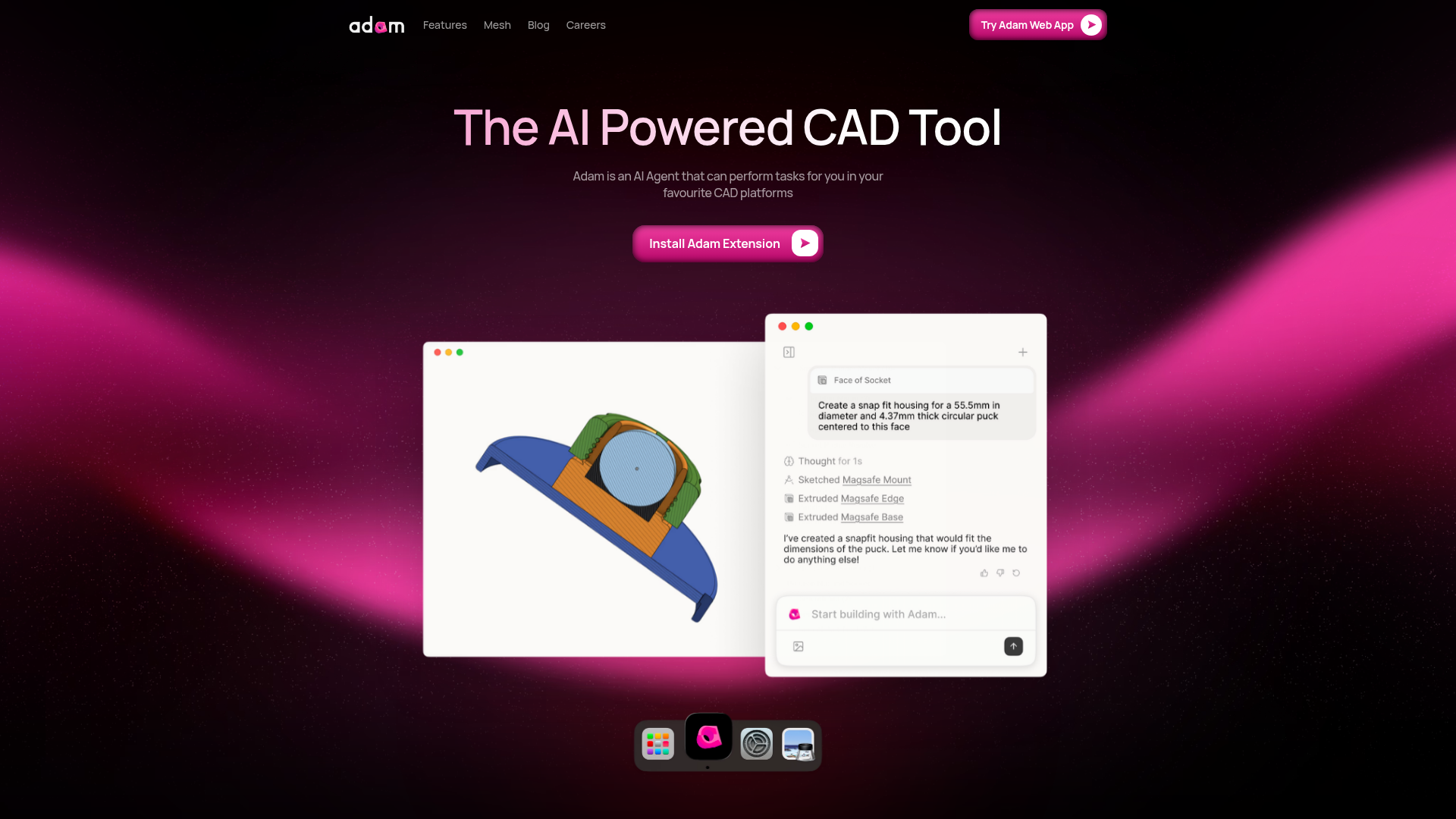
Adam is an AI-powered CAD tool positioned as an AI agent for CAD workflows. Based on the page, it is designed to perform tasks inside users’ preferred CAD platforms through an extension and web app, with a focus on replacing multi-step manual actions with prompt-driven commands.
The product appears aimed at CAD users such as engineers, creators, and 3D printing practitioners. Its core workflow is to let users issue higher-level instructions, use selected model context, and improve model structure through feature tree cleanup and parametrization; the site also suggests text-to-CAD and 3D model export use cases, though those details are mentioned in quoted commentary rather than fully documented product specifications.
Features
- Prompt-based part editing — lets users replace granular CAD clicks with a single natural-language prompt to speed up routine modeling work.
- Selection-aware commands — uses the selected context in a CAD environment to turn high-level instructions into new features more accurately.
- Feature tree optimization — identifies duplicate features and merges them to make the feature tree more robust and easier to manage.
- Model parametrization — converts ad hoc models into variable-driven designs so changes can cascade through the design more systematically.
- Extension and web app access — offers both an Adam extension and an Adam web app, suggesting multiple entry points for interacting with the tool.
- Support for common CAD-oriented use cases — the site references 3D printing, engineering, and creator workflows, indicating broad applicability across design tasks.
Helpful Tips
- Verify supported CAD platforms early — the page says Adam works with users’ favorite CAD platforms, but it does not clearly list them in the provided content.
- Start with bounded tasks — tools like this are usually easiest to evaluate on part edits, feature creation, and cleanup work before broader process changes.
- Test parametrization on legacy models — one of Adam’s clearest practical uses is converting ad hoc geometry into structured, variable-based designs.
- Review AI-generated feature changes carefully — feature merging and automated edits can improve robustness, but engineering teams should validate downstream design intent.
- Separate confirmed capabilities from promotional commentary — text-to-CAD generation and STL export are referenced in quoted remarks, so buyers should confirm exact production features directly.
OpenClaw Skills
Adam could likely fit well into the OpenClaw ecosystem as the CAD execution layer inside broader product design and engineering workflows. Likely OpenClaw skills could include turning plain-English product requirements into CAD edit prompts, preparing revision instructions from engineering change notes, or generating structured modeling tasks based on selected geometry and model state.
A stronger workflow could combine OpenClaw agents for specification parsing, version comparison, design-review summarization, and manufacturing handoff with Adam handling the CAD-side actions. If connected in this way as a likely use case rather than a confirmed native integration, the combination could help engineers, 3D printing operators, and technical creators move from intent to editable geometry faster while reducing some of the manual overhead in feature management and parametrization.
Embed Code
Share this AI tool on your website or blog by copying and pasting the code below. The embedded widget will automatically update with the latest information.
<iframe src="https://www.aimyflow.com/ai/adam-new/embed" width="100%" height="400" frameborder="0"></iframe>
Explore Similar Tools
MOVE. | Agents for Hardware Engineering
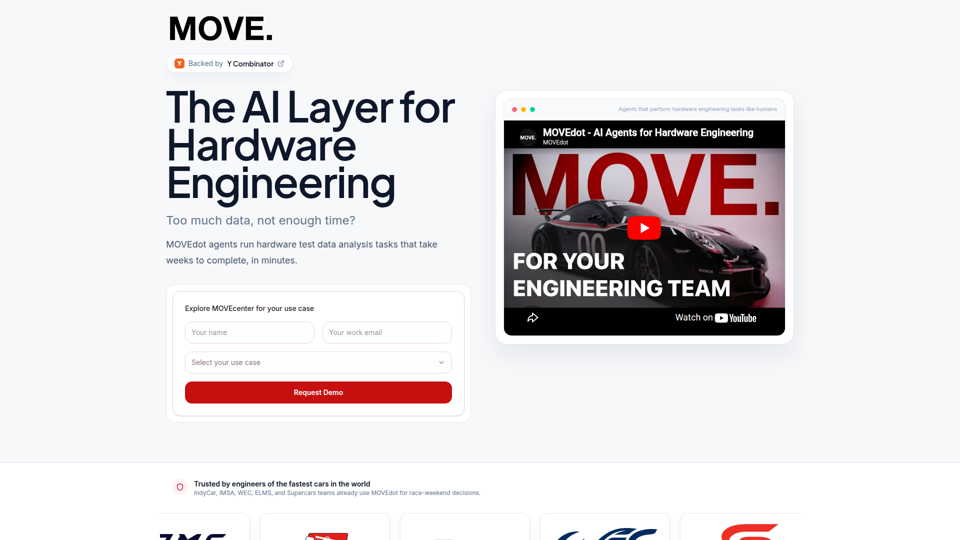
MOVE. is an AI agent platform for hardware engineering teams that analyzes hardware test data, surfaces anomalies and correlations, and turns raw telemetry, sensor logs, and related inputs into reports and answers faster. For hardware engineers, race engineers, and R&D teams, it can reduce manual data review so they can focus more on diagnosing issues, improving performance, and making engineering decisions.
Topological
Topological is a physics-based AI platform for CAD optimization that helps hardware and mechanical engineering teams generate and refine designs for complex physical problems while accounting for geometry, manufacturability, and physical constraints. For mechanical engineers and computational design teams, this can shorten design iteration cycles and support faster, more informed optimization in AI-assisted engineering workflows.
camfer - the AI CAD tool
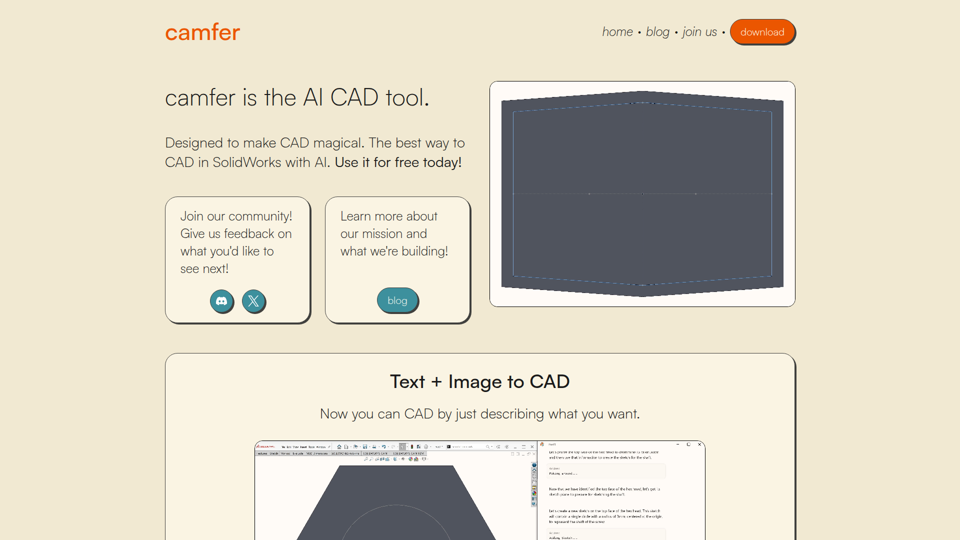
Camfer is an AI CAD tool for SolidWorks that helps users create and understand CAD designs from text or images and retrieve feature-tree information, mainly for mechanical engineers. For engineering and CAD teams, this can reduce manual navigation in design software and speed up routine design tasks through natural-language interaction.
DeepSim
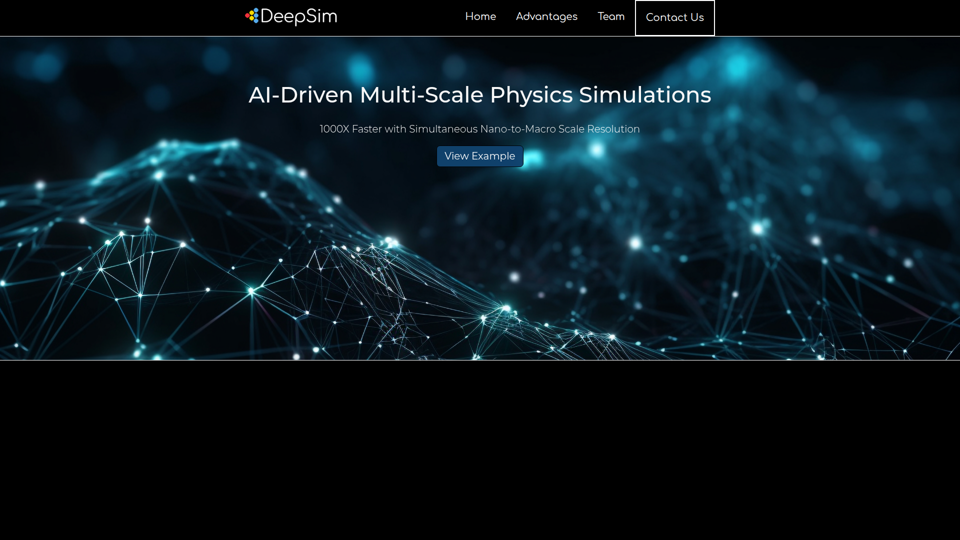
DeepSim is an AI-driven, GPU-accelerated physics simulation platform that helps engineers run multi-scale simulations from nano to macro levels faster and with simpler setup for design analysis. For engineering teams, this can shorten simulation bottlenecks so they can evaluate more design options and focus more on higher-value decisions.
K-Scale Labs
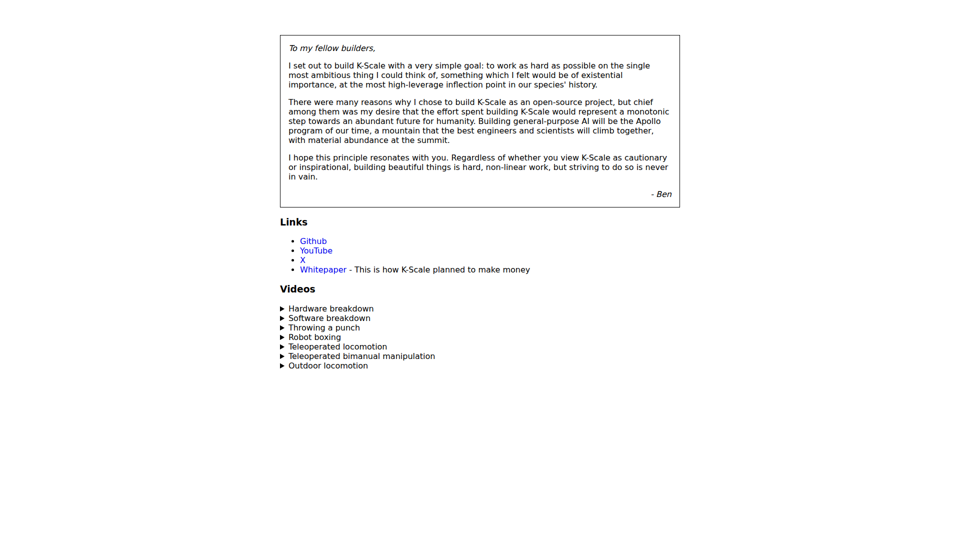
K-Scale Labs is an open-source AI and robotics project focused on building general-purpose AI and related hardware and software, mainly for engineers, scientists, and technical builders. For AI and robotics teams, its open development model and public hardware and software breakdowns can support faster research, prototyping, and collaboration on embodied systems.
Navier AI
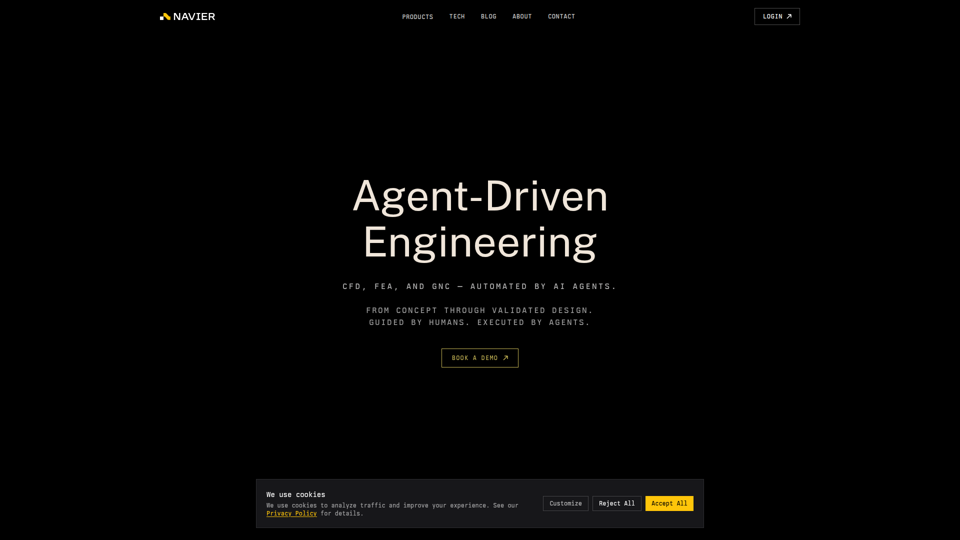
Navier AI is an agent-driven engineering platform that automates CAD, CFD, FEA, meshing, simulation, and GNC workflows from concept through validated design, mainly for engineers and technical teams running simulation-heavy design processes. In AI-enabled engineering work, it can help simulation, aerospace, and mechanical professionals spend less time on setup and execution loops so they can focus on evaluating results and making final design decisions.
Tuesday Lab
Tuesday Lab is an engineering studio focused on building “delightful robots,” aimed mainly at teams and organizations seeking custom robotics engineering expertise. In an AI-driven workflow, this kind of robotics engineering support can help robotics and product engineering professionals move from model and software concepts to reliable physical systems faster.